Zomato Receipt Generator
Create a Zomato-style food order summary and receipt with editable order details, customer and delivery fields, itemized dishes, taxes, fees, discounts, terms, and footer text. Preview live and download a PDF.
Create a Zomato-style food order receipt with order ID, customer name, delivery address, restaurant details, itemized dishes, taxes, delivery charges, platform fee, discounts, and total. Download a PDF for expense or reimbursement records.

Choose
Zomato Receipt selected

Customize
Fill in your details

Download
Save or share receipt
Edit the details once and the preview updates instantly.
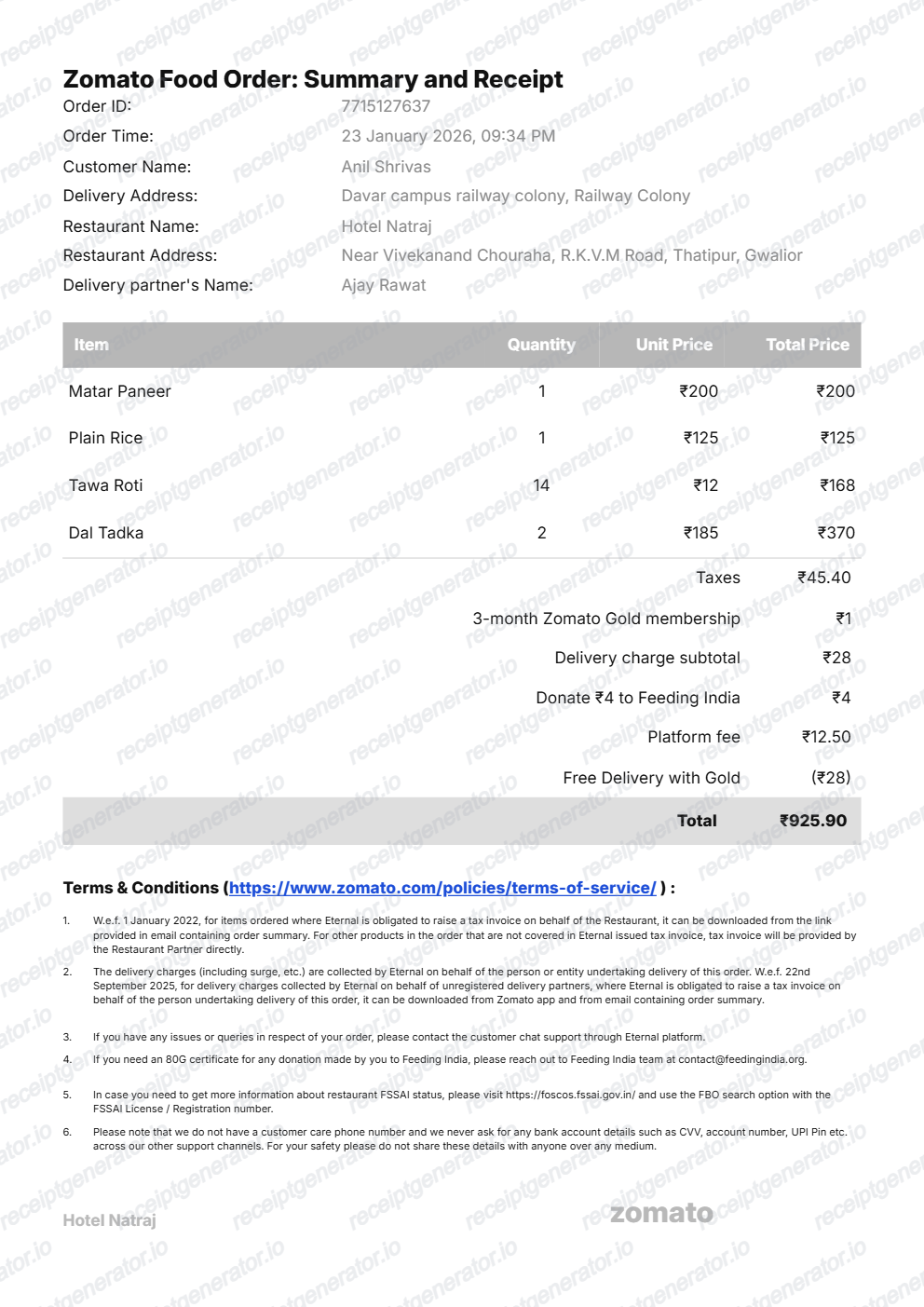
Quick summary
Zomato receipt template overview
Use this Zomato receipt generator to create authentic itemized receipts with editable products, tax calculations in ₹, and printable PDF export.
What Is on a Real Zomato Bill?
Zomato issues the tax invoice itself rather than the restaurant, so a credible bill needs to match Zomato's GST treatment and fee structure, not a generic restaurant receipt.
Zomato is the invoice issuer, not the restaurant
Under GST rules for e-commerce operators (Section 9(5) of the CGST Act), Zomato - not the individual restaurant - is treated as the deemed supplier for restaurant orders placed through the app, so Zomato raises the tax invoice for the food portion.
5% GST collected by the platform
Zomato collects and deposits 5% GST on the restaurant food value on behalf of the order, a rule that has applied since January 2022; this amount is remitted directly by Zomato rather than through the restaurant's own GST returns.
Platform fee as a flat per-order charge
A flat platform fee is added to every order regardless of basket size, shown as its own line separate from the delivery charge and the restaurant's food subtotal.
Delivery charge taxed at 18% GST
Delivery charges on Zomato orders are taxed at 18% GST, a different rate from the 5% applied to the food value, so the bill itemizes delivery GST separately rather than folding it into the food tax line.
Restaurant partner GSTIN still appears
Even though Zomato issues the tax invoice, the bill still identifies the specific restaurant partner and its GSTIN, since the restaurant remains responsible for providing correct GSTIN details that Zomato reconciles against its tax filings.
Order ID and order summary link
Each order carries a numeric order ID (shown in the app and in the order-summary email), and the downloadable tax invoice is linked from that same order-summary email rather than attached as a separate file.
Create a print-ready Zomato receipt
Edit the layout, watch it update live, then print, download PDF, or email.
Live Zomato receipt preview
Watch the Zomato receipt update in real time as you edit item rows, prices, and tax totals.
Print-ready PDF export
Download a clean, high-resolution Zomato-style receipt in PDF format for bookkeeping or expense records.
Editable store & register fields
Customise store location, cashier or lane numbers, transaction reference codes, and payment details in ₹.
Mobile-friendly generator
Create and preview Zomato receipts instantly on smartphone, tablet, or desktop browser.
Get Your Original Zomato Bill First
If the order is still in your account, the original is always better: open the Zomato app, go to Orders, select the order, and open the order-summary email to download the official tax invoice link, or search your inbox for the confirmation Zomato sends after delivery. Use this template when the original is unavailable - an order that has aged out of app history, a deleted email, or a bill needed for a reimbursement that never got saved.
Expense & reimbursement documentation
Document Zomato purchases with itemized totals and tax lines for personal budgeting or expense reimbursement.
Lost receipt replacement
Recreate a clean itemized receipt record from transaction details when original thermal till slips are lost or faded.
Warranty & purchase recordkeeping
Maintain verifiable purchase documentation with date, time, and register references for inventory and record tracking.
Zomato Receipt Formats
Choose the Zomato receipt format that best matches your documentation and layout needs.
Standard Store Receipt
Standard Zomato till receipt layout with item lines, subtotals, tax breakdown, and payment confirmation.
Itemized Detailed Receipt
Expanded layout with product SKU codes, quantity unit rates, discounts, and store register metadata.
Digital Order & Invoice
Clean electronic invoice format with customer reference numbers, transaction IDs, and payment method details in ₹.
Related Guides
Helpful guides on creating and using food delivery receipts.
Swiggy & Zomato Bill for Reimbursement
Which fields a food delivery bill needs for expense reimbursement.
Explore Swiggy & Zomato Bill for ReimbursementRestaurant Receipt for Reimbursement
Learn which meal details usually matter most for expense review.
Explore Restaurant Receipt for ReimbursementRestaurant Receipt for Taxes
Review the restaurant receipt fields that matter most for business meal documentation.
Explore Restaurant Receipt for TaxesRelated Templates
Browse our collection of receipt templates for various purposes.
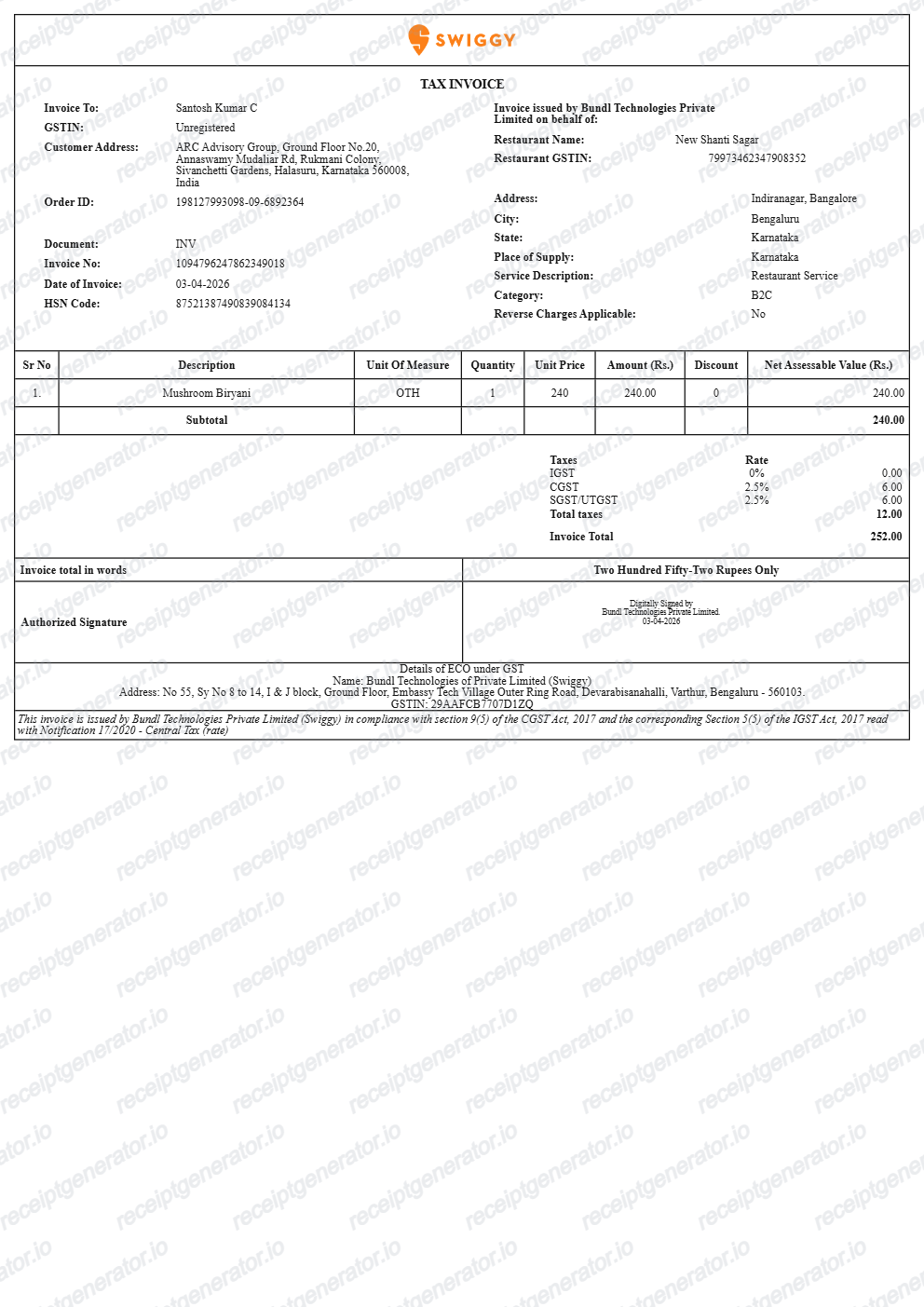
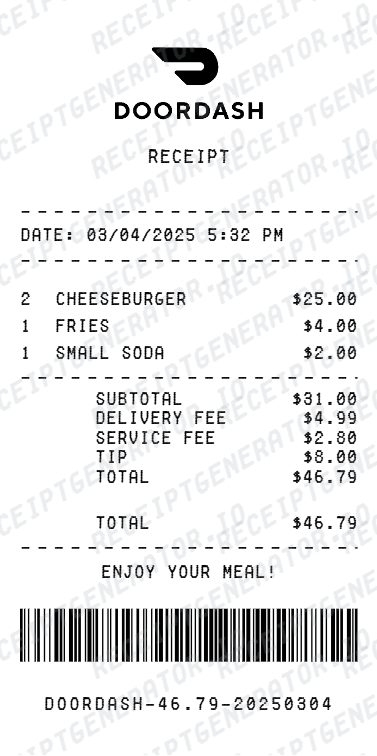
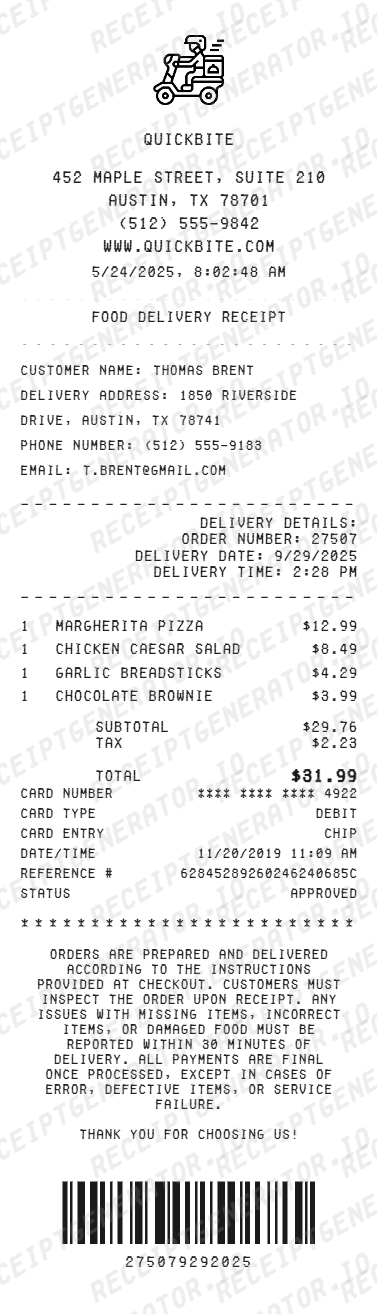
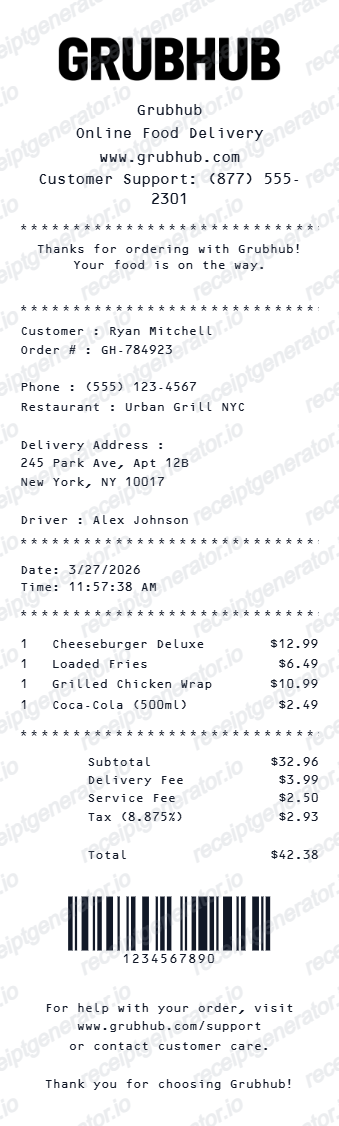
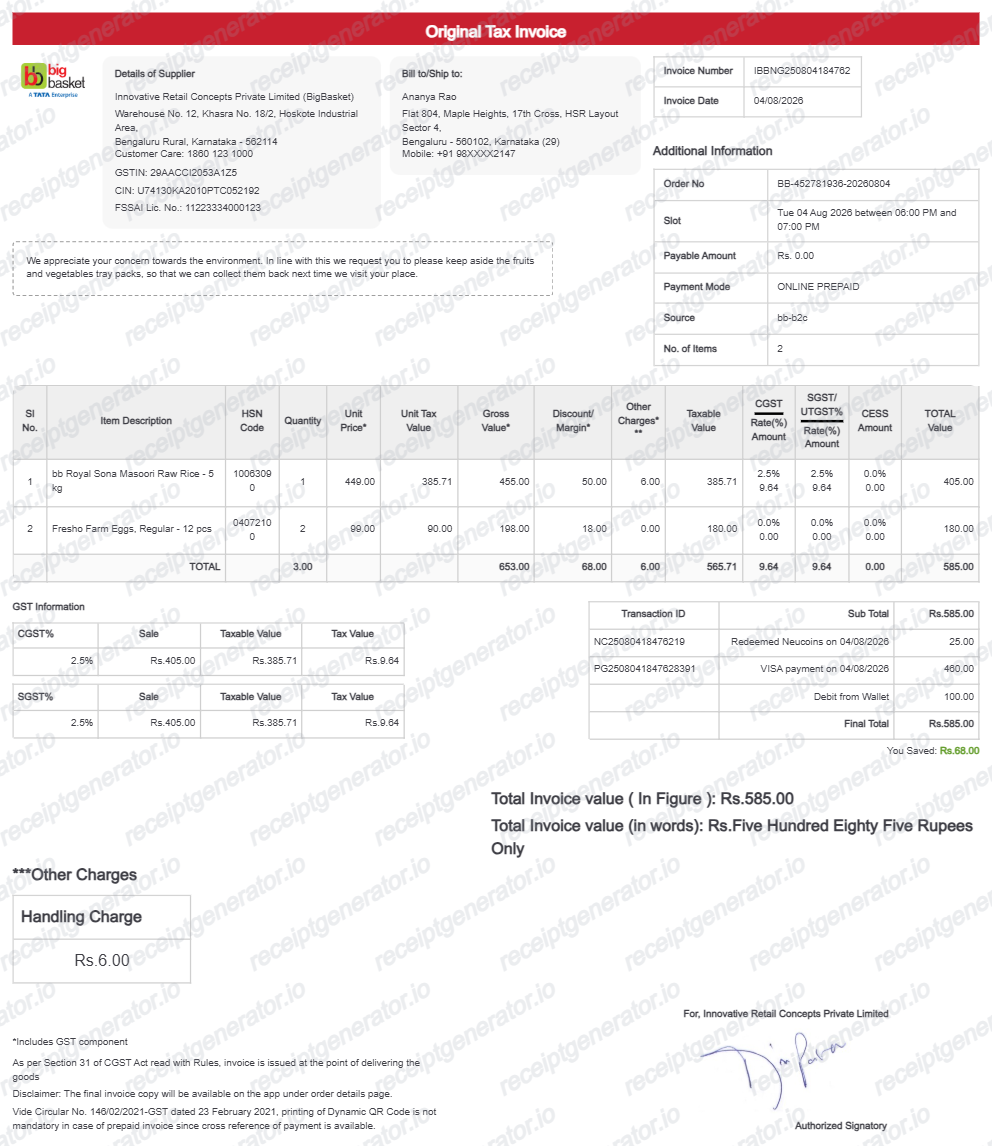
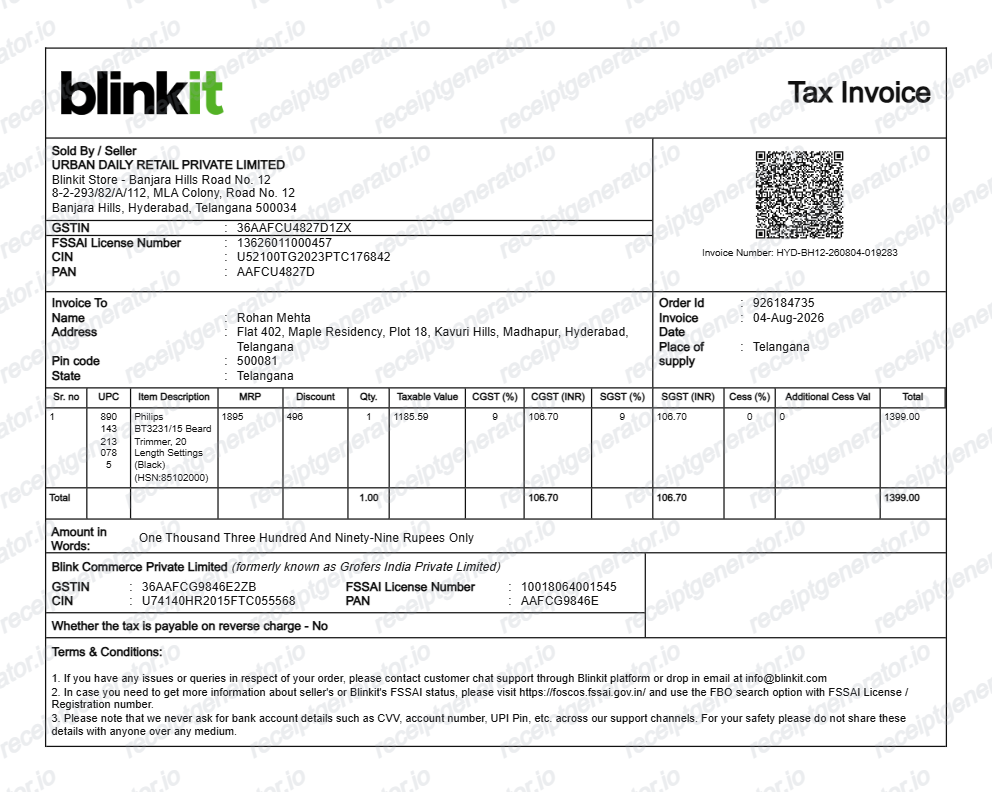
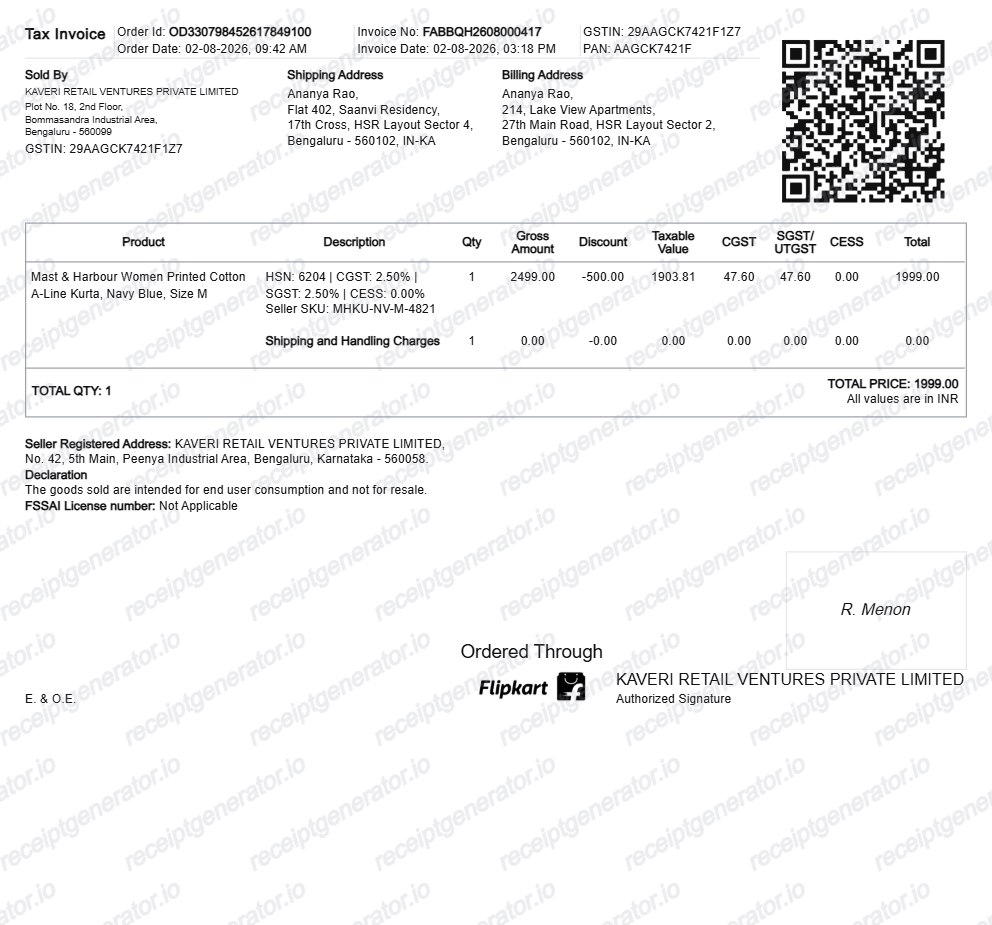
More India Receipt Templates
Browse our collection of receipt templates for various purposes.

Zomato Receipt FAQ
Common questions about creating, editing, and downloading a Zomato-style food order receipt.
Open the Zomato receipt generator, edit the order details, customer information, restaurant details, food items, fees, discounts, terms, and total, then preview and download as a PDF.
Yes. The receipt includes an editable Terms & Conditions section with the Zomato terms URL and numbered policy text.
Yes — itemized food delivery bills with GST and payment details are accepted by most expense systems. Match the order date and total to your card or UPI statement.
Yes — export a clean PDF instantly once the details are filled in. Free, no sign-up required.
A real Zomato bill shows the restaurant partner's name, address, and GSTIN, a numeric order ID, itemized dishes with individual prices, the food subtotal with 5% GST, delivery charge with its own 18% GST line, a flat platform fee, any discounts, and the total, with Zomato listed as the invoice issuer under Section 9(5) of the CGST Act.
Add the store name, purchase date, line items, totals, tax, payment method, and any optional notes you need on your Zomato template.
Yes. The totals section includes editable adjustment rows with plus and minus options, so taxes, delivery charges, platform fees, donations, and discounts can match your order.
Open the Zomato app → Your Orders → select the order → Download Invoice / Summary. If you can't access the original, recreate the details here as a clean backup record.
Yes — CGST and SGST lines render in ₹ with the food subtotal, delivery fee, platform fee, and total, matching the real Zomato invoice format.
Open the Zomato app, go to Orders, select the order, and open the order-summary email Zomato sends after delivery - the official tax invoice download link is inside that email rather than attached directly in the app. If the email was deleted, search your inbox for 'Zomato order summary' using the order date.
For personal meals, no - input credit only applies to registered businesses claiming GST on business expenses, and Zomato's role as deemed supplier under Section 9(5) can complicate input credit claims. Consult an accountant if you need to claim ITC on food delivery orders for business purposes.
Receipt Generator · Receipt Maker · 300+ Free Templates
Create your Zomato receipt
Use the editable Zomato receipt generator to add items, tax totals, and payment details, then export a clean PDF.