Swiggy Bill Generator
Create a Swiggy-style food order bill with restaurant details, FSSAI licence, itemised dishes, packaging and delivery fees, platform fee, GST, and UPI payment. Preview live and download a PDF.
Create a Swiggy-style food order bill with restaurant name, order ID, itemised dishes, item total, packaging charges, delivery fee, platform fee, GST, and total to pay. Download a PDF for expense or reimbursement records.

Choose
Swiggy Bill selected

Customize
Fill in your details

Download
Save or share receipt
Edit the details once and the preview updates instantly.
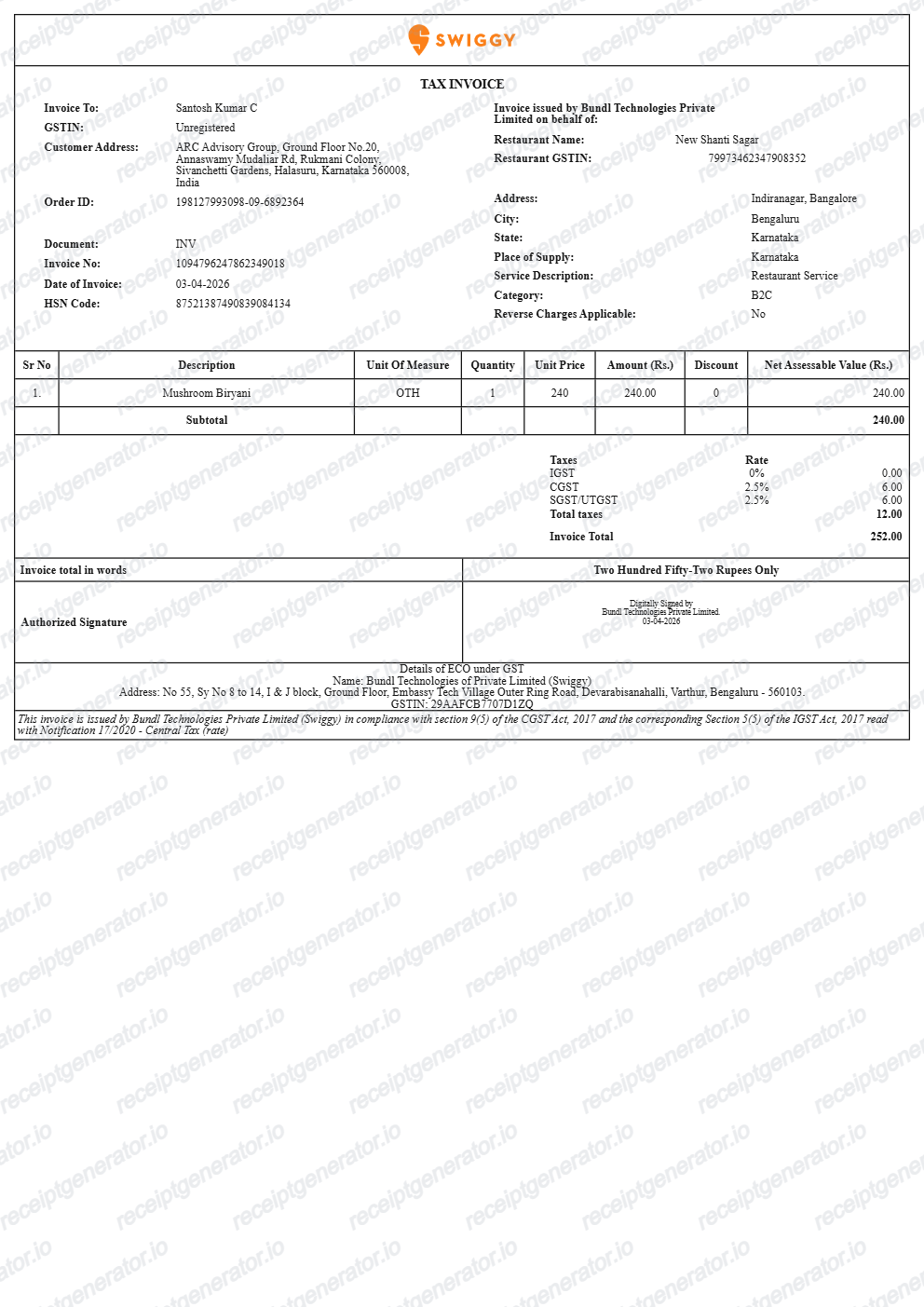
Quick summary
Swiggy food delivery bill template overview
Use this Swiggy bill generator to create clean Indian food delivery receipts with editable dishes, packaging charges, platform fees, and 5% GST.
What Is on a Real Swiggy Bill?
Swiggy issues the tax invoice itself rather than the restaurant, so a credible bill needs to match Swiggy's GST treatment and fee structure, not a generic restaurant receipt.
Swiggy is the invoice issuer, not the restaurant
Under GST rules for e-commerce operators (Section 9(5)), Swiggy - not the individual restaurant - is treated as the supplier for tax purposes and issues the official tax invoice for restaurant orders placed through the app.
5% GST on the food value
Swiggy collects 5% GST on the restaurant food value on behalf of the restaurant and remits it directly to the government; this amount does not flow through the restaurant's own GST returns.
Platform fee as a flat per-order charge
A flat platform fee (roughly Rs 10 to Rs 18 depending on when you order) is added to every order regardless of basket size or distance, separately from the delivery fee, and typically already includes GST in the amount shown.
Delivery fee taxed separately from food
Delivery charges carry their own GST treatment, distinct from the 5% rate on food value, and are itemized as their own line rather than folded into the food subtotal.
Restaurant details and FSSAI licence number
Even though Swiggy issues the invoice, the bill still names the specific restaurant partner and prints its FSSAI food safety licence number, since that identifies which kitchen prepared the order.
HSN code for restaurant services
Swiggy invoices include the HSN code 996331 for restaurant services next to the tax line, which is the standard classification code used across Indian GST invoices for this service category.
Create a print-ready Swiggy food bill
Edit the layout, watch it update live, then print, download PDF, or email.
Live food delivery bill preview
See the Swiggy bill update instantly with restaurant items, packaging charges, platform fees, and 5% GST.
Print-ready PDF export
Download an authentic Swiggy food delivery invoice with Rupee (₹) amounts, order IDs, and restaurant FSSAI.
Section 9(5) 5% restaurant GST
Calculates the mandatory 5% food GST and separate 18% delivery fee GST component with SAC code 996331.
Swiggy One & platform fees
Include platform fees, delivery discounts, Swiggy One free delivery tags, and tip amounts.
Get Your Original Swiggy Bill First
If the order is still in your account, the original is always better: open the Swiggy app, go to Orders, select the order, and tap View Invoice to download the official tax invoice, or search your email for the copy Swiggy sends after delivery. Use this template when the original is unavailable - an old order that has dropped out of app history, an email that was deleted, or a bill needed for a reimbursement that never got saved.
Late-night work meal & team lunch reimbursement
Generate an itemised food delivery bill with restaurant name and delivery timestamp for office claims.
Lost food delivery invoice replacement
Recreate a Swiggy invoice from your UPI, Paytm, or credit card transaction history.
Monthly food & dining budget tracking
Keep accurate itemised records of household food delivery and snack orders in ₹.
Swiggy Bill Formats
Choose the Swiggy-style bill format that best matches your reimbursement or expense needs.
Standard Food Delivery Tax Invoice
A Swiggy invoice layout with restaurant dishes, packaging charge, platform fee, and 5% GST.
Swiggy One Member Bill
An invoice layout showing waived delivery fees and Swiggy One membership benefits.
Swiggy Instamart Grocery Bill
A quick-commerce grocery layout with dark-store licensee details, FSSAI licence, and CGST/SGST.
Related Guides
Helpful guides on creating and using these invoices and bills.
Swiggy & Zomato Bill for Reimbursement
Which fields a food delivery bill needs for expense reimbursement.
Explore Swiggy & Zomato Bill for ReimbursementRestaurant Receipt for Reimbursement
Learn which meal details usually matter most for expense review.
Explore Restaurant Receipt for ReimbursementRestaurant Receipt for Taxes
Review the restaurant receipt fields that matter most for business meal documentation.
Explore Restaurant Receipt for TaxesRelated Templates
More free invoice and bill templates for Indian food delivery and quick-commerce platforms.
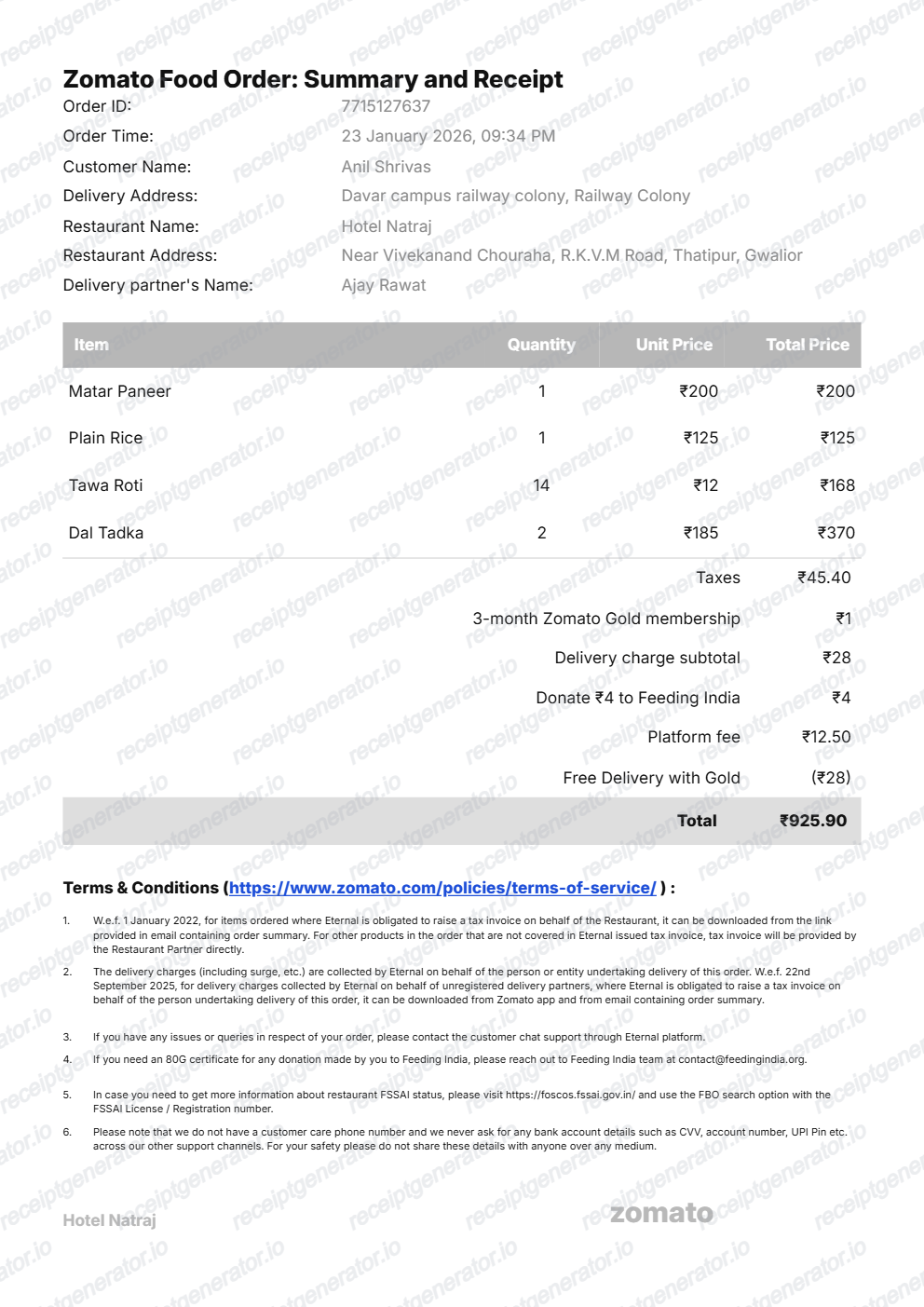
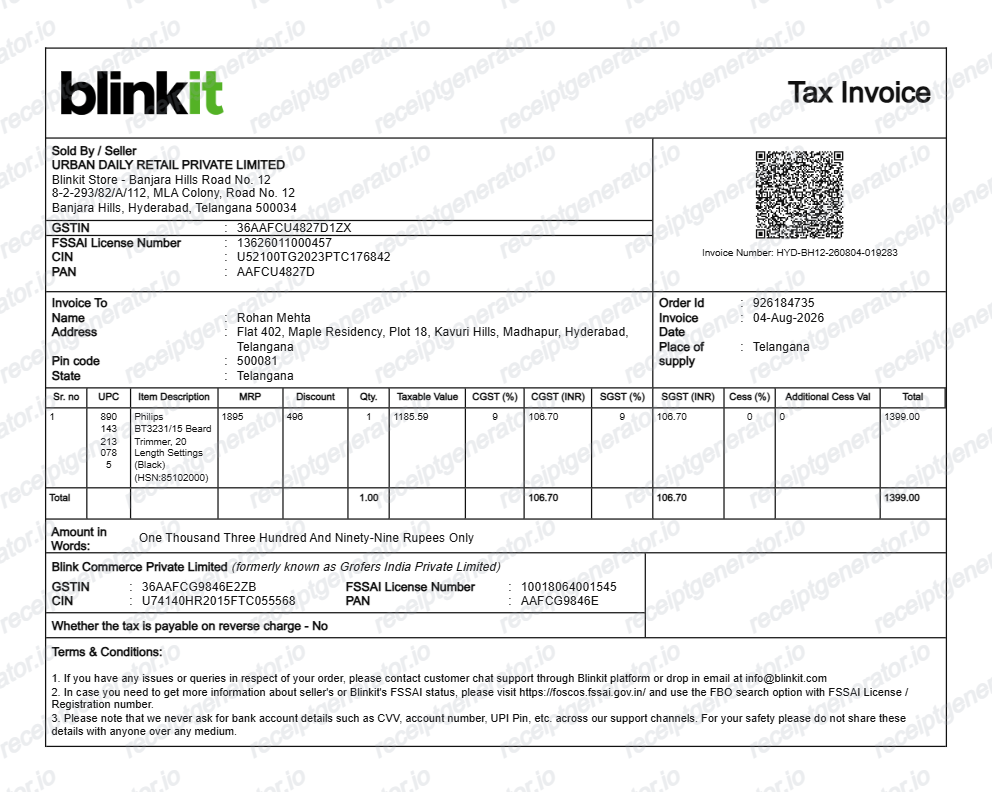
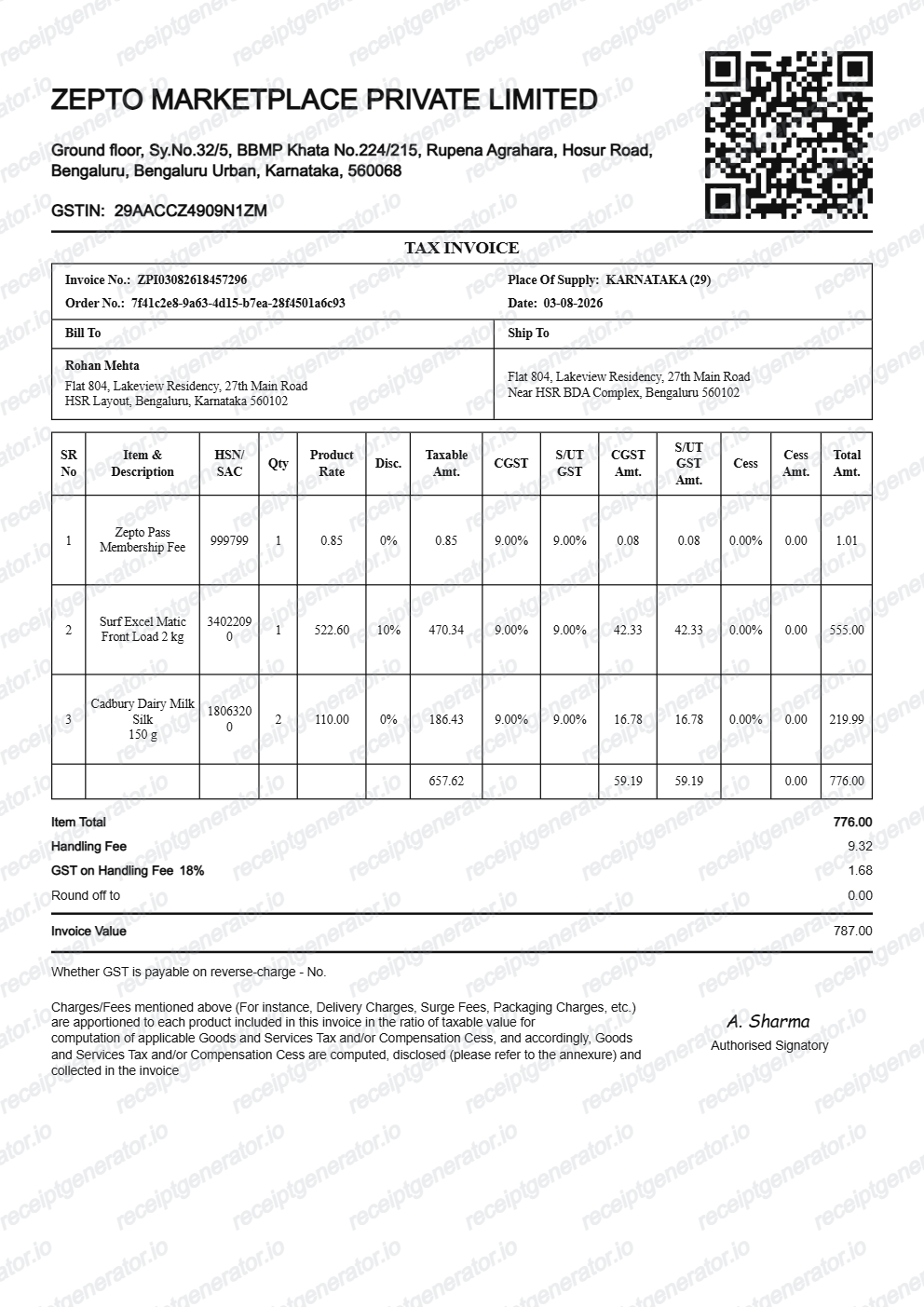
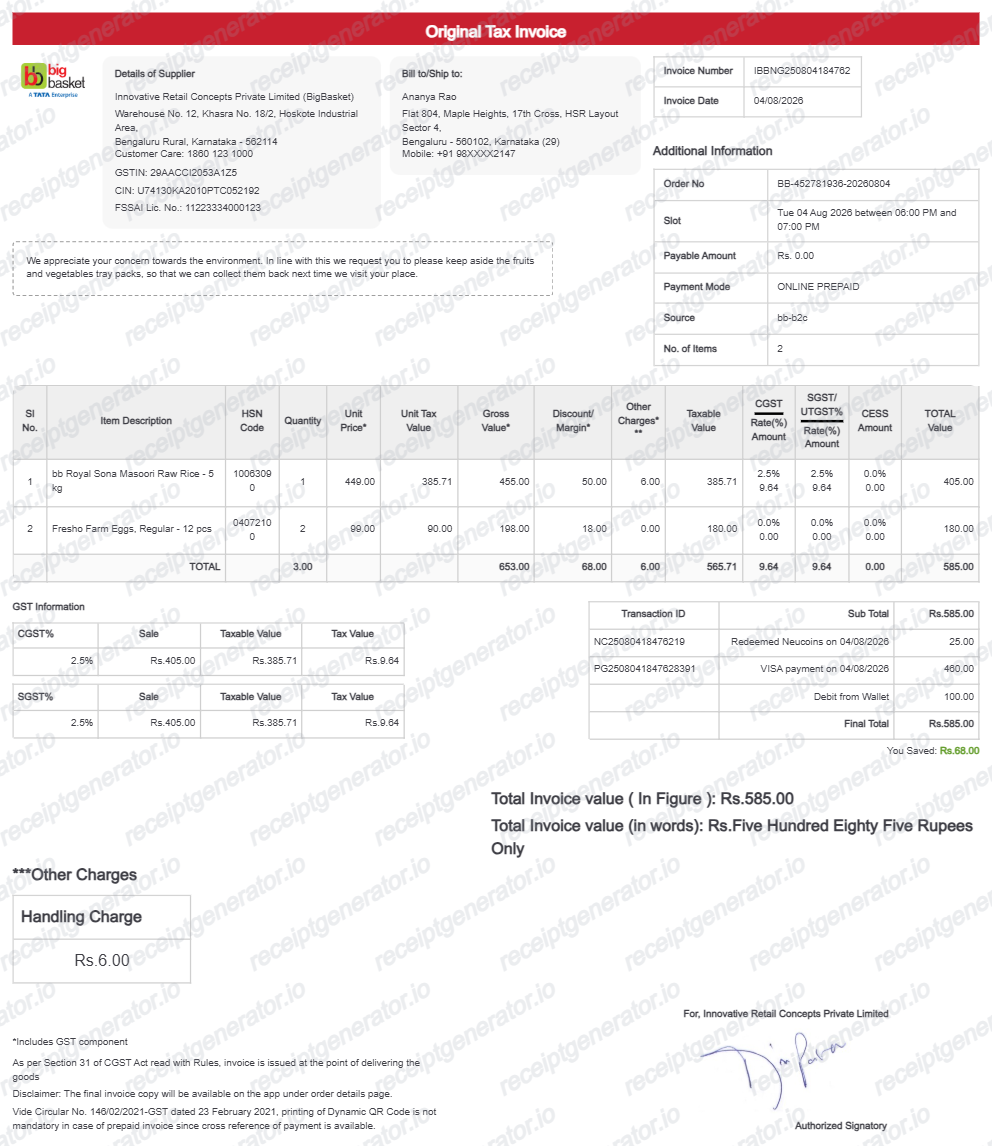
More India Receipt Templates
Browse our collection of receipt templates for various purposes.
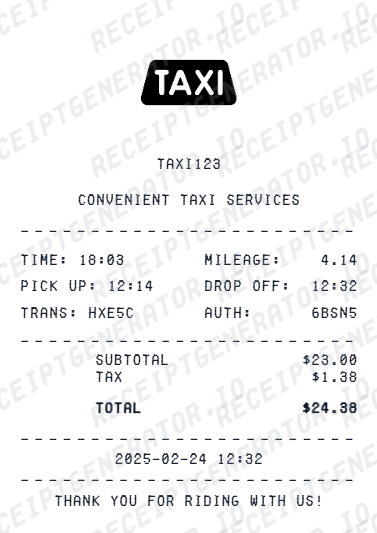

Swiggy Bill FAQ
Common questions about creating, editing, and downloading a Swiggy-style food order bill.
Open the Swiggy bill generator, edit the restaurant details, order ID, food items, packaging and delivery fees, platform fee, GST, and total, then preview and download as a PDF.
Open the Swiggy app → Orders → select the order → View Invoice. Swiggy emails the tax invoice after delivery too. If the original is unavailable, recreate the details here as a clean backup for your records.
Yes — set the payment line to UPI (Google Pay, PhonePe, Paytm), credit/debit card, or cash on delivery, matching how the order was actually paid.
Yes — the bill itemizes the food subtotal, restaurant GST (CGST/SGST), delivery fee, platform fee, and any discount, the same structure a real Swiggy invoice uses.
A real Swiggy bill shows the restaurant partner's name and FSSAI licence number, the order ID, itemised dishes with prices, the HSN code 996331 for restaurant services, GST charged at 5% on the food value, packaging charges, a flat platform fee, a separate delivery fee, any discount applied, and the total paid via UPI, card, or cash on delivery.
Add the store name, purchase date, line items, totals, tax, payment method, and any optional notes you need on your Swiggy Bill Generator template.
Yes. The bill details section has editable rows for item total, packaging charges, delivery fee, platform fee, and GST, so the bill matches your order.
Yes — most expense teams accept an itemized food delivery bill showing items, delivery and platform fees, GST, and the payment method. Make sure the order date and total match your payment record.
Yes — once the items, fees, and GST breakdown are filled in, export a clean PDF in one click. No account or email needed.
Open the Swiggy app, go to Orders, select the order, and tap View Invoice or Download Invoice to get the official PDF. Swiggy also emails the tax invoice to your registered email address shortly after delivery, which is the easier copy to search for if the order is older.
Only the official tax invoice from the Swiggy app or email - with Swiggy's own GSTIN and a correctly itemised GST breakdown - can support a GST input credit claim. This template is for personal recordkeeping and reimbursement mockups, not for filing GST returns.
Receipt Generator · Receipt Maker · 300+ Free Templates
Create your Swiggy bill
Use the editable Swiggy bill generator to add items, packaging fees, GST rates, and delivery details, then export a clean PDF.