Free Verizon Receipt Generator
Create Free Verizon Wireless Store Receipts Online - Add Device, Plan & Activation Fees. Download PDF Instantly.
Create a Verizon-style receipt with device, activation fees, taxes, and payment details. Download a PDF for insurance or expense records.

Choose
Verizon Receipt selected

Customize
Fill in your details

Download
Save or share receipt
Edit the details once and the preview updates instantly.
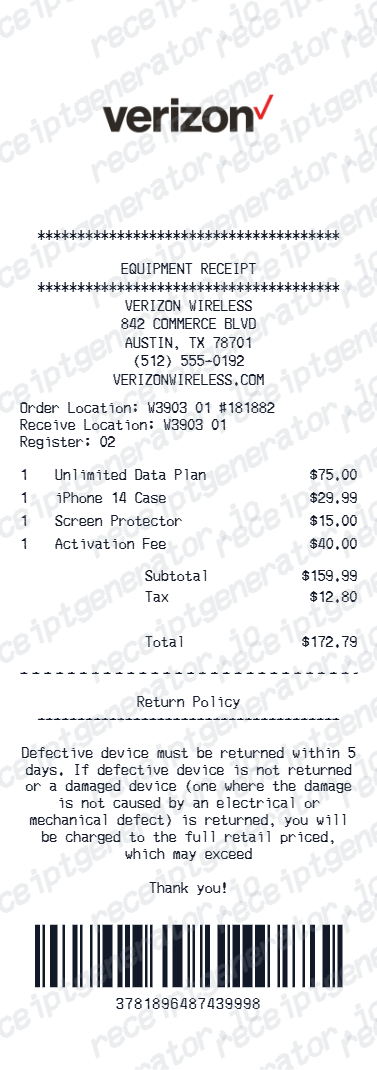
Quick summary
Verizon Receipt template overview
Use this Verizon Receipt template to build a clean, editable receipt record with the merchant, date, line items, tax, totals, and payment details already laid out for faster review.
What Is on a Real Verizon Receipt?
Before you rebuild a Verizon receipt, it helps to know what the original contains. Verizon store receipts pair the purchase details with financing paperwork, and a credible replacement copy should reflect both.
Store, register, and rep identifiers
In-store receipts print the store location, register number, sales rep name, and a transaction ID. Authorized retailers like Cellular Sales and Victra print their own business name alongside Verizon branding, which is a common source of confusion on real receipts.
Device line with IMEI and SIM
The device appears with its full model name, storage, and color, plus the IMEI and the SIM card ICCID. Insurance and warranty claims are matched against the IMEI, so it is the single most important identifier on a phone receipt.
Device payment agreement details
Financed phones come with a retail installment agreement showing the agreement number, the full retail price, the monthly installment, and the term. The receipt itself shows a small amount due today while the agreement carries the balance.
Sales tax on the full retail price
In most states Verizon collects sales tax upfront on the device's full retail price, even on a $0-down payment plan. A real receipt can therefore show tax that looks disproportionate to the amount paid at the counter.
One-time activation or upgrade fee
New activations and upgrades carry a one-time fee as its own line item. Verizon refunds the activation fee if service is disconnected within 30 days, and device returns within the 30-day window carry a $50 restocking fee in most states.
Paper receipt vs My Verizon digital copy
Corporate store purchases generate a printed receipt plus a digital copy stored under Documents and Receipts in My Verizon. Online orders get an emailed order confirmation instead, so the retrieval path depends on where the purchase happened.
Print-ready Verizon receipts
Edit the layout, watch it update live, then print, download PDF, or email.
Live Verizon receipt preview
Watch the receipt update as you add device and plan details.
One-click print
Print your Verizon receipt from the browser.
Download as PDF
Export a clean wireless receipt PDF for documentation.
Mobile-friendly editor
Create Verizon receipts from any device.
Get Your Original Verizon Receipt First
If the purchase is on your account, the original is always better: open the My Verizon app or verizon.com and go to Documents and Receipts to view receipts and device payment agreements for past purchases. Corporate stores can also reprint recent in-store transactions, and online orders include an emailed confirmation. Use this template when the original is unavailable - a closed account, an authorized-retailer purchase that never synced, or a receipt bought under someone else's line.
Device insurance claims
Create a Verizon receipt for phone insurance documentation.
Business device reimbursement
Submit Verizon receipts for company device expense reimbursements.
Warranty registration
Document Verizon phone purchase for manufacturer warranty.
Device resale documentation
Generate a Verizon receipt for phone resale proof of purchase.
Verizon Receipt Types
Choose the Verizon receipt format for your wireless purchase.
Phone Purchase Receipt
Verizon receipt for a phone purchase with activation.
Plan & Accessories Receipt
Verizon receipt for plan upgrade and accessories.
Trade-In Upgrade Receipt
Verizon receipt with trade-in credit and new device details.
Related Guides
Explore related guides to understand the receipt details, lookup steps, and documentation workflows.
How to Find an Apple Receipt
Learn where Apple order and store receipts usually come from and which device details matter most.
Read guideiPhone Receipt Template
Review which device, serial, and payment fields belong on an Apple-style phone receipt record.
Read guideMac Receipt Template
See which product and payment details make a device purchase record easier to review later.
Read guideRelated Other Receipt Templates
Browse our collection of receipt templates for various purposes.
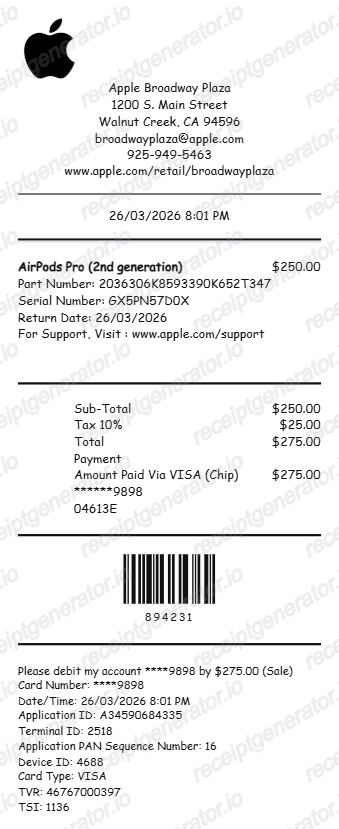
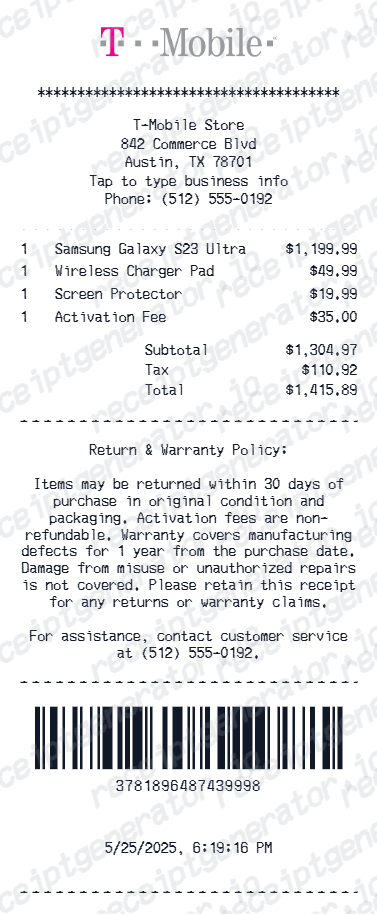
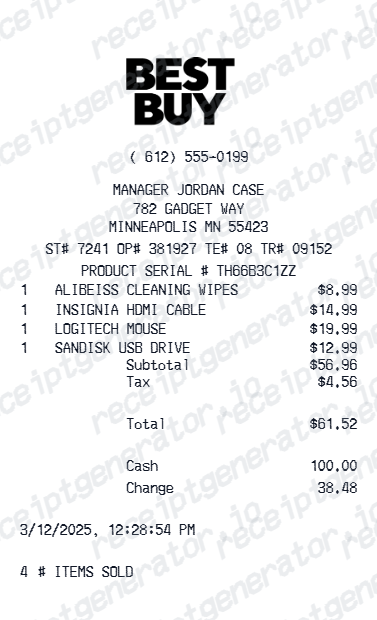

Verizon Receipt FAQ - Device Documentation & Insurance Records
Learn how to create Verizon receipts with device details, plan fees, and PDF export for phone insurance and expense records.
Choose the Verizon receipt template, add device name, accessories, activation fee, protection plan, taxes, and payment method. Preview and download as PDF.
Yes. Verizon receipts are used for device insurance claims, warranty registration, and proof of purchase documentation.
Yes. Download a clean PDF for device insurance, business expense reimbursement, or personal phone records.
A real Verizon store receipt shows the store location and register number, the sales rep name, a transaction ID, the device model with storage, color, and IMEI, the SIM/ICCID, any accessories, a one-time activation or upgrade fee line, sales tax, and the payment method. If the phone was financed, the receipt is paired with a device payment agreement showing the agreement number, monthly installment, and term.
Add the store name, purchase date, line items, totals, tax, payment method, and any optional notes you need on your Free Verizon template.
Yes. Include device name, model number, IMEI, color, and storage for complete Verizon purchase documentation.
Yes. Include Verizon store name, store number, sales rep name, and transaction ID for a complete receipt.
Open the My Verizon app or sign in at verizon.com, then go to the Documents and Receipts section to view receipts, device payment agreements, and other purchase records. Online orders also arrive with an emailed order confirmation, and Verizon corporate stores can look up and reprint recent in-store transactions if you bring the card used and a photo ID.
In most states, Verizon collects sales tax on the full retail price of the device at the time of purchase, even when you pay $0 down on a device payment agreement. That is why a real receipt can show a small amount due today next to a much larger tax line - the tax is calculated on the phone's full price, not the first installment.
Receipt Generator · Receipt Maker · 300+ Free Templates
Create professional receipts online in seconds
Use the Receipt Generator editor with ready-made templates. Compare pricing or start generating print-ready PDF receipts in your browser no account required.