How to Get an Amazon Receipt
Ready to create your own? Use our free receipt generator — no account needed.
Generate Amazon Receipt →On this page
If you need an Amazon receipt, start with the original order record inside your Amazon account. In many cases Amazon shows an invoice, order details page, or confirmation email rather than a separate receipt file, but the key purchase information is the same.
Quick Answer
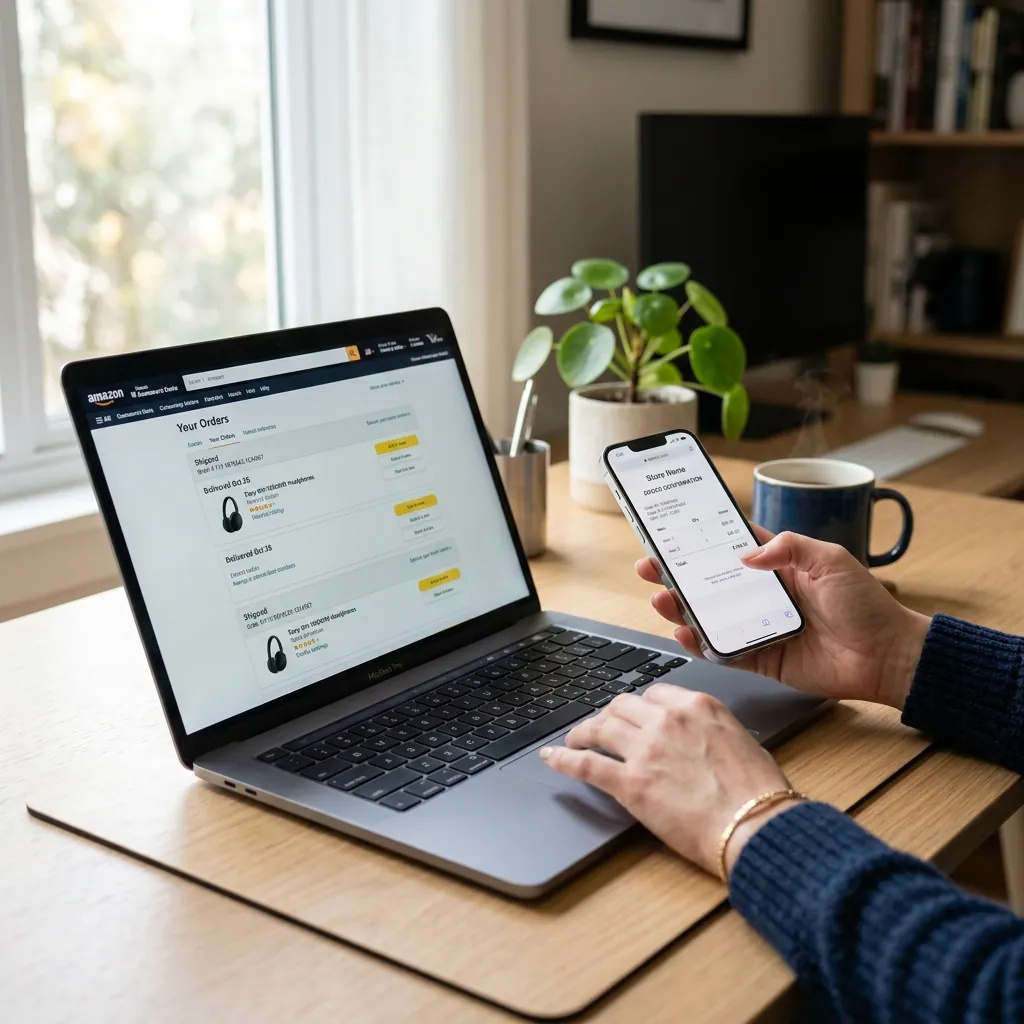
To get an Amazon receipt, open your Amazon order history, select the purchase, and use the invoice or order details page to recover the original purchase information.
Amazon's own business-order documentation supports using the order details view and invoice records as the main post-purchase source, especially when you need a printable record or tax-ready backup. See Amazon Business order information and Amazon Business invoices.
Where Amazon Purchase Records Usually Come From
Amazon purchase records usually come from:
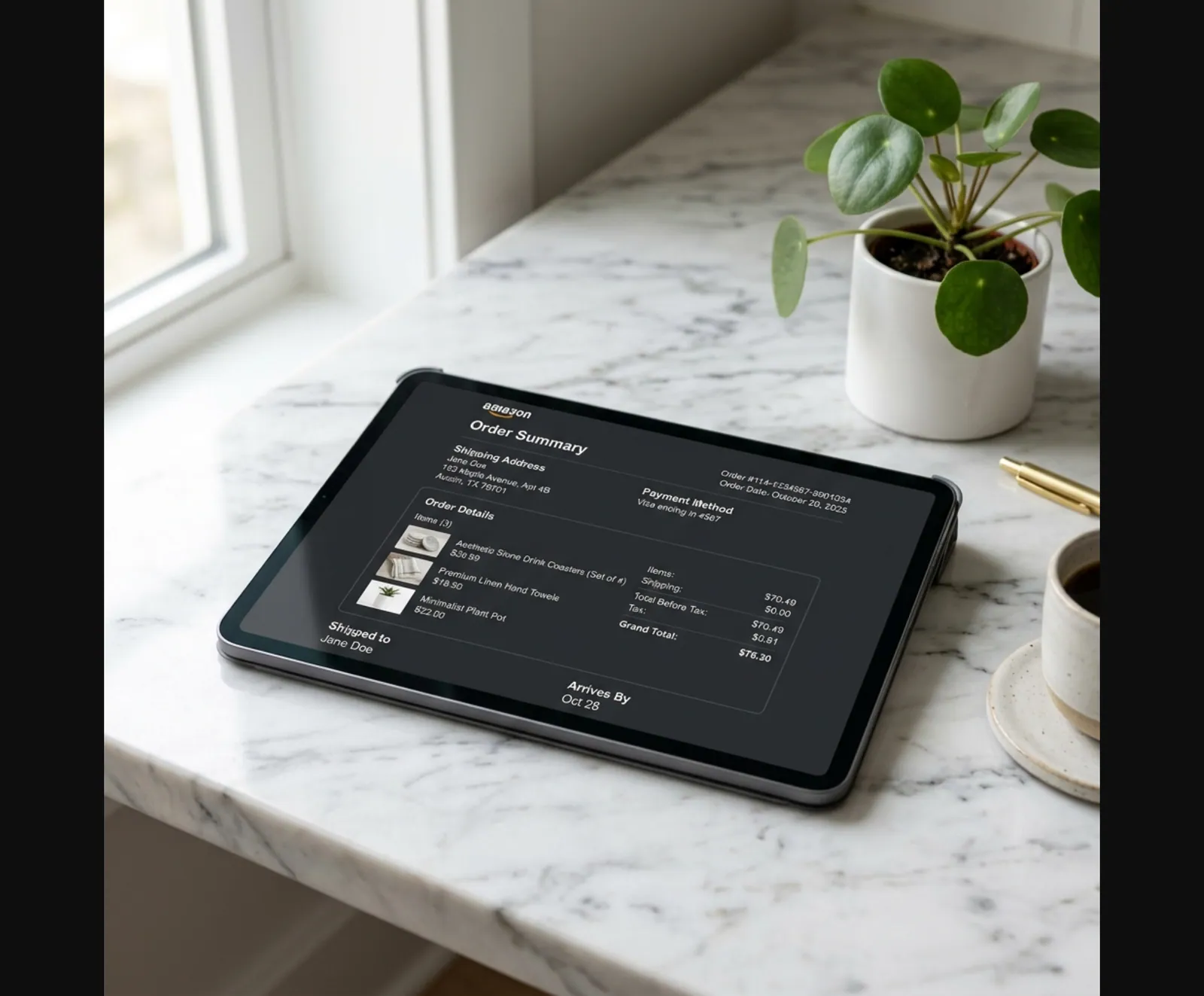
- the order details page
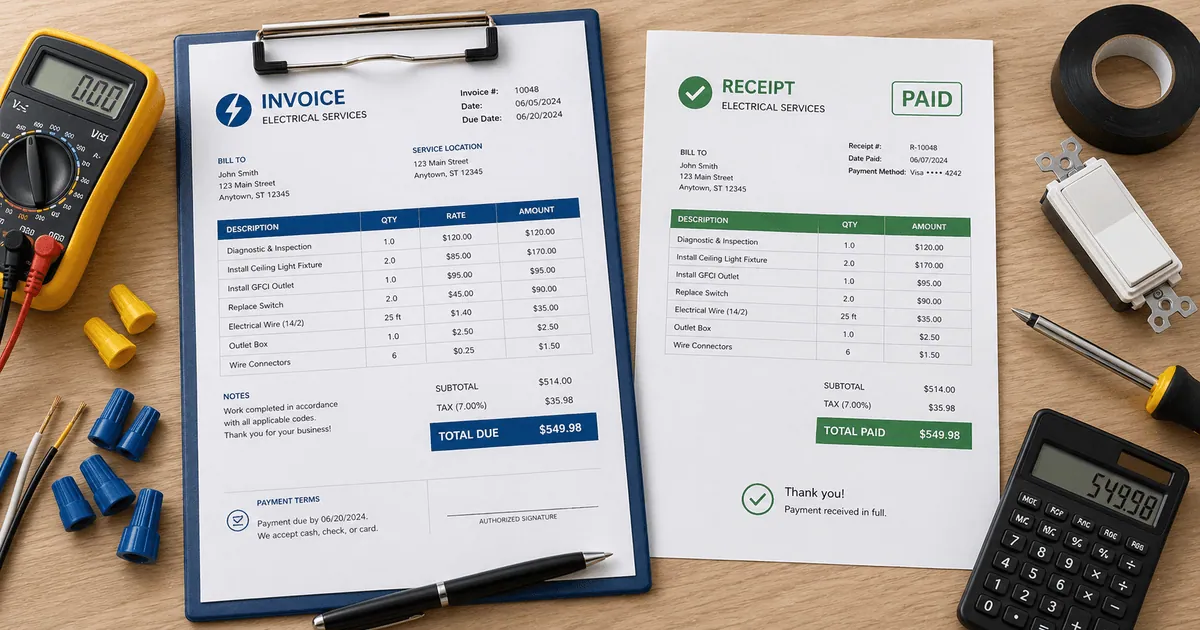
- the downloadable invoice
- the original order confirmation email
- the payment record tied to the purchase
Amazon Business uses invoices and printable order-summary style records as the core post-purchase documents for reconciliation and reporting, which supports using the invoice or order details view as the primary source.
Those are the most useful sources for:
- reimbursement support
- bookkeeping
- warranty records
- purchase tracking
What an Amazon Receipt Should Include
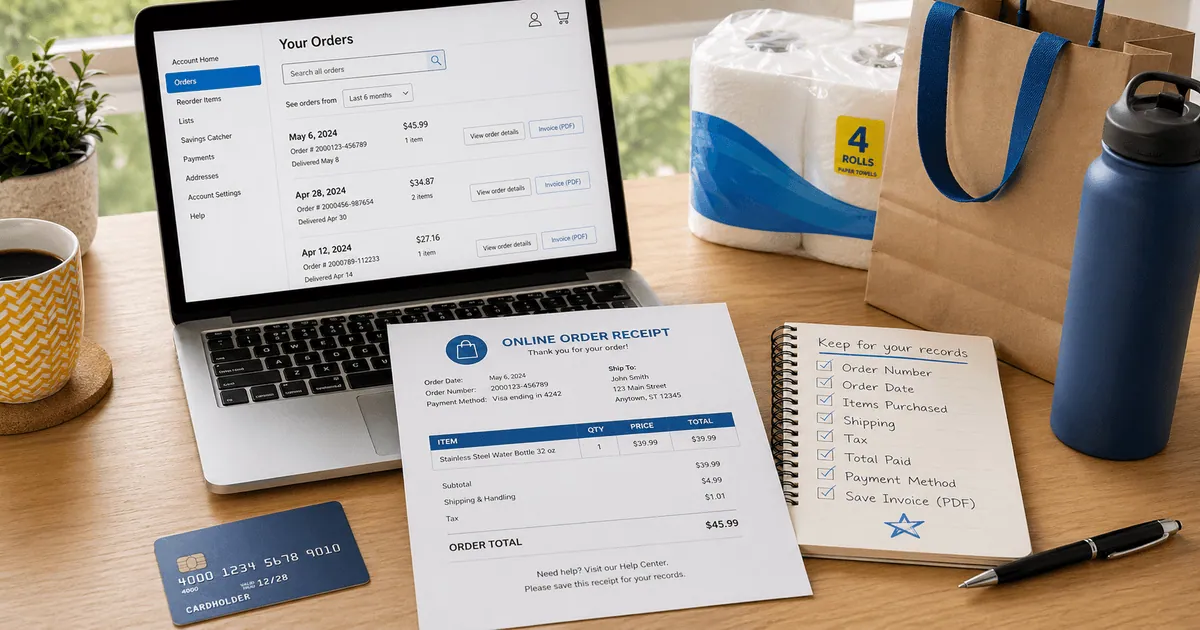
A useful Amazon receipt usually shows:
- order ID
- order date
- item title
- quantity
- seller or shipped-by details
- subtotal
- shipping
- tax
- total paid
- payment method
If you are using the document for finance or recordkeeping, item and tax detail usually matter most.
Need a Cleaner Amazon Receipt Record?
If you already verified the original order details and want a cleaner version for your files, use the Amazon Receipt Generator. For an itemized invoice layout with ASIN, shipping, tax, and payment fields, use the Amazon Invoice Generator.
Open the Amazon Receipt Generator
Create a structured Amazon-style receipt using the verified details from your original order.
Related Guides
Final Takeaway
If you need an Amazon receipt, recover the original order details first. Once those are confirmed, you can organize them into a cleaner Amazon-style record for your own files.
FAQ
Open Amazon, go to Returns & Orders, select the purchase, and look for the invoice or order details page tied to that order.
For many purchases, Amazon provides an invoice PDF rather than a separate receipt document.
A useful Amazon receipt should show the order ID, purchase date, item details, subtotal, shipping, tax, total, and payment summary.
Those details are what most people need for records, bookkeeping, or reimbursement support.