Amazon Order Screenshot Guide
Ready to create your own? Use our free receipt generator — no account needed.
Generate Amazon Receipt →On this page
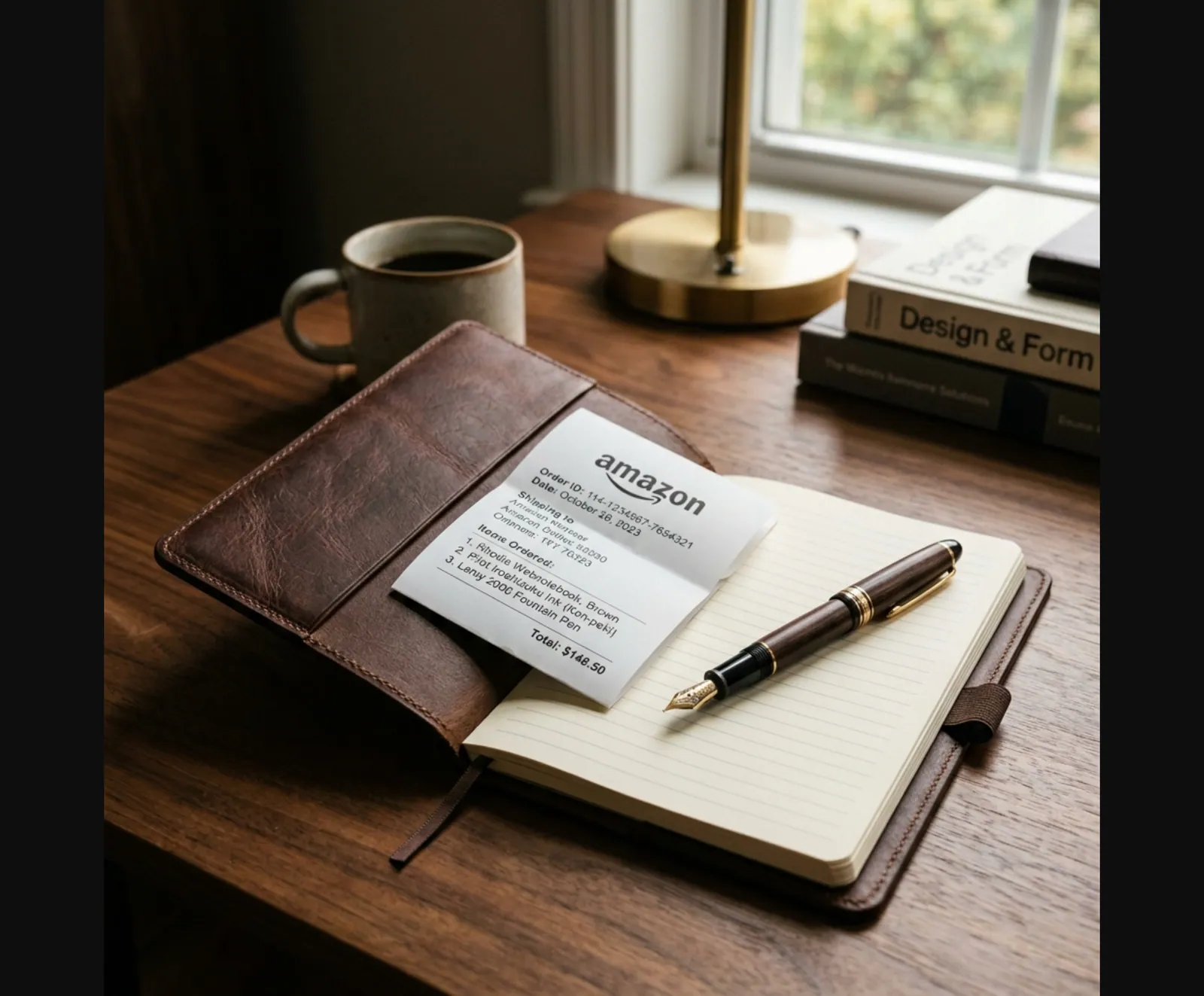
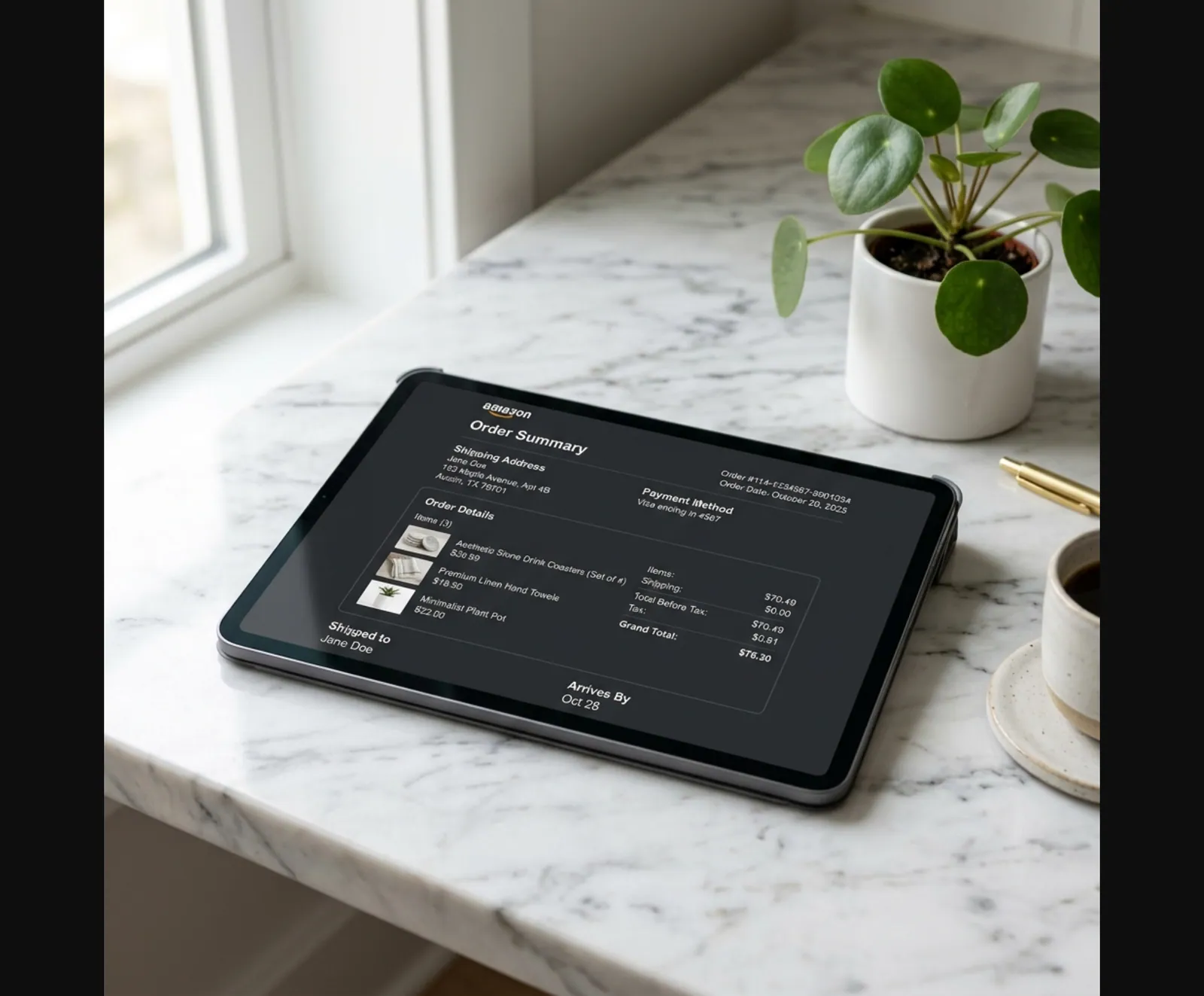
If you need an Amazon order screenshot, what you usually need is not a random image. You need a clean copy of the same order-summary details Amazon shows on the order page so you can keep your records organized.
Quick Answer
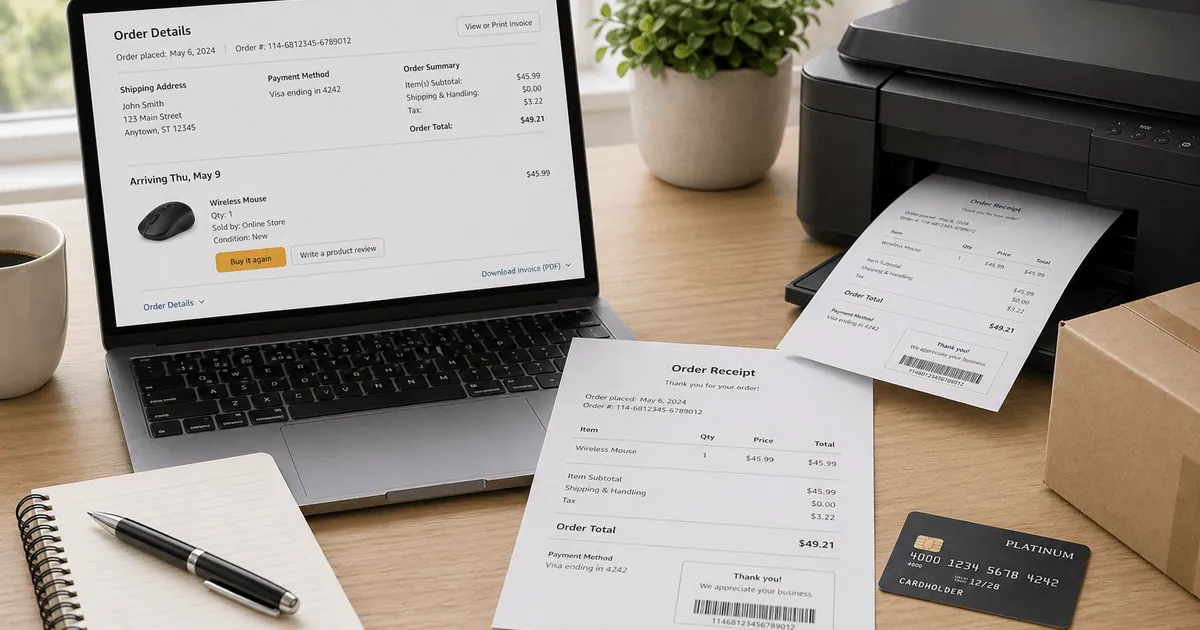
A useful Amazon order screenshot copy should show the order ID, purchase date, item list, seller, shipping, tax, total, and payment summary in one place.
Amazon Order Screenshot vs Invoice vs Receipt
These are related, but not the same thing:
Amazon Document Types
| Feature |
|---|
If you need the most formal version, the invoice is still the strongest source. If you need a quick order-summary copy for your own records, a screenshot-style layout is often enough.
What to Include in a Clean Amazon Order Copy
For a screenshot-style backup, keep these fields together:
- Amazon order ID
- Order date
- Item title
- Quantity
- Seller or shipped-by details
- Item subtotal
- Shipping charge
- Tax
- Grand total
- Payment method
That gives you the same information people usually scan for on the order page.
When a Screenshot-Style Copy Helps
- You need a visual order summary for your bookkeeping folder
- You want a quick reference without logging into Amazon
- You are organizing insurance, returns, or household records
- You need a cleaner backup before downloading the full invoice later
When You Should Use the Official Amazon Document Instead
Use the original Amazon invoice or receipt first when:
- Your company asks for formal reimbursement proof
- You are dealing with returns or disputes
- An insurer asks for the original purchase document
- You need exact tax and seller details from Amazon's system
That is consistent with Amazon Business reconciliation tools, which treat printable order summaries and PDF invoices as the formal post-purchase records rather than a casual screenshot. See Amazon Business: Business Order Information and Amazon Business invoices.
Building a Replacement-Style Amazon Summary
If the official document is missing or inconvenient to access, recreate the key order fields carefully:
- Pull the product, date, and total from your Amazon account or email
- Confirm the amount against your card or bank statement
- Add the shipping and tax lines separately
- Keep the order number format accurate
- Save the final copy as a PDF for your records
Related:
- How to Get an Amazon Receipt
- Amazon Receipt vs Invoice
- Amazon Return Receipt: How to Get Proof of Return
- How to Find an Apple Receipt: Order History, Email & Backup Options
Quick Tip
People often search for phrases like "fake Amazon order screenshot" when they really mean "replacement order summary" or "backup receipt copy." If the original Amazon document still exists, use that first. A recreated copy is best for internal recordkeeping and reference.
FAQ
Usually it means a visual copy of the Amazon order summary showing the order number, item, price, shipping, and payment summary.
It is different from the downloadable invoice PDF, which is the formal billing document.
For internal reference, sometimes yes.
For reimbursements or official verification, teams usually prefer the original Amazon invoice or receipt.
Order ID, order date, item title, quantity, seller, subtotal, shipping, tax, total, and payment method.
Many people use that phrase when they really need a replacement-style template or personal backup copy.
For official matters, always use the original Amazon document if it is available.