Dollar Tree Receipt Lookup: How to Find or Replace a Lost Receipt
Ready to create your own? Use our free receipt generator — no account needed.
Generate Dollar Tree Receipt →On this page
Dollar Tree doesn't have a full digital receipt system like Walmart or Target — so recovering a lost receipt takes a few extra steps. Here's the fastest path to getting your details back.
If you need a backup record after recovering the details, use the Dollar Tree Receipt Generator to create a clean PDF from your verified purchase information.
Quick Answer
Dollar Tree doesn't have online receipt lookup. Visit the store with your payment card and approximate purchase date — the register can pull up and reprint card-paid receipts. For cash purchases, check your bank statement for the transaction amount.
Why Dollar Tree Receipt Lookup Is Different
Unlike Walmart or Target, Dollar Tree doesn't maintain a customer-facing purchase history portal. There's no Dollar Tree app feature that stores in-store receipts. Recovery depends on the payment method you used.
Method 1: Reprint at the Store Register
For card payments (credit, debit, or contactless):
- Return to the Dollar Tree store where you made the purchase
- Go to the register or customer service area
- Provide the card you used to pay and the approximate purchase date
- The cashier or manager can pull up the transaction and reprint the receipt
This is the most reliable method and works for most card-paid purchases within a reasonable timeframe.
Method 2: Check Your Card or Bank Statement
Your credit card, debit card, or bank statement will show:
- Dollar Tree as the merchant name
- The exact date of purchase
- The total amount charged
- The store location (sometimes)
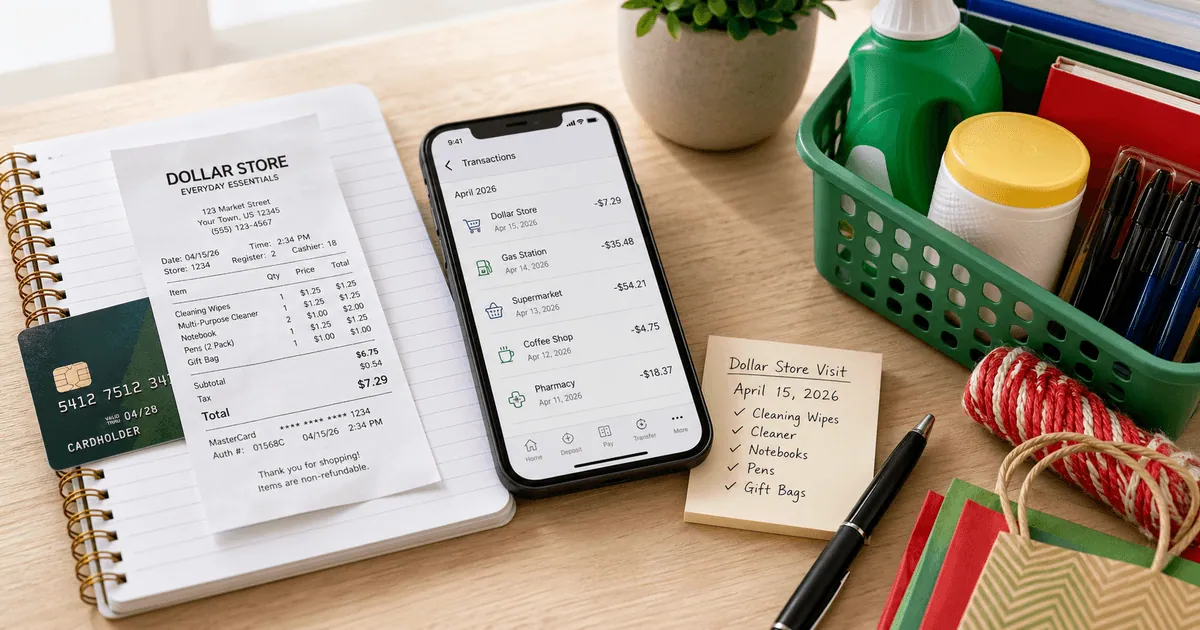
Screenshot or download that statement entry — it serves as a secondary purchase record when the original paper receipt is unavailable.
Method 3: Check Your Email (Online Orders Only)
If you ordered from dollartree.com:
- Search your email for
from:dollartree.comorsubject:order confirmation - Your order confirmation and receipt are emailed automatically
- Log in to your dollartree.com account → Order History to view past orders
This only applies to online orders — in-store purchases are not emailed automatically.
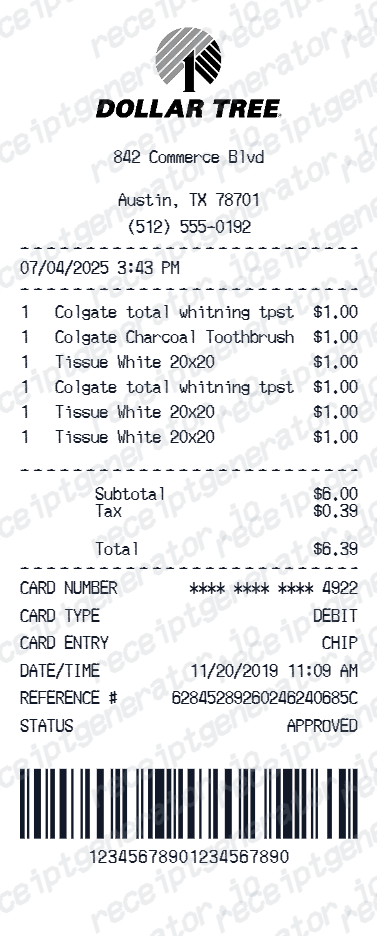
What a Dollar Tree Receipt Includes
Dollar Tree Receipt Fields
| Feature |
|---|
Dollar Tree Returns Without a Receipt
Dollar Tree Return Options
| Feature |
|---|
For current Dollar Tree return policy details, see Dollar Tree Customer Service.
Creating a Backup Record
If the original receipt is unavailable and you need a clean personal record:
- Confirm the purchase date and total from your card statement
- Note the store number or address (use Dollar Tree's store locator if needed)
- List the items purchased from memory or receipts you do have
- Use the Dollar Tree Receipt Generator to organize the details into a clean PDF
A backup is for your own records — not for returns or official reimbursement without supporting documentation.
Generate a Dollar Tree Receipt Backup
Related Guides
- Lost Dollar Tree Receipt
- Dollar Tree Receipt for Reimbursement
- Printable Dollar Tree Receipt PDF
- Walmart Receipt Lookup
Official Dollar Tree Reference
FAQ
Dollar Tree does not offer an online receipt lookup portal or digital receipt system linked to your purchases.
The best options are checking your credit or debit card statement for the transaction amount and date, then visiting the store with your card for a duplicate.
Dollar Tree stores can reprint a receipt if you have your payment card and the approximate purchase date — ask at the register or customer service.
This works for card payments only. Cash purchases cannot be reprinted.
Dollar Tree accepts returns within 30 days. Without a receipt, returns are typically handled as store credit or exchange at manager discretion.
Having the original receipt gives you the cleanest path to a cash or card refund.
Dollar Tree does not automatically email receipts for in-store purchases.
For orders placed on dollartree.com, an order confirmation email is sent to your account email address.
Request a duplicate at the store register with your payment card, or use your card statement to verify the transaction and create a clean backup record.
For bulk or business purchases from dollartree.com, order receipts are available in your account order history.