Dollar Tree Receipt Lookup: Get a Duplicate Receipt
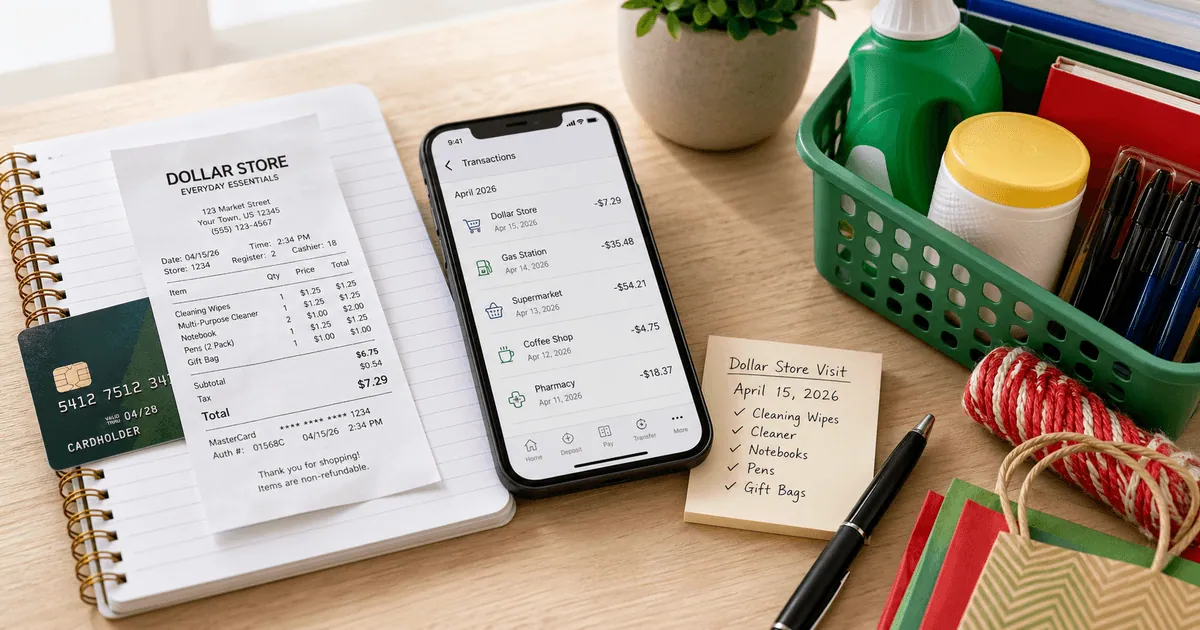
Ready to create your own? Use our free receipt generator — no account needed.
Generate Dollar Tree Receipt →On this page
Dollar Tree has an official duplicate-receipt request process, so that should be your first step when a paper receipt is missing. The process is different from an instant online purchase-history portal: you check whether the transaction qualifies, submit a customer help form, and allow time for the request to be processed.
Quick answer
Open Dollar Tree's Duplicate Receipt Requests page. Dollar Tree currently accepts requests for qualifying credit, debit, or EBT purchases of at least $5 made within the last three months. It says to allow five business days for processing.
Check the current policy before relying on it
Dollar Tree can change its criteria. Confirm the requirements on the official page when you submit. A personal backup is not a Dollar Tree-issued receipt and should not be used as proof for a return, refund, reimbursement, or claim.
Dollar Tree duplicate-receipt eligibility
Dollar Tree's current official criteria are specific. The transaction must:
- have been paid with a credit, debit, or EBT card;
- total $5 or more; and
- have been made within the previous three months.
Dollar Tree says duplicate copies are unavailable when the purchase was paid in cash, totaled less than $5, or is older than three months. Those limits mean a bank statement is useful for checking eligibility before you spend time on the request.
How to submit a Dollar Tree receipt request
- Open the official Dollar Tree duplicate-receipt page.
- Expand the question about obtaining a duplicate copy.
- Confirm that your payment method, amount, and purchase date meet the criteria.
- Select the customer help form linked by Dollar Tree.
- Provide only the transaction details the form requests.
- Keep a note of the submission date and allow the stated processing time.
Before submitting, collect the approximate purchase date, exact total, store location, and safe payment details needed to identify the transaction. Never send a full card number through an unofficial contact channel.
The five-business-day guidance is a processing estimate, not a promise that every request will produce a receipt. If the transaction cannot be located, preserve the response and supporting payment record for your files.
What to do for a cash purchase
The official criteria exclude cash purchases, so Dollar Tree's duplicate-receipt route will not recover one. Your remaining evidence may include the original product packaging, a dated shopping list, a contemporaneous expense note, or other records created at the time of purchase.
For business expenses, ask the employer, accountant, or expense-review team what alternative documentation it accepts. Some organizations use a missing-receipt declaration; others require an original itemized receipt. Their policy—not a generated document—controls what is acceptable.
Use a bank or card statement as a cross-check
A financial statement can help you confirm:
- the merchant name;
- transaction date;
- total charged; and
- sometimes the general location.
It normally cannot prove which items were purchased. That is why it works best as supporting evidence and as a way to identify the correct transaction for Dollar Tree's help form.
If several Dollar Tree charges occurred near the same date, compare the totals with any photos, shopping lists, calendar notes, or project records you already have. Do not guess item details simply to make a total match.
Online orders and store purchases are different
For a dollartree.com order, start with the order account and confirmation email rather than the store duplicate-receipt form. Search the email address used at checkout for the order number, shipment messages, and payment confirmation. If the online order is missing, use Dollar Tree customer service with the order information.
For an in-store transaction, use the duplicate-receipt criteria above. Keeping these routes separate helps customer service identify the correct system and avoids delays.
Receipt lookup versus return policy
Finding a duplicate receipt and qualifying for a return are separate questions. A duplicate request tries to recover the record of a real transaction. The Dollar Tree return policy determines whether an item is eligible for exchange or refund.
Check the current return page directly instead of relying on an old time window or a third-party summary. Product recalls can also follow different rules from ordinary merchandise returns.
If you need a personal backup after recovery fails
Once you have exhausted the official route, you can organize facts you can verify for personal bookkeeping. A backup should be clearly labeled as reconstructed and kept with its supporting evidence.
Useful fields include:
- actual store location or number;
- verified purchase date and time, if known;
- items you can substantiate;
- actual subtotal, tax, and total;
- payment method with only safe partial details; and
- a note explaining why the original is unavailable.
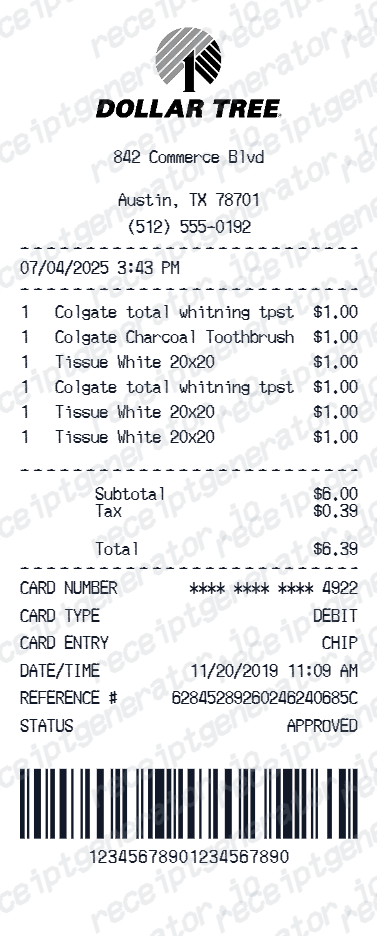
The Dollar Tree Receipt Generator can format those verified details as a personal record. It does not connect to Dollar Tree, validate a transaction, or issue a merchant receipt. Do not use it to invent a purchase or to support a return, reimbursement, tax deduction, insurance claim, or any other benefit.
A practical recovery checklist
Use this order:
- Confirm whether the purchase was online or in store.
- For an online order, check the account and confirmation email.
- For an in-store card or EBT purchase, check Dollar Tree's official criteria.
- Match the date and amount to the financial statement.
- Submit the official customer help form if the purchase qualifies.
- Preserve the response and supporting evidence.
- Ask the reviewing organization about its missing-receipt policy if needed.
- Create a clearly labeled personal backup only after recovery fails.
This sequence protects the strongest evidence first and keeps a reconstructed record in its proper role.
Related guides
- Walmart Receipt Lookup & Template
- CVS Receipt Lookup Guide
- How to Keep Retail Receipts for Taxes
- All Grocery Receipt Templates
Official Dollar Tree references
FAQ
Open Dollar Tree's Duplicate Receipt Requests page and use the customer help form if your purchase meets the listed criteria.
Dollar Tree says processing can take five business days.
Dollar Tree currently requires payment by credit, debit, or EBT card, a purchase of at least $5, and a transaction no more than three months old.
Check the official page before submitting because retailer policies can change.
Dollar Tree's current policy says it cannot provide duplicate receipts for cash-paid transactions.
Keep any supporting notes or original packaging, but do not present a personal reconstruction as a merchant-issued receipt.
A card statement can confirm the merchant, date, and total, but it normally does not show the purchased items.
Ask the organization reviewing your expense what supporting evidence it accepts when the original receipt is unavailable.
No. A generated or reconstructed document is not an official Dollar Tree receipt.
Use Dollar Tree's duplicate-receipt process and current return policy for any return or refund request.