FedEx Receipt Template & Generator
Edit a FedEx receipt template with tracking references, package details, shipping charges and tax. Preview free; PDF export requires a paid plan.
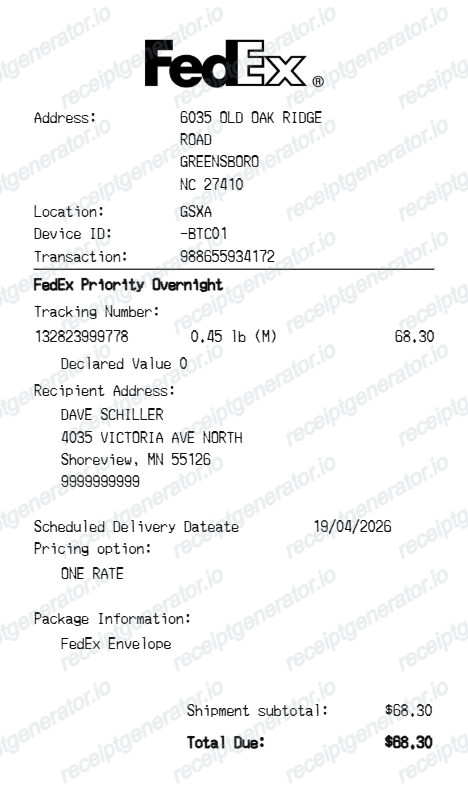
FedEx receipt template for confirmed transaction details. Edit the location, receipt/transaction numbers and purchase date in the header. Preview the editable layout free; watermark-free PDF export requires a paid plan.

Choose
FedEx Receipt selected

Customize
Fill in your details

Download
Save or share receipt
Edit the details once and the preview updates instantly.
Quick summary
FedEx receipt template: what can I edit?
Edit the location, receipt/transaction numbers and purchase date in the header. Use the shipment/merchandise rows for the service name, tracking or item code, weight/quantity and charge.
Editable fields in the FedEx receipt template
Review these fields against the source transaction before exporting your personal record.
Location and transaction
Edit the location, receipt/transaction numbers and purchase date in the header.
Shipment and merchandise rows
Use the shipment/merchandise rows for the service name, tracking or item code, weight/quantity and charge.
Package and recipient details
Review recipient and package details where shown, including weight and declared-value text.
Subtotals, tax and payment
Separate shipment and merchandise costs, tax rows and adjustments, then reconcile the cash/card payment against the confirmed bill.
Create a print-ready FedEx shipping receipt
Edit the layout, watch it update live, then print, download PDF, or email.
FedEx live preview
Edit the location, receipt/transaction numbers and purchase date in the header.
Review the editable fields
Use the shipment/merchandise rows for the service name, tracking or item code, weight/quantity and charge.
PDF export plans
Preview the layout free; watermark-free PDF export requires a paid plan.
Mobile and desktop editing
Open the same receipt layout on mobile or desktop and check the preview before exporting.
Original FedEx records and this editable template
FedEx Billing Online provides account invoice documents and PDF downloads where available. For a retail counter purchase, request the original receipt from the purchase location. Keep the actual invoice or counter receipt when verification is required.
Receipt retrieval and source guidance
Reconcile confirmed details
Review recipient and package details where shown, including weight and declared-value text.
Review the layout
Separate shipment and merchandise costs, tax rows and adjustments, then reconcile the cash/card payment against the confirmed bill.
FedEx Shipping Receipt Formats
Compare this editable layout with the original transaction record.
FedEx editable purchase record
Use the shipment/merchandise rows for the service name, tracking or item code, weight/quantity and charge.
Original records and related layouts
Use the merchant’s guidance for original documentation and the templates for editable records.
Receipt guide
Repair Receipt for Insurance Claims
See which service and payment fields make a repair or service record easier to review.
Explore Repair Receipt for Insurance ClaimsEditable template
Repair Receipt template
Explore this editable receipt layout and its fields before opening the editor.
Explore Repair Receipt templateCompare related receipt layouts and their editable fields.
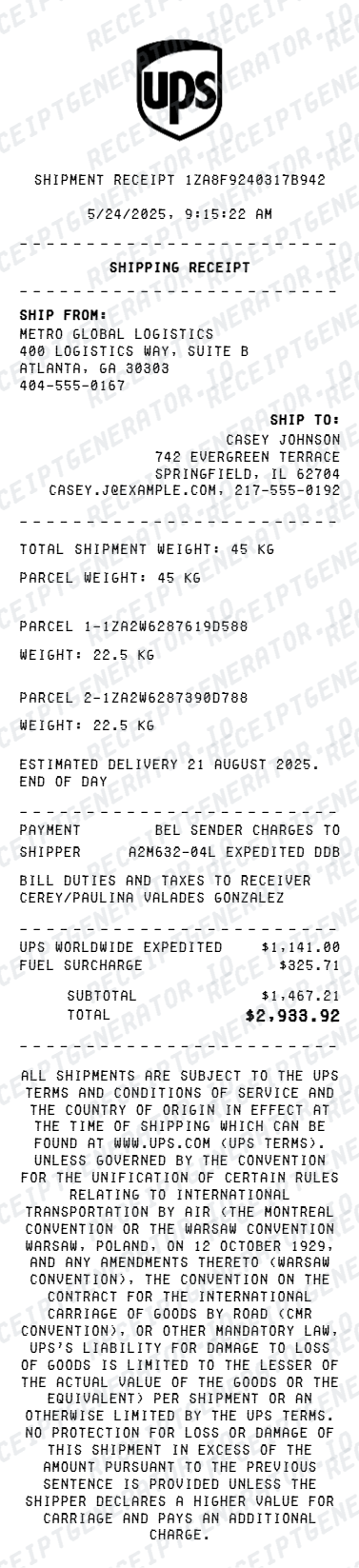
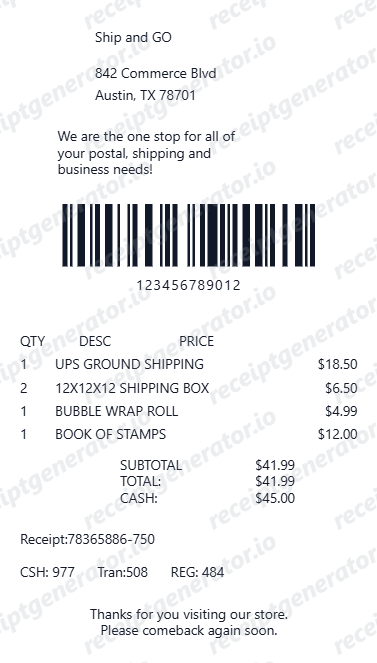
FedEx Receipt Template: Fields and Original Records
Answers about this layout, confirmed transaction details and the original purchase record.
Open the editor, enter the confirmed transaction details, review shipment and merchandise rows and check the totals in the live preview. Watermark-free PDF export requires a paid plan.
FedEx Billing Online provides account invoice documents and PDF downloads where available. For a retail counter purchase, request the original receipt from the purchase location. Keep the actual invoice or counter receipt when verification is required.
No. A tracking reference identifies a shipment; a billing invoice documents charges. The template can display both kinds of fields, but it cannot track a parcel or retrieve an account invoice.
Receipt Generator · Receipt Maker · 300+ Free Templates
Edit the FedEx receipt template
Enter confirmed details, check the free preview and review paid PDF export plans.