Advance Auto Parts Receipt Template & Generator
Edit a Advance Auto Parts receipt template with store IDs, part numbers, item prices and tax. Preview free; PDF export requires a paid plan.
This editable Advance Auto Parts layout organizes store IDs, part numbers, item prices and tax from details you have confirmed. Compare the preview with the original record. Preview is free; PDF export requires a paid plan.

Choose
Advance Auto Parts Receipt selected

Customize
Fill in your details

Download
Save or share receipt
Edit the details once and the preview updates instantly.
Quick summary
What can I edit in this Advance Auto Parts template?
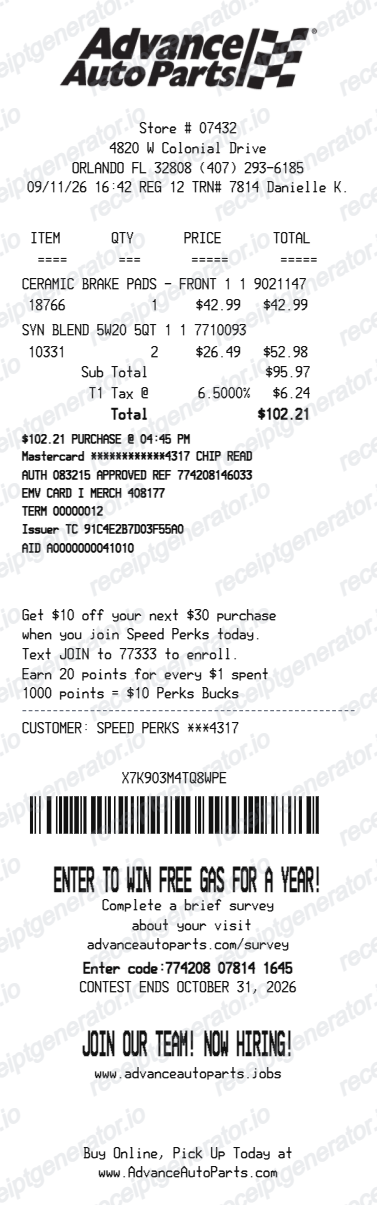
Edit store IDs, part numbers, item prices and tax and compare the result with your original record. The layout does not retrieve transactions or verify payment.
Editable fields in the Advance Auto Parts receipt template
Use the current layout to organize confirmed details; retain the original transaction or service record.
Store and transaction
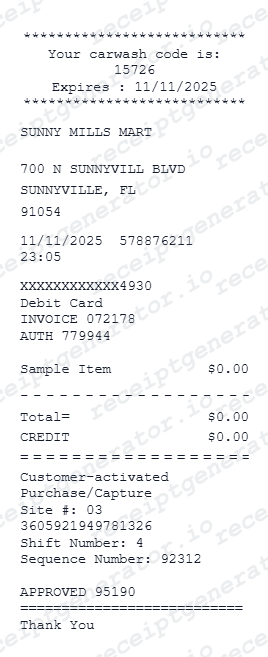
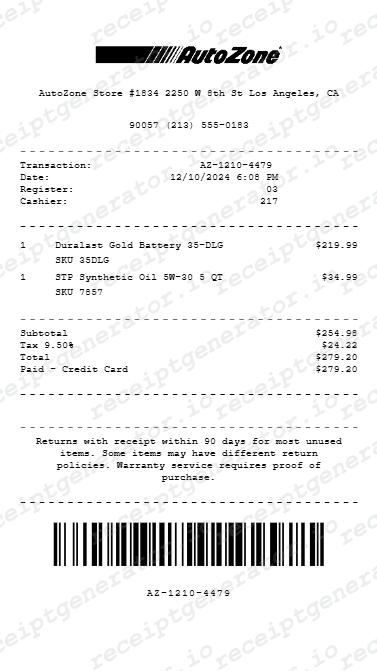
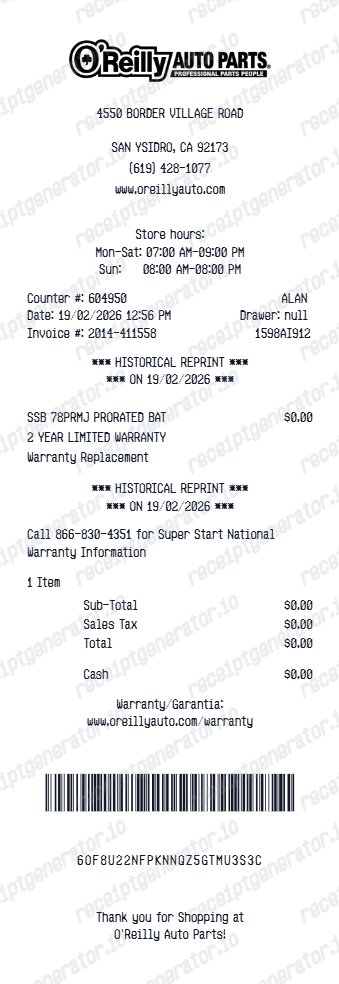
Edit store lines, register, transaction number, date, time and cashier against the original parts purchase.
Part rows
Enter quantity, SKU, description, extra code and unit price. Record a confirmed core charge as its own charge; the editor cannot process a core refund.
Taxes and adjustments
Review taxable item flags, tax rows, discounts and adjustments against the actual bill rather than a sample rate.
Payment and footer
Review card or cash details, promotional/customer text and barcode. Loyalty text does not update a rewards account.
How to Create an Advance Auto Parts Receipt
Follow these steps to build an Advance Auto Parts-style receipt with the real transaction fields.
- 1
Add the store number and transaction details
Enter the store number and transaction date/time shown at the top.
- 2
List parts with part numbers
Add each part with its part number, quantity, and price.
- 3
Add core charges if applicable
For returnable parts, list the core charge as its own line separate from the part price.
- 4
Add Advance Auto Parts Rewards details
If the purchase was tied to an Advance Auto Parts Rewards account, note it in the summary.
- 5
Add tax and payment breakdown
Enter the subtotal, sales tax, and payment method with the last 4 digits for card payments.
- 6
Download as PDF
Review the live preview, then export the finished Advance Auto Parts receipt for warranty or expense records.
Preview the editable Advance Auto Parts layout
Edit the layout, watch it update live, then print, download PDF, or email.
Advance Auto Parts live preview
Edit store lines, register, transaction number, date, time and cashier against the original parts purchase.
Review the item and detail fields
Enter quantity, SKU, description, extra code and unit price. Record a confirmed core charge as its own charge; the editor cannot process a core refund.
PDF export plans
Preview free; watermark-free PDF export requires a paid plan.
Desktop and mobile editing
Review the same layout on desktop or mobile before exporting.
Check your Advance Auto Parts record before exporting
Keep the original documentation alongside any editable copy.
Reconcile the source record
Review taxable item flags, tax rows, discounts and adjustments against the actual bill rather than a sample rate.
Keep an organized personal copy
Review card or cash details, promotional/customer text and barcode. Loyalty text does not update a rewards account.
Advance Auto Parts template layout
Open the current editor and review its actual fields.
Advance Auto Parts editable layout
One current layout with store IDs, part numbers, item prices and tax; sample values remain editable.
Related Guides
Explore related guides to understand the receipt details, lookup steps, and documentation workflows.
Related vehicle services and repairs templates
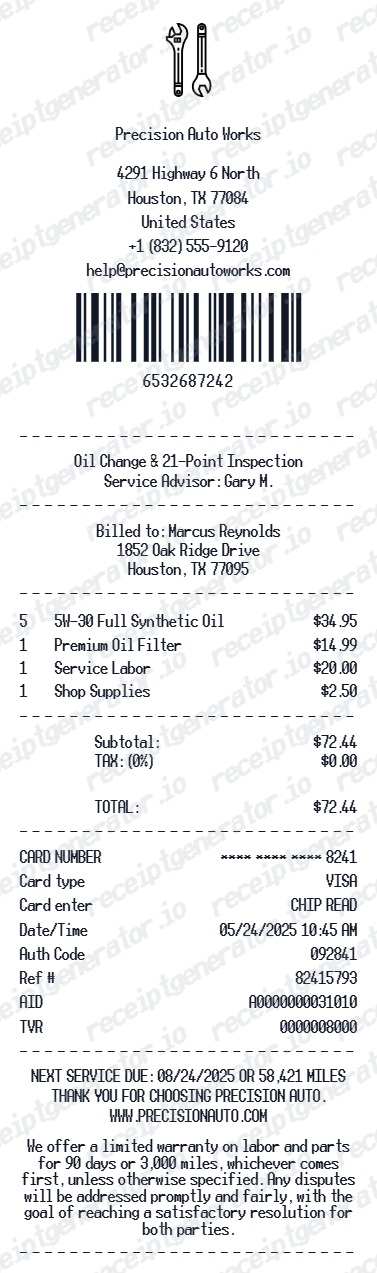
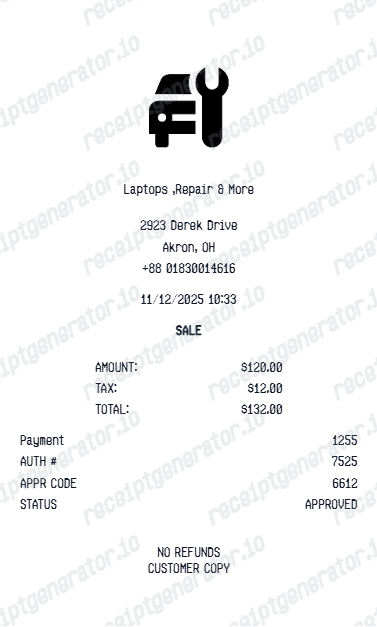
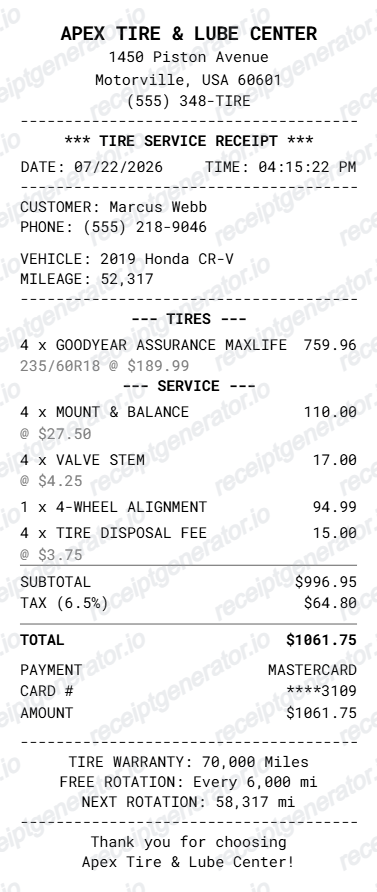
Explore related editable layouts for confirmed purchase or service details.
Advance Auto Parts Receipt Template: Editing and Original Records
Answers about the current fields, original documentation and PDF export.
Open the editor, enter the confirmed store IDs, part numbers, item prices and tax, and compare the preview with the original record. Watermark-free PDF export requires a paid plan.
Check your saved account, order or service records and ask the original merchant or provider about the document for that transaction. This editable template cannot retrieve or verify a purchase or payment.
No. It can record a confirmed charge or adjustment, but the retailer handles returns and core refunds.
Receipt Generator · Receipt Maker · 300+ Free Templates
Open the Advance Auto Parts receipt template
Enter confirmed details, review the free preview and choose a paid plan for watermark-free PDF export.