Hobby Lobby Receipt Template & Generator
Edit a Hobby Lobby receipt template with craft items, quantities, tax and payment. Preview free; PDF export requires a paid plan.
This editable Hobby Lobby layout organizes craft items, quantities, tax and payment from details you have confirmed. Compare the preview with the original record. Preview is free; PDF export requires a paid plan.

Choose
Hobby Lobby Receipt selected

Customize
Fill in your details

Download
Save or share receipt
Edit the details once and the preview updates instantly.
Quick summary
What can I edit in this Hobby Lobby template?
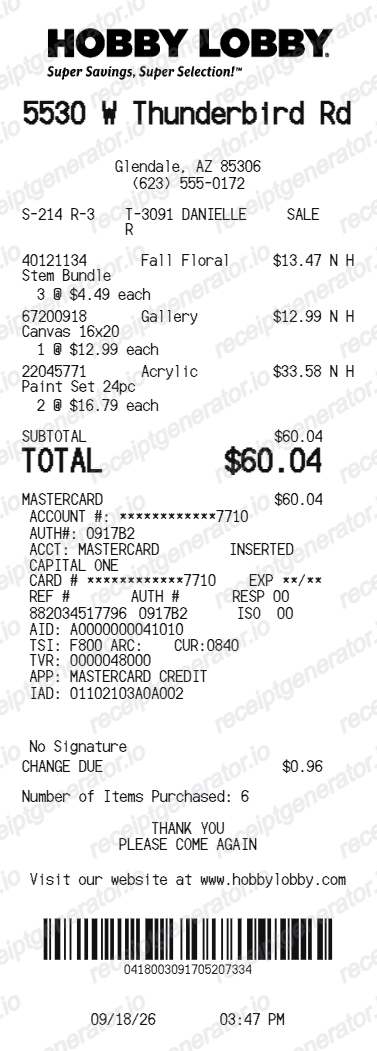
Edit craft items, quantities, tax and payment and compare the result with your original record. The layout does not retrieve transactions or verify payment.
Editable fields in the Hobby Lobby receipt template
Use the current layout to organize confirmed details; retain the original transaction or service record.
Store and transaction
Edit address, phone, station and transaction text to match the original craft purchase.
Craft item rows
Review product/SKU text, quantity, price and any tax flags before reconciling the subtotal.
Tax and adjustments
Check entered tax rows, discount and service-fee amounts against the original sale.
Payment and barcode
Review cash/change adjustments or card reference fields and the barcode value. A generated barcode does not retrieve a store transaction.
Preview the editable Hobby Lobby layout
Edit the layout, watch it update live, then print, download PDF, or email.
Hobby Lobby live preview
Edit address, phone, station and transaction text to match the original craft purchase.
Review the item and detail fields
Review product/SKU text, quantity, price and any tax flags before reconciling the subtotal.
PDF export plans
Preview free; watermark-free PDF export requires a paid plan.
Desktop and mobile editing
Review the same layout on desktop or mobile before exporting.
Check your Hobby Lobby record before exporting
Keep the original documentation alongside any editable copy.
Reconcile the source record
Check entered tax rows, discount and service-fee amounts against the original sale.
Keep an organized personal copy
Review cash/change adjustments or card reference fields and the barcode value. A generated barcode does not retrieve a store transaction.
Hobby Lobby template layout
Open the current editor and review its actual fields.
Hobby Lobby editable layout
One current layout with craft items, quantities, tax and payment; sample values remain editable.
Related Guides
Explore related guides to understand the receipt details, lookup steps, and documentation workflows.
Explore related editable layouts for confirmed purchase or service details.
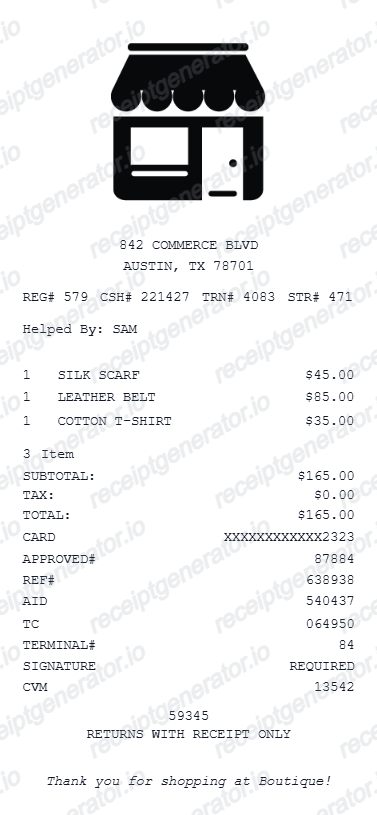
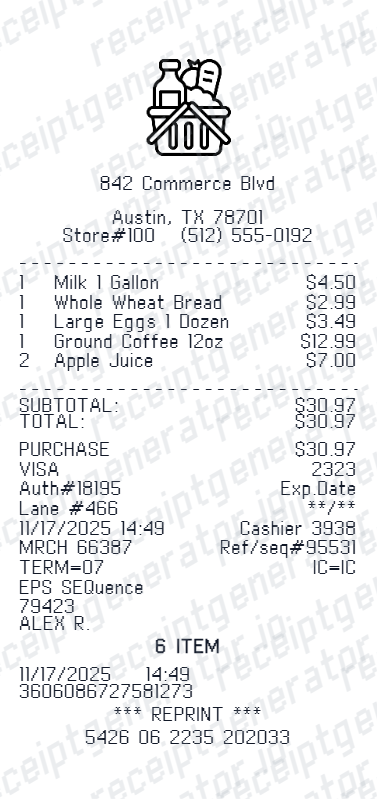
Hobby Lobby Receipt Template: Editing and Original Records
Answers about the current fields, original documentation and PDF export.
Open the editor, enter the confirmed craft items, quantities, tax and payment, and compare the preview with the original record. Watermark-free PDF export requires a paid plan.
Check your saved account, order or service records and ask the original merchant or provider about the document for that transaction. This editable template cannot retrieve or verify a purchase or payment.
No. The editor cannot query store records. Ask the retailer for the original receipt or available lookup options.
Receipt Generator · Receipt Maker · 300+ Free Templates
Open the Hobby Lobby receipt template
Enter confirmed details, review the free preview and choose a paid plan for watermark-free PDF export.