Ross Receipt Generator
Create a Ross Dress for Less-style receipt with store details, clothing and home item rows, tax, total, card payment details, and return policy footer. Preview live and export a PDF.
Create a Ross Dress for Less-style receipt with editable store details, clothing and home item rows, subtotal, tax, total, and card payment information. Download a clean PDF for purchase records or expense documentation.

Choose
Ross Receipt selected

Customize
Fill in your details

Download
Save or share receipt
Edit the details once and the preview updates instantly.
Quick summary
Ross receipt template overview
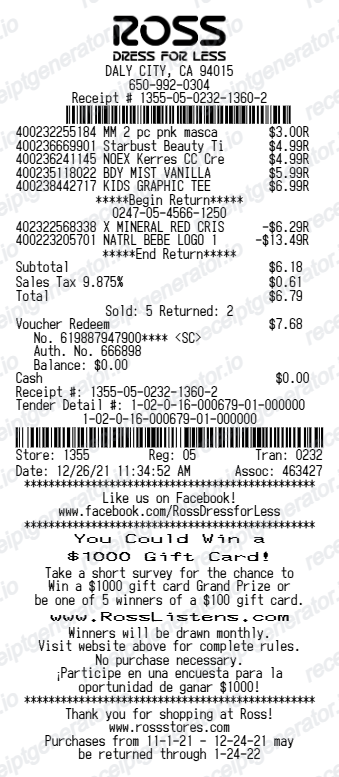
Use this Ross Dress for Less-style receipt template to build a complete discount retail receipt with store details, clothing and home item rows, compare-at prices, subtotal, tax, card payment details, and return policy footer.
What Is on a Real Ross Receipt?
Ross Dress for Less is an off-price, in-store-only retailer, and its register receipts carry details you will not see at full-price chains. A credible replacement copy should match them.
Off-price item lines
Ross prints each item with a department or item code and the Ross price paid. The compare-at retail price lives on the yellow price tag rather than the receipt, so receipt lines show the discounted price, not a markdown pair.
30-day return window printed in the footer
The receipt states Ross's return policy: a full refund to the original form of payment within 30 days of purchase for unworn, unwashed merchandise with the receipt. After 30 days, even with a receipt, you get store credit or an exchange - no cash or card refund.
Refund verification system disclosure
Ross receipts warn that all returns are subject to system verification and that the number of no-receipt refunds is limited. Ross tracks returns through a refund verification system, which is why the footer tells you to keep and use your receipt.
ID capture on no-receipt returns
Without a receipt, Ross requires a valid government-issued photo ID (driver's license, state ID, passport, or military ID), records it in the verification system, and refunds only store credit at the item's current selling price.
Store, register, and transaction numbers
The header prints the store number and address with the register number, transaction number, cashier, date, and time - the identifiers the verification system uses to match a return to the original sale.
Payment block with special check rule
Card purchases show the card type and last 4 digits with an approval code. Purchases paid by check carry an extra restriction: refunds are subject to a 5-day waiting period from the date of purchase.
Create a print-ready Ross receipt
Edit the layout, watch it update live, then print, download PDF, or email.
Live Ross receipt preview
Watch the receipt update instantly as you edit store details, item rows, price fields, totals, and payment information.
Compare-at price editor
Show original retail prices alongside Ross prices for each item to display discount savings.
Download as PDF
Export a clean Ross-style receipt PDF for purchase records or expense documentation.
Mobile-friendly editor
Create and edit Ross receipts from desktop, tablet, or phone.
Get Your Original Ross Receipt First
Ross has no online store, no app order history, and no e-receipt program, so the register-printed paper receipt is the only original - keep it, since Ross's refund verification system limits no-receipt returns. If it is lost, your card statement documents the amount and date, and the store can still process a return for store credit with a photo ID. Use this template when the original is unavailable - a faded or discarded receipt, a cash purchase, or a record needed for personal expense files.
Clothing purchase records
Document a Ross shopping trip with apparel, accessories, and home item details for personal records.
Lost receipt recovery
Recreate a Ross receipt when the original was lost, not printed, or needed for a return or exchange.
Expense documentation
Prepare a clothing or home goods receipt for work uniform purchases or household expense records.
Receipt mockups
Use the Ross Dress for Less-style layout for demos, training materials, or presentation mockups.
Ross Receipt Formats
Choose the Ross Dress for Less-style receipt layout that best matches your clothing, home goods, or discount savings documentation needs.
Clothing Purchase Receipt
A Ross-style receipt with apparel and accessory item rows, tax, and payment summary.
Home Goods Receipt
A receipt showing home decor, kitchen, and furniture item rows with compare-at prices and totals.
Discount Savings Receipt
A Ross receipt showing original retail price alongside the Ross price for each purchase item.
Retail Receipt Guides
Read supporting guides for retail receipts, clothing purchase records, and expense documentation.
Retail Receipt for Reimbursement
Learn which retail store receipt details finance teams usually want for reimbursement and how to keep a cleaner purchase record.
Explore Retail Receipt for ReimbursementRetail Receipt for Expense Reports
See which fields a store receipt needs to qualify for expense report or reimbursement submission.
Explore Retail Receipt for Expense ReportsRelated Other Receipt Templates
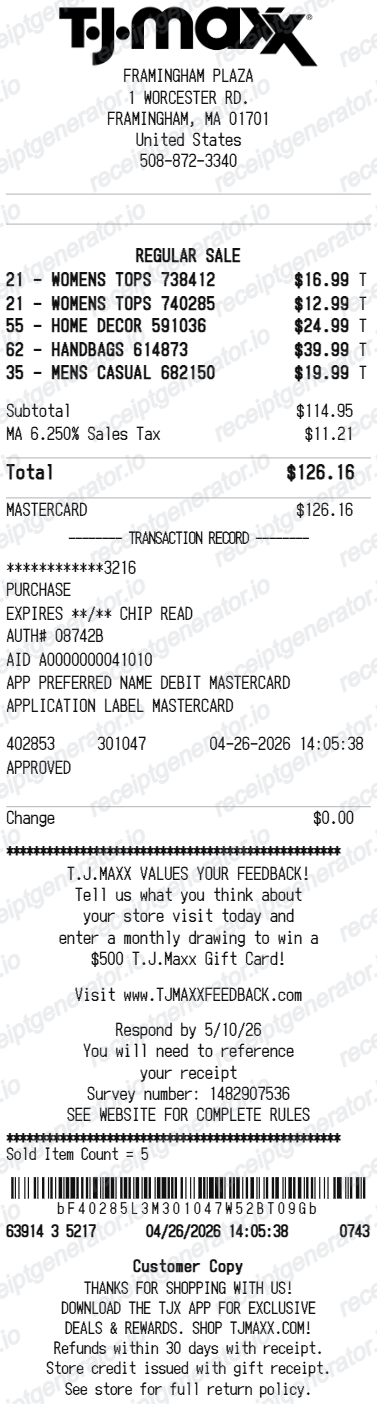
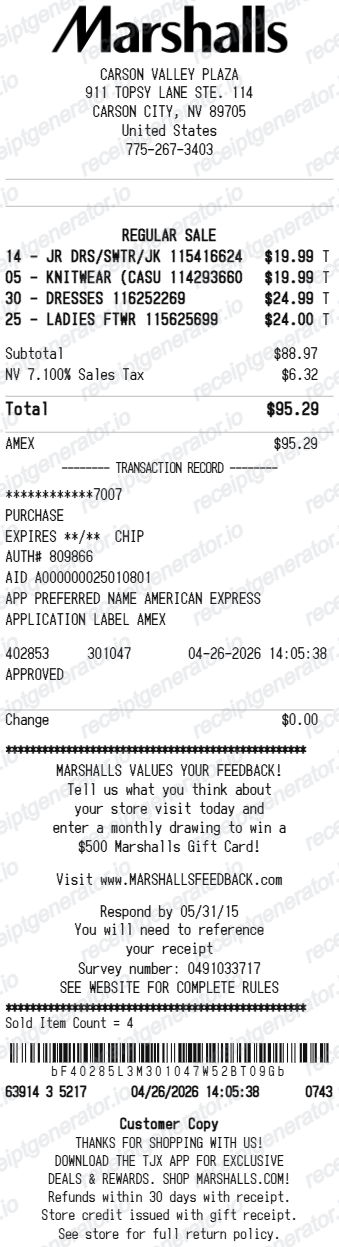
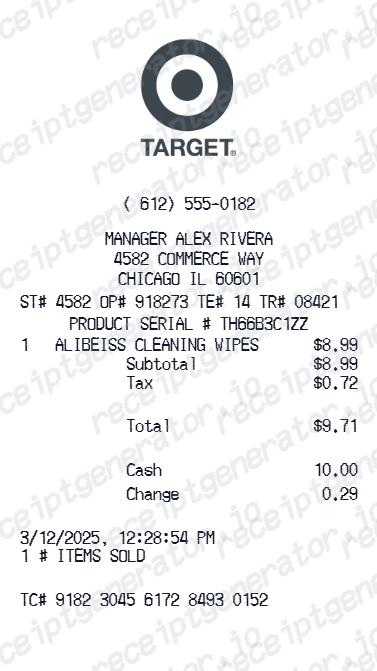
More free receipt templates for discount retail, clothing stores, and shopping expense records.
Ross Receipt FAQ
Common questions about creating, editing, and downloading a Ross Dress for Less-style receipt for purchase records, expense documentation, and receipt examples.
Open the Ross receipt generator, edit the store details, item rows, subtotal, tax, total, card payment details, and return policy footer, then preview and download as a PDF.
Yes. Each item row supports both a compare-at retail price and the Ross discounted price to show the savings on each purchase.
Yes. The receipt footer supports editable return policy text, store policy messaging, and promotional details.
A real Ross Dress for Less receipt shows the store number and address, register and transaction numbers with date and time, each item with a department or item code and the Ross price, subtotal, tax, and total, the payment method with the last 4 card digits, and a printed return policy footer stating that all returns are subject to system verification.
Add the store name, purchase date, line items, totals, tax, payment method, and any optional notes you need on your Ross template.
Yes. Add apparel, shoes, handbags, home decor, accessories, and any other Ross-style items with UPC or item numbers and individual prices.
Yes. The payment block includes card type, masked card number, approval code, and transaction reference fields.
Ross is an in-store retailer with no online ordering and no e-receipt program, so the paper receipt printed at the register is the only copy - there is no account or app to re-download it from. If you lost it, your card or bank statement can prove the amount and date, and returns can still be processed without a receipt using a government-issued photo ID, but only for store credit.
Yes, but on limited terms. No-receipt returns require a valid government-issued photo ID, which Ross enters into its refund verification system, and the system limits how many no-receipt refunds you can make. You receive store credit at the item's current selling price - which may be lower than what you paid - rather than a refund to your card.
Both. You can use these templates for reimbursements, bookkeeping prep, and internal documentation workflows.
Receipt Generator · Receipt Maker · 300+ Free Templates
Create your Ross receipt
Use the editable Ross receipt generator to add clothing and home item rows, compare-at prices, totals, and payment details, then export a clean PDF for your records.