Metro Canada Receipt Generator
Create a Metro Canada-style grocery receipt with editable item rows, GST/HST summary, Metro&Moi, and payment details. Export a clean PDF in minutes.
Create a Metro Canada-style receipt with grocery items, GST/HST-inclusive totals, Metro&Moi, payment, and footer text. Download a PDF for records.

Choose
Metro Canada Receipt selected

Customize
Fill in your details

Download
Save or share receipt
Edit the details once and the preview updates instantly.
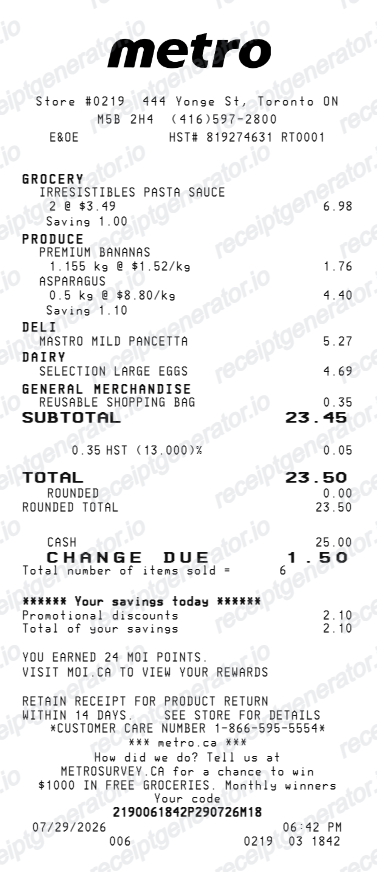
Quick summary
Metro Canada receipt template overview
Use this Metro Canada-style receipt template to build a compact Canada receipt with editable items, GST/HST-inclusive totals, Metro&Moi, barcode, and footer text.
What Is on a Real Metro Canada Receipt?
Metro operates mainly in Ontario and Quebec, and its receipts reflect two different tax systems depending on the province. These are the details that make a Metro-style receipt read as authentic.
Moi Rewards points line
Scanning a Moi (Metro & Moi) card or the app at checkout adds a points-earned line to the receipt footer, along with any personalized coupon savings redeemed - Metro's loyalty program replaced the older Metro & Moi card format with a fuller app-based experience.
GST and QST split in Quebec
Quebec stores show two separate tax lines - 5% federal GST and 9.975% provincial QST - each calculated on eligible items, since Quebec did not harmonize its sales tax with the federal GST like most other provinces.
HST in Ontario
Ontario stores instead show a single 13% HST line, since Ontario combined its provincial sales tax with the federal GST into one harmonized rate - most basic groceries are zero-rated, so tax typically applies only to prepared foods, snacks, and non-food items.
Bilingual receipt format in Quebec
Under Quebec's language law, receipts printed in Quebec stores show item descriptions and totals in French first (or bilingually), while Ontario stores print in English - a detail that distinguishes a Quebec Metro receipt from an Ontario one.
Deposit and environmental fee lines
Beverage container deposits and, in Quebec, an eco-fee on certain products print as separate line items above the subtotal, distinct from the taxable grocery items.
Store number and till identifiers
The header carries the store number, address, and cashier/till number, with the transaction date, time, and a sequential receipt number - standard across Canadian grocery chains for return and price-verification purposes.
Create a print-ready Metro Canada grocery receipt
Edit the layout, watch it update live, then print, download PDF, or email.
Live Metro Canada receipt preview
See the Metro Canada receipt update instantly as you edit items, totals, GST/HST, and messages.
PDF download
Export a clean Metro Canada-style receipt PDF for digital or printed records.
Mobile-friendly editor
Create and edit Metro Canada receipts from desktop, tablet, or phone.
Metro&Moi and GST/HST support
Customise loyalty text, GST/HST totals, barcode digits, and footer messaging.
Get Your Original Metro Receipt First
If you scanned your Moi Rewards card or the Metro app at checkout, sign in to the app to see linked purchase history and points activity for the transaction. Without a Moi account, ask the store directly, since Metro's in-store point-of-sale history is not accessible online, and a bank or card statement can serve as supporting proof. Use this template when the original is unavailable - a lost paper receipt or a purchase made without the app scanned.
Budget tracking
Keep a clear itemised record of Metro Canada spending.
Lost receipt recreation
Recreate a Metro Canada receipt-style document from your purchase details.
GST/HST expense documentation
Prepare a receipt record with GST/HST for reimbursement or bookkeeping.
Metro Canada Receipt Formats
Use the Metro Canada-style format that best matches your recordkeeping needs.
Standard Receipt
A Metro Canada-style receipt with item rows and payment details.
Metro&Moi Receipt
A Metro Canada receipt layout with loyalty points and promotional footer messaging.
GST/HST Receipt
A Metro Canada-style receipt configured with CAD currency and a GST/HST summary for Canada records.
Related Guides
Explore related guides to understand the receipt details, lookup steps, and documentation workflows.
More free receipt templates for Canada grocery shopping and retail expense records.
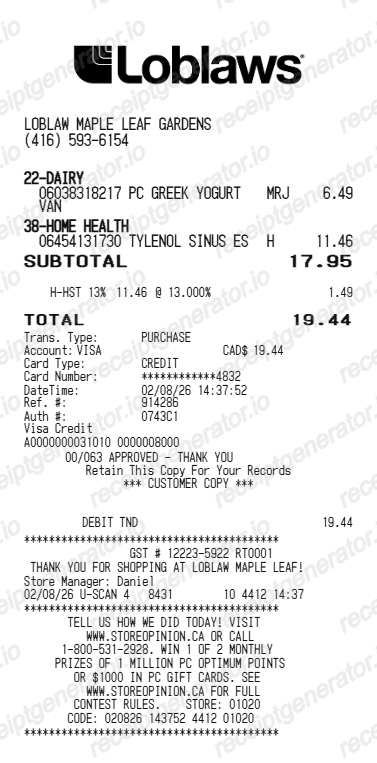
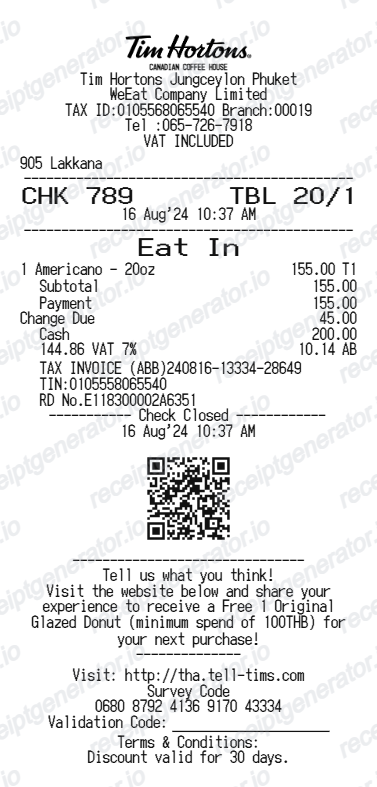
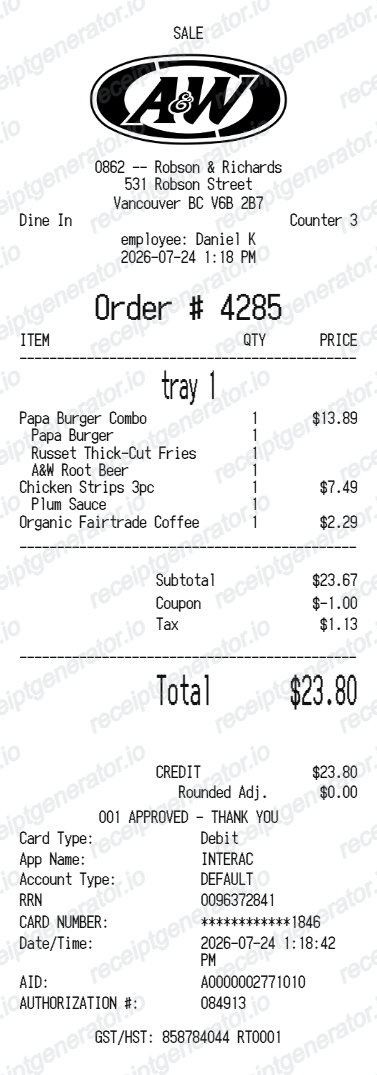
More Canada Receipt Templates
Browse our collection of receipt templates for various purposes.
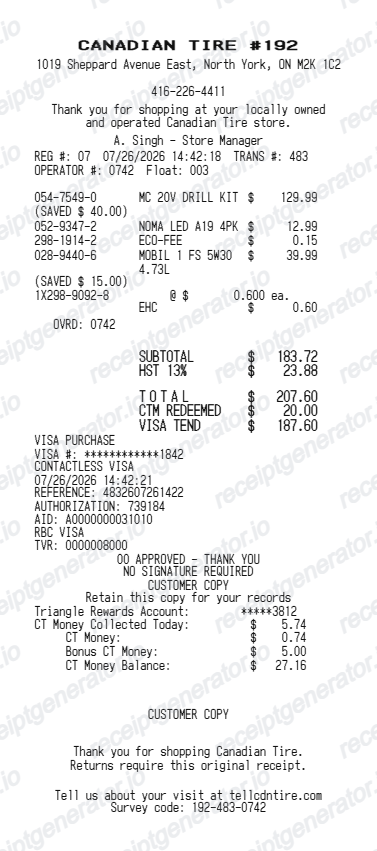
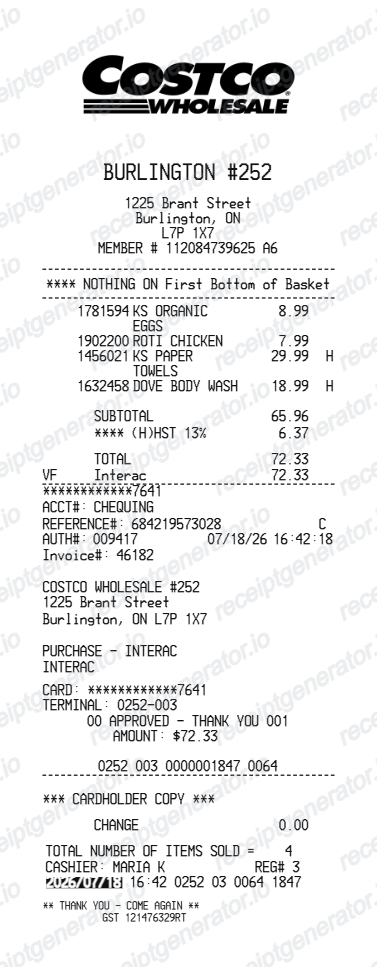
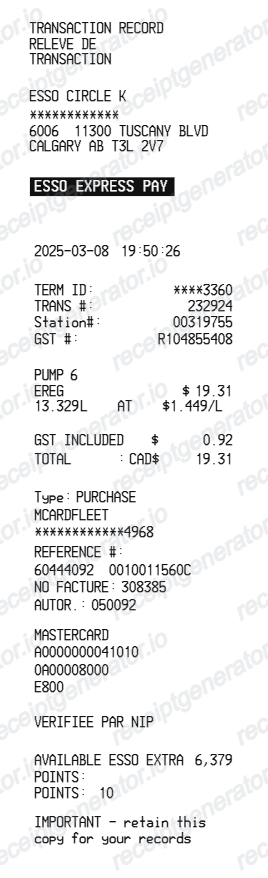
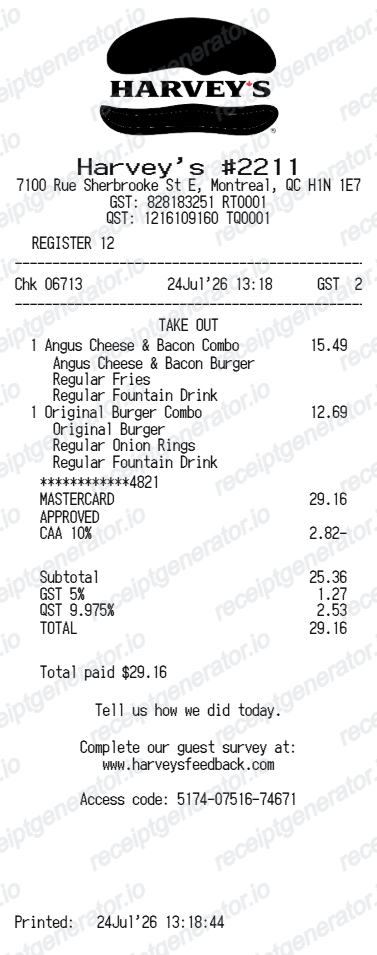
Metro Canada Receipt FAQ
Common questions about creating Metro Canada grocery receipts for personal records, budgeting, and GST/HST documentation in Canada.
Choose the Metro Canada receipt template, edit the store header, add items and prices, set the total and GST/HST, then download the receipt as a PDF.
Yes. Store name, items, prices, metro&moi, barcode digits, and footer text are all editable in the builder.
Yes. You can create and preview Metro Canada receipts for free. Watermark-free PDF downloads are available with paid plans.
If you scanned Moi Rewards (Metro & Moi) at checkout, sign in to the Metro app or website and check your purchase or points history for the transaction. Without a linked account, contact the specific store - Metro does not offer a universal online receipt lookup for in-store purchases without the app.
Quebec did not adopt the federal harmonized sales tax like Ontario and most other provinces, so it still applies its own Quebec Sales Tax (QST) at 9.975% alongside the 5% federal GST. Metro stores in Quebec show both taxes as separate lines, while Ontario stores show one combined 13% HST line.
Yes. The totals section includes a GST/HST-inclusive total to match the format on Canada Metro Canada receipts.
Yes. The Metro Canada receipt template is configured with the $ symbol and GST/HST-style Canada receipt details.
Yes. After editing the details, preview and download the Metro Canada-style receipt as a clean PDF for records or budgeting.
A real Metro till receipt shows the store number and address in the header, item lines with prices, tax shown as either combined HST (Ontario) or separate GST and QST lines (Quebec), a Moi Rewards points line if scanned, the payment method, and the till number, date, and time at the footer.
Receipt Generator · Receipt Maker · 300+ Free Templates
Create your Metro Canada receipt
Use the editable Metro Canada receipt generator to add items, GST/HST totals, loyalty text, and barcode details, then export a clean PDF.