Esso Canada Receipt Generator
Create a Esso Canada-style fuel receipt with editable item rows, GST/HST summary, Esso Extra, and payment details. Export a clean PDF in minutes.
Create a Esso Canada-style receipt with fuel items, GST/HST-inclusive totals, Esso Extra, payment, and footer text. Download a PDF for records.

Choose
Esso Canada Receipt selected

Customize
Fill in your details

Download
Save or share receipt
Edit the details once and the preview updates instantly.
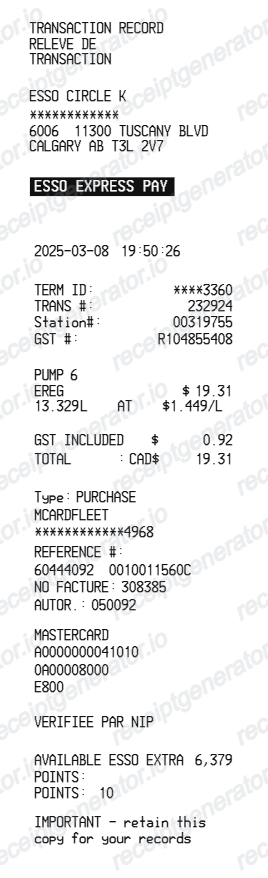
Quick summary
Esso Canada receipt template overview
Use this Esso Canada-style receipt template to build a compact Canada receipt with editable items, GST/HST-inclusive totals, Esso Extra, barcode, and footer text.
What Is on a Real Esso Canada Receipt?
Esso stations in Canada are branded under Imperial Oil, and their pump receipts follow a consistent Canadian fuel-slip structure. The GST/HST treatment and PC Optimum points lines are the details that make one look genuine.
Station header and transaction IDs
The slip opens with the station name and street address, then the date, time, pump number, and a transaction or sequence number the site can use to reprint the sale the same day.
Litres to three decimals at a cents-per-litre price
Canadian fuel is metered in litres, so a real receipt shows something like 42.315 L of Regular, Extra, Supreme+, or Diesel at a price per litre in cents, with federal and provincial fuel excise taxes already built into that pump price.
GST or HST by province
The tax line depends on where you filled up: 5% GST in provinces like Alberta, 13% HST in Ontario, 15% HST in the Atlantic provinces, and GST plus QST in Quebec. Receipts used for business fuel claims should show this tax amount and the registration number.
PC Optimum points, not Esso Extra
The Esso Extra program ended in January 2022, replaced by PC Optimum. Members earn 10 points per litre on fuel and 10 points per dollar on eligible convenience and car wash purchases, and the receipt prints the points activity when a card or app barcode is scanned.
Redemptions applied after tax
Redeeming 4,000 PC Optimum points takes 10 cents per litre off up to 40 litres, but taxes are payable on the full purchase price before the reward is applied - so a genuine redemption receipt shows the discount as a separate deduction, not a lower pump price.
App and card payment details
Pay-in-app fills through the Esso and Mobil app store a digital receipt in the app, while pay-at-pump card receipts print the masked card number and authorization code above the footer messaging.
Create a print-ready Esso Canada fuel receipt
Edit the layout, watch it update live, then print, download PDF, or email.
Live Esso Canada receipt preview
See the Esso Canada receipt update instantly as you edit items, totals, GST/HST, and messages.
PDF download
Export a clean Esso Canada-style receipt PDF for digital or printed records.
Mobile-friendly editor
Create and edit Esso Canada receipts from desktop, tablet, or phone.
Esso Extra and GST/HST support
Customise loyalty text, GST/HST totals, barcode digits, and footer messaging.
Get Your Original Esso Canada Receipt First
If you paid through the Esso and Mobil app, the digital receipt is saved in the app's transaction history, and PC Optimum members can confirm the date, station, and points earned for each fill in the PC Optimum app. For pump purchases, the attendant can reprint the transaction the same day. Use this template when the original is unavailable - a skipped pump slip, a faded thermal print, or a fill from a station you cannot return to.
Budget tracking
Keep a clear itemised record of Esso Canada spending.
Lost receipt recreation
Recreate a Esso Canada receipt-style document from your purchase details.
GST/HST expense documentation
Prepare a receipt record with GST/HST for reimbursement or bookkeeping.
Esso Canada Receipt Formats
Use the Esso Canada-style format that best matches your recordkeeping needs.
Standard Receipt
A Esso Canada-style receipt with item rows and payment details.
Esso Extra Receipt
A Esso Canada receipt layout with loyalty points and promotional footer messaging.
GST/HST Receipt
A Esso Canada-style receipt configured with CAD currency and a GST/HST summary for Canada records.
Related Guides
Explore related guides to understand the receipt details, lookup steps, and documentation workflows.
Related fuel purchase records templates
More free receipt templates for Canada fuel shopping and retail expense records.
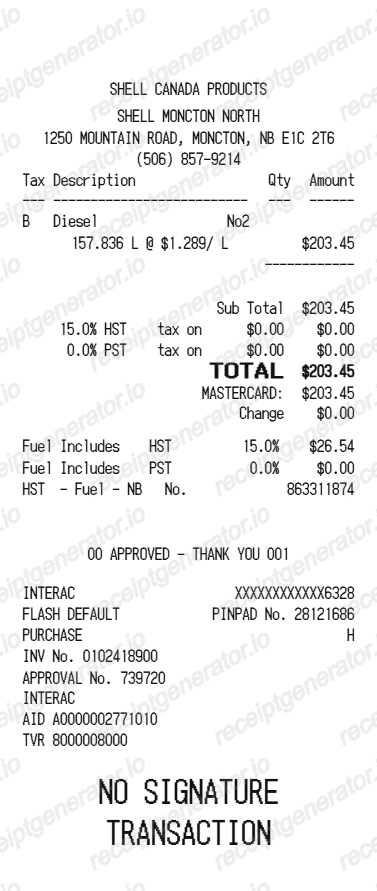
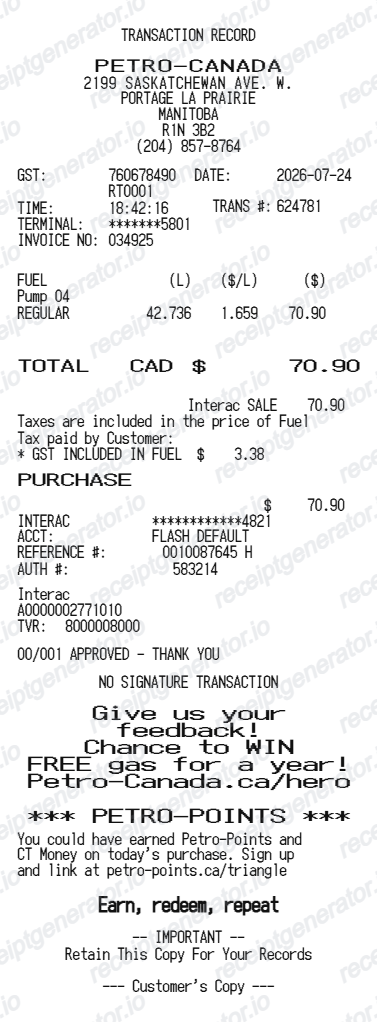
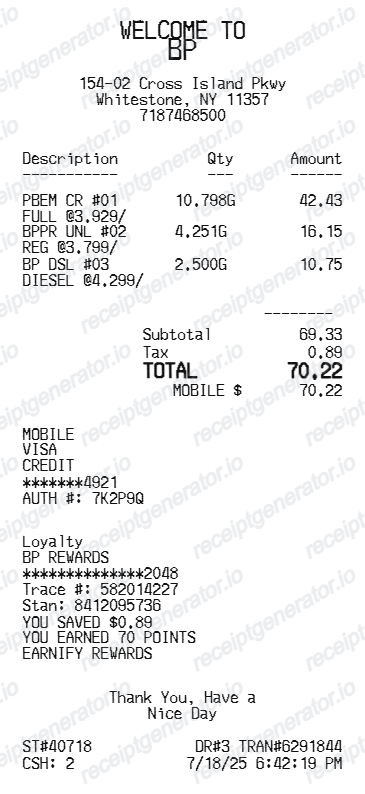
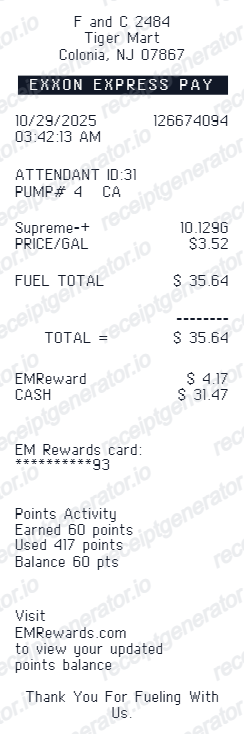
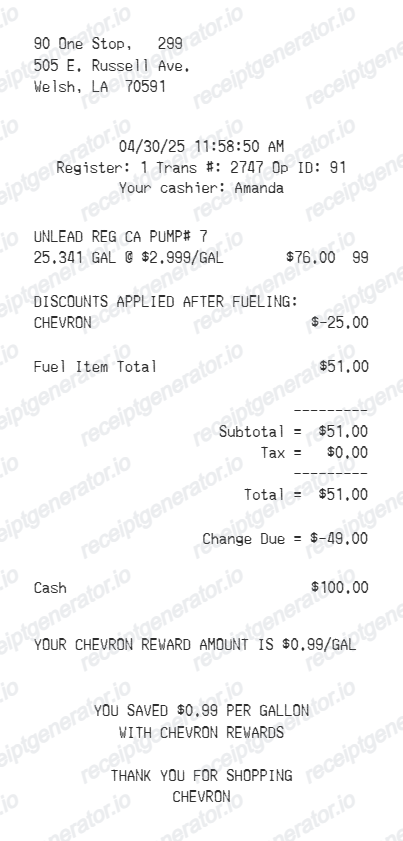
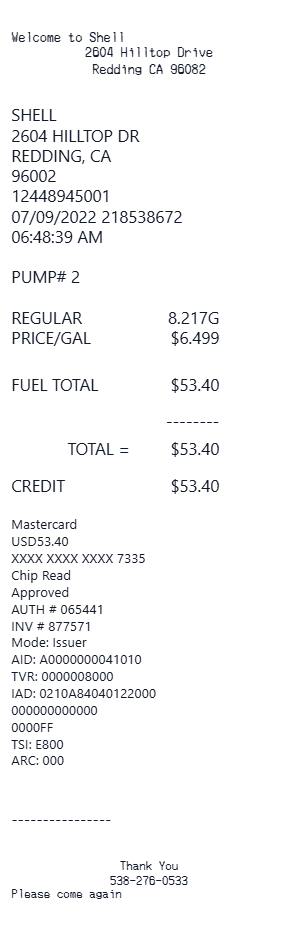
More Canada Receipt Templates
Browse our collection of receipt templates for various purposes.
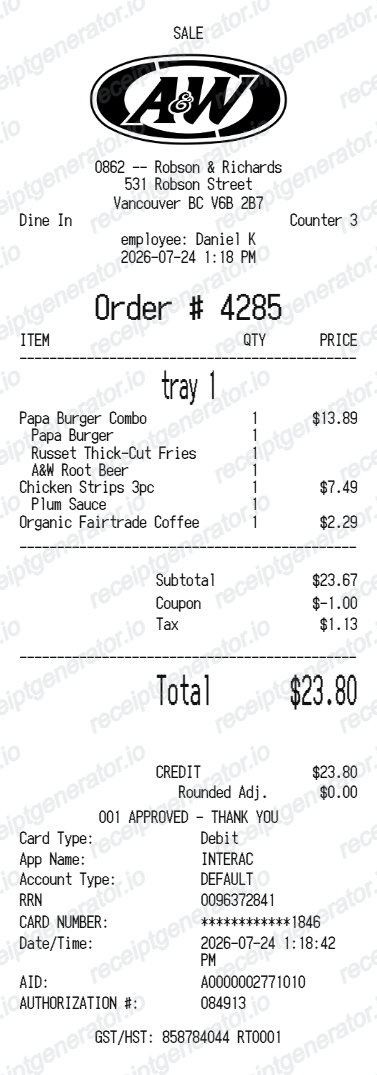
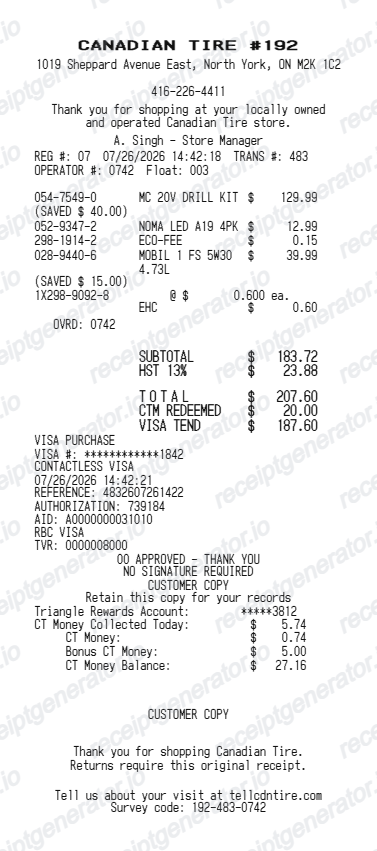
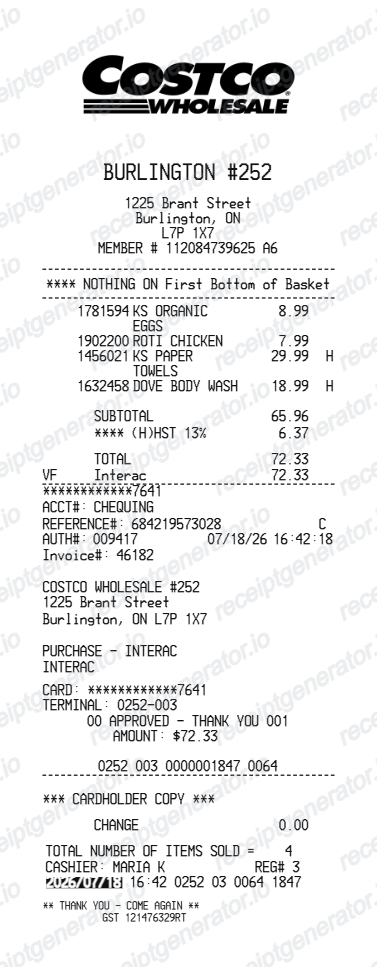
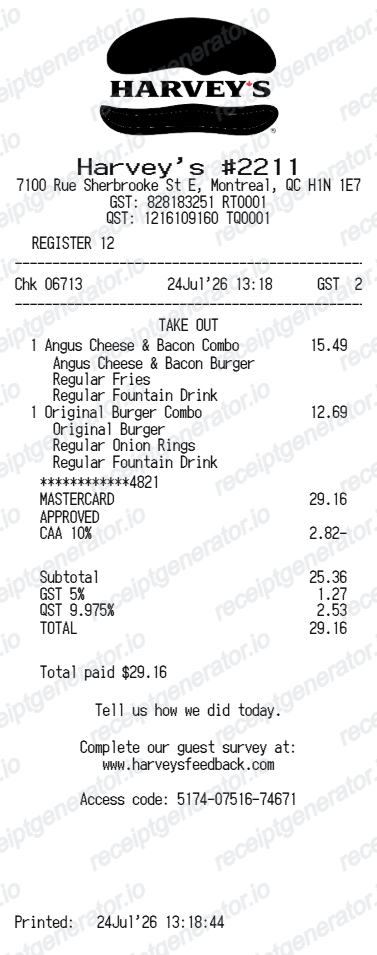
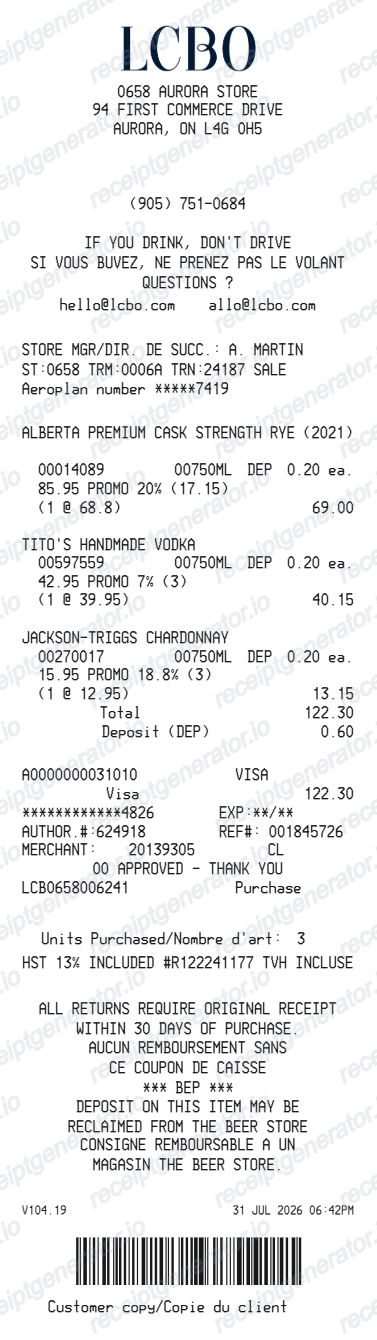
Esso Canada Receipt FAQ
Common questions about creating Esso Canada fuel receipts for personal records, budgeting, and GST/HST documentation in Canada.
Choose the Esso Canada receipt template, edit the store header, add items and prices, set the total and GST/HST, then download the receipt as a PDF.
Yes. Store name, items, prices, esso extra, barcode digits, and footer text are all editable in the builder.
Yes. You can create and preview Esso Canada receipts for free. Watermark-free PDF downloads are available with paid plans.
If you paid through the Esso and Mobil app, the receipt is stored in the app's transaction history. For pump purchases, press yes at the receipt prompt before leaving, or ask the station attendant to reprint the transaction the same day. PC Optimum members can see the points activity for each Esso fill in the PC Optimum app, which confirms the date and station even if the paper slip is gone, and card statements back up the amount.
The Esso Extra program ended in January 2022 and was replaced by PC Optimum, so current receipts reference PC Optimum rather than Esso Extra. Members earn 10 points per litre of fuel and 10 points per dollar on eligible convenience and car wash purchases, and can redeem 4,000 points for 10 cents off per litre on up to 40 litres. When points are redeemed, taxes are still calculated on the full purchase price before the reward is applied - a detail visible on genuine receipts.
Yes. The totals section includes a GST/HST-inclusive total to match the format on Canada Esso Canada receipts.
Yes. The Esso Canada receipt template is configured with the $ symbol and GST/HST-style Canada receipt details.
Yes. After editing the details, preview and download the Esso Canada-style receipt as a clean PDF for records or budgeting.
A real Esso Canada receipt is a narrow thermal slip showing the station name and address, the date, time, and transaction number, the pump number and fuel grade (Regular, Extra, Supreme+, or Diesel), litres dispensed to three decimals, the price per litre in cents, and the total. The tax line shows GST or HST depending on the province, PC Optimum scans print a points line, and card payments add masked digits with an authorization code.
Receipt Generator · Receipt Maker · 300+ Free Templates
Create your Esso Canada receipt
Use the editable Esso Canada receipt generator to add items, GST/HST totals, loyalty text, and barcode details, then export a clean PDF.