Mitre 10 Receipt Generator and Recovery Guide
Create a Mitre 10-style personal record or request help finding an original purchase using the store, date, total, docket, order, or Airpoints details.
Build an editable Mitre 10-style record and learn which transaction details to provide when an original NZ receipt is lost.

Choose
Mitre 10 Receipt selected

Customize
Fill in your details

Download
Save or share receipt
Edit the details once and the preview updates instantly.
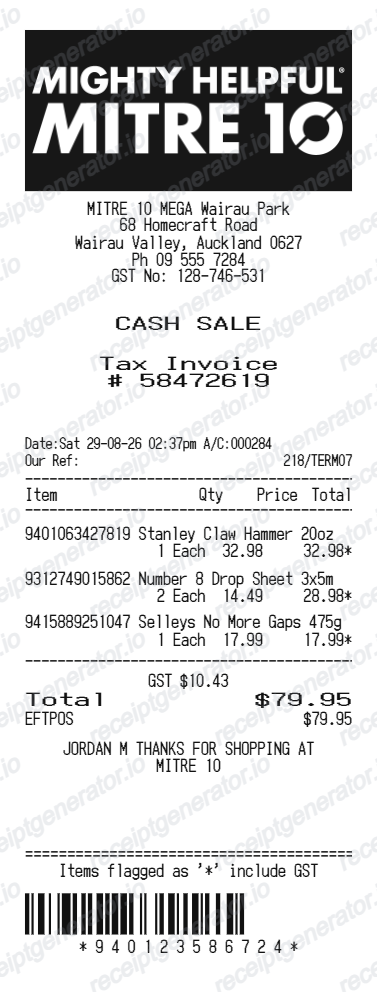
Get Your Original Mitre 10 Receipt First
Use Mitre 10's contact form and select the lost-receipt option. Provide the store, date, approximate total, and payment details; include a docket number, order number, or Airpoints details when available. Trade customers should also check their account records. Use this generator only for personal reconstruction, not official proof.
Receipt retrieval and source guidance
Budget tracking
Keep a clear itemised record of Mitre 10 spending.
Lost receipt recreation
Recreate a Mitre 10 receipt-style document from your purchase details.
Project cost tracking
Organise item and GST-inclusive project costs while retaining the store-issued receipt or trade invoice for formal use.
Mitre 10 Receipt Formats
Use the Mitre 10-style format that best matches your recordkeeping needs.
Standard Receipt
A Mitre 10-style receipt with item rows and payment details.
Airpoints Receipt
A Mitre 10 receipt layout with loyalty points and promotional footer messaging.
GST Record Layout
A Mitre 10-style record with NZD and a GST summary for internal use, not a store-issued tax document.
Quick summary
Mitre 10 receipt template overview
Use this Mitre 10-style template for budgeting or reconstruction. For an original record, submit the store, date, total, payment, docket, order, or Airpoints details through Mitre 10's contact channel.
What Is on a Real Mitre 10 Receipt?
Mitre 10 is a co-operative of independently owned stores trading under one banner, so receipts share a common layout but each store prints its own trading name and GST number.
Independently owned store, shared banner
Mitre 10 operates as a co-operative of around 80-plus locally owned and operated stores across New Zealand. The receipt header shows the specific store's trading name and address, not a single central head-office entity, because each store is its own business.
GST at 15%, shown as a tax invoice
New Zealand prices are generally GST-inclusive. For tax records, retain the merchant-issued receipt or invoice containing the required supplier and transaction information.
Mitre 10 Club instead of a points card
Mitre 10 does not run a traditional swipe-card loyalty program. The Mitre 10 Club gives members exclusive offers and promotions linked to a phone number at checkout, and customers can also earn or redeem Air New Zealand Airpoints on qualifying purchases.
Trade account line items
Trade customers with a Mitre 10 Trade account get receipts or account statements that reference an account number and PO reference rather than a one-off retail payment, useful for builders and contractors reconciling job costs.
SKU and product codes on building materials
Hardware and building-material lines typically show a product or SKU code alongside the description, since many items (timber lengths, fasteners, paint tint codes) need an exact code to reorder or return correctly.
Keep the official tax record
Businesses should apply current IRD recordkeeping rules and retain the Mitre 10-issued receipt, invoice, or trade statement rather than a reconstructed template.
Create a print-ready Mitre 10 retail receipt
Edit the layout, watch it update live, then print, download PDF, or email.
Live Mitre 10 receipt preview
See the Mitre 10 receipt update instantly as you edit items, totals, GST, and messages.
PDF download
Export a clean Mitre 10-style receipt PDF for digital or printed records.
Mobile-friendly editor
Create and edit Mitre 10 receipts from desktop, tablet, or phone.
Airpoints and GST support
Customise loyalty text, GST totals, barcode digits, and footer messaging.
More free receipt templates for New Zealand retail shopping and retail expense records.
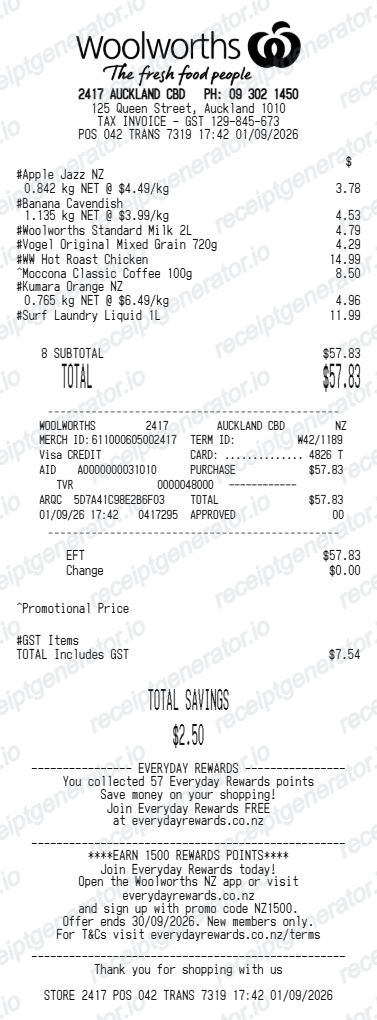
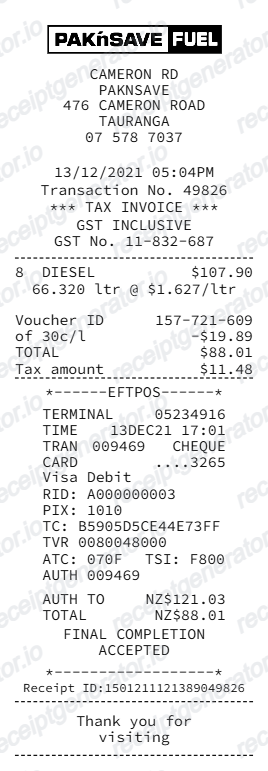
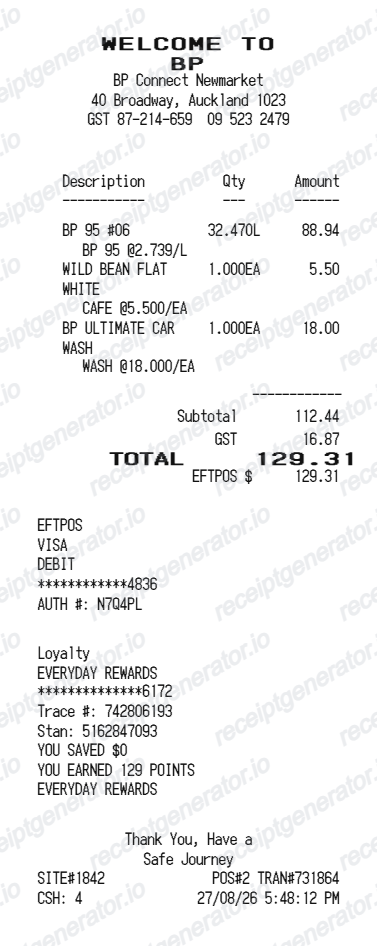
More New Zealand Receipt Templates
Browse our collection of receipt templates for various purposes.
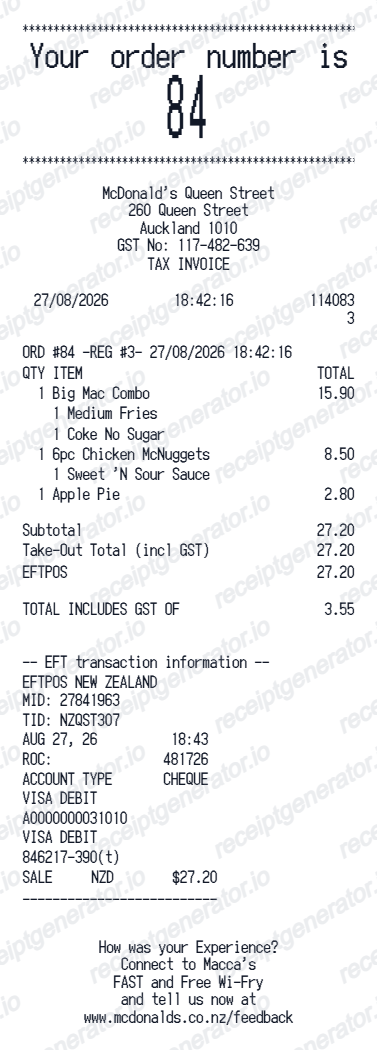
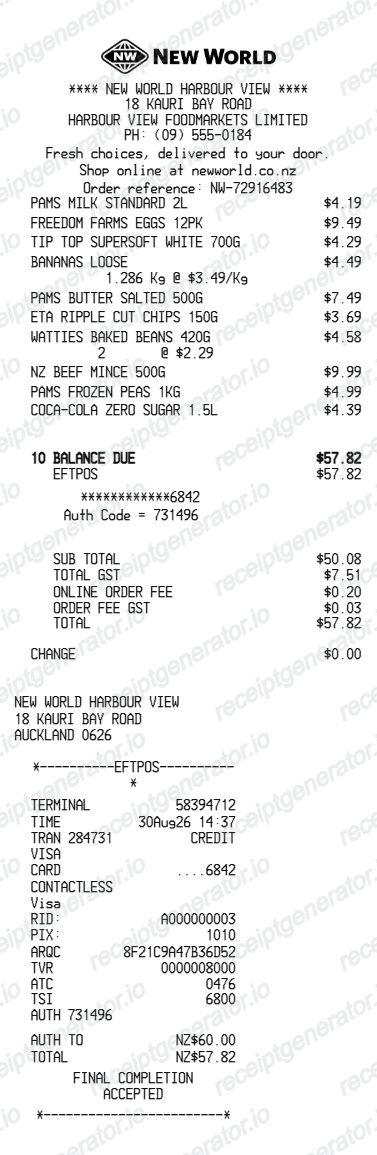
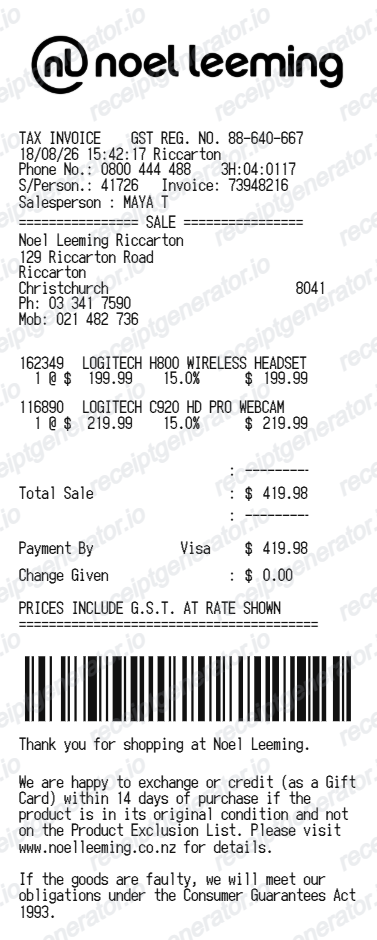
Mitre 10 Receipt FAQ
Common questions about creating Mitre 10 retail receipts for personal records, budgeting, and GST documentation in New Zealand.
Choose the Mitre 10 receipt template, edit the store header, add items and prices, set the total and GST, then download the receipt as a PDF.
Yes. Store name, items, prices, airpoints, barcode digits, and footer text are all editable in the builder.
Yes. You can create and preview Mitre 10 receipts for free. Watermark-free PDF downloads are available with paid plans.
Use Mitre 10's lost-receipt contact option and provide the store, date, approximate total, and payment details. A docket number, online order number, or Airpoints details can help. Trade customers should also check their account invoices or statements. Retrieval depends on the store records available.
Use the original Mitre 10 receipt or tax invoice and follow current IRD taxable-supply information and retention rules. The generated template can track costs but is not issued by the store and cannot support a GST claim.
Yes. The totals section includes a GST-inclusive total to match the format on New Zealand Mitre 10 receipts.
Yes. The Mitre 10 receipt template is configured with the $ symbol and GST-style New Zealand receipt details.
Yes. After editing the details, preview and download the Mitre 10-style receipt as a clean PDF for records or budgeting.
A real Mitre 10 receipt shows that specific store's trading name, address, and GST number, followed by item lines with product or SKU codes, the subtotal, GST calculated at 15% (shown as a separate line or included in the total), and the payment method.
Receipt Generator · Receipt Maker · 300+ Free Templates
Create your Mitre 10 receipt
Use the editable Mitre 10 receipt generator to add items, GST totals, loyalty text, and barcode details, then export a clean PDF.