New World Receipt Generator and Club+ Guide
Create a New World-style grocery record, then use the store and Club+ guidance when you need the original purchase evidence.
Build an editable New World-style receipt for personal records and learn where to check for an original New Zealand store purchase record.

Choose
New World Receipt selected

Customize
Fill in your details

Download
Save or share receipt
Edit the details once and the preview updates instantly.
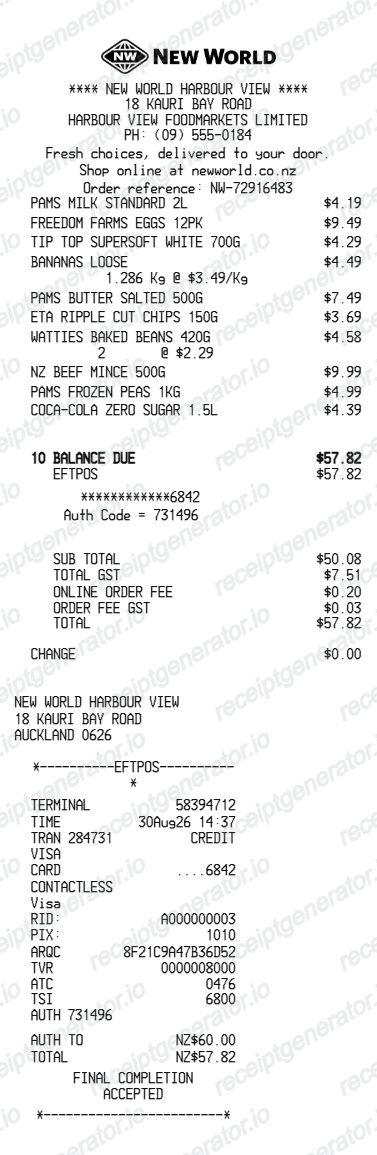
Get Your Original New World Receipt First
Start with the New World store where you shopped. Share the date, approximate time, total, payment details, and Club+ information if it was scanned. Club+ activity or a bank record can help identify the transaction, but only the store can confirm what itemised record is available. The generated template is for personal records, not official proof.
Receipt retrieval and source guidance
Source guidance
Official New World Club+ guide
Review how the current Club+ account works and where to manage membership activity.
Open Official New World Club+ guideSource guidance
Official New World returns information
Check the store's current proof and return guidance before seeking a replacement purchase record.
Open Official New World returns informationBudget tracking
Keep a clear itemised record of New World spending.
Lost receipt recreation
Recreate a New World receipt-style document from your purchase details.
GST cost tracking
Record GST-inclusive grocery costs for bookkeeping while retaining the original store document for formal claims.
New World Receipt Formats
Use the New World-style format that best matches your recordkeeping needs.
Standard Receipt
A New World-style receipt with item rows and payment details.
Club+ Receipt Layout
A New World receipt layout with loyalty points and promotional footer messaging.
GST Record Layout
A New World-style record with NZD and a GST summary for bookkeeping, not a store-issued tax document.
Related Guides
Explore related guides to understand the receipt details, lookup steps, and documentation workflows.
Quick summary
New World receipt template overview
Use this New World-style template for budgeting or layout reconstruction. Contact the store with transaction and Club+ details when you need an original itemised receipt or proof of purchase.
What Is on a Real New World Receipt?
New World receipts reflect New Zealand pricing, local store details, payment information, and current Club+ activity. The generator recreates the layout for personal records; the store-issued docket remains the authoritative document.
GST at 15%, included in prices
New Zealand retail prices are generally GST-inclusive. Businesses should retain the original receipt or tax invoice and apply current IRD taxable-supply information rules.
Current Club+ loyalty details
Current New World purchases can include Club+ member activity and personalised offers when the account is scanned. Older records may still use previous loyalty branding.
Owner-operator entity in the header
Each New World store is independently owned and operated under the Foodstuffs North Island or South Island cooperative, so the receipt header shows the local owner's company details (often 'New World [Suburb]') rather than a single national chain entity.
Cash rounding lines
Because New Zealand withdrew its 1c, 2c, and 5c coins, cash transactions are rounded to the nearest 10 cents and the rounding adjustment prints as its own line. Card payments show the exact un-rounded total.
EFTPOS payment details
EFTPOS is the default payment method in NZ groceries, so receipts commonly include a terminal section with the masked card number, account type (cheque or savings), and an accepted response - distinct from credit card slips.
Lane, operator, and docket number
New World dockets print the checkout lane number, operator name or ID, docket number, and date and time, plus the store's local phone number for queries or price checks.
Create a print-ready New World grocery receipt
Edit the layout, watch it update live, then print, download PDF, or email.
Live New World receipt preview
See the New World receipt update instantly as you edit items, totals, GST, and messages.
PDF download
Export a clean New World-style receipt PDF for digital or printed records.
Mobile-friendly editor
Create and edit New World receipts from desktop, tablet, or phone.
Club+ and GST support
Customise loyalty text, GST totals, barcode digits, and footer messaging.
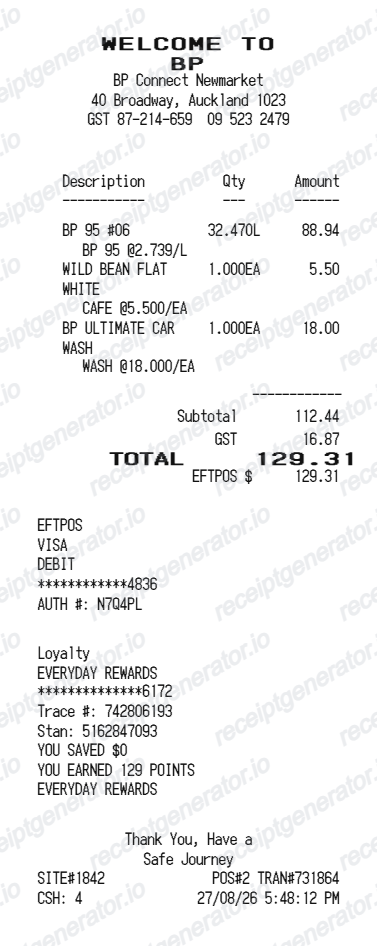
More free receipt templates for New Zealand grocery shopping and retail expense records.
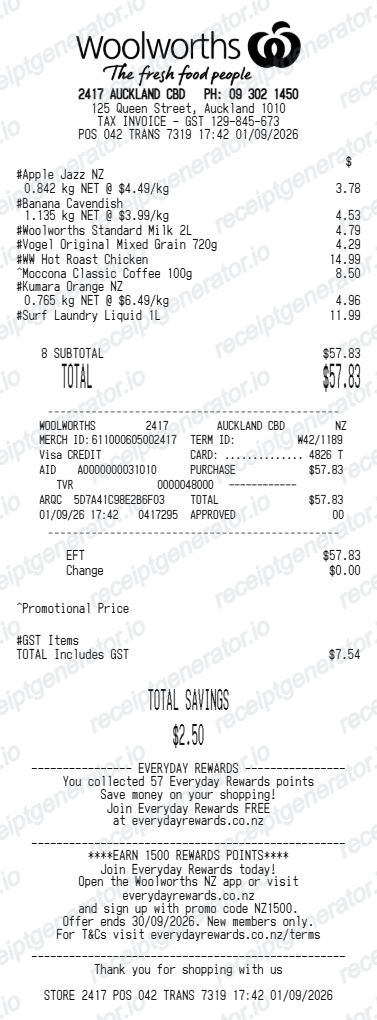
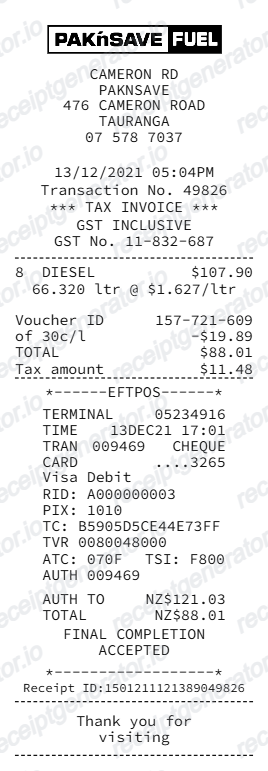
More New Zealand Receipt Templates
Browse our collection of receipt templates for various purposes.
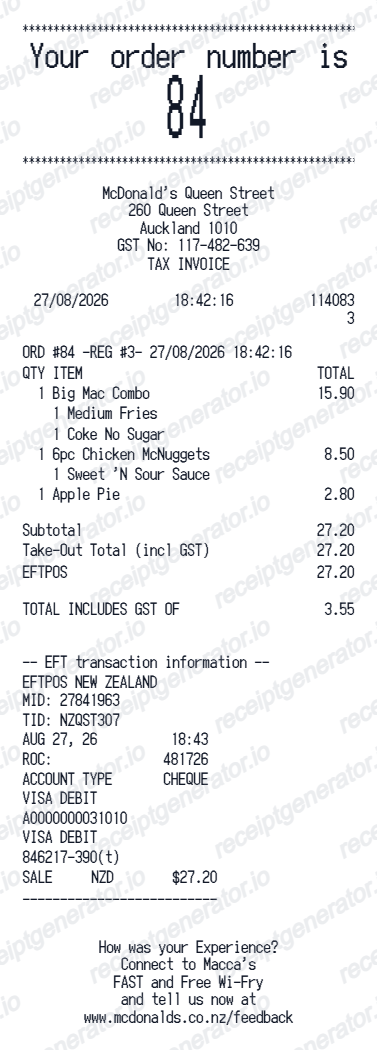
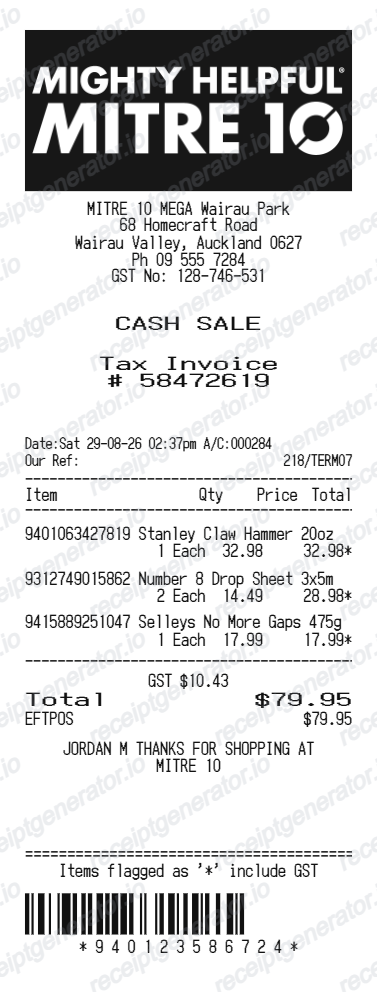
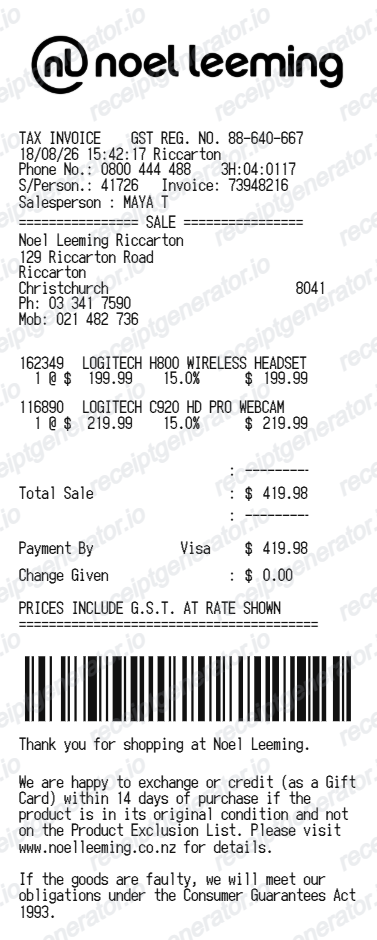
New World Receipt FAQ
Common questions about creating New World grocery receipts for personal records, budgeting, and GST documentation in New Zealand.
Choose the New World receipt template, edit the store header, add items and prices, set the total and GST, then download the receipt as a PDF.
Yes. Store name, items, prices, Club+ text, barcode digits, and footer text are editable in the builder.
Yes. You can create and preview New World receipts for free. Watermark-free PDF downloads are available with paid plans.
Start with the specific New World store and provide the purchase date, approximate time, total, lane or payment details, and your Club+ information if it was scanned. Club+ activity and a bank record can help identify a purchase, but they are not necessarily an itemised receipt. Ask the store what original record it can retrieve.
Use the original New World receipt or tax invoice and check the current IRD taxable-supply information requirements for your purchase. A generated template is not issued by New World and cannot establish a GST claim.
Yes. The totals section includes a GST-inclusive total to match the format on New Zealand New World receipts.
Yes. The New World receipt template is configured with the $ symbol and GST-style New Zealand receipt details.
Yes. After editing the details, preview and download the New World-style receipt as a clean PDF for records or budgeting.
A real New World docket shows the local owner-operator's store name and details in the header, item lines at GST-inclusive prices, a note that 15% GST is included, any loyalty line from a scanned Club+ card, a cash rounding line on cash sales, EFTPOS terminal details on card sales, and the lane, operator, docket number, date, and time.
Receipt Generator · Receipt Maker · 300+ Free Templates
Create your New World receipt
Use the editable New World receipt generator to add items, GST totals, loyalty text, and barcode details, then export a clean PDF.