Officeworks Receipt Generator
Build an editable Officeworks-style receipt with office, technology or print items, SKU lines, business details, payment, and GST totals. Preview the Australian layout before downloading a PDF.
Create a Officeworks-style receipt with retail items, GST-inclusive totals, Rewards, payment, and footer text. Download a PDF for records.

Choose
Officeworks Receipt selected

Customize
Fill in your details

Download
Save or share receipt
Edit the details once and the preview updates instantly.
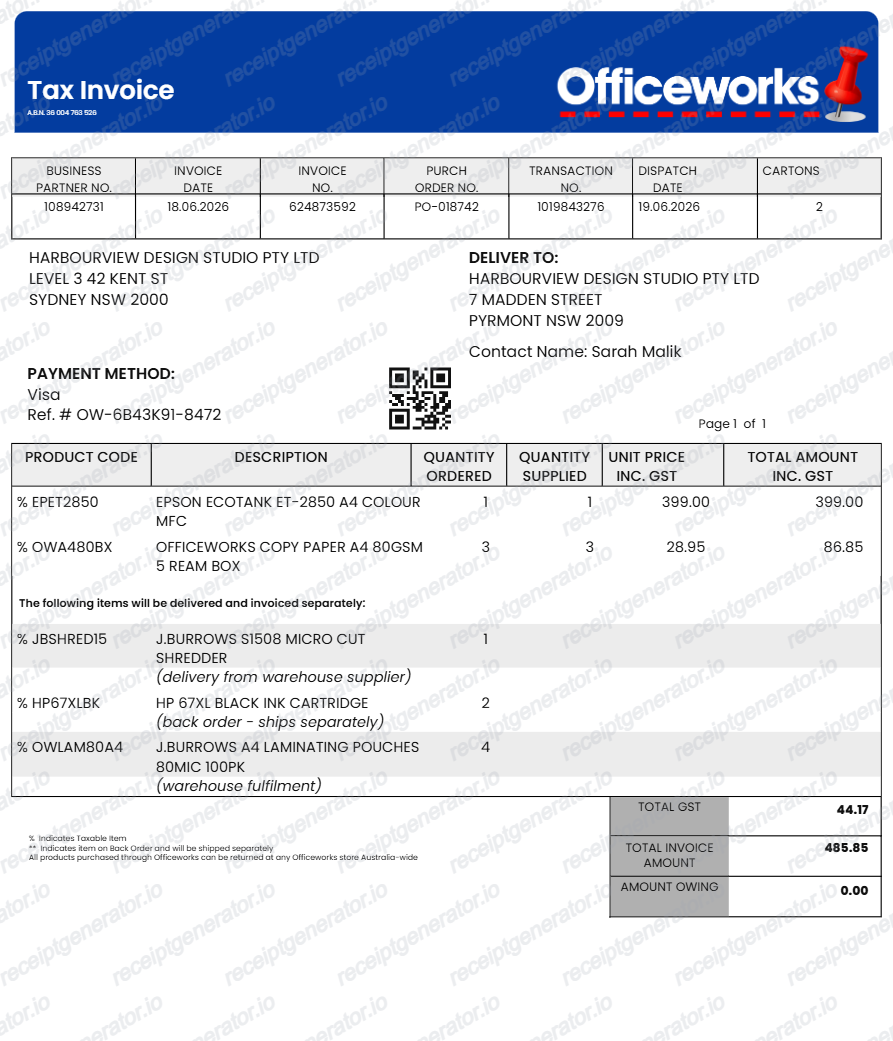
Quick summary
Officeworks receipt template overview
Use this Officeworks-style receipt template to build a compact Australia receipt with editable items, GST-inclusive totals, Rewards, barcode, and footer text.
What Is on a Real Officeworks Receipt?
Officeworks is part of the Wesfarmers group (alongside Bunnings and Kmart), so its receipts follow the same Australian GST tax invoice rules while carrying details specific to the Price Beat Guarantee and Flybuys loyalty program.
Price Beat Guarantee reference
Officeworks will beat a competitor's price on an identical, stocked item by 5%. When a price beat is applied at the register, the receipt reflects the adjusted price rather than the standard shelf price.
Flybuys points, not a store-only program
As a Wesfarmers business, Officeworks runs on the shared Flybuys loyalty program rather than its own points scheme. Receipts show Flybuys points earned when a member's card or phone number is scanned at checkout.
GST tax invoice format
Officeworks receipts function as Australian GST tax invoices, showing the ABN, a GST amount included in the total, and item descriptions - required in full for any taxable sale over $82.50 if the customer requests one.
30-day change-of-mind window on the receipt date
Officeworks accepts change-of-mind returns within 30 days of purchase with proof of purchase (register receipt, tax invoice, or card statement); the purchase date printed on the receipt is what the 30-day window is measured from.
Store number and register/POS number
In-store receipts print a store number and register number in the header - staff use these along with the date and card details to retrieve a transaction when a customer needs a reprint.
Mixed retail and print/copy line items
Because Officeworks sells stationery, tech, and furniture alongside in-store printing and copying services, a single receipt can list retail products and print-job charges together on the same transaction.
Create a print-ready Officeworks retail receipt
Edit the layout, watch it update live, then print, download PDF, or email.
Live Officeworks receipt preview
See the Officeworks receipt update instantly as you edit items, totals, GST, and messages.
PDF download
Export a clean Officeworks-style receipt PDF for digital or printed records.
Mobile-friendly editor
Create and edit Officeworks receipts from desktop, tablet, or phone.
Rewards and GST support
Customise loyalty text, GST totals, barcode digits, and footer messaging.
Looking for an Officeworks receipt or receipt copy?
If you need retailer-issued proof, first check the purchase email and the account or app used for the transaction, then contact Officeworks. Use this editable layout only for legitimate personal records based on details you already know.
Budget tracking
Keep a clear itemised record of Officeworks spending.
Lost receipt recreation
Recreate a Officeworks receipt-style document from your purchase details.
GST expense documentation
Prepare a receipt record with GST for reimbursement or bookkeeping.
Officeworks receipt formats for Australian records
Choose from standard retail, business purchase, and GST-aware record formats according to the confirmed transaction details and the record you need to organise.
Standard Receipt
A Officeworks-style receipt with item rows and payment details.
Rewards Receipt
A Officeworks receipt layout with loyalty points and promotional footer messaging.
GST Receipt
A Officeworks-style receipt configured with AUD currency and a GST summary for Australia records.
More free receipt templates for Australia retail shopping and retail expense records.
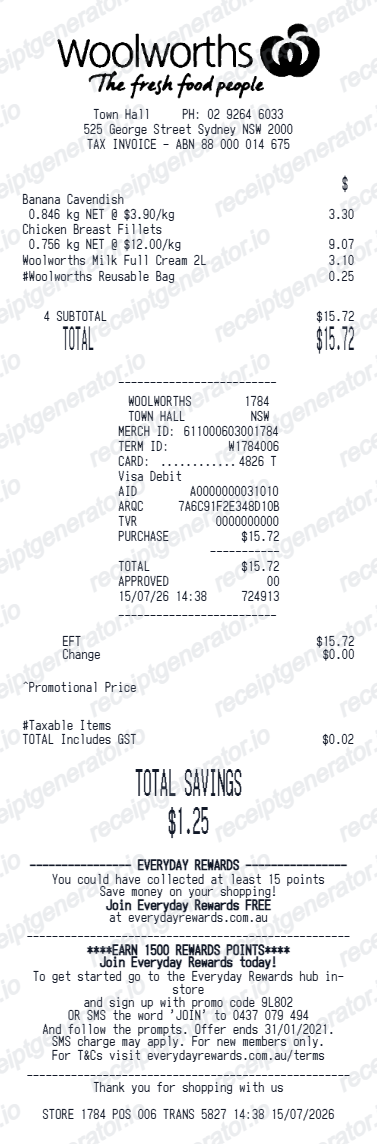

More Australia Receipt Templates
Browse our collection of receipt templates for various purposes.
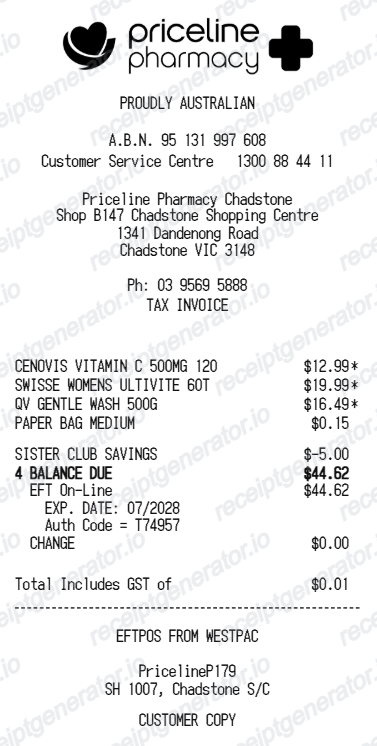
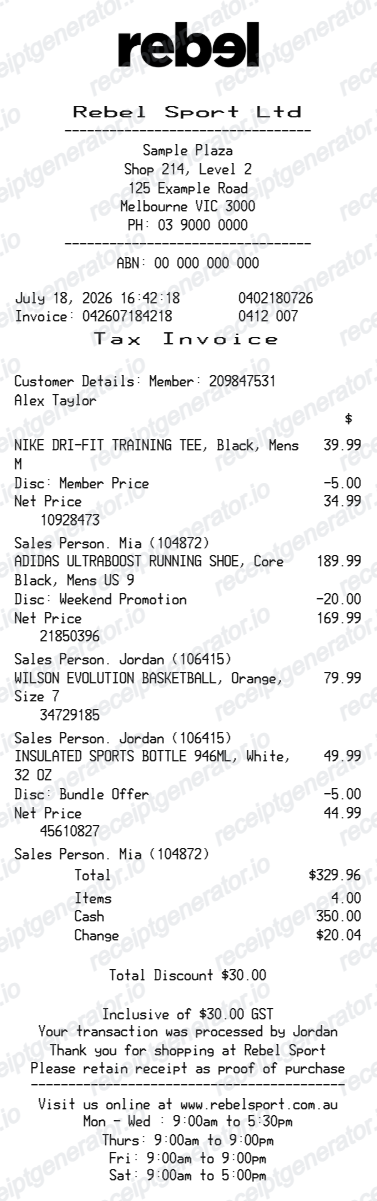
Officeworks Receipt FAQ
Common questions about creating Officeworks retail receipts for personal records, budgeting, and GST documentation in Australia.
Check the purchase email and the retailer account or app used for the transaction, then contact Officeworks if the original is unavailable. This editable template is not retailer-issued proof of purchase.
Choose the Officeworks receipt template, edit the store header, add items and prices, set the total and GST, then download the receipt as a PDF.
Yes. Store name, items, prices, rewards, barcode digits, and footer text are all editable in the builder.
Yes. You can create and preview Officeworks receipts for free. Watermark-free PDF downloads are available with paid plans.
If you have a Flybuys card linked to the purchase, staff at any Officeworks store can often look up the transaction using your card, phone number, or approximate purchase date. Online orders have an emailed tax invoice available in your account order history at officeworks.com.au.
Use confirmed transaction information such as office, technology or print items, SKU lines, business details, payment, and GST totals. Only include details that match the purchase you are documenting.
Yes. The totals section includes a GST-inclusive total to match the format on Australia Officeworks receipts.
Yes. The Officeworks receipt template is configured with the $ symbol and GST-style Australia receipt details.
Yes. After editing the details, preview and download the Officeworks-style receipt as a clean PDF for records or budgeting.
A real Officeworks receipt shows the store and register number, each item with its price (including any Price Beat Guarantee adjustment applied), Flybuys points earned if a member card was scanned, the GST amount included in the total, and the payment method.
Receipt Generator · Receipt Maker · 300+ Free Templates
Create your Officeworks receipt record
Add office, technology or print items, SKU lines, business details, payment, and GST totals, review the preview, and export a PDF for work expense records, warranty preparation, returns, or project budgeting.