Supercheap Auto Receipt Generator
Build an editable Supercheap Auto-style receipt with automotive products, SKU or part references, Club Plus details, discounts, payment, and GST totals. Preview the Australian layout before downloading a PDF.
Create a Supercheap Auto-style receipt with fuel items, GST-inclusive totals, Club Plus, payment, and footer text. Download a PDF for records.

Choose
Supercheap Auto Receipt selected

Customize
Fill in your details

Download
Save or share receipt
Edit the details once and the preview updates instantly.
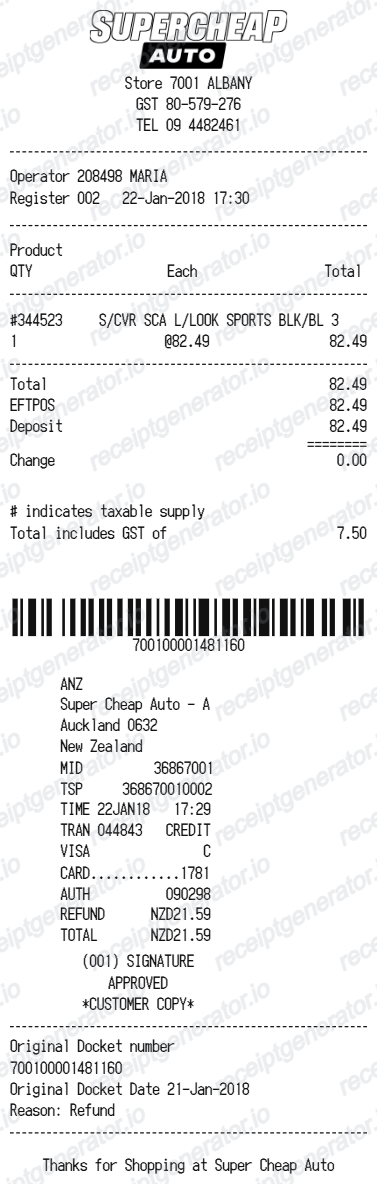
Quick summary
Supercheap Auto receipt template overview
Use this Supercheap Auto-style receipt template to build a compact Australia receipt with editable items, GST-inclusive totals, Club Plus, barcode, and footer text.
What Is on a Real Supercheap Auto Receipt?
Supercheap Auto receipts follow Australian tax invoice conventions and are tightly linked to the retailer's Club membership program. Here is what the original shows.
Tax invoice with ABN
Australian retail receipts double as tax invoices when they show the words Tax Invoice, the seller's name and ABN, the date, a description of the goods, and the GST amount or a statement that the total includes GST. Supercheap Auto receipts follow this format, which matters for business GST credit claims.
10% GST shown in the totals
Auto parts and accessories carry Australia's 10% GST. The receipt shows a GST-inclusive total with a line stating how much GST is included - for purchases over A$82.50 including GST, a compliant tax invoice is required to claim input tax credits.
Club membership linked to the sale
Purchases made on a Supercheap Auto Club account are recorded to the member's purchase history. Club members can return items without a paper receipt by providing their membership details, and Club credits from returns go back onto the membership account.
Part numbers and SKUs on item lines
Auto parts receipts list item codes and part descriptions for things like oil, filters, batteries, and tools. These identifiers matter for warranty claims and for confirming a part matches the vehicle it was bought for.
Store number and contact details
The header shows the individual store's location and phone details, and the receipt carries a transaction or receipt number - the reference Supercheap Auto asks for when processing returns and refund requests.
Proof of purchase alternatives
Supercheap Auto accepts a receipt, a bank statement extract, or Club purchase history as proof of purchase for returns. Without any of these, the store may ask for photo identification before offering an exchange or store credit.
Create a print-ready Supercheap Auto fuel receipt
Edit the layout, watch it update live, then print, download PDF, or email.
Live Supercheap Auto receipt preview
See the Supercheap Auto receipt update instantly as you edit items, totals, GST, and messages.
PDF download
Export a clean Supercheap Auto-style receipt PDF for digital or printed records.
Mobile-friendly editor
Create and edit Supercheap Auto receipts from desktop, tablet, or phone.
Club Plus and GST support
Customise loyalty text, GST totals, barcode digits, and footer messaging.
Need to find a Supercheap Auto receipt?
If you need retailer-issued proof, first check the purchase email and the account or app used for the transaction, then contact Supercheap Auto. Use this editable layout only for legitimate personal records based on details you already know.
Budget tracking
Keep a clear itemised record of Supercheap Auto spending.
Lost receipt recreation
Recreate a Supercheap Auto receipt-style document from your purchase details.
GST expense documentation
Prepare a receipt record with GST for reimbursement or bookkeeping.
Supercheap Auto receipt formats for Australian records
Choose from standard retail, Club Plus-aware, and GST record formats according to the confirmed transaction details and the record you need to organise.
Standard Receipt
A Supercheap Auto-style receipt with item rows and payment details.
Club Plus Receipt
A Supercheap Auto receipt layout with loyalty points and promotional footer messaging.
GST Receipt
A Supercheap Auto-style receipt configured with AUD currency and a GST summary for Australia records.
Related Guides
Explore related guides to understand the receipt details, lookup steps, and documentation workflows.
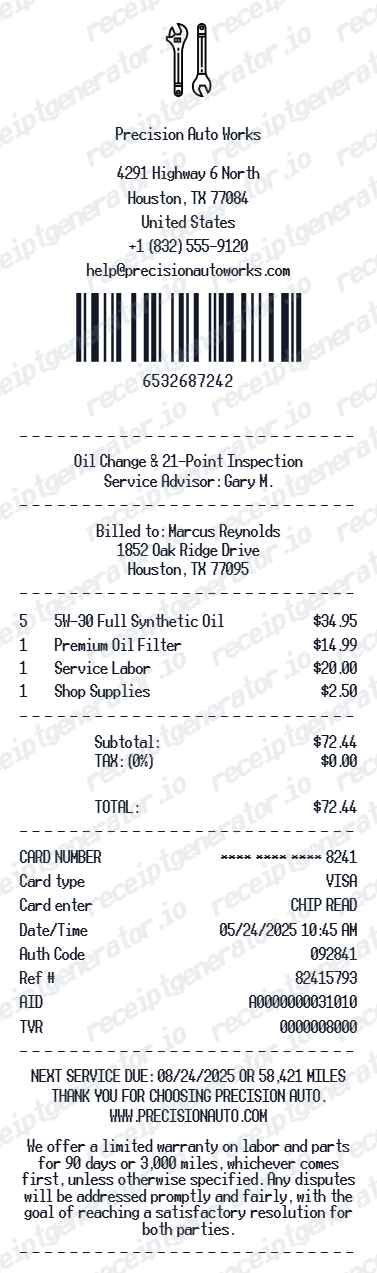
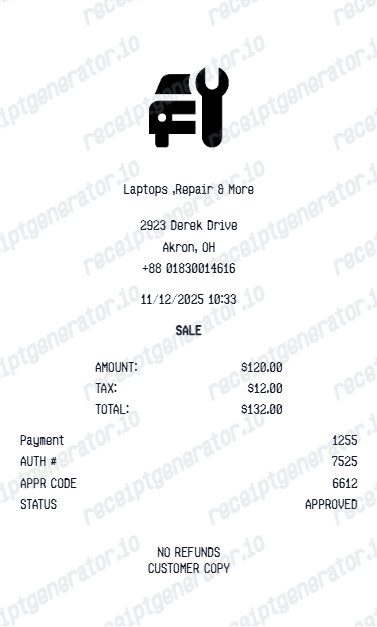
Related vehicle services and repairs templates
More free receipt templates for Australia fuel shopping and retail expense records.
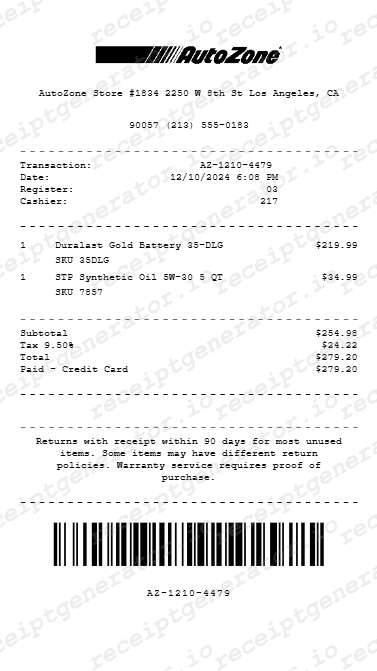
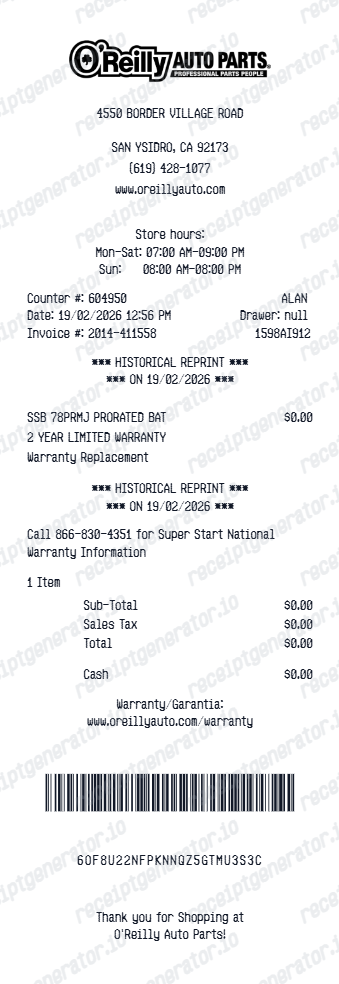
More Australia Receipt Templates
Browse our collection of receipt templates for various purposes.
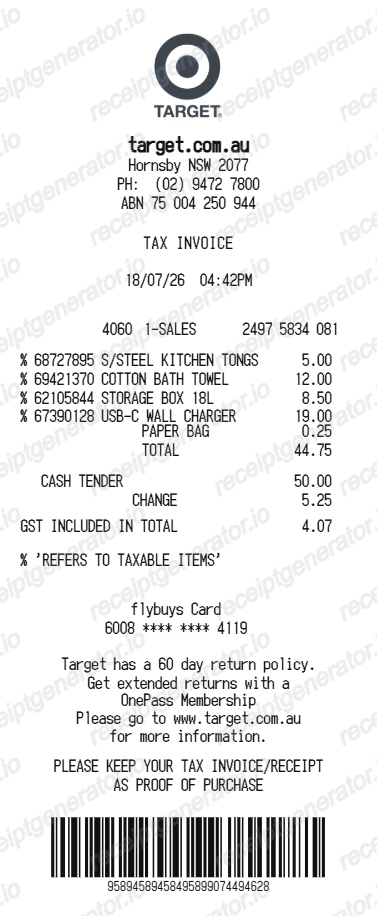
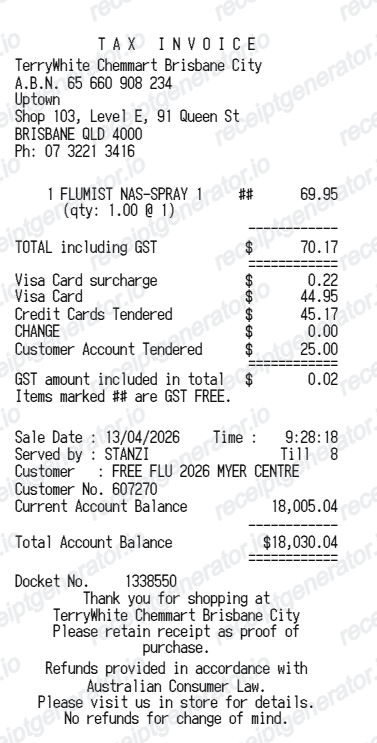

Supercheap Auto Receipt FAQ
Common questions about creating Supercheap Auto fuel receipts for personal records, budgeting, and GST documentation in Australia.
Check the purchase email and the retailer account or app used for the transaction, then contact Supercheap Auto if the original is unavailable. This editable template is not retailer-issued proof of purchase.
Choose the Supercheap Auto receipt template, edit the store header, add items and prices, set the total and GST, then download the receipt as a PDF.
Yes. You can create and preview Supercheap Auto receipts for free. Watermark-free PDF downloads are available with paid plans.
Club members can log into their Club account to view purchase history, or ask a team member in store to look up transactions made on the membership. Trade customers can download invoices from the trade portal. If you were not a member, a bank statement extract showing the transaction is accepted as proof of purchase, or contact the Customer Care Centre on 1300 175 010 for help.
Often yes. If you purchased on your Club account you do not need a paper receipt - your membership details are enough, because the sale is stored in your purchase history. Otherwise a bank statement or transaction history can serve as proof of purchase, and without any proof the store may require photo ID and offer an exchange or store credit at its discretion.
Use confirmed transaction information such as automotive products, SKU or part references, Club Plus details, discounts, payment, and GST totals. Only include details that match the purchase you are documenting.
Yes. The totals section includes a GST-inclusive total to match the format on Australia Supercheap Auto receipts.
Yes. After editing the details, preview and download the Supercheap Auto-style receipt as a clean PDF for records or budgeting.
A real Supercheap Auto receipt is a tax invoice showing the store location, date and time, a receipt or transaction number, item lines with part descriptions and codes, a GST-inclusive total with the GST amount stated, the payment method, and Club membership details when the sale was linked to an account.
Receipt Generator · Receipt Maker · 300+ Free Templates
Create your Supercheap Auto receipt record
Add automotive products, SKU or part references, Club Plus details, discounts, payment, and GST totals, review the preview, and export a PDF for parts warranty preparation, returns, vehicle project costing, or confirmed expenses.