Factura Repsol, Ticket Waylet y Plantilla Editable
Consulta primero Mis movimientos en Waylet para ver el ticket o solicitar la factura. Después, organiza datos verificados de combustible, IVA y pago en una plantilla personal.
Encuentra el ticket o solicita la factura Repsol en Waylet; si solo necesitas un registro personal, organiza litros, precio, IVA, estación y pago verificados.

Choose
Repsol Receipt selected

Customize
Fill in your details

Download
Save or share receipt
Edit the details once and the preview updates instantly.
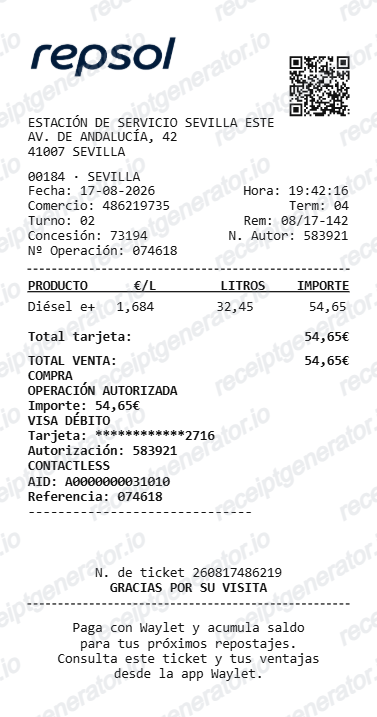
Descarga primero el ticket o la factura Repsol
En Waylet, abre Cuenta > Mis movimientos, selecciona el repostaje y pulsa Ver ticket. Si aparece Solicitar factura carburante, completa los datos y Repsol enviará un enlace de descarga por correo. Si la opción no aparece, solicita la factura en la estación. La plantilla editable es solo un registro personal y no sustituye un ticket o factura de Repsol.
Receipt retrieval and source guidance
Source guidance
Guía oficial: descargar facturas en Waylet
Sigue los pasos de Repsol para abrir el ticket de un repostaje y solicitar la factura por correo.
Open Guía oficial: descargar facturas en WayletSource guidance
Guía oficial: ver movimientos y tickets
Consulta el histórico de operaciones y abre el ticket digital desde Mis movimientos.
Open Guía oficial: ver movimientos y ticketsBudget tracking
Keep a clear itemised record of Repsol spending.
Lost receipt recreation
Recreate a Repsol receipt-style document from your purchase details.
Control personal de combustible e IVA
Organiza litros, precio e IVA verificados para control interno; utiliza la factura emitida por Repsol para contabilidad o impuestos.
Repsol Receipt Formats
Use the Repsol-style format that best matches your recordkeeping needs.
Standard Receipt
A Repsol-style receipt with item rows and payment details.
Waylet Receipt
A Repsol receipt layout with loyalty points and promotional footer messaging.
IVA Receipt
A Repsol-style receipt configured with EUR currency and a IVA summary for Spain records.
Related Guides
Explore related guides to understand the receipt details, lookup steps, and documentation workflows.
Quick summary
Repsol receipt template overview
Use this Repsol-style receipt template to build a compact Spain receipt with editable items, IVA-inclusive totals, Waylet, barcode, and footer text.
What Is on a Real Repsol Receipt?
A Repsol-issued ticket or factura contains issuer, station, fuel, IVA, transaction, and Waylet details. Use these fields to understand the layout without presenting a personal template as tax or merchant-issued evidence.
Ticket and factura details
The merchant-issued ticket identifies the station, date, fuel purchase, total, and transaction reference. Request a formal factura through Waylet when your accounting or tax process requires additional customer and IVA details.
IVA information on the official document
The ticket or factura issued by Repsol contains the applicable tax information for that transaction. Use the official document and current tax guidance rather than copying a rate into a generated record.
Request a factura for business records
A business that needs customer identification and itemised IVA should request the official factura from the Waylet movement or through Repsol's billing process.
Litres and price per litre in euros
The fuel line shows the product (Efitec 95 or 98 petrol, Diesel e+), litres dispensed to two or three decimals, and the price per litre in euros, along with the dispenser used.
Waylet loyalty line
Repsol's Waylet app is both payment and loyalty: users accumulate saldo (balance) on fills, and app-paid transactions store the ticket digitally with a Solicitar factura option to convert it into a full invoice.
Operating company details
Many Repsol-branded stations are run by independent operating companies, so the ticket often shows that company's legal name and NIF alongside Repsol branding, plus the station's address and a station code.
Create a print-ready Repsol fuel receipt
Edit the layout, watch it update live, then print, download PDF, or email.
Live Repsol receipt preview
See the Repsol receipt update instantly as you edit items, totals, IVA, and messages.
PDF download
Export a clean Repsol-style receipt PDF for digital or printed records.
Mobile-friendly editor
Create and edit Repsol receipts from desktop, tablet, or phone.
Waylet and IVA support
Customise loyalty text, IVA totals, barcode digits, and footer messaging.
More free receipt templates for Spain fuel shopping and retail expense records.
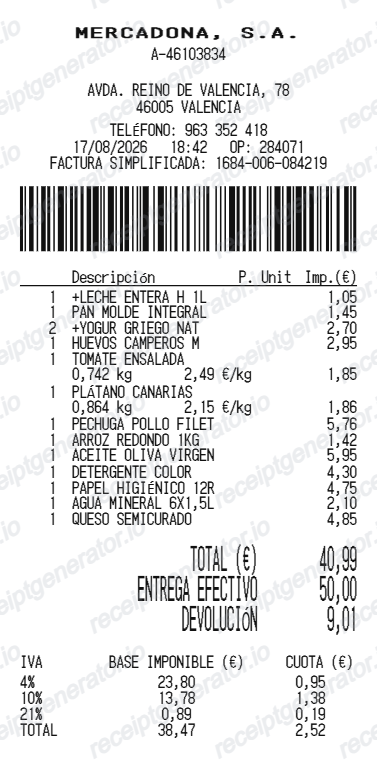
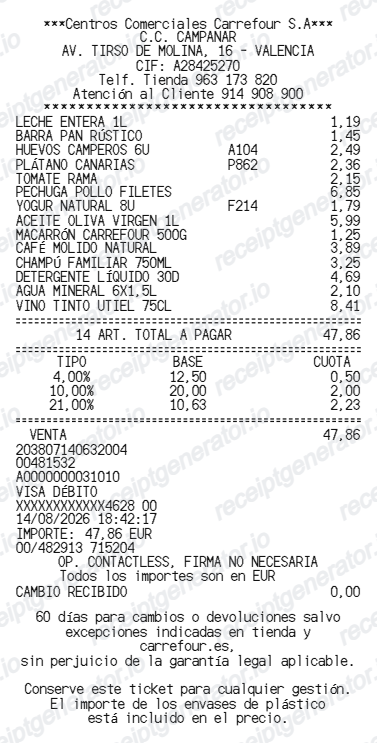
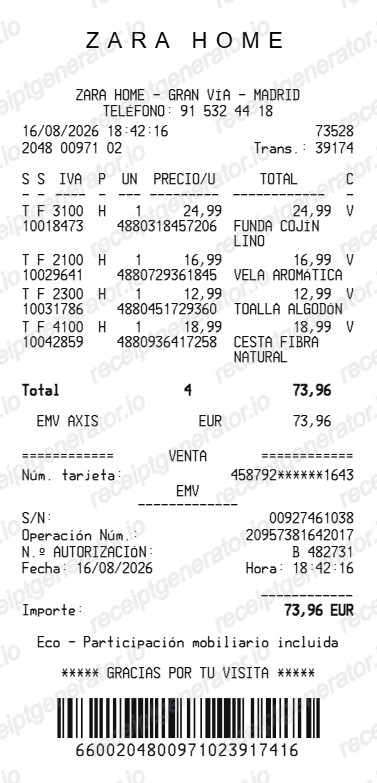
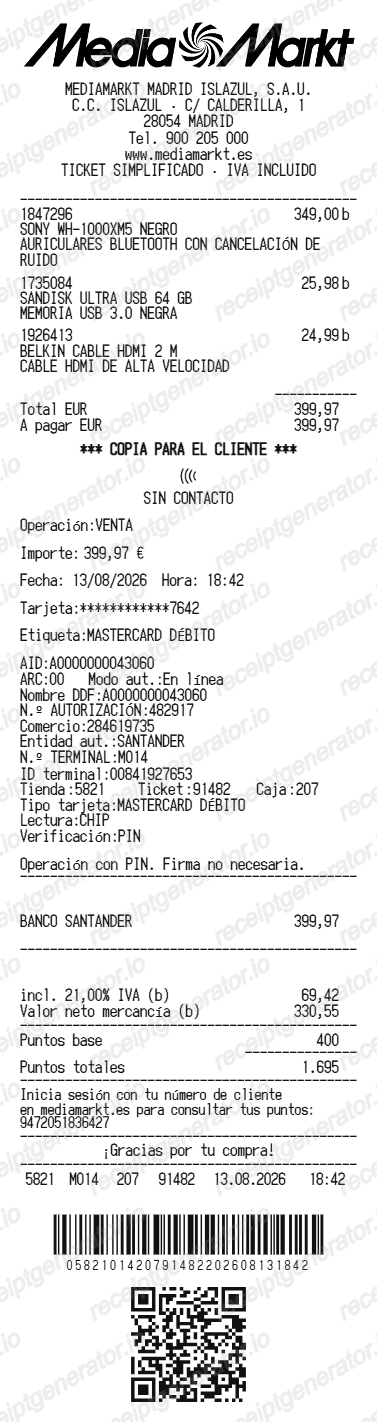
More Spain Receipt Templates
Browse our collection of receipt templates for various purposes.
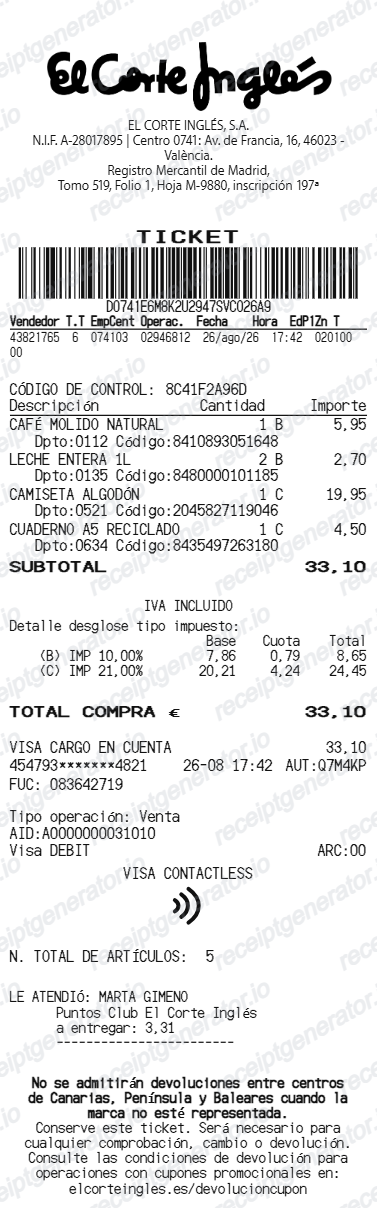
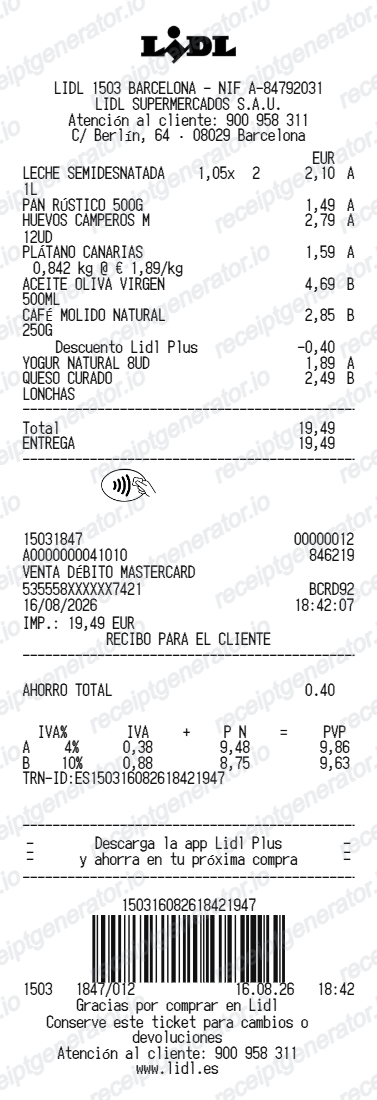
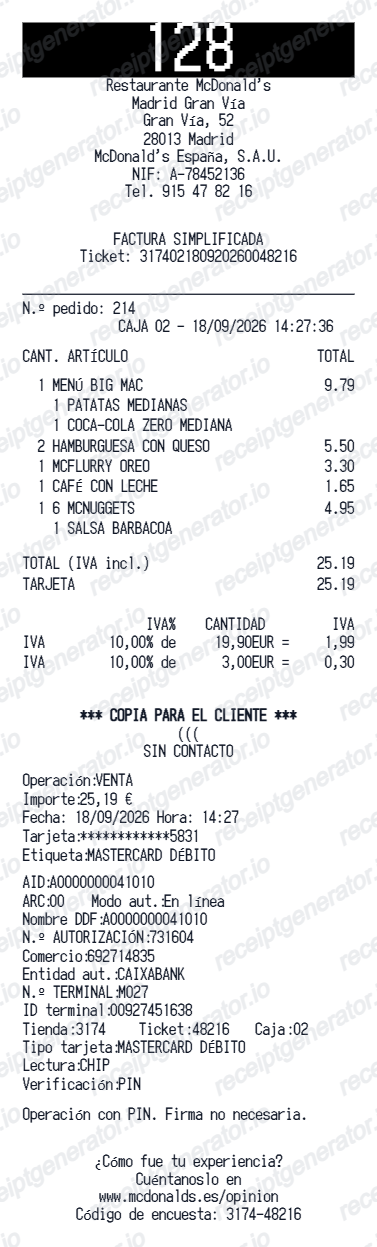
Repsol Receipt FAQ
Common questions about creating Repsol fuel receipts for personal records, budgeting, and IVA documentation in Spain.
Choose the Repsol receipt template, edit the store header, add items and prices, set the total and IVA, then download the receipt as a PDF.
Yes. Store name, items, prices, waylet, barcode digits, and footer text are all editable in the builder.
Yes. After editing the details, preview and download the Repsol-style receipt as a clean PDF for records or budgeting.
A real Repsol ticket is a factura simplificada: it shows an invoice number and series, the date, the operating company's name and NIF (many Repsol stations are dealer-run), the station address, litres and price per litre in euros, the total, the IVA rate or an 'IVA incluido' note, and often a Waylet loyalty line. To support an IVA deduction it must also carry the recipient's NIF and address.
Yes. The totals section includes a IVA-inclusive total to match the format on Spain Repsol receipts.
Yes. You can create and preview Repsol receipts for free. Watermark-free PDF downloads are available with paid plans.
If you paid with the Waylet app, open the transaction, tap Ver ticket, and use Solicitar factura to have a full invoice emailed to you - Repsol processes the request within a few days. If you paid by card or cash at the station, ask at the checkout, ideally right after refueling, and staff can reissue the ticket or convert it into a full factura with your tax details.
No. Request the Repsol-issued factura through Waylet or the service station and confirm that it contains the purchaser and tax information required for your situation. A generated personal template is not valid tax evidence.
Receipt Generator · Receipt Maker · 300+ Free Templates
Create your Repsol receipt
Use the editable Repsol receipt generator to add items, IVA totals, loyalty text, and barcode details, then export a clean PDF.