O'Reilly Auto Parts Receipt Template & Generator
Edit an O'Reilly receipt template with part numbers, core charges, tax and payment details. Preview free; PDF export requires a paid plan.
O'Reilly Auto Parts receipt template for confirmed transaction details. Edit store details, counter/date information and transaction references. Preview the editable layout free; watermark-free PDF export requires a paid plan.

Choose
O'Reilly Auto Parts Receipt selected

Customize
Fill in your details

Download
Save or share receipt
Edit the details once and the preview updates instantly.
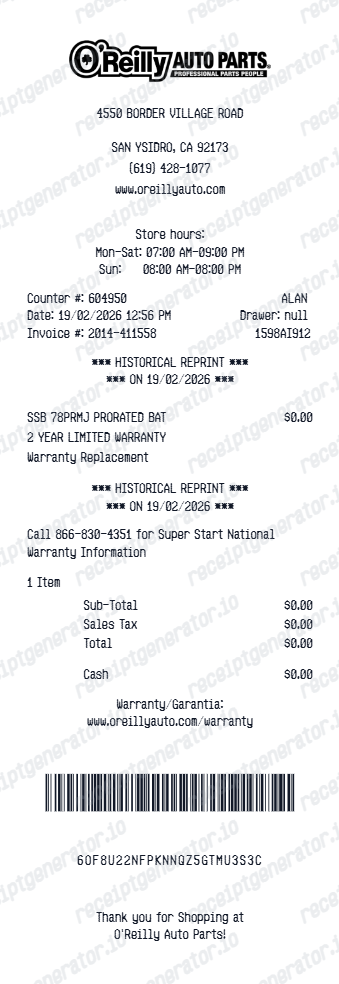
Original O'Reilly Auto Parts records and this editable template
O’Reilly’s account FAQ explains how to print past online-order invoices: sign in, open My Orders and select the order number. Ask the original store about in-store documentation.
Receipt retrieval and source guidance
Reconcile confirmed details
The warranty and historical-reprint sections are editable labels. They do not establish warranty coverage or create an O’Reilly-issued reprint.
Review the layout
Review the subtotal, sales tax and total against the payment record and retain the original parts invoice.
O'Reilly Auto Parts Receipt Types
Compare this editable layout with the original transaction record.
O'Reilly Auto Parts editable purchase record
Record the actual part descriptions, part numbers and any core-charge line shown on your purchase.
Original records and related layouts
Use the merchant’s guidance for original documentation and the templates for editable records.
Receipt guide
How to Return a Core Charge at O'Reilly Auto Parts
Step-by-step instructions for bringing your old core part and receipt to an O'Reilly store to claim your full core charge refund.
Explore How to Return a Core Charge at O'Reilly Auto PartsEditable template
Gas Receipt template
Explore this editable receipt layout and its fields before opening the editor.
Explore Gas Receipt templateQuick summary
O'Reilly Auto Parts receipt template: what can I edit?
Edit store details, counter/date information and transaction references. Record the actual part descriptions, part numbers and any core-charge line shown on your purchase.
Editable fields in the O'Reilly Auto Parts receipt template
Review these fields against the source transaction before exporting your personal record.
Store and counter references
Edit store details, counter/date information and transaction references.
Parts and core-charge rows
Record the actual part descriptions, part numbers and any core-charge line shown on your purchase.
Warranty and reprint text
The warranty and historical-reprint sections are editable labels. They do not establish warranty coverage or create an O’Reilly-issued reprint.
Tax and cash/card payment
Review the subtotal, sales tax and total against the payment record and retain the original parts invoice.
Print-ready O'Reilly Auto Parts receipts
Edit the layout, watch it update live, then print, download PDF, or email.
O'Reilly Auto Parts live preview
Edit store details, counter/date information and transaction references.
Review the editable fields
Record the actual part descriptions, part numbers and any core-charge line shown on your purchase.
PDF export plans
Preview the layout free; watermark-free PDF export requires a paid plan.
Mobile and desktop editing
Open the same receipt layout on mobile or desktop and check the preview before exporting.
Related vehicle services and repairs templates
Compare related receipt layouts and their editable fields.
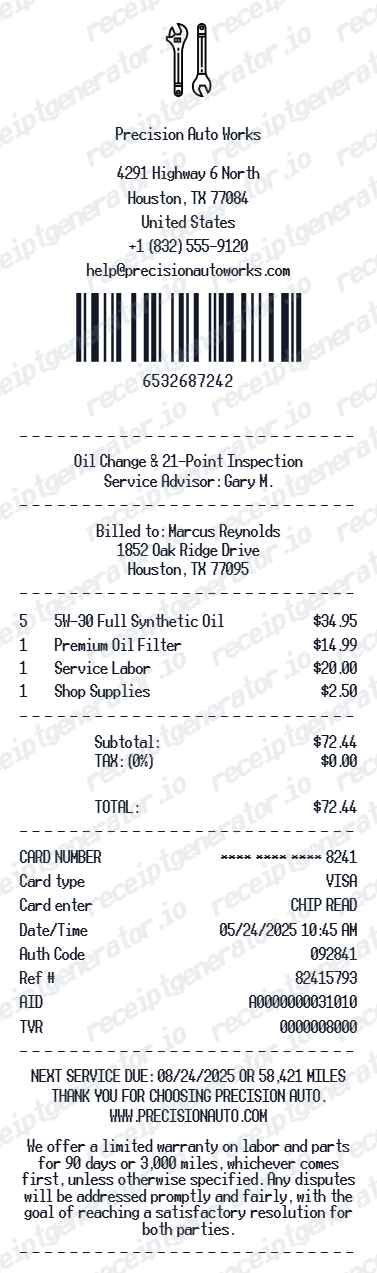
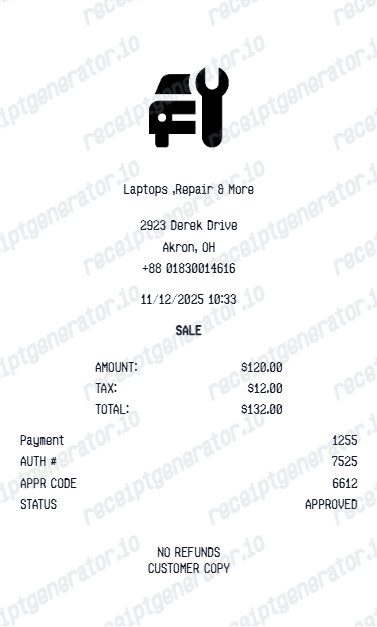
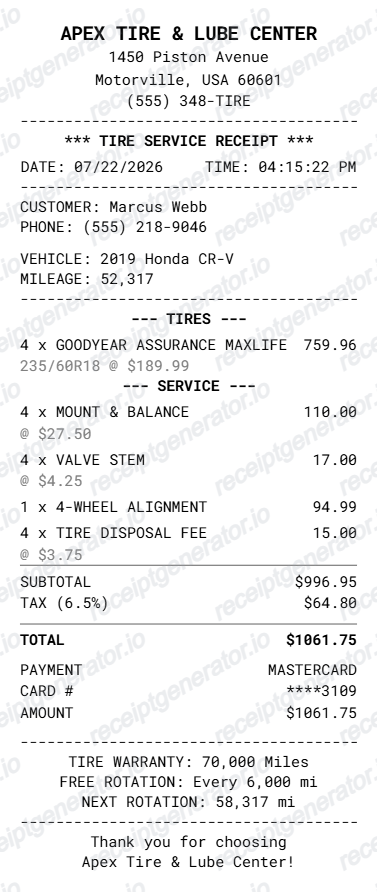
O'Reilly Auto Parts Receipt Template: Fields and Original Records
Answers about this layout, confirmed transaction details and the original purchase record.
Open the editor, enter the confirmed transaction details, review parts and core-charge rows and check the totals in the live preview. Watermark-free PDF export requires a paid plan.
O’Reilly’s account FAQ explains how to print past online-order invoices: sign in, open My Orders and select the order number. Ask the original store about in-store documentation.
Follow the original invoice. Keep a separately listed core charge distinguishable from the part price so you can reconcile the purchase and any later core refund.
Receipt Generator · Receipt Maker · 300+ Free Templates
Edit the O'Reilly Auto Parts receipt template
Enter confirmed details, check the free preview and review paid PDF export plans.