Lidl UK Receipt Generator
Create a Lidl UK supermarket receipt with editable item rows, Lidl Plus coupons, VAT breakdown in GBP (£), and payment details. Export a clean PDF in minutes.
Create a Lidl UK-style receipt with grocery items, bakery products, Lidl Plus savings, VAT summary, and payment details. Download a print-ready PDF.

Choose
Lidl UK Receipt selected

Customize
Fill in your details

Download
Save or share receipt
Edit the details once and the preview updates instantly.
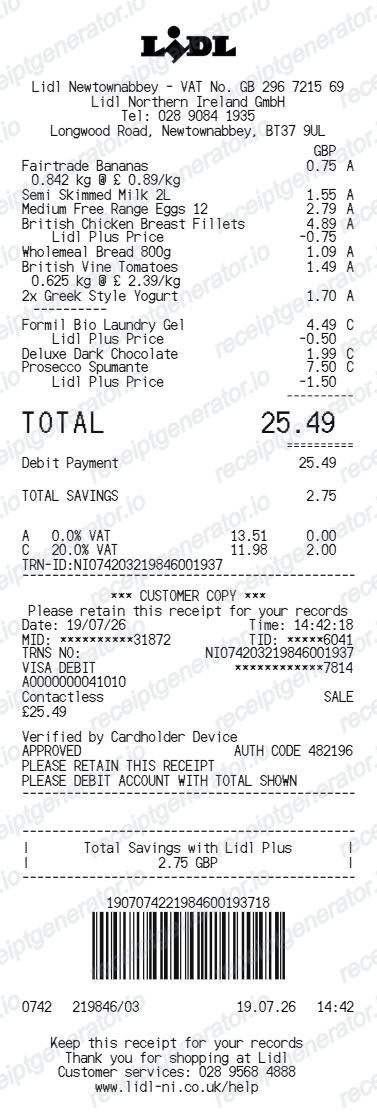
Quick summary
Lidl UK receipt template overview
Use this Lidl UK-style receipt template to build a compact United Kingdom receipt with editable items, Lidl Plus discounts, Rate A/B VAT split, and barcode.
What Is on a Real Lidl UK Receipt?
Lidl GB receipts use the brand's compact European layout with UK VAT treatment, and the letter codes next to each item are what expense reviewers look for. Here is what the original contains.
VAT letter codes on item lines
Lidl GB receipts mark each item with a VAT letter - A for zero-rated goods with no VAT and B for standard 20% items - and total the VAT by code at the bottom of the receipt. Most basic groceries are zero-rated in the UK, so many Lidl receipts show little or no VAT at all.
Zero-rated food vs 20% items
UK VAT rules zero-rate most food, but confectionery, soft drinks, alcohol, and household goods carry the 20% standard rate. A mixed basket produces a split VAT summary, which is why the letter codes matter for anyone reclaiming VAT.
VAT receipt on request
The standard till receipt already itemizes VAT, but businesses reclaiming VAT on larger purchases can ask in store for a full VAT receipt showing Lidl's VAT registration number, as HMRC requires more detail above the simplified-receipt threshold.
Digital receipts in the Lidl Plus app
Scan the Lidl Plus app at the till and the receipt is stored in the app's purchase history - Lidl GB even lets app users switch off paper receipts entirely. Lidl Plus coupon discounts print as negative lines on the receipt.
Store and till metadata
The footer identifies the store address, till number, date and time, and a receipt number with a barcode that staff scan for refunds and price checks.
Create a print-ready Lidl UK grocery receipt
Edit the layout, watch it update live, then print, download PDF, or email.
Live Lidl UK receipt preview
See the Lidl UK receipt update instantly as you edit items, totals, VAT, and messages.
PDF download
Export a clean Lidl UK-style receipt PDF for digital or printed records.
Mobile-friendly editor
Create and edit Lidl UK receipts from desktop, tablet, or phone.
Lidl Plus and VAT support
Customise loyalty text, VAT totals, barcode digits, and footer messaging.
Get Your Original Lidl UK Receipt First
If you scanned Lidl Plus at the till, your receipt is saved in the app's purchase history - open the app to view or share it, and for VAT reclaims ask in store for a full VAT receipt with Lidl's VAT number. Purchases made without the app exist only on paper, so speak to store staff promptly with the date and payment card if you need a transaction traced. Use this template when the original is unavailable - no Lidl Plus scan, a binned receipt, or faded thermal print.
Budget tracking
Keep a clear itemised record of Lidl UK grocery and bakery spending.
Lost receipt replacement
Recreate a Lidl UK till slip from confirmed purchase and bank statement details.
VAT expense documentation
Prepare a grocery receipt record with 20% VAT (Rate B) and 0% zero-rated (Rate A) breakdown for bookkeeping.
Lidl UK Receipt Formats
Choose the Lidl UK-style format that best matches your grocery and expense recordkeeping needs.
Standard Discount Supermarket Till Slip
A Lidl UK-style till receipt with item rows, VAT letter codes, and card/cash payment details.
Lidl Plus Loyalty Receipt
A Lidl UK receipt layout with Lidl Plus coupon discounts, app rewards, and barcode.
UK VAT Split Receipt (Rate A 0% & Rate B 20%)
A Lidl UK-style receipt configured with GBP (£) currency, Rate A (0% food) and Rate B (20% standard) VAT totals.
Related Guides
Explore related guides to understand the receipt details, lookup steps, and documentation workflows.
More free receipt templates for United Kingdom grocery shopping and retail expense records.
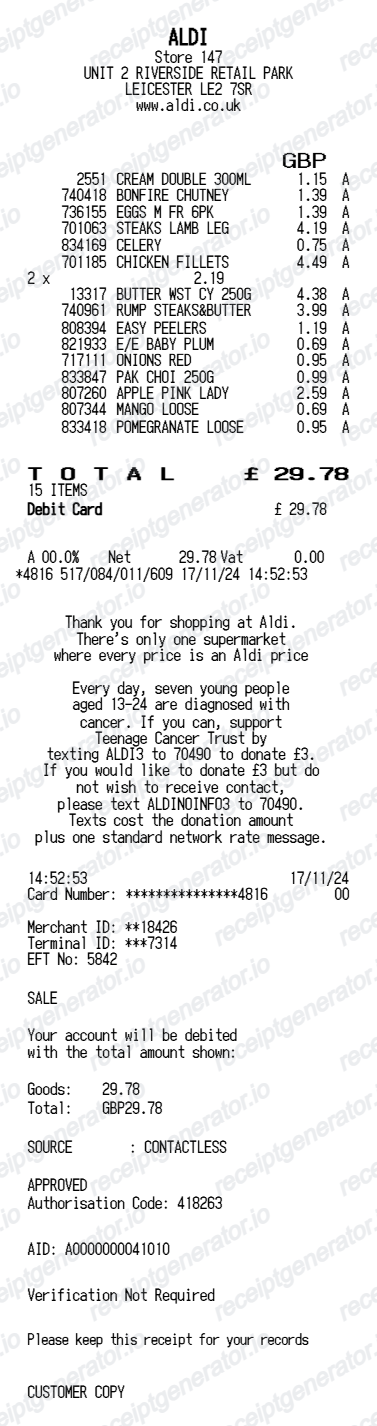
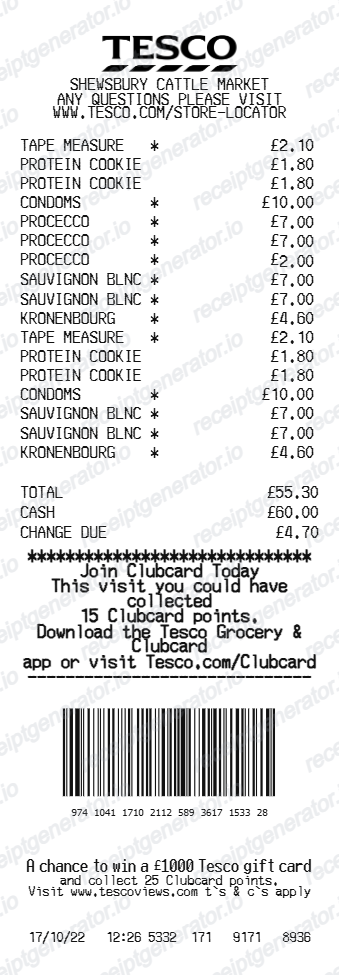
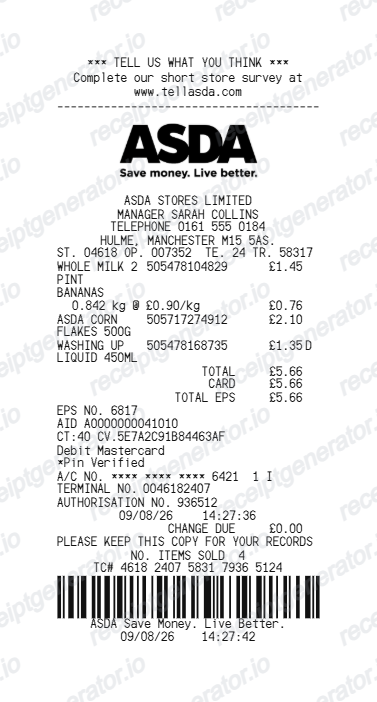
More United Kingdom Receipt Templates
Browse our collection of receipt templates for various purposes.
Lidl UK Receipt FAQ
Common questions about creating Lidl UK grocery receipts for personal records, budgeting, and VAT documentation in United Kingdom.
Choose the Lidl UK receipt template, edit the store header, add items and prices, set the total and VAT, then download the receipt as a PDF.
Yes. You can create and preview Lidl UK receipts for free. Watermark-free PDF downloads are available with paid plans.
If you scanned the Lidl Plus app at the till, open the app and check your purchase history - every receipt is stored there digitally, and you can reopen it whenever you need proof of purchase. Purchases made without the app cannot be added to the history afterwards, so keep the paper receipt or ask store staff with the date and card used.
For smaller purchases, the standard till receipt usually works because it itemizes VAT by letter code - but remember most groceries are zero-rated, so there is often little VAT to reclaim. For larger business purchases, HMRC expects a full VAT receipt showing the retailer's VAT registration number, which you can request in store.
Yes. The totals section includes a VAT-inclusive total to match the format on United Kingdom Lidl UK receipts.
Yes. After editing the details, preview and download the Lidl UK-style receipt as a clean PDF for records or budgeting.
A real Lidl GB receipt shows the store address, abbreviated item names with pound prices and a VAT letter code per line (A for zero-rated, B for 20%), Lidl Plus discounts as negative amounts, a VAT summary by code at the bottom, the payment method, and a footer with till number, date, time, receipt number, and a barcode.
Receipt Generator · Receipt Maker · 300+ Free Templates
Create your Lidl UK receipt
Use the editable Lidl UK receipt generator to add items, VAT totals, loyalty text, and barcode details, then export a clean PDF.