Generic Receipt Template & Generator
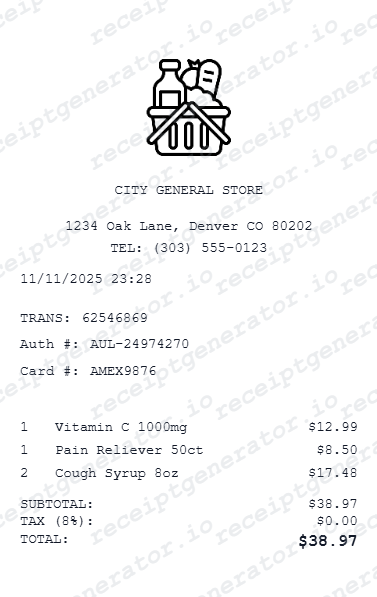
Start with a general receipt layout when a brand-specific design is unnecessary. Enter confirmed business and transaction details, add the individual charges and review totals before choosing PDF export.
Create a generic receipt with business details, itemized products or services, tax and payment totals. Preview online and review PDF export plans.

Choose
Generic Receipt selected

Customize
Fill in your details

Download
Save or share receipt
Edit the details once and the preview updates instantly.
Quick summary
Generic receipt template overview
Start with a general receipt layout when a brand-specific design is unnecessary. Enter confirmed business and transaction details, add the individual charges and review totals before choosing PDF export.
Fields in the generic receipt template
Start with a general receipt layout when a brand-specific design is unnecessary. Enter confirmed business and transaction details, add the individual charges and review totals before choosing PDF export.
Business and transaction details
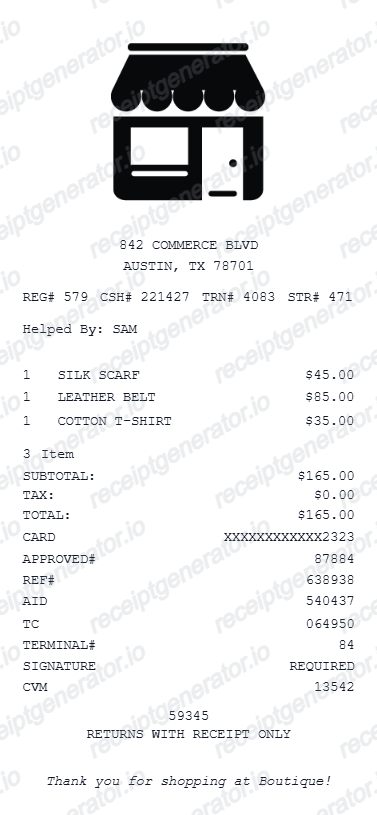
Identify the business, transaction date and any known purchase reference. Use details from the actual sale or service.
Itemized products or services
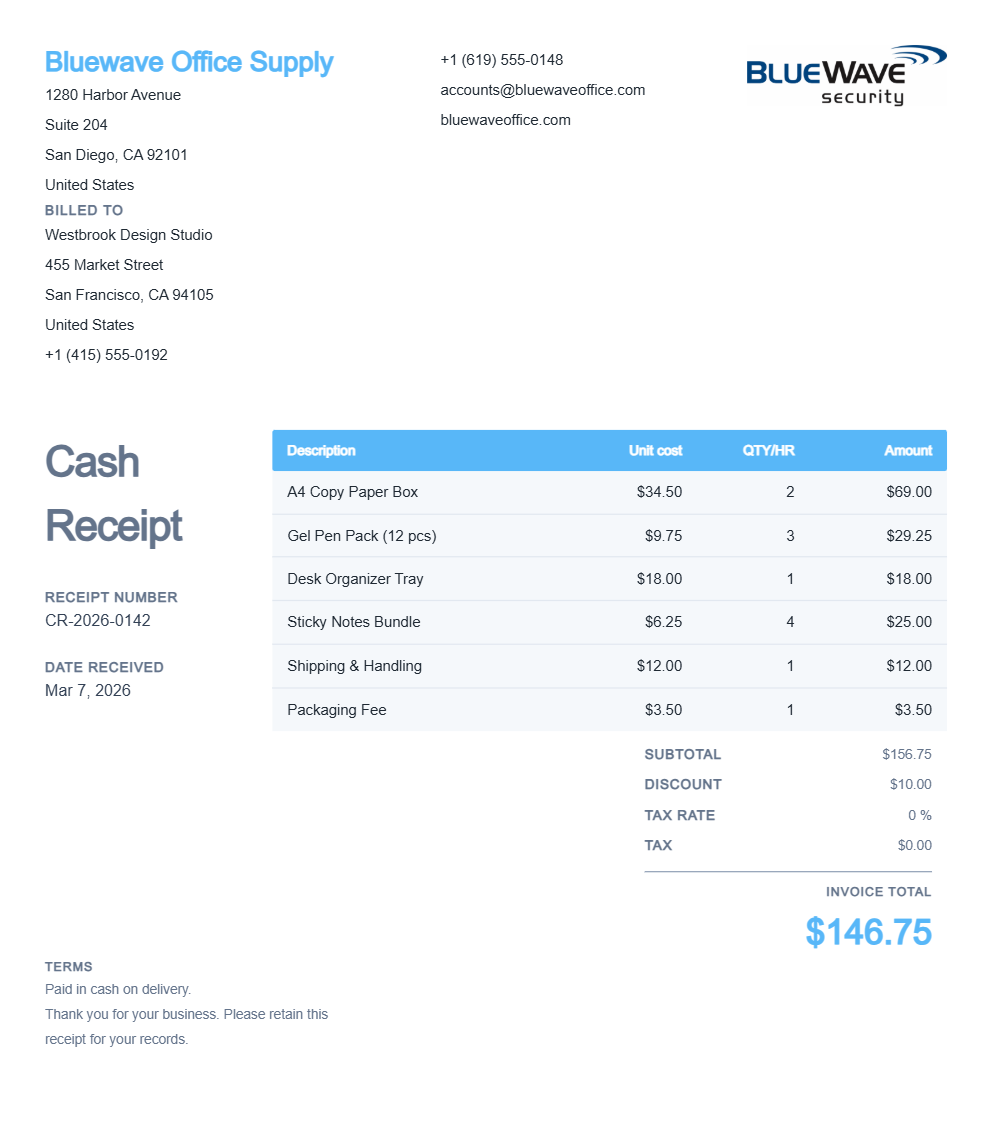
List products or services separately with quantities and unit prices. Check discounts, source tax amounts and the final total.
Digital and printed copies
A PDF is a digital copy of the record that can also be printed. Its file format does not make it an original merchant-issued receipt or independent proof of payment.
Print-ready generic receipts for any business
Edit the layout, watch it update live, then print, download PDF, or email.
Live generic receipt preview
Watch the receipt update as you customise all details.
One-click print
Print your generic receipt from the browser.
Download as PDF
Export a clean customised receipt PDF.
Mobile-friendly editor
Create generic receipts from any device.
Get Your Original Receipt First
A PDF is a digital copy of the record that can also be printed. Its file format does not make it an original merchant-issued receipt or independent proof of payment.
Confirmed purchase records
Keep known transaction details organised for personal review.
Cost tracking
Review individual charges and retain the original source documents.
Generic Receipt Types
Choose the generic receipt format for your billing or documentation.
Generic Retail Receipt
Generic receipt for any retail store purchase.
Generic Service Receipt
Customisable receipt for any service billing.
Generic Expense Receipt
Generic receipt formatted for expense reimbursement.
Receipt Creation Guide
Compare editable receipt styles and choose the right starting point before opening the full builder.
Editable template
Free Online Receipt Maker
Compare generic, itemized, branded, and downloadable receipt formats in one guided overview.
Explore Free Online Receipt MakerReceipt guide
Retail Receipt for Expense Reports
See which fields a store receipt needs to qualify for expense report or reimbursement submission.
Explore Retail Receipt for Expense ReportsRelated itemized and general receipts templates
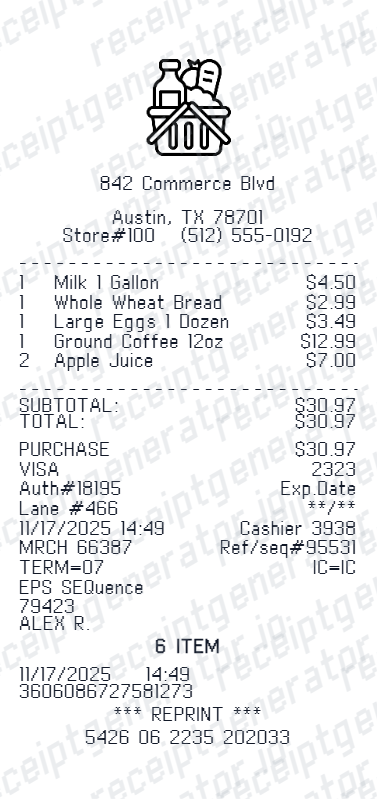
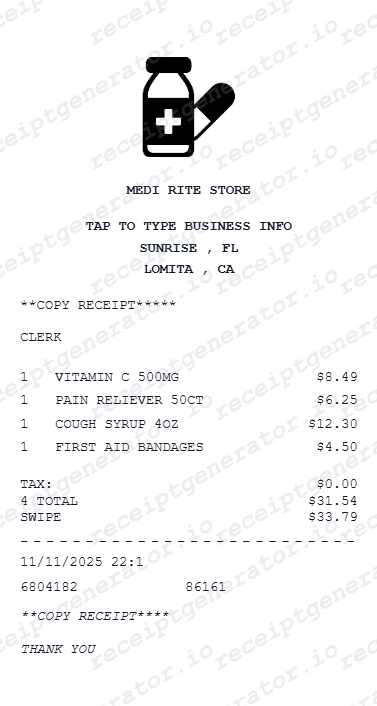
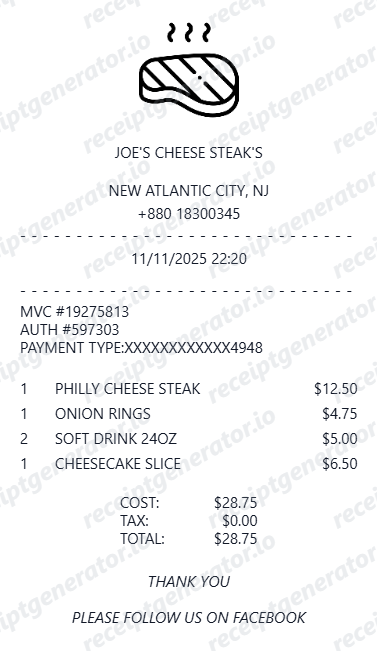
Explore related layouts for known transactions and personal records.
Generic Receipt FAQ - Fully Customisable Business Documentation
Questions about editing this layout, reviewing the transaction details and obtaining original records.
Start with a general receipt layout when a brand-specific design is unnecessary. Enter confirmed business and transaction details, add the individual charges and review totals before choosing PDF export.
List products or services separately with quantities and unit prices. Check discounts, source tax amounts and the final total.
A PDF is a digital copy of the record that can also be printed. Its file format does not make it an original merchant-issued receipt or independent proof of payment.
Receipt Generator · Receipt Maker · 300+ Free Templates
Create your Generic receipt
Edit your confirmed transaction details, check the preview and review PDF export plans.