Amazon Return Receipt Guide
Ready to create your own? Use our free receipt generator — no account needed.
Generate Amazon Receipt →On this page
Returning something to Amazon is straightforward but keeping the proof can get confusing — especially when multiple confirmation emails arrive at different stages. Here's where to find your Amazon return receipt at every step: when you start the return, when Amazon gets the package, and when the refund posts.
Quick Answer
Amazon → Returns & Orders → find your returned order → click "View Return Details" for full return status and confirmation. Amazon also emails you at each stage of the return process.
Where to Find Your Amazon Return Receipt
Amazon generates return documentation at three points:
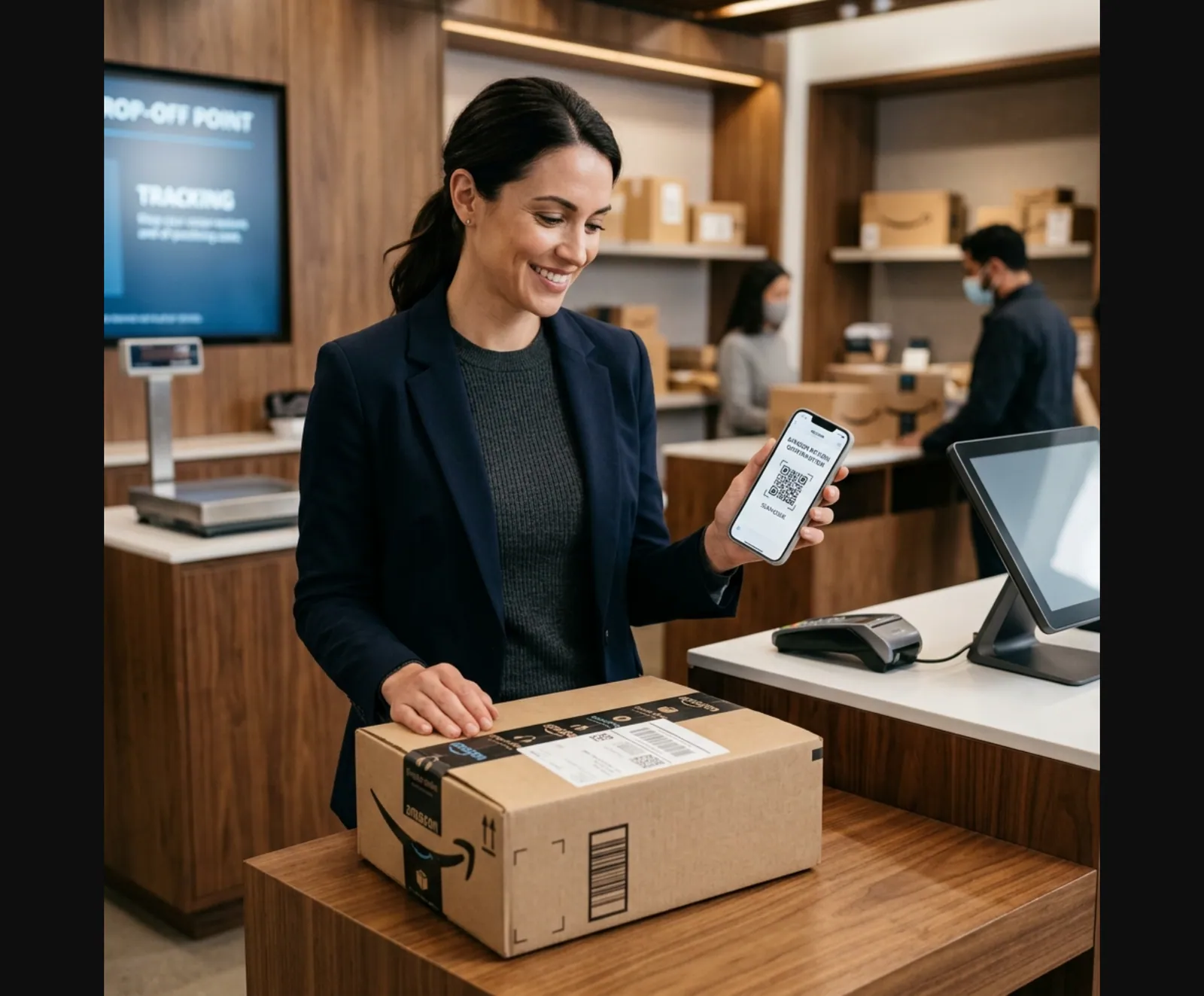
- When you initiate the return — a return authorization email with a QR code or label
- When the carrier receives it — a shipping confirmation with a tracking number
- When the refund is processed — a refund confirmation showing the amount and the card or Amazon balance credited
All three are stored in:
- Your email (search
from:amazon.com returnorrefund) - Amazon account → Returns & Orders → select the order
How to Find Amazon Return History in Your Account
- Go to amazon.com and sign in
- Click Returns & Orders in the top-right corner
- Set the dropdown to Past Orders (you can filter by year)
- Find the returned order — it shows a "Return" label
- Click View Return Details for the full status, tracking, and refund timeline
The return details page shows:
- Return request date
- Return method (UPS, Kohl's, Whole Foods, etc.)
- Carrier tracking number
- Expected refund amount
- Refund status (pending / issued)
Amazon Return Methods and Their Receipts
Amazon Return Methods
| Feature |
|---|
For in-person returns at Kohl's or Amazon Locker, always take a photo of the screen confirmation or keep the printed slip from the associate — that's your physical proof of handoff.
How to Download an Amazon Return Confirmation as PDF
From email:
- Open the return confirmation email
- Click Print or use Print to PDF in your browser or email client
- Save to your returns or expense folder
From the Amazon website:
- Go to Returns & Orders → select the order
- Click View Return Details
- Use your browser's Print function (Ctrl+P / Cmd+P) → Save as PDF
What If Amazon Received the Return But You Didn't Get a Refund?
This is the most common issue with Amazon returns. Here's the troubleshooting sequence:
- Check the timeline — Amazon typically takes 2–5 business days after receiving your return to process the refund. For instant refunds (UPS Access Point, Kohl's), the credit is immediate.
- Check the right account — the refund goes to the original payment method. If you paid with a gift card, it returns to your Amazon gift card balance.
- Verify the carrier delivered it — use the return tracking number at ups.com or usps.com
- Contact Amazon — go to Help → Contact Us → Returns and Refunds. Select the order, choose "Where's my refund," and provide the tracking number. Amazon usually resolves this within 1–2 business days.
Amazon Return Receipt for Expense Reimbursement
If you bought something on an Amazon Business account or are returning a work purchase:
- The return confirmation email includes the order number, item description, date, and refund amount
- Most expense platforms (Concur, Expensify) accept this as proof of return
- If you need an itemized original receipt for the purchase itself, go to: Orders → select the order → Invoice
Amazon Business also ties invoices and printable order-summary style records into its post-purchase reconciliation surfaces, which is why those documents are the strongest companion records to keep with a return confirmation. See Amazon Business: Business Order Information and Amazon Business invoices.
Amazon Business accounts have enhanced invoice and return documentation built into the account dashboard, with downloadable PDFs for every transaction.
How to Get an Amazon Receipt for the Original Purchase
If you also need the original purchase receipt (not just the return):
- Go to Returns & Orders → Past Orders
- Select the order
- Click Invoice (top-right of the order details page)
- Download or print the PDF invoice
This shows the original order total, tax, shipping, and itemized products — exactly what expense and reimbursement systems need.
Related:
- How to Get an Amazon Receipt
- Amazon Receipt for Reimbursement
- Amazon Order Screenshot: What to Include in a Clean Backup Copy
- Amazon Order Receipt: What It Should Include
- Lost Uber Receipt? How to Recover It for Reimbursement
- How to Find an Apple Receipt: Order History, Email & Backup Options
Quick Tips to Keep Amazon Return Records
- Forward return emails to a Returns folder — set up an email filter for
from:amazon.com subject:return - Screenshot the carrier handoff — especially for Kohl's and in-person drops where the confirmation is on a small screen
- Download the invoice at purchase time — it's much easier than finding it 6 months later
- For Amazon Business: use the centralized account dashboard which stores all receipts and returns automatically
Related Tools & Guides
Retail & Shopping Generators:
- Amazon Receipt Generator
- Walmart Receipt Generator
- Target Receipt Generator
- eBay Receipt Generator
- Etsy Receipt Generator
- eBay Receipt Template
- Etsy Receipt Template
Return & Refund Guides:
- Amazon Order Screenshot: What to Include in a Clean Backup Copy
- Amazon Order Receipt: What It Should Include
- Walmart Receipt Lookup: Find, Download & Replace a Lost Receipt
- Costco Receipt Lookup: Find Your Purchase History & Reprint
- CVS Receipt Lookup: Get Your Digital Receipt or Reprint
- How to Find an Apple Receipt: Order History, Email & Backup Options
- Lost Uber Receipt: App, Email & Backup Options
Browse All Templates:
FAQ
Go to Amazon → Returns & Orders → find the returned order → click View Return Details.
Amazon emails a return confirmation when the return is initiated and again when the refund is processed.
Yes — Amazon keeps return history in your account indefinitely. Log in, go to Returns & Orders, and every past return is listed.
Give it 5–7 business days after the carrier delivers the package to Amazon's warehouse.
If the refund still hasn't appeared, go to Help → Contact Us → Returns and Refunds and provide your return tracking number.
The Amazon return confirmation email is a valid document for most expense systems.
It shows the order number, item, return date, and expected refund amount.
Amazon is paperless by default — your return receipt and refund confirmation are emailed.
For in-store Amazon returns (UPS, Kohl's, Whole Foods), the associate can print a receipt at drop-off.
After the carrier delivers your package to Amazon, refunds typically process within 2–5 business days.
If you returned at a UPS Access Point, Kohl's, or Whole Foods and got an instant refund, the confirmation comes immediately.