How to Get a McDonald's Receipt From the App, Store or Delivery
Ready to create your own? Use our free receipt generator — no account needed.
Generate McDonald's Receipt →On this page
The correct way to get a McDonald's receipt depends on how the order was placed. A counter, kiosk or drive-through order normally begins with the printed receipt; a mobile order begins with the McDonald's app or its confirmation message; and a delivery order may be documented by McDonald's or by the delivery service that processed the payment.
Quick answer
Start with the purchase channel that charged you. Keep the original printed receipt for an in-restaurant order, check the app and confirmation email for a mobile order, or open the delivery provider's order history for a partner order. If no itemized record is available, contact the restaurant or the responsible support team with the date, location, amount and order details.
Pick the Right Receipt-Recovery Path
McDonald's receipt recovery by order type
| Feature |
|---|
How to Find a McDonald's Mobile Order Receipt
For a mobile order, check the McDonald's app and the inbox connected to the account used at checkout. App screens differ by country and version, so look for the completed order, confirmation, recent activity or receipt rather than relying on one fixed menu label.
- Open the McDonald's app and confirm you are signed into the account used for the order.
- Look for the completed mobile order or its confirmation screen.
- Search the account email for messages from McDonald's around the purchase time.
- Compare the restaurant, date, total and order number with the charge.
- Save the itemized confirmation supplied by McDonald's, not just a screenshot of the card charge.
If the app shows only a summary, check whether the confirmation email contains the itemized details. If neither source provides what you need, use McDonald's customer contact options or ask the restaurant that prepared the order. Provide the approximate time, restaurant, total and order number if available.
Do not assume that an order remains in the app indefinitely. Save important receipts at the time of purchase, especially when the meal will be submitted for work or travel reimbursement.
Counter, Kiosk and Drive-Through Receipts
For an order paid at the restaurant, the printed receipt is the primary record. Ask for it before leaving and check that it belongs to your order.
Counter order
The cashier can normally provide the register receipt when payment is completed. If the printer does not produce it, ask while the transaction is still easy to identify. Check the restaurant, order number, item lines and total before leaving.
Kiosk order
A kiosk may print an order ticket or receipt after payment. Keep that paper until the food is collected. If nothing prints, note the order number displayed on screen and ask the counter for help immediately. A pickup number alone may help staff locate the order, but it may not contain the itemization needed for reimbursement.
Drive-through order
The receipt may be passed through the payment window or included with the order at pickup. If it is missing, ask before leaving the lane when practical. Afterward, contact the restaurant with the approximate time, amount and items; whether an older transaction can be reproduced depends on the restaurant's systems and policy.
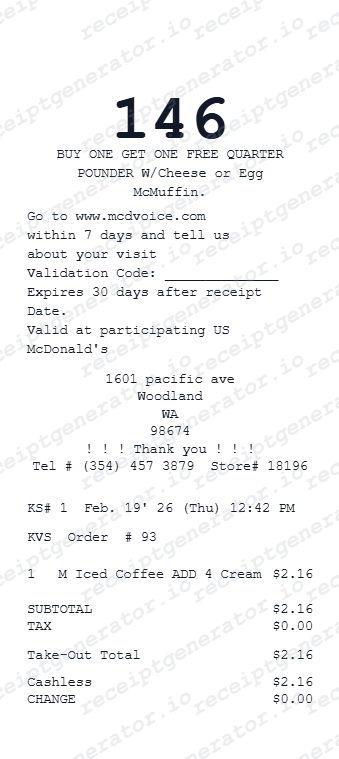
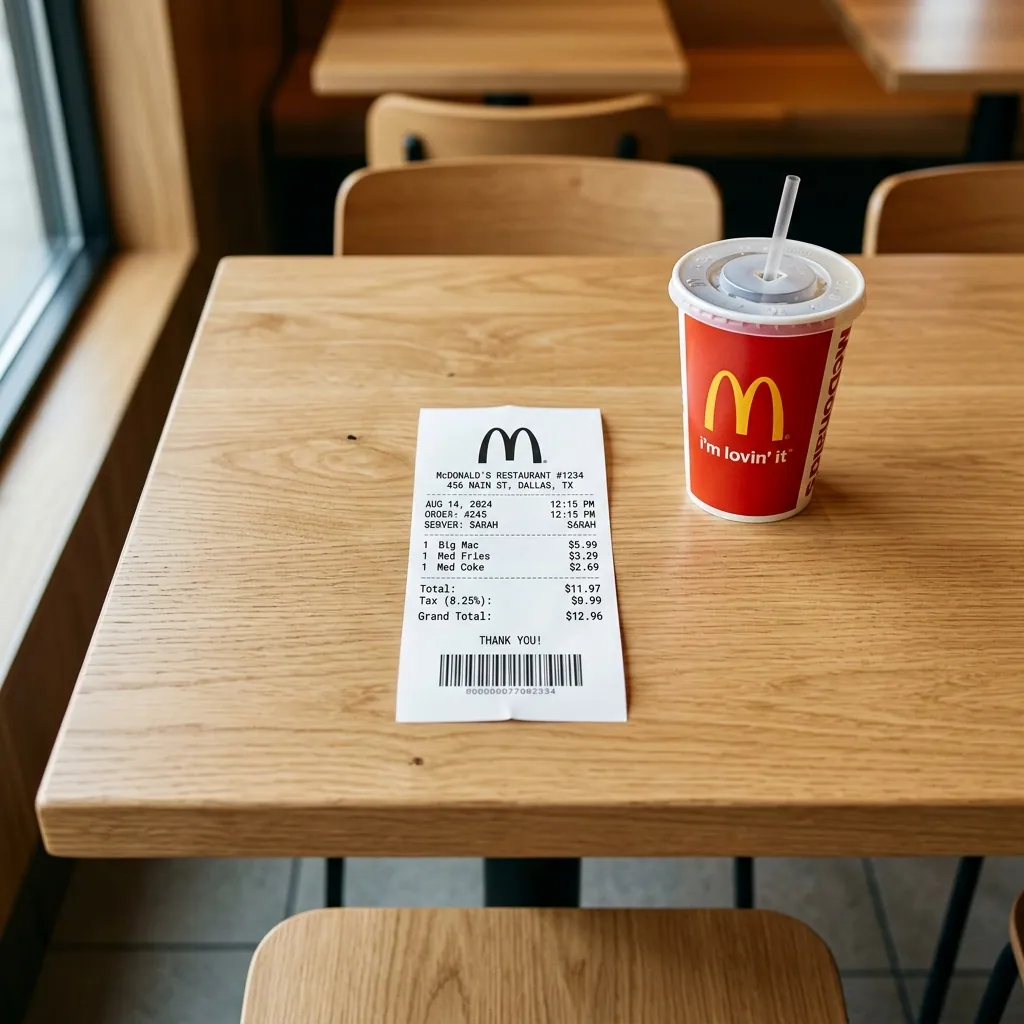
McDonald's explains the location of common identifiers in its official guide, Where Can I Find the Receipt Information?. According to that page, the visit date and time appear on the right side of the printed receipt and the order number appears directly below.
How to Get a McDonald's Delivery Receipt
First identify who processed the payment. A delivery ordered through the McDonald's app may follow a different support path from an order placed directly in Uber Eats, DoorDash or another delivery service.
- Search the confirmation email sent when the order was placed.
- Open the order history in the app or website that charged the payment method.
- Select the completed order and open its receipt or itemized total.
- Save the breakdown showing food, tax, delivery fee, service fee, tip and total when those charges apply.
- Contact the payment-processing service if the receipt is missing or incorrect.
McDonald's directs customers to the appropriate delivery support channel in its McDelivery FAQ. This distinction matters because a restaurant may see the food order without controlling the delivery partner's fees, tip or final payment receipt.
For an expense report, preserve both the itemized order and any separate delivery-fee or tip information. A bank statement usually shows only the total charge and is less useful for explaining the components.
What the Receipt Number, Receipt Code and Order Number Mean
People often search for a “McDonald's receipt code,” but several numbers can appear on the paper:
- Order number: identifies the order for preparation and pickup.
- Restaurant information: identifies the location that processed the sale.
- Register or transaction identifiers: may help the restaurant locate the sale in its system.
- Visit date and time: narrows the transaction when requesting help.
- Survey code: appears only when the receipt includes a customer-feedback invitation.
Use the printed label next to a number. Do not substitute one code for another or invent a value. When asking for support, the restaurant location, visit date, visit time, order number and total are usually more useful together than an unexplained string of digits.
How to Use a McDonald's Survey Code
Some receipts invite the customer to complete a feedback survey. If yours does, follow the website, code and deadline printed on that specific receipt. Offers, eligibility periods and validation steps can vary by restaurant and market.
- Keep the original receipt until the survey and any stated redemption step are complete.
- Enter the code exactly as printed.
- Use the restaurant, date and time shown on the same receipt if the survey requests them.
- Record any validation code only in the place indicated by the official survey instructions.
A receipt without a survey invitation cannot be turned into an eligible survey receipt by adding a code. Avoid third-party pages that promise unused codes or ask for unnecessary payment information.
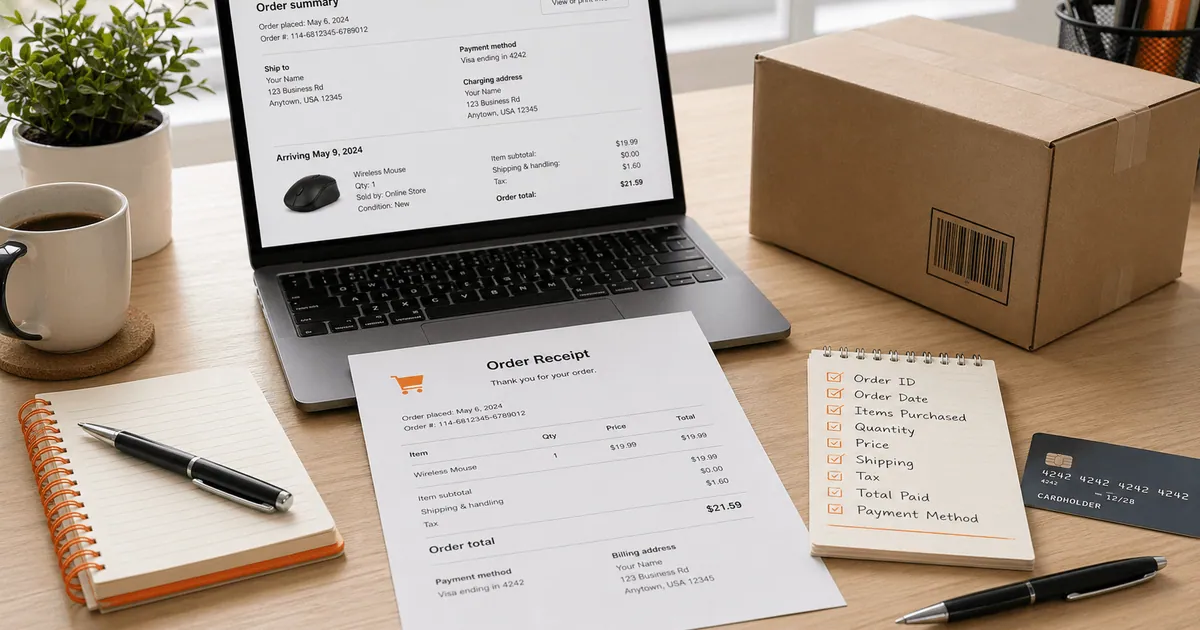
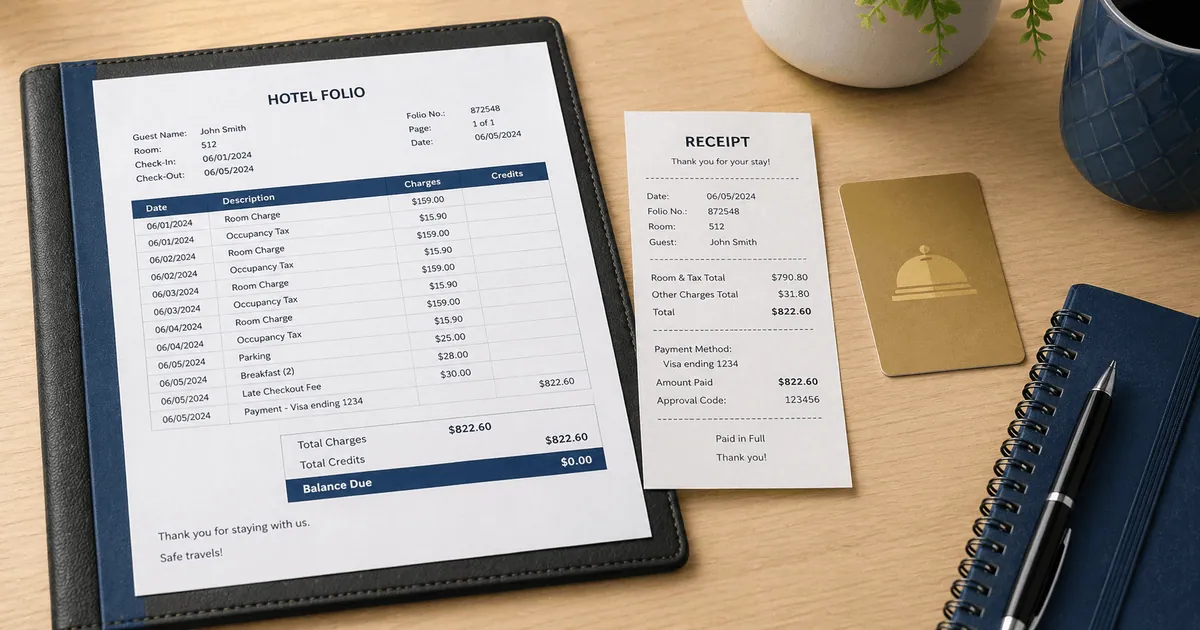
What an Itemized McDonald's Receipt Should Show
Before saving or submitting the receipt, confirm it includes the information required for the task:
- McDonald's restaurant location
- visit date and time
- order number
- itemized food and beverage lines
- discounts or promotions
- subtotal, tax and total
- payment method or masked payment reference
- delivery fees, service fees and tip when applicable
The official McDonald's receipt-information FAQ is useful when locating the date, time and order number. Your employer or reimbursement platform may require additional fields or a business-purpose note stored separately.
McDonald's Receipt for Reimbursement or Business Meals
For work travel or a business meal, keep the original itemized receipt and follow the employer's expense policy. Record the business purpose and attendees separately when required; do not edit the merchant receipt to add information that was not printed by McDonald's.
The IRS discusses business-travel and meal recordkeeping in Publication 463. Tax treatment depends on the facts and current rules, so the publication and a qualified tax professional are better sources than a generic receipt template.
If an original itemized receipt is unavailable, ask the employer what alternative documentation it accepts. A card statement can corroborate the amount and date, but it does not identify the items or prove the business purpose by itself.
If McDonald's Cannot Reissue the Original
Create a personal record only from details you can verify: the restaurant, purchase date, order items, tax, total and payment reference. The McDonald's Receipt Generator can organize those details for a private expense log, but it does not retrieve McDonald's transaction data and is not a merchant-issued receipt.
Do not present a generated document as the original for a refund, survey reward, reimbursement, tax claim or authentication. Ask the organization receiving the record what alternative evidence it accepts.
Organize verified McDonald's order details
Use an editable personal record only after checking the printed receipt, app, email and delivery provider.
Prevent Another Missing Receipt
- Ask for the paper receipt before leaving a counter, kiosk or drive-through.
- Screenshot or save the completed mobile order while it is still visible.
- Keep confirmation emails in a dedicated receipts folder.
- Download delivery receipts before closing an expense report.
- Note the business purpose separately instead of altering the merchant receipt.
- Save the original file unchanged and work from a copy when adding personal notes.
Related Guides
- McDonald's Receipt Generator
- Restaurant Receipt for Taxes and Business Meals
- Receipt for Reimbursement
Final Takeaway
Recover the receipt from the system that processed the order: the restaurant for a counter, kiosk or drive-through purchase; the McDonald's app and account email for a mobile order; or the relevant delivery service for a partner order. Use the printed labels to interpret any receipt code or survey code, preserve the original itemization, and treat an editable template only as a personal record—not as proof issued by McDonald's.
FAQ
Use the record created by the purchase channel: the printed receipt for a counter, kiosk or drive-through order; the digital confirmation for a mobile order; or the delivery provider's receipt for a delivery order.
If it is missing, contact the restaurant or the support team for the channel that processed the payment.
Check the McDonald's app and the email connected to the order for an order confirmation or receipt. What remains available can vary by order type, market and app version.
If no itemized record appears, contact the restaurant or McDonald's customer service with the date, location, total and order details.
Check the confirmation email and the order history of the service that charged you. Orders processed by a delivery partner may need to be handled by that partner rather than the restaurant.
McDonald's says the visit date, visit time and order number appear on the printed receipt. Other identifiers can vary by market and receipt format.
Use the labels printed on the actual receipt rather than guessing a code.
If the receipt includes a survey invitation, follow the website, code and deadline printed on that receipt. Survey formats and availability vary by restaurant and market.
An employer may accept an original itemized receipt showing the restaurant, date, items, tax and total. Follow the employer's expense policy and keep the business purpose separately.