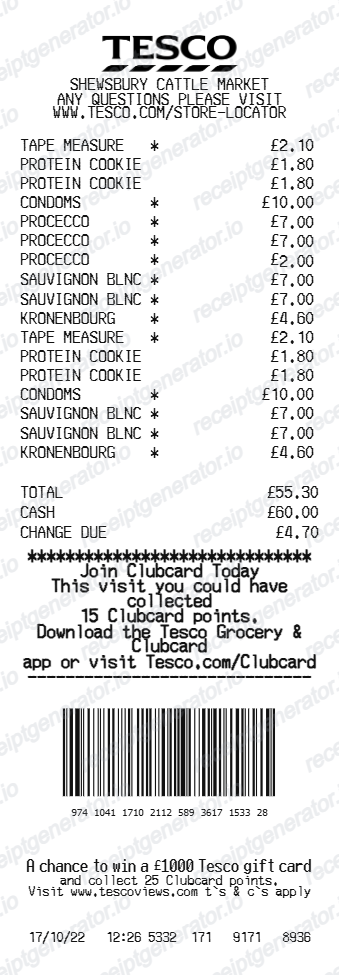
How to Replace a Lost Tesco Receipt (UK)

Ready to create your own? Use our free receipt generator — no account needed.
Generate Tesco Receipt →On this page
Lost a Tesco receipt you needed for a return, warranty, or expense claim? Here are your options for recovering or recreating it.
Quick Answer
Check your Tesco Clubcard purchase history in the app, your bank or card statement, or ask the store to reprint from the till. If you only need a record for your files, recreate a Tesco-style receipt with the details from those sources.
Where to find a copy
Start with the Clubcard app, which stores recent purchase history if your card was scanned. Your bank or card statement confirms the date and amount. For in-store returns, customer service can sometimes reprint a receipt from the till using the card and date.
Recreate a Tesco-style receipt
If you have the purchase details but no document, recreate one with the Tesco receipt generator, add the items, totals, Clubcard line, and VAT. See more UK receipt templates for other retailers.
Recreate your Tesco receipt
Add the verified details from your purchase and download a clean PDF.
FAQ
In-store, staff can sometimes reprint from the till if you have the payment card and date. Clubcard purchase history in the app is the easiest self-service option.
A statement proves the payment but not the itemised contents or VAT, so it is weaker than a full receipt for returns and tax claims.