Mobile Payment Restaurant Receipt Generator
Create a contactless restaurant receipt with digital payment details, QR codes, and itemized orders. Download a clean PDF for cashless dining records or reimbursement.
Create a mobile payment restaurant receipt with digital payment details, QR codes, itemized orders, tax, and tip. Download a clean PDF for contactless dining records or expense reimbursement.

Choose
Mobile Payment Receipt selected

Customize
Fill in your details

Download
Save or share receipt
Edit the details once and the preview updates instantly.
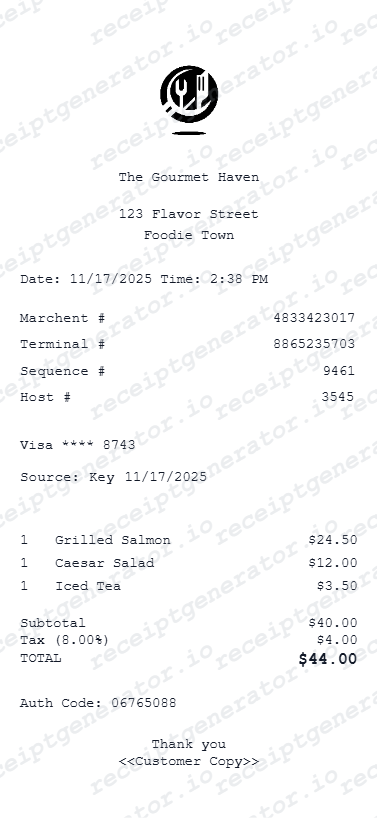
Quick summary
Mobile Payment receipt template overview
Use this Mobile Payment receipt generator to create authentic itemized receipts with editable products, tax calculations in $, and printable PDF export.
What Is on a Real Mobile Payment Restaurant Receipt?
QR-code pay-at-table systems changed how restaurant receipts get generated and delivered - here is what makes these receipts different from a traditional printed check.
QR code links the table to a digital bill, not a printed check
Pay-at-table QR systems print (or display) a code unique to that table session; scanning it opens the live bill on the guest's phone rather than waiting for a server to bring a printed check - the receipt itself is often never printed at all.
Split-check mechanics show per-guest shares, not just a total
When a table splits the bill through the app, each guest's digital receipt shows their portion of shared items, their share of tax, and their own tip choice - rather than one combined total, the system generates a separate itemized breakdown per paying guest.
Digital receipt sent to phone or email instead of printed
After payment, the receipt is typically texted or emailed directly to the guest rather than handed over on paper - this is the default behavior of most QR pay-at-table platforms, with a printed copy only available on request.
Contactless payment method and tokenized card details
Mobile wallet payments (Apple Pay, Google Pay) show a tokenized card reference rather than the actual card number, plus a payment network authorization code - this differs from a physically swiped or inserted card, which shows the last 4 digits of the real card.
Transaction ID tied to the table session, not just the payment
Because mobile pay-at-table systems track an entire table's order across multiple rounds, the transaction or session ID often links back to the original order-open time, not just the moment of payment.
Tip selection happens in-app before the charge posts
Guests choose a tip percentage or amount directly in the payment app before confirming, and that tip is included in the single authorized charge - unlike a paper check where tip is written in after the card is already run.
Print-ready mobile payment receipts
Edit the layout, watch it update live, then print, download PDF, or email.
Live preview
See payment details update in real-time.
Quick print
Print digital-style receipts.
Export PDF
Download professional PDF receipts.
Email ready
Share digital receipts via email.
Get Your Original Mobile Payment Receipt First
Check the phone number or email you entered at the table when paying - QR pay-at-table receipts are sent automatically and often land in a promotions folder or as a text link that expires after some time. Your digital wallet app (Apple Pay, Google Pay) also keeps a transaction history with the merchant name, date, and amount even if the emailed receipt is lost. Use this template when the original is unavailable - an expired link, a mistyped contact detail, or a restaurant that only offers a paper reprint on request.
Lost digital receipt
Recreate mobile payment receipts.
Expense tracking
Generate receipts for contactless payments.
Business expenses
Build receipts for corporate card payments.
Reimbursement
Create receipts for expense reports.
Mobile Payment Receipt Types
Choose the format for your digital payment.
Digital Wallet Receipt
Apple Pay or Google Pay payment.
Contactless Card Receipt
Tap-to-pay card transaction.
QR Code Payment Receipt
Scan-to-pay transaction record.
Related Guides
Explore related guides to understand the receipt details, lookup steps, and documentation workflows.
Related Other Receipt Templates
More free receipt templates for restaurant and retail expense records.

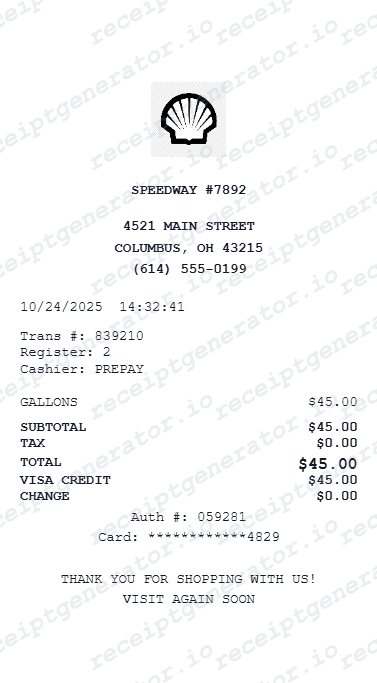
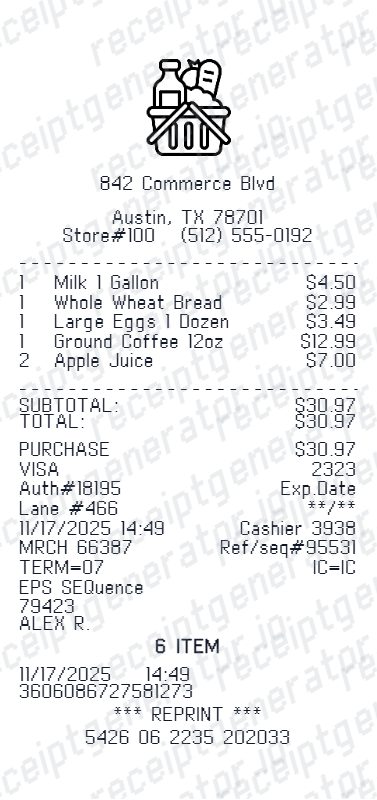
Mobile Payment Receipt FAQ
Find answers about creating mobile payment receipts
Enter restaurant and payment details, add items, select mobile payment type, and download as PDF.
Include transaction reference numbers in the payment details section.
Yes, basic mobile payment receipt features are free.
A real QR pay-at-table receipt shows the restaurant name, itemized order (or a per-guest split if the bill was divided), subtotal, tax, the in-app tip selection, a tokenized payment method (not a full card number), and a transaction ID tied to the table session - typically delivered as a digital receipt rather than printed.
Add the store name, purchase date, line items, totals, tax, payment method, and any optional notes you need on your Mobile Payment Restaurant template.
Yes, indicate Apple Pay, Google Pay, or other digital wallet payments.
Yes, add payment method indicators showing NFC or QR code payments.
Check the phone or email you provided when paying through the QR code - most systems text or email the receipt automatically. If you can't find it, your digital wallet or banking app shows the transaction with the merchant name, date, and amount, and the restaurant can usually print a copy on request using the table and approximate time.
Each guest paying through the app gets their own digital receipt showing their share of the items, their share of tax, and their individual tip - rather than everyone splitting one combined total evenly, the app can divide charges by item or by equal shares depending on how the table chose to split.
Both. You can use these templates for reimbursements, bookkeeping prep, and internal documentation workflows.
Receipt Generator · Receipt Maker · 300+ Free Templates
Create your Mobile Payment receipt
Use the editable Mobile Payment receipt generator to add items, tax totals, and payment details, then export a clean PDF.