Sainsbury's Receipt Generator
Create a Sainsbury's UK grocery receipt with editable store details, item rows, Nectar Prices savings, VAT breakdown, and barcode. Export a clean PDF in minutes.
Create a Sainsbury's-style receipt with supermarket items, payment details, Nectar points summary, VAT calculations, and barcode. Download a print-ready PDF.

Choose
Sainsbury's Receipt selected

Customize
Fill in your details

Download
Save or share receipt
Edit the details once and the preview updates instantly.
Quick summary
Sainsbury's receipt template overview
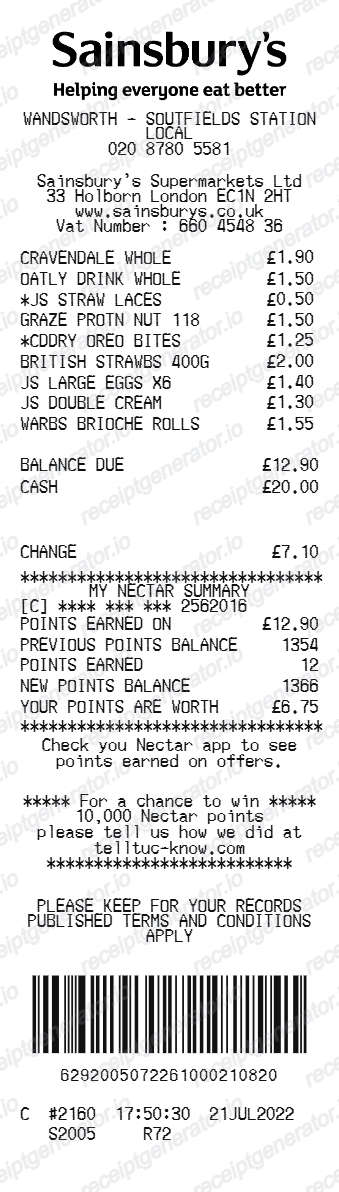
Use this Sainsbury's-style receipt template to build a compact UK supermarket receipt with editable grocery items, Nectar Prices savings, VAT breakdown, barcode, and footer details.
What Is on a Real Sainsbury's Receipt?
Sainsbury's till receipts follow a compact UK supermarket format with loyalty and VAT details that differ from US-style receipts. A credible replacement copy should match these elements.
Store header with phone number
The header shows the branch name and store phone number, with Sainsbury's Supermarkets Ltd company details. Footer metadata includes the till number, transaction number, and time stamp that staff use to trace a purchase.
Nectar Prices printed under items
When a Nectar Price discount applies, the saving is displayed directly underneath the eligible item, showing the lower member price against the shelf price. These lines only appear if a Nectar card or app barcode was scanned at the checkout.
Nectar points summary over 5 pounds
Spend over 5 pounds with a Nectar card and the receipt prints points earned on the transaction and your points balance. Smaller transactions still earn points, but the summary does not print on the receipt.
VAT treatment is mostly hidden
Most basic groceries are zero-rated for UK VAT, so a standard till receipt shows VAT-inclusive prices without a tax breakdown. Business customers can request a VAT receipt at the customer service desk, which splits standard-rated (20%) and zero-rated items and shows the VAT registration number.
SmartShop self-scan receipts
SmartShop trips produce a digital receipt in the app after checkout, and stores can also print a copy at the SmartShop payment station. The digital and paper versions carry the same transaction reference.
Barcode and footer messaging
The bottom of the receipt carries a scannable transaction barcode used for returns and reprints, plus footer text such as survey invitations and returns policy notices.
Create a print-ready Sainsbury's grocery receipt
Edit the layout, watch it update live, then print, download PDF, or email.
Live Sainsbury's receipt preview
See the receipt update instantly as you edit items, totals, messages, and barcode details.
PDF download
Export a clean Sainsbury's-style receipt PDF for digital or printed records.
Mobile-friendly editor
Create and edit Sainsbury's receipts from desktop, tablet, or phone.
Nectar points and barcode support
Customize Nectar points, card balance, barcode digits, and footer messaging for a complete Sainsbury's receipt.
Get Your Original Sainsbury's Receipt First
For a recent in-store shop, take your Nectar card or a bank statement to the store's customer service desk and staff can reprint the receipt. Online grocery orders keep receipts in your account order history and confirmation email, and SmartShop self-scan trips store a digital receipt in the app. Use this template when the original is unavailable - a cash purchase with no Nectar card, a faded thermal slip, or a receipt that was thrown away.
Grocery budget tracking
Keep a clear itemised record of Sainsbury's supermarket and Tu clothing spending.
Lost receipt replacement
Recreate a Sainsbury's till slip from confirmed purchase and bank statement details.
VAT expense documentation
Prepare a supermarket receipt record with 20% standard VAT and 0% zero-rated food totals for bookkeeping.
Sainsbury's Receipt Formats
Choose the Sainsbury's-style format that best matches your grocery and expense recordkeeping needs.
Standard Supermarket Till Slip
A Sainsbury's-style supermarket receipt with item rows, Nectar Prices, and cash/card payment details.
Nectar Loyalty Summary Receipt
A Sainsbury's receipt layout with Nectar points earned, card balance, and member barcode.
HMRC-Compliant UK VAT Receipt
A Sainsbury's-style receipt configured with GBP (£) currency, 20% VAT summary, and zero-rated grocery breakdown.
Grocery Receipt Guides
Read supporting guides for grocery receipts, UK supermarket records, and shopping expense documentation.
Related Other Receipt Templates
More free receipt templates for UK supermarkets, grocery shopping, and retail expense records.
More United Kingdom Receipt Templates
Browse our collection of receipt templates for various purposes.
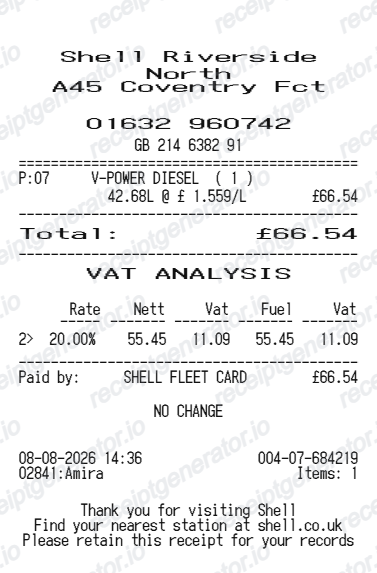
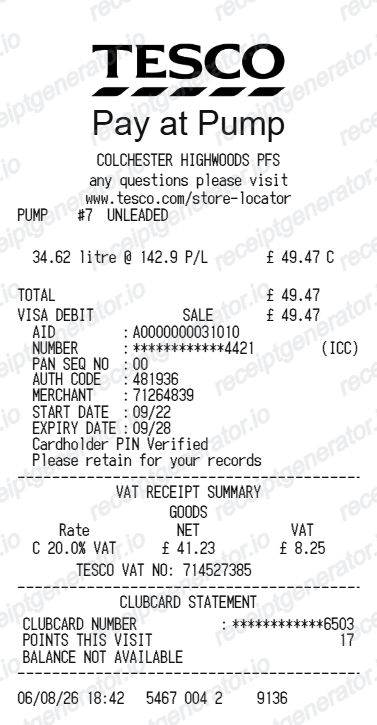
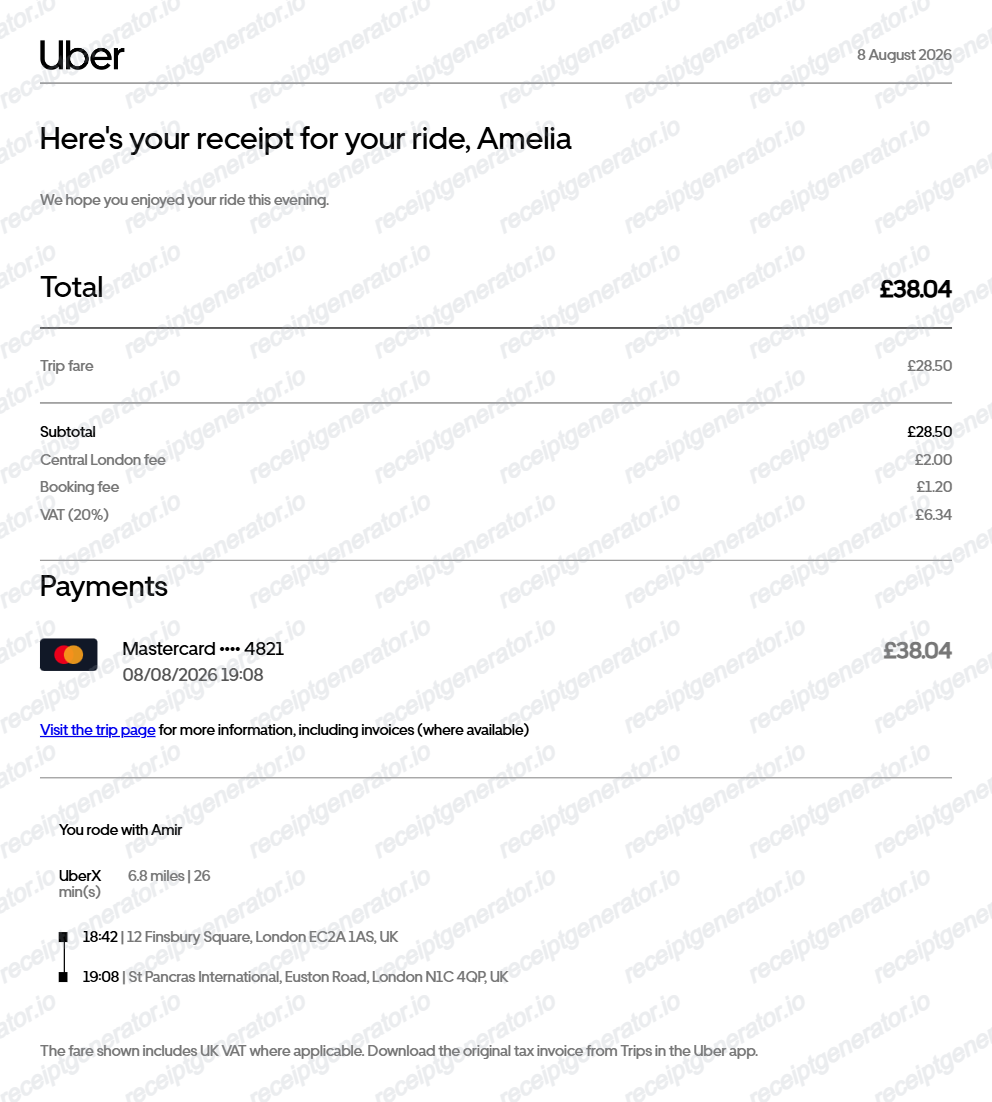
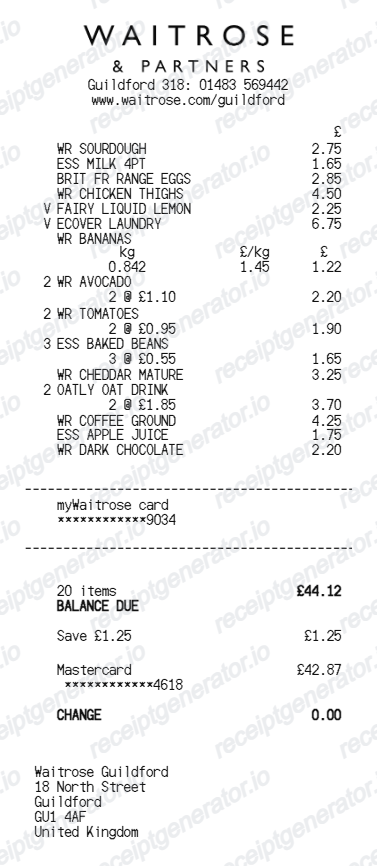

Sainsbury's Receipt FAQ
Common questions about creating Sainsbury's-style grocery receipts for records, budgeting, and documentation.
Open the Sainsbury's receipt template, edit the store details, grocery items, payment rows, Nectar summary, and barcode, then download the receipt as a PDF.
Yes. The template is configured with the pound symbol and UK-style supermarket receipt details.
Yes. After editing the receipt details, preview and download the Sainsbury's-style receipt as a clean PDF for records or budgeting.
A real Sainsbury's till receipt shows the store name and phone number in the header, each item with Nectar Price discounts printed beneath eligible products, the balance due, payment and change lines, a Nectar section with points earned and balance when you spend over 5 pounds, a barcode, and footer metadata such as the till and transaction numbers.
Add the store name, purchase date, line items, totals, tax, payment method, and any optional notes you need on your Sainsbury's template.
Yes. The Nectar card number, points earned, balance, value, and app message are editable in the builder.
Yes. You can create and preview Sainsbury's-style receipts for free. Watermark-free PDF downloads are available with paid plans.
For a recent in-store purchase, visit the store and show your Nectar card or a bank statement at the customer service desk and staff can reprint a copy. Online grocery orders keep receipts in your account order history and in the confirmation email. SmartShop self-scan trips generate a digital receipt in the SmartShop app, and a VAT receipt can be issued on request at the customer service desk or kiosk.
Yes. Ask at the customer service desk in a supermarket or the kiosk in a Local convenience store and staff can issue a VAT receipt for your purchase. Most basic groceries are zero-rated for UK VAT, so the VAT receipt splits items by rate and shows Sainsbury's VAT registration number - useful for business expense claims on standard-rated items.
Both. You can use these templates for reimbursements, bookkeeping prep, and internal documentation workflows.
Receipt Generator · Receipt Maker · 300+ Free Templates
Create your Sainsbury's receipt
Use the editable Sainsbury's receipt generator to add grocery items, Nectar points, barcode, and footer details, then export a clean PDF for your records.