Flipkart Invoice Generator
Create a Flipkart-style GST tax invoice with seller details and GSTIN, order ID, invoice number, bill-to and ship-to, HSN line items, CGST/SGST or IGST, and grand total. Preview live and download a PDF.
Create a Flipkart-style GST tax invoice with sold-by seller details, GSTIN, order ID, invoice number and date, place of supply, HSN line items, taxes, and grand total. Download a print-ready PDF.

Choose
Flipkart Invoice selected

Customize
Fill in your details

Download
Save or share receipt
Edit the details once and the preview updates instantly.
Quick summary
Flipkart GST invoice template overview
Use this Flipkart invoice generator to create clean Indian marketplace tax invoices with editable seller details, HSN codes, GST splits, and order IDs.
What Is on a Real Flipkart Invoice?
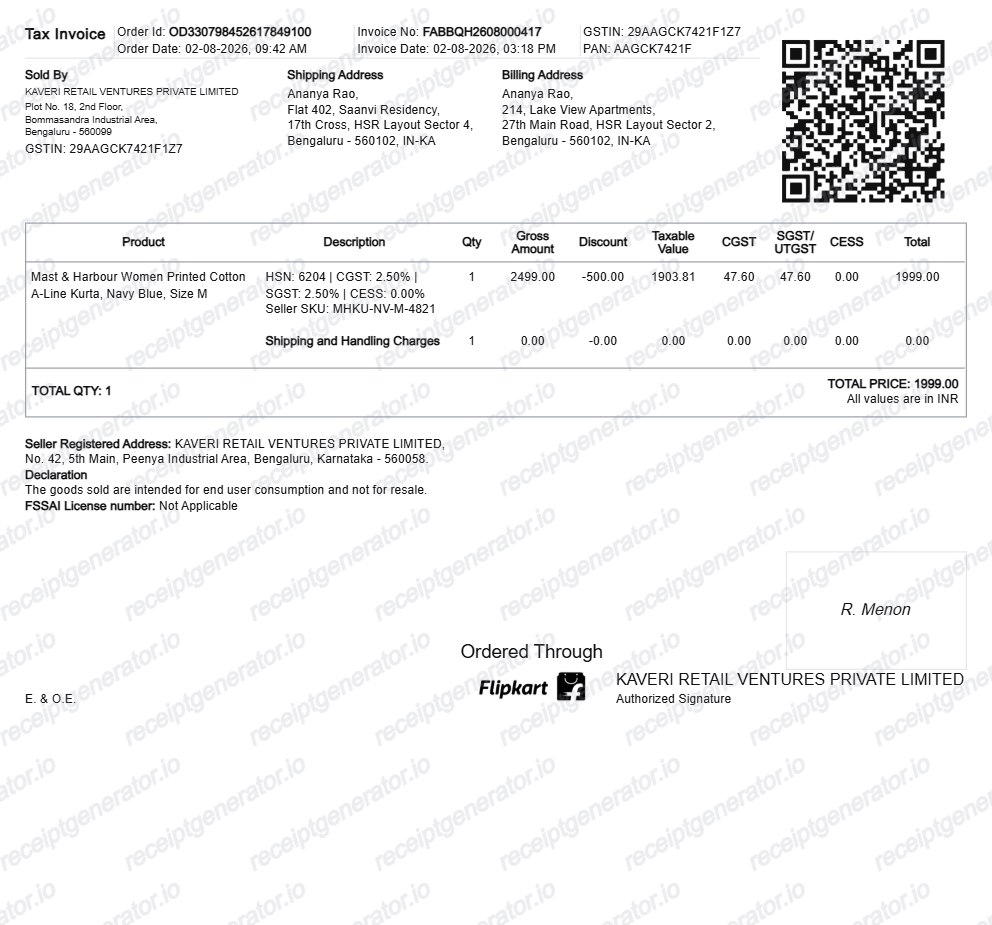
Flipkart runs a marketplace model, so the invoice you download is a GST tax invoice issued by the third-party seller who shipped your order. A credible Flipkart-style invoice should match that seller-issued format field for field.
Sold-by seller details and GSTIN
The invoice names the actual seller - a merchant like a registered trading company, not Flipkart - with the seller's address and 15-character GSTIN. Because sellers ship from different states, the same Flipkart account can receive invoices from many different GSTINs.
Order ID starting with OD
Flipkart order IDs begin with the letters OD followed by a long numeric string, and the invoice shows this order ID with the order date alongside the seller's own invoice number and invoice date - two separate references for the same purchase.
HSN code on every line item
Each product line carries its HSN classification code, the quantity, and the taxable value before tax - mandatory fields on an Indian GST tax invoice that a plain retail receipt would not show.
CGST/SGST or IGST split by state
If the seller ships from the same state as the delivery address, tax splits into CGST plus SGST; if it crosses state lines - the common case on Flipkart - a single IGST line appears instead. The rates depend on the product's GST slab.
Billing, shipping, and grand total in ₹
The invoice separates the bill-to and ship-to addresses, then closes with the grand total in rupees. Discounts and offers applied at checkout appear as reductions on the item lines rather than a single lump sum.
Available only after shipping
The Download Invoice option in Orders appears once the item ships - it is generated by the seller at dispatch. This timing detail is why a brand-new order has no invoice while every delivered order does.
Create a print-ready Flipkart GST invoice
Edit the layout, watch it update live, then print, download PDF, or email.
Live marketplace invoice preview
See the Flipkart invoice update live with seller GSTIN, HSN codes, IGST/CGST rates, and order numbers.
A4 PDF download for GST claims
Download an official Flipkart-style marketplace tax invoice in PDF format with INR (₹) currency.
Inter-state IGST & Intra-state CGST splits
Accurately supports 5%, 12%, 18%, and 28% GST slabs based on seller and buyer state codes.
Order ID (OD-XXXX) & serial number tracking
Add OD order IDs, IMEI / serial numbers, warranty terms, and shipping tracking numbers.
Get Your Original Flipkart Invoice First
The official invoice is one tap away in your account: open the Flipkart app or website, go to Orders, select the order, and choose Download Invoice to save the seller-issued GST tax invoice as a PDF - it becomes available once the item ships and stays in your order history after delivery. Use this template when the original is unavailable - a closed Flipkart account, an order missing from history, or a purchase record you need to rebuild for bookkeeping.
Electronics warranty & service center verification
Recreate an itemised Flipkart purchase invoice showing serial numbers for warranty repairs.
Business expense & ITC tax filing
Generate a GST-compliant marketplace invoice with seller GSTIN for corporate accounting.
Lost e-commerce invoice replacement
Rebuild a misplaced Flipkart order invoice using your UPI, card, or delivery confirmation details.
Flipkart Invoice Formats
Select the Flipkart invoice format that best suits your tax filing, warranty, or reimbursement needs.
Marketplace Retail Tax Invoice
A standard Flipkart seller tax invoice with itemised products, HSN codes, and shipping fees.
B2B GST Tax Invoice
A business invoice layout with buyer company GSTIN, seller GSTIN, and state tax table.
Electronics Warranty Slip
An invoice layout containing device serial numbers, IMEI, and brand warranty coverage.
Related Guides
Helpful guides on creating and using these invoices and bills.
Receipt guide
How to Download a Flipkart Invoice
Where to find your Flipkart GST tax invoice and how to rebuild a clean copy.
Explore How to Download a Flipkart InvoiceReceipt guide
GST Invoice Format
The mandatory fields a GST-compliant tax invoice needs in India.
Explore GST Invoice FormatReceipt guide
Retail Receipt for Expense Reports
See which fields a store receipt needs to qualify for expense report or reimbursement submission.
Explore Retail Receipt for Expense ReportsRelated Templates
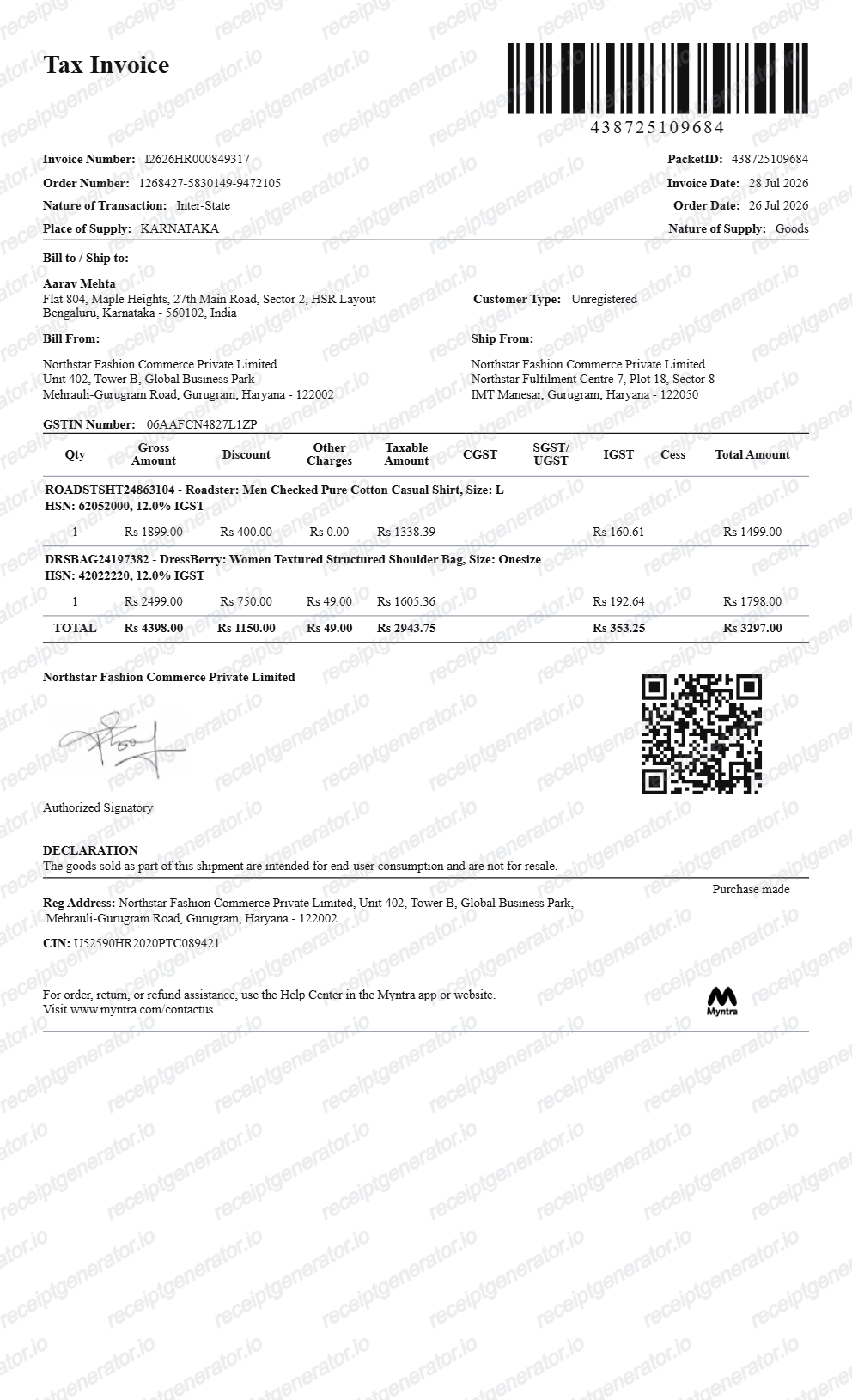
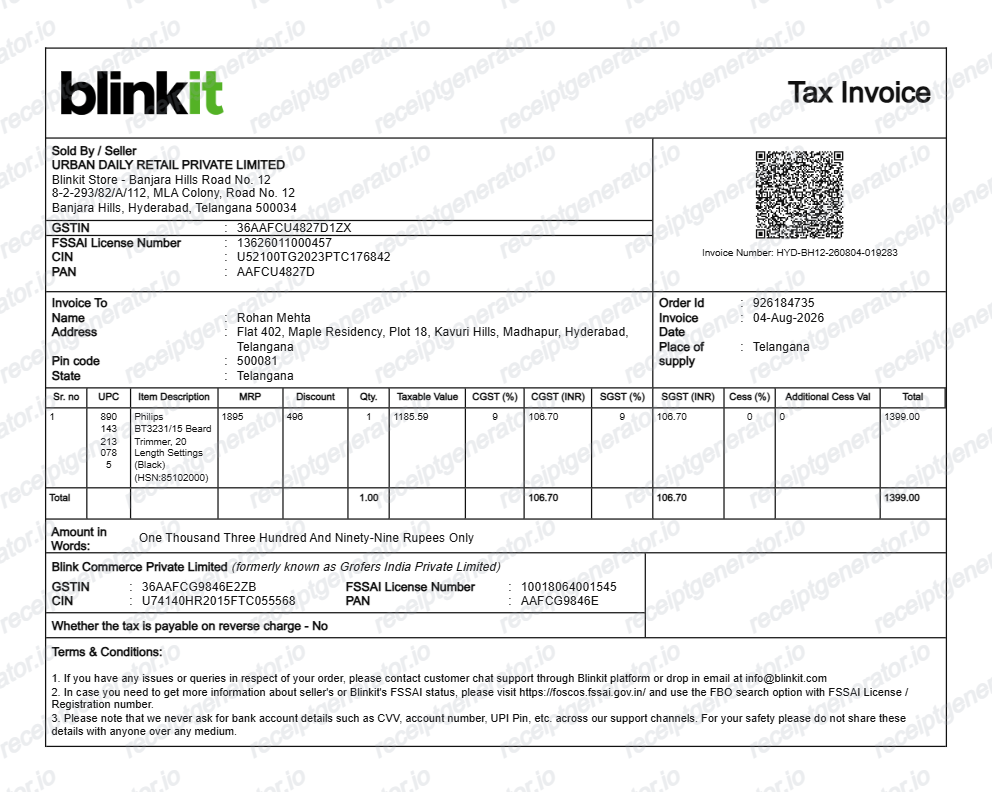
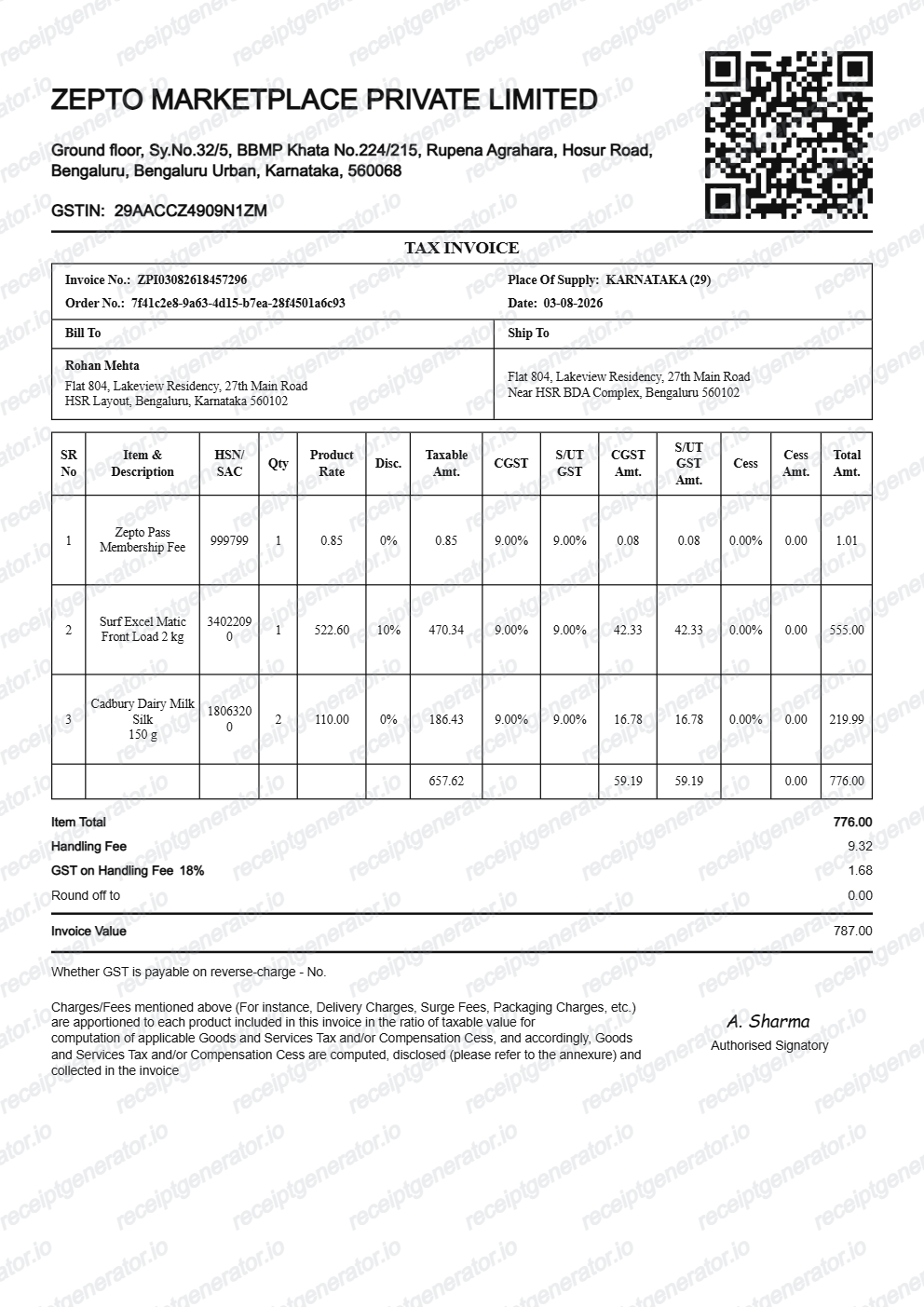
More free invoice templates for Indian e-commerce, electronics, and fashion marketplaces.

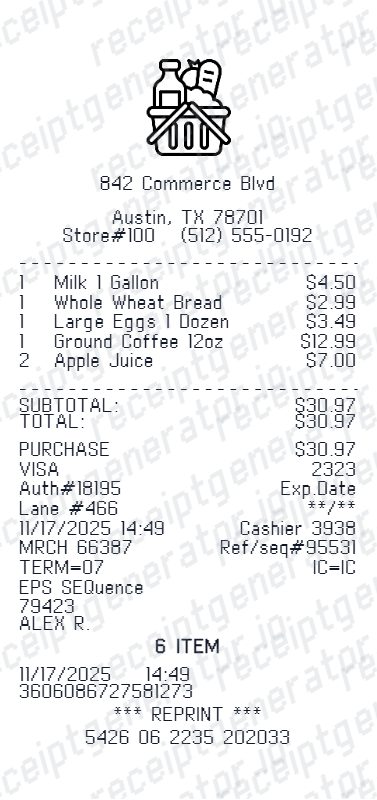
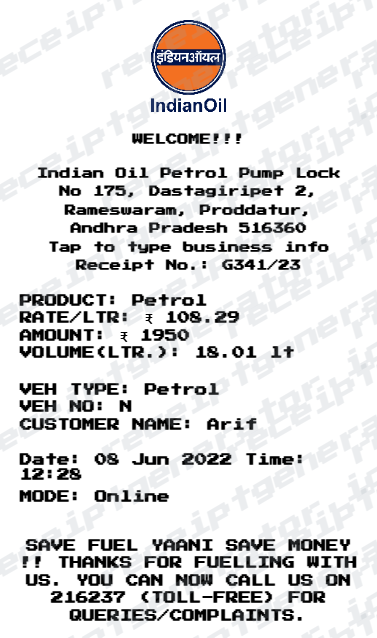
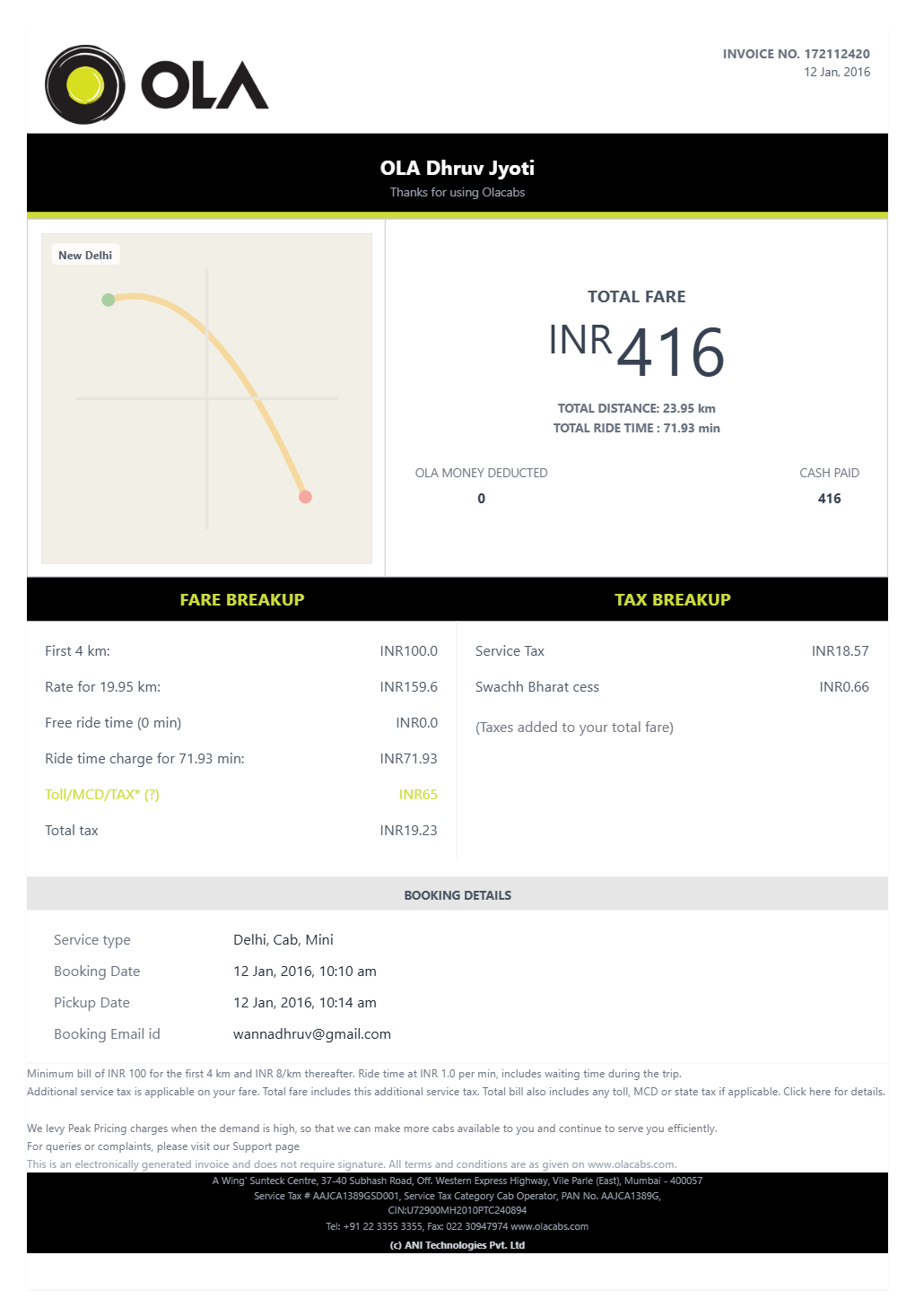
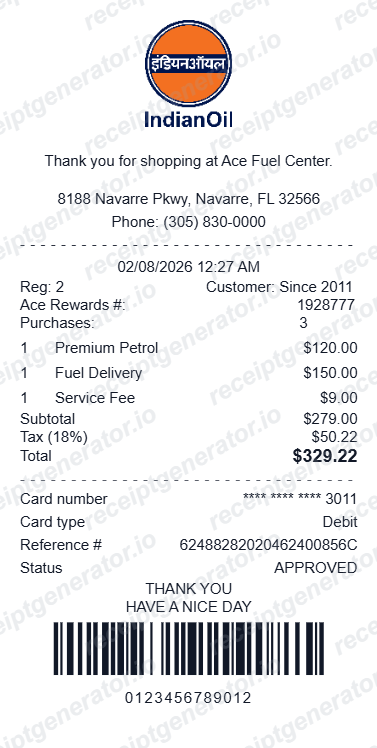
More India Receipt Templates
Browse our collection of receipt templates for various purposes.
Flipkart Invoice FAQ
Common questions about creating a Flipkart-style GST tax invoice.
Open the Flipkart invoice generator, edit the seller details and GSTIN, order ID, invoice number, bill-to and ship-to, HSN line items, taxes, and grand total, then preview and download as a PDF.
Yes. The invoice details section has editable rows for Order ID, Order Date, Invoice Number, Invoice Date, and Place of Supply.
For official warranty claims use the original Flipkart invoice. This template is for personal records, expense files, and bookkeeping backups when the original is unavailable.
Open the Flipkart app or website, go to Orders, select the order, and tap Download Invoice - the GST tax invoice saves as a PDF. The invoice typically becomes available only after the item ships, so a just-placed order will not show it yet. Delivered orders keep the invoice available in order history, so even old purchases can usually be re-downloaded.
Only if the invoice carries your business GSTIN. Flipkart offers a GST invoice option on select products for business buyers who add their GSTIN at checkout; a regular consumer invoice without your GSTIN cannot be used for input tax credit. The seller must also report the invoice in their GST returns so it appears in your GSTR-2B.
Yes. Flipkart issues a GST tax invoice from the third-party seller. The template includes the sold-by seller GSTIN, HSN codes, and CGST/SGST or IGST tax rows.
Yes — set intra-state (CGST+SGST) or inter-state (IGST) tax lines with the seller GSTIN, matching Flipkart's tax invoice format.
Yes — match the payment line to UPI, card, EMI, net banking, or cash on delivery.
A real Flipkart invoice is a Tax Invoice issued by the third-party seller, not by Flipkart itself. It shows the sold-by seller's name, address, and 15-character GSTIN, the order ID (starting with OD) and order date, the invoice number and invoice date, billing and shipping addresses, each item with its HSN code, the taxable value and the CGST/SGST or IGST split with rates, and the grand total in rupees.
Receipt Generator · Receipt Maker · 300+ Free Templates
Create your Flipkart invoice
Use the editable Flipkart invoice generator to add items, HSN codes, GST rates, and OD order details, then export a clean PDF.