Sport Chek Receipt Generator
Create a Sport Chek-style retail receipt with editable item rows, GST/HST summary, Triangle Rewards, and payment details. Export a clean PDF in minutes.
Create a Sport Chek-style receipt with retail items, GST/HST-inclusive totals, Triangle Rewards, payment, and footer text. Download a PDF for records.

Choose
Sport Chek Receipt selected

Customize
Fill in your details

Download
Save or share receipt
Edit the details once and the preview updates instantly.
Quick summary
Sport Chek receipt template overview
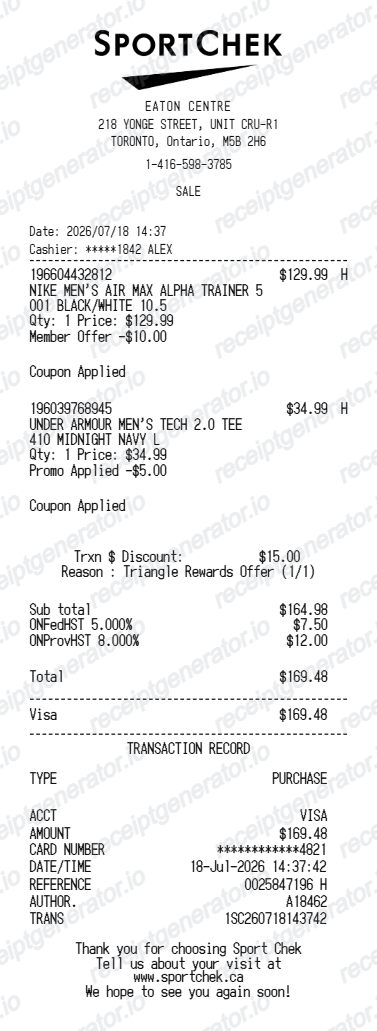
Use this Sport Chek-style receipt template to build a compact Canada receipt with editable items, GST/HST-inclusive totals, Triangle Rewards, barcode, and footer text.
What Is on a Real Sport Chek Receipt?
Sport Chek is owned by Canadian Tire Corporation, so its receipts share the same Triangle Rewards loyalty program and province-based tax handling as Canadian Tire, Mark's, and Atmosphere, just with a sporting-goods item mix.
Triangle Rewards, shared across CTC banners
Sport Chek runs on the same Triangle Rewards program as Canadian Tire, Mark's, Atmosphere, and Sports Experts. Scanning the Triangle app, card, or key fob - or paying with a Triangle Mastercard - earns electronic CT Money that appears as a line on the receipt, replacing the old paper CT Money coupons.
CT Money earned on the pre-tax subtotal
As with other Triangle Rewards banners, CT Money is calculated on the pre-tax purchase amount rather than the tax-inclusive total, so the rewards line on a Sport Chek receipt reflects the subtotal before GST/HST is applied.
Tax lines follow the store's province
Because Sport Chek operates coast to coast, receipts show HST alone in Ontario and the Atlantic provinces, GST plus PST in BC, Saskatchewan, and Manitoba, and GST plus QST in Quebec - the same provincial pattern as other Canadian Tire-family stores.
Sporting goods item detail
Line items typically include apparel size and colour, footwear model and width, and equipment SKUs, since Sport Chek's inventory spans athletic clothing, footwear, and team/individual sports gear rather than general merchandise.
Return and exchange window printed on the receipt
Sport Chek's return policy details (typically a defined return window with proof of purchase) are commonly referenced on or near the receipt footer, since sporting goods and footwear returns are a frequent in-store request.
Digital lookup via the Triangle app
Members who scan their Triangle Rewards card or app at checkout can view itemized transaction history and CT Money balances online, giving a digital backup to the printed Sport Chek receipt.
Create a print-ready Sport Chek retail receipt
Edit the layout, watch it update live, then print, download PDF, or email.
Live Sport Chek receipt preview
See the Sport Chek receipt update instantly as you edit items, totals, GST/HST, and messages.
PDF download
Export a clean Sport Chek-style receipt PDF for digital or printed records.
Mobile-friendly editor
Create and edit Sport Chek receipts from desktop, tablet, or phone.
Triangle Rewards and GST/HST support
Customise loyalty text, GST/HST totals, barcode digits, and footer messaging.
Get Your Original Sport Chek Receipt First
If you scanned your Triangle Rewards card or app at checkout, sign in to your Triangle account online or in the app to view itemized transaction history and CT Money earned. Without a linked account, a Sport Chek store can sometimes look up a purchase using the payment card and approximate date. Use this template when the original is unavailable - a lost paper slip, a cash purchase with no rewards card, or a records gap that needs a placeholder copy.
Budget tracking
Keep a clear itemised record of Sport Chek spending.
Lost receipt recreation
Recreate a Sport Chek receipt-style document from your purchase details.
GST/HST expense documentation
Prepare a receipt record with GST/HST for reimbursement or bookkeeping.
Sport Chek Receipt Formats
Use the Sport Chek-style format that best matches your recordkeeping needs.
Standard Receipt
A Sport Chek-style receipt with item rows and payment details.
Triangle Rewards Receipt
A Sport Chek receipt layout with loyalty points and promotional footer messaging.
GST/HST Receipt
A Sport Chek-style receipt configured with CAD currency and a GST/HST summary for Canada records.
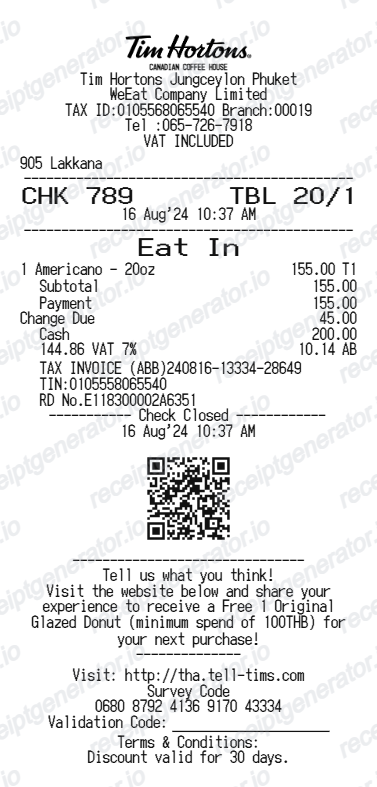
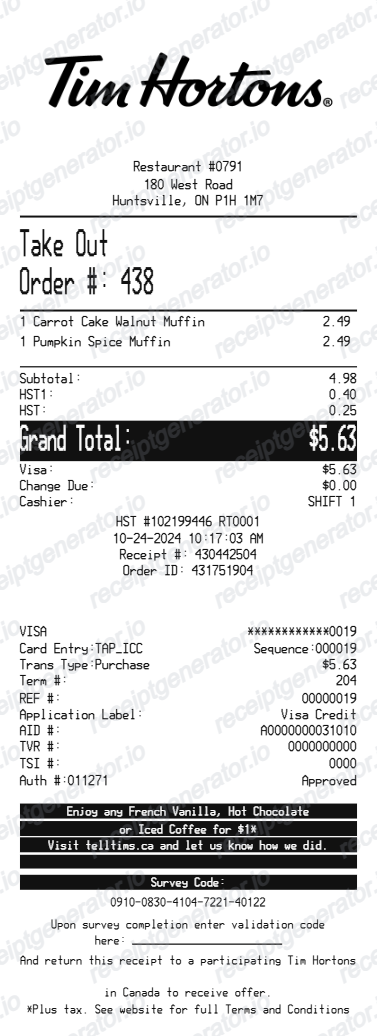
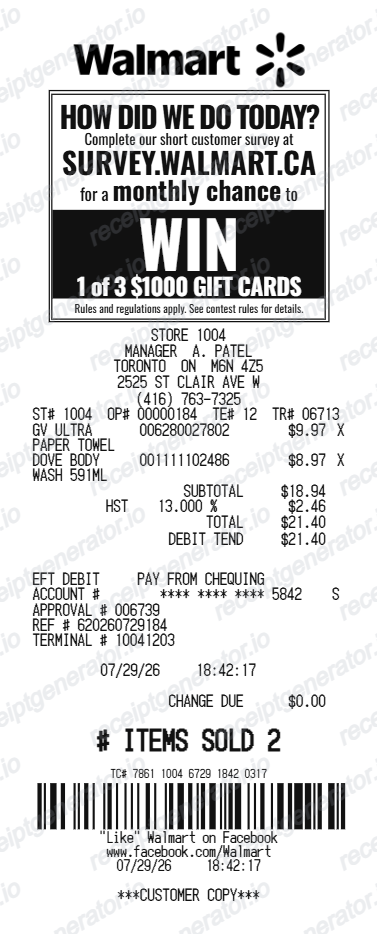
More free receipt templates for Canada retail shopping and retail expense records.
More Canada Receipt Templates
Browse our collection of receipt templates for various purposes.
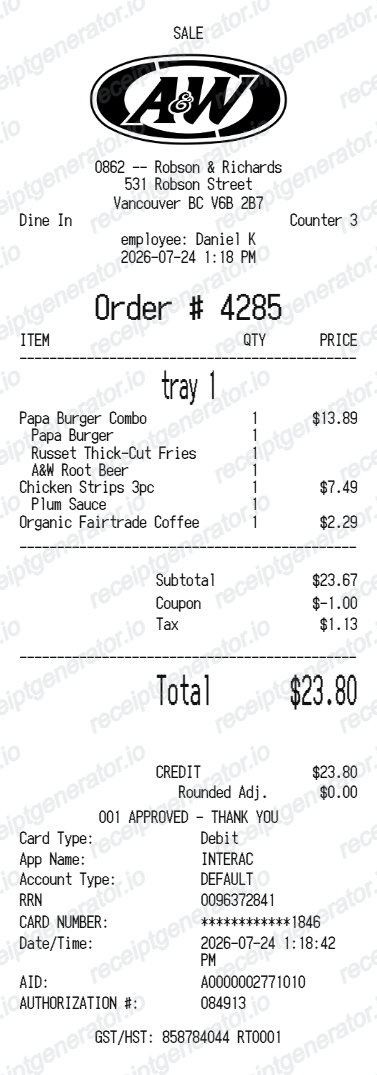
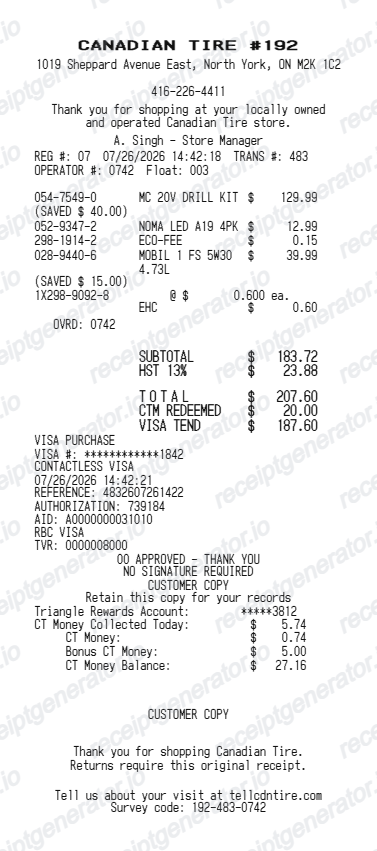
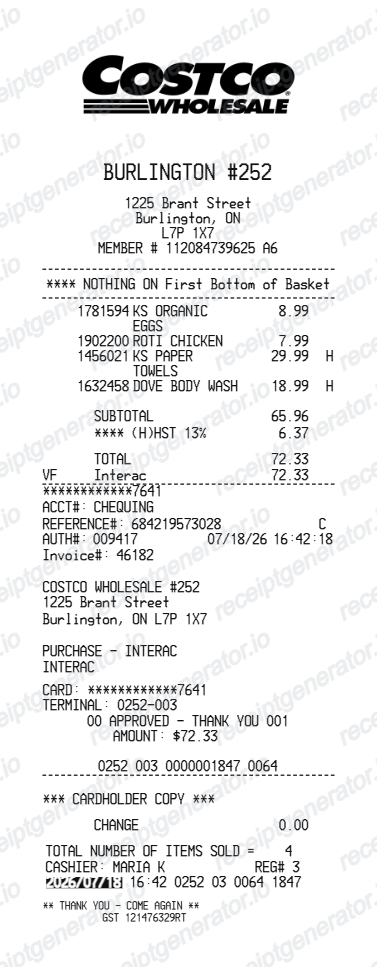
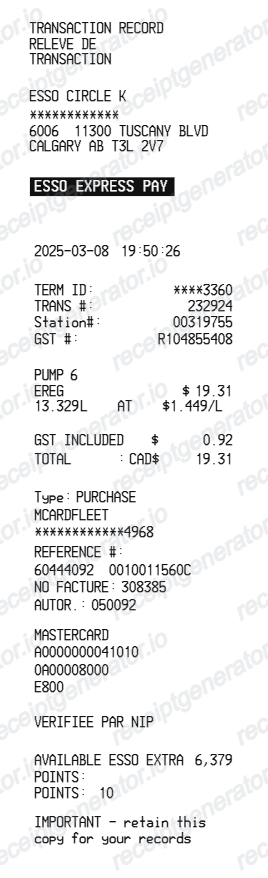
Sport Chek Receipt FAQ
Common questions about creating Sport Chek retail receipts for personal records, budgeting, and GST/HST documentation in Canada.
Choose the Sport Chek receipt template, edit the store header, add items and prices, set the total and GST/HST, then download the receipt as a PDF.
Yes. Store name, items, prices, triangle rewards, barcode digits, and footer text are all editable in the builder.
Yes. You can create and preview Sport Chek receipts for free. Watermark-free PDF downloads are available with paid plans.
Sign in to your Triangle Rewards account on triangle.com or in the Triangle app and check your transaction history for itemized past purchases and CT Money earned. If you did not scan a rewards card, visit the store with your payment card and approximate purchase date so staff can look up the transaction.
Sport Chek can often look up a purchase using the payment card or a linked Triangle Rewards account, but a printed or emailed receipt makes returns and exchanges faster, especially for footwear and apparel with size-specific SKUs.
Yes. The totals section includes a GST/HST-inclusive total to match the format on Canada Sport Chek receipts.
Yes. The Sport Chek receipt template is configured with the $ symbol and GST/HST-style Canada receipt details.
Yes. After editing the details, preview and download the Sport Chek-style receipt as a clean PDF for records or budgeting.
A real Sport Chek receipt shows the store address and number, itemized sporting goods products with size or model details, tax lines matching the province (HST, or GST plus PST/QST), electronic CT Money earned on the pre-tax subtotal through Triangle Rewards, the payment method, and a barcode with transaction details at the bottom.
Receipt Generator · Receipt Maker · 300+ Free Templates
Create your Sport Chek receipt
Use the editable Sport Chek receipt generator to add items, GST/HST totals, loyalty text, and barcode details, then export a clean PDF.