Tim Hortons Canada Thermal Receipt Template
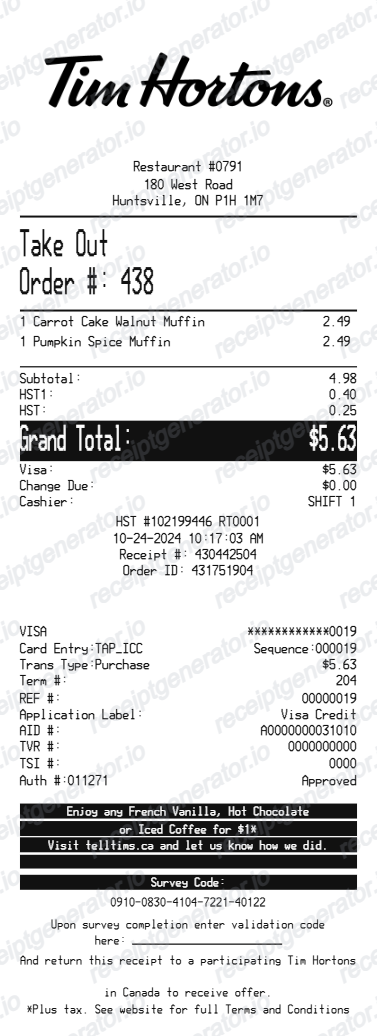
Edit the Canadian thermal layout with restaurant and order details, menu items, separate HST rows, cash or card tender, transaction references and a survey footer. Use confirmed CAD amounts and preview before export.
Edit a Tim Hortons Canada thermal receipt with menu items, HST rows, cash or card tender and survey footer. Preview online and review PDF export plans.

Choose
Tim Hortons Receipt Canada selected

Customize
Fill in your details

Download
Save or share receipt
Edit the details once and the preview updates instantly.
Quick summary
Tim Hortons Receipt Canada template overview
Edit the Canadian thermal layout with restaurant and order details, menu items, separate HST rows, cash or card tender, transaction references and a survey footer. Use confirmed CAD amounts and preview before export.
Fields in the tim hortons receipt canada template
Edit the Canadian thermal layout with restaurant and order details, menu items, separate HST rows, cash or card tender, transaction references and a survey footer. Use confirmed CAD amounts and preview before export.
Coffee and food line items
List each drink size, food item and known customisation on the matching order line. Review quantities and prices before calculating totals.
Location, time and order number
Record the restaurant location, transaction date and order reference you already know. These fields help keep your personal records organised.
Tender and transaction references
Select cash or card to match the purchase. Record known tendered amounts, change or card references; these editable fields do not validate a payment.
Original order receipt
For an original receipt or an order issue, use the order confirmation or contact the restaurant or official Tim Hortons support. This editor cannot retrieve an order from their systems.
How to use the tim hortons receipt canada template
Start with confirmed transaction information, then check the preview before export.
- 1
Enter the transaction details
List each drink size, food item and known customisation on the matching order line. Review quantities and prices before calculating totals.
- 2
Review the individual charges
Record the restaurant location, transaction date and order reference you already know. These fields help keep your personal records organised.
- 3
Check the totals and preview
Compare the completed record with the known transaction details and correct any differences.
- 4
Choose your export option
Creating and previewing is free. Review the available plan before downloading a watermark-free PDF.
Create a detailed Tim Hortons-style thermal receipt
Edit the layout, watch it update live, then print, download PDF, or email.
Live thermal receipt preview
See the full Tim Hortons-style receipt update immediately as you edit its fields.
Automatic receipt calculations
Calculate line-item subtotal, HST, adjustments, total, and cash change from the entered values.
Cash and card controls
Choose the payment type and show only the tender and transaction details that apply.
PDF export
Download the completed thermal receipt layout as a printable PDF.
Check for Your Original Tim Hortons Receipt First
For an original receipt or an order issue, use the order confirmation or contact the restaurant or official Tim Hortons support. This editor cannot retrieve an order from their systems.
Confirmed transaction records
Organise purchase or service information you already know.
Personal budgeting and review
Review itemised costs and keep the original document with your records.
Tim Hortons Receipt Formats
Choose the payment and footer details that match the receipt record you are recreating.
Card Receipt
A detailed Tim Hortons-style receipt with masked card and transaction approval information.
Cash Receipt
A simplified tender layout with cash paid and change due, without card details.
Survey Receipt
A thermal receipt with an editable promotional offer, survey code, validation line, and terms.
Related Guides
Explore related guides to understand the receipt details, lookup steps, and documentation workflows.
Editable template
Restaurant Receipt Generator template
Explore this editable receipt layout and its fields before opening the editor.
Explore Restaurant Receipt Generator templateReceipt guide
Restaurant Receipt for Taxes
Review the restaurant receipt fields that matter most for business meal documentation.
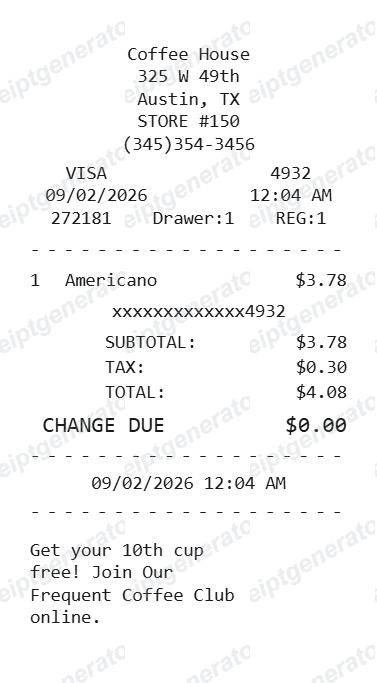
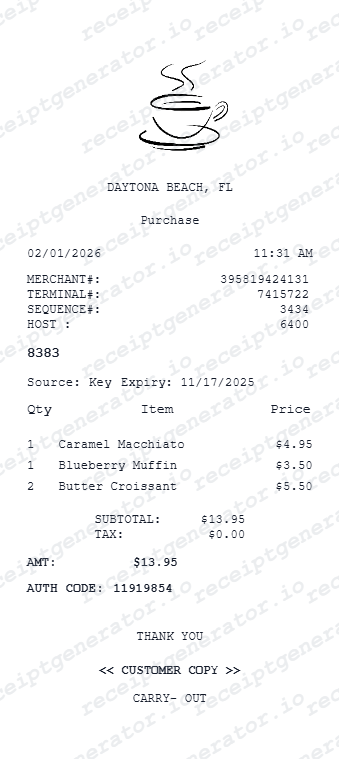
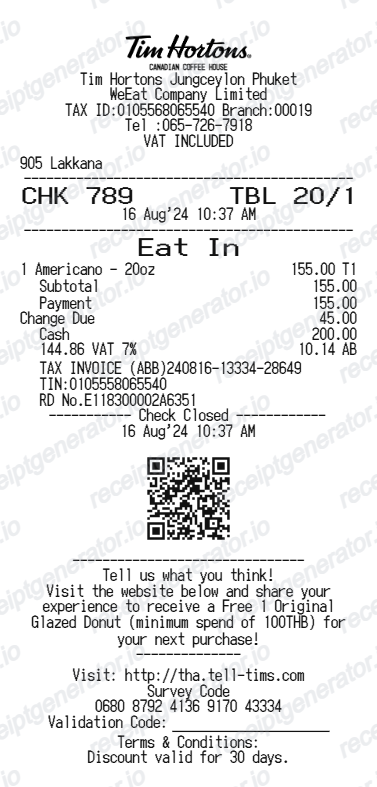
Explore Restaurant Receipt for TaxesRelated coffee and café orders templates
Explore related receipt layouts for confirmed purchases and personal records.
More Canada Receipt Templates
Browse our collection of receipt templates for various purposes.
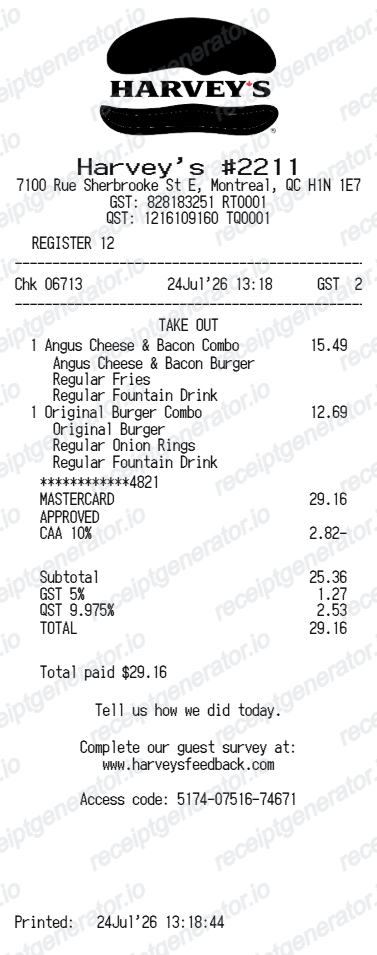
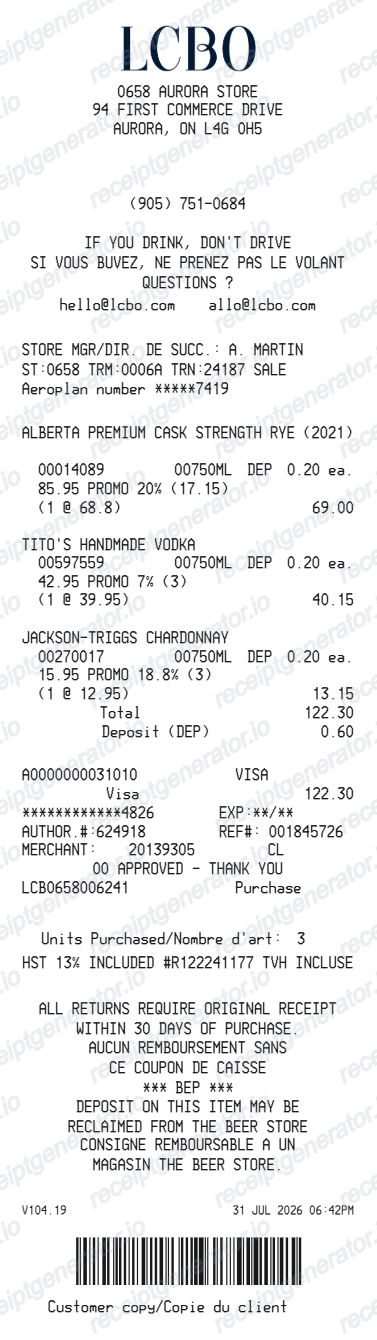
Tim Hortons Receipt Generator FAQ
Questions about editing the tim hortons receipt canada template, reviewing its fields and obtaining the original transaction record.
Open the Tim Hortons receipt generator, edit the restaurant and order details, add the purchased items, choose cash or card, review the totals, and download the finished receipt as a PDF.
Yes. Choose cash to show the cash tendered and change due, or choose card to show the card brand and transaction details. The card ledger is hidden automatically for cash payments.
Yes. The editor includes receipt-wide font, size, line-height, width, padding, colour, texture, and watermark controls, plus section-level text styling.
No. This is an independent, editable receipt-style template and is not issued or endorsed by Tim Hortons. Use it only for lawful recordkeeping, design, testing, or recreating the details of a genuine purchase.
Yes. You can create and preview the layout for free. Watermark-free PDF exports require a paid plan; review pricing before exporting.
You can edit the logo size, restaurant details, order number, date and time, menu items, HST rows, totals, tender details, transaction identifiers, card ledger, survey code, validation line, and footer terms.
Yes. Item prices, adjustments, taxable subtotal, HST lines, grand total, cash tendered, and change due are calculated from the values entered in the editor.
Yes. After you finish editing and checking the live preview, you can export the receipt as a clean PDF for your records or layout testing.
No. This is an independent editable template for known transaction details. It does not retrieve merchant records or replace merchant-issued evidence.
Receipt Generator · Receipt Maker · 300+ Free Templates
Create your Tim Hortons-style receipt
Edit the known details in this tim hortons receipt canada template and review the preview before choosing a PDF export plan.