Sprouts Receipt Generator
Create a Sprouts-style grocery receipt with produce, bulk items, savings, tax, and payment details. Export a clean PDF in minutes.
Create a Sprouts-style receipt with grocery items, bulk-bin purchases, savings, taxes, and payment details. Download a PDF for budget records.

Choose
Sprouts Receipt selected

Customize
Fill in your details

Download
Save or share receipt
Edit the details once and the preview updates instantly.
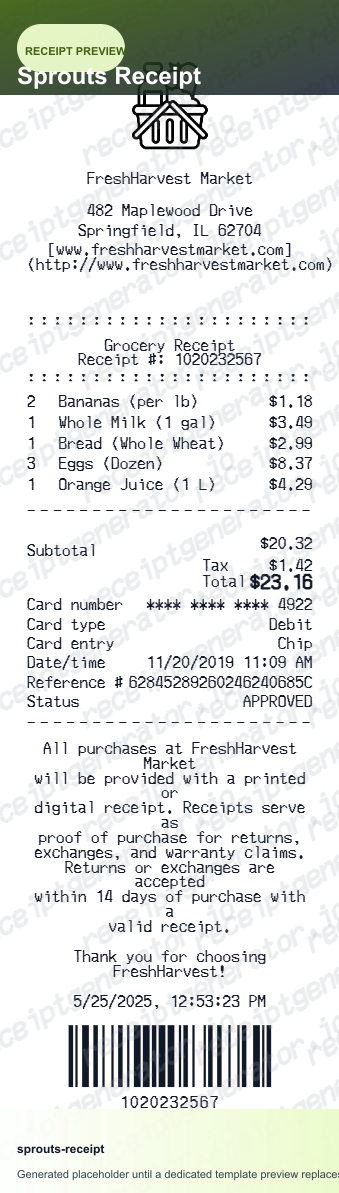
Quick summary
Sprouts receipt template overview
Use this Sprouts receipt generator to create authentic itemized receipts with editable products, tax calculations in $, and printable PDF export.
What Is on a Real Sprouts Receipt?
Sprouts Farmers Market receipts center on produce and bulk-bin pricing, and now carry the new Sprouts Rewards loyalty program. A credible recreation should match the by-weight pricing and rewards format a real receipt shows.
Bulk bin and by-weight pricing
Bulk bin and produce items print with a price per pound and the weighed quantity, with the extended price calculated from those two numbers rather than a flat per-item price.
Sprouts Rewards points line
Since the program went chainwide in October 2025, scanning a Sprouts Rewards barcode at checkout earns 5 points per $1 spent, with 1,000 points equal to a $2 reward - the points earned and reward progress print on the receipt.
Weekly deal savings as separate lines
Sprouts' rotating Weekly Deals print as a distinct discount line under the qualifying item rather than being folded into the shelf price, so the receipt shows both the regular price and the deal savings.
Store address, not just a store number
The header names the specific Sprouts location with its street address, matching the neighborhood-market format the chain uses instead of a numbered big-box store ID.
Sales tax on taxable items only
Most raw grocery items are untaxed in states with grocery exemptions, while prepared foods, supplements, and non-food items are typically taxable - so the tax line reflects only a portion of the basket.
Register and transaction metadata
The footer carries the date, time, register number, and a transaction ID - useful references if a return or price adjustment requires the store to look up the sale.
Create a print-ready Sprouts grocery receipt
Edit the layout, watch it update live, then print, download PDF, or email.
Live Sprouts receipt preview
Watch the receipt update as you add organic items and savings.
One-click print
Print your Sprouts receipt from the browser.
Download as PDF
Export a clean health grocery receipt PDF for documentation.
Mobile-friendly editor
Create Sprouts receipts from any device.
Get Your Original Sprouts Receipt First
If you scanned your Sprouts Rewards barcode at checkout, sign in to your account at sprouts.com or in the app and check Your Rewards for points and purchase history from the chain-wide rewards launch in October 2025 onward. Older or unscanned in-store purchases have no online record, so a store visit with your card statement is the only lookup path. Use this template when the original is unavailable - a purchase made before the rewards program, a paper receipt that faded, or a cash transaction with no digital trail.
Health expense reimbursement
Submit Sprouts receipts for health food or wellness expense documentation.
Grocery budget tracking
Track Sprouts spending with itemized organic grocery receipts.
FSA/HSA eligible item receipt
Document Sprouts supplement or vitamin purchases for FSA/HSA reimbursement.
Return documentation
Generate a Sprouts receipt for product return or exchange.
Sprouts Receipt Formats
Choose the Sprouts-style receipt layout that best matches your shopping and recordkeeping needs.
Standard Grocery Receipt
Sprouts receipt for a regular natural grocery trip.
Bulk & Produce Receipt
Sprouts receipt with bulk bin and by-weight produce items.
Health Supplement Receipt
Sprouts receipt for vitamins, supplements, and wellness products.
Related Guides
Explore related guides to understand the receipt details, lookup steps, and documentation workflows.
Related Other Receipt Templates
Browse our collection of receipt templates for various purposes.

Sprouts Receipt FAQ
Common questions about creating a Sprouts-style grocery receipt for household records, budget tracking, and documentation.
Choose the Sprouts receipt template, add item names, organic products, bulk bin items, prices, taxes, and payment method. Preview and download as PDF.
Yes. Enter price per pound and weight for bulk bin and produce items - line totals calculate automatically.
Yes. Download a clean PDF for health expense records, budget tracking, or personal documentation.
A real Sprouts receipt shows the specific store address, item lines for produce, bulk bin, and packaged goods with weights or quantities, a Sprouts Rewards line if a barcode was scanned (points earned and reward progress), applicable sales tax, the payment method, and the date, time, and register number in the footer.
Add the store name, purchase date, line items, totals, tax, payment method, and any optional notes you need on your Sprouts template.
Yes. Add Sprouts Weekly Deal discounts and sale pricing as savings line items - totals update automatically.
Yes. Add healthy grocery items and payment method to create Sprouts receipts for health or wellness expense submissions.
Sign in to your Sprouts account (sprouts.com or the Sprouts app), open the hamburger menu, select your name, then Your Rewards to see purchase and points history if you scanned your Sprouts Rewards barcode at checkout. Sprouts Rewards launched chainwide in October 2025, and members earn 5 points per $1 spent - the reward amount and points earned print directly on the receipt.
Yes, as of the Sprouts Rewards rollout in late 2025 - members earn 5 points per $1 spent, with 1,000 points equal to a $2 reward. Before that, Sprouts had no chain-wide loyalty card, so older receipts typically show no points line at all.
Both. You can use these templates for reimbursements, bookkeeping prep, and internal documentation workflows.
Receipt Generator · Receipt Maker · 300+ Free Templates
Create your Sprouts receipt
Use the editable Sprouts receipt generator to add items, tax totals, and payment details, then export a clean PDF.