Temu Receipt Template & Generator
Edit a Temu receipt template with order ID, seller/VAT details, delivery address and GBP item totals. Preview free; PDF export requires a paid plan.
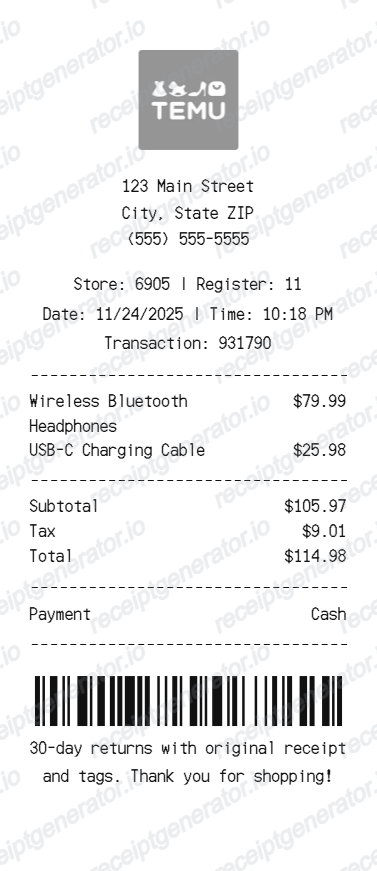
This Temu receipt template uses an invoice-style GBP sample with seller/VAT fields, order references, delivery details and itemised prices. Compare it with the original supplier invoice, preview free and review paid PDF export plans.

Choose
Temu Receipt selected

Customize
Fill in your details

Download
Save or share receipt
Edit the details once and the preview updates instantly.
Quick summary
Temu receipt template: what can I edit?
Edit the company name/address and VAT number fields. The sample uses a UK seller and GBP amounts; check them against the actual supplier document. Review the order ID, order date, invoice number/date and payment-status text.
Editable fields in the Temu receipt template
Review these fields against the source transaction before exporting your personal record.
Seller and VAT details
Edit the company name/address and VAT number fields. The sample uses a UK seller and GBP amounts; check them against the actual supplier document.
Order and invoice references
Review the order ID, order date, invoice number/date and payment-status text.
Delivery address
Enter the recipient and shipping address in the separate delivery block.
Itemised VAT amounts
Review quantities, unit prices excluding/including VAT, row VAT rates and item totals. Copy applicable rates from the purchase; do not assume every row is 20%.
Create a print-ready Temu receipt
Edit the layout, watch it update live, then print, download PDF, or email.
Temu live preview
Edit the company name/address and VAT number fields. The sample uses a UK seller and GBP amounts; check them against the actual supplier document.
Review the editable fields
Review the order ID, order date, invoice number/date and payment-status text.
PDF export plans
Preview the layout free; watermark-free PDF export requires a paid plan.
Mobile and desktop editing
Open the same receipt layout on mobile or desktop and check the preview before exporting.
Original Temu records and this editable template
Use the original Temu order documentation and ask Temu support for the supplier-issued invoice when needed. This layout cannot retrieve an order or issue a VAT invoice on behalf of the seller.
Reconcile confirmed details
Enter the recipient and shipping address in the separate delivery block.
Review the layout
Review quantities, unit prices excluding/including VAT, row VAT rates and item totals. Copy applicable rates from the purchase; do not assume every row is 20%.
Temu Receipt Template Types
Compare this editable layout with the original transaction record.
Temu editable purchase record
Review the order ID, order date, invoice number/date and payment-status text.
Related Guides
Explore related guides to understand the receipt details, lookup steps, and documentation workflows.
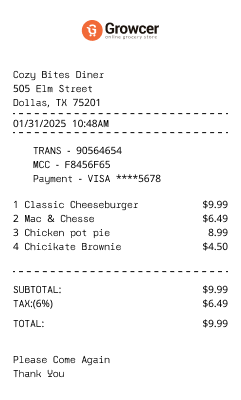
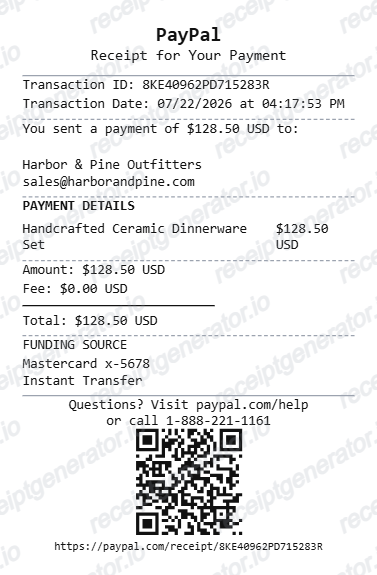
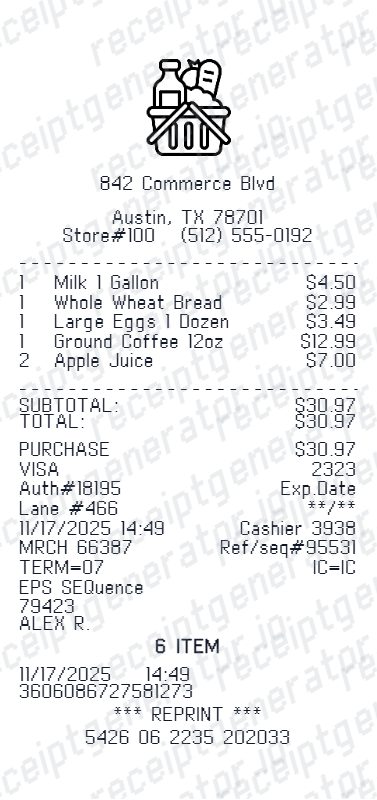
Compare related receipt layouts and their editable fields.
Temu Receipt Template: Fields and Original Records
Answers about this layout, confirmed transaction details and the original purchase record.
Open the editor, enter the confirmed transaction details, review order and invoice references and check the totals in the live preview. Watermark-free PDF export requires a paid plan.
Use the original Temu order documentation and ask Temu support for the supplier-issued invoice when needed. This layout cannot retrieve an order or issue a VAT invoice on behalf of the seller.
No. The current editor uses an invoice-style page with seller/VAT fields, order and invoice references, a delivery address and a detailed item table. The sample is in GBP; it is not an official supplier-issued VAT invoice.
Receipt Generator · Receipt Maker · 300+ Free Templates
Edit the Temu receipt template
Enter confirmed details, check the free preview and review paid PDF export plans.