Greggs Receipt Generator
Create a Greggs UK bakery receipt with sausage rolls, bakes, hot drinks, Greggs App rewards stamps, and 20% VAT summary. Export a clean PDF in minutes.
Create a Greggs-style receipt with bakery items, meal deals, hot/cold food items, Greggs App rewards, and VAT breakdown. Download a printable PDF.

Choose
Greggs Receipt selected

Customize
Fill in your details

Download
Save or share receipt
Edit the details once and the preview updates instantly.
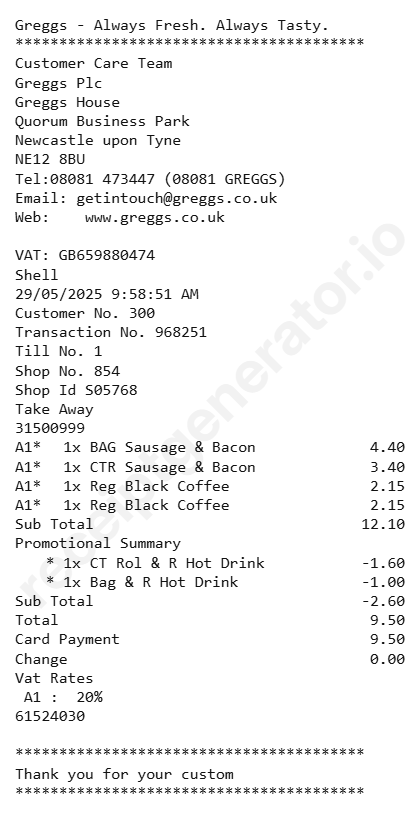
Quick summary
Greggs receipt template overview
Use this Greggs-style receipt template to build a compact United Kingdom receipt with editable bakery items, hot food 20% VAT, Greggs App rewards, and barcode.
What Is on a Real Greggs Receipt?
Greggs receipts look simple, but UK VAT rules on food create a genuinely mixed tax treatment within the same order, and the Greggs App has changed how loyalty is tracked in-store.
Mixed VAT on the same receipt
Under HMRC rules, hot takeaway food is standard-rated at 20% VAT, while most cold bakery items - a sausage roll or sandwich left to cool naturally, cakes, doughnuts - are zero-rated. A single Greggs order with a hot sausage roll and a cold doughnut can legitimately show two different VAT treatments on one receipt.
What makes food 'hot' for VAT purposes
HMRC treats food as hot-rated if it was heated to order, is kept hot in a cabinet, is served in heat-retaining packaging, or is marketed as a hot item. A pastry that's merely still warm from baking but not actively kept hot stays zero-rated.
Hot drinks are always standard-rated
Unlike bakery food, hot drinks - coffee, tea, hot chocolate - are always charged at the standard 20% VAT rate regardless of whether they're eaten in or taken away, so the drink line on a Greggs receipt carries VAT even when the food lines don't.
Greggs App stamps, not a paper card
The Greggs App issues a digital stamp on qualifying purchases across six product categories (savory, sweet treats, drinks, etc.); 9 stamps unlock a free 10th item. Scanning the app's barcode or QR code at checkout links the stamp to the receipt.
App-ordered click & collect gets an automatic stamp
Orders placed and paid for in advance through the Greggs App for click and collect earn a loyalty stamp automatically, without needing to scan in-store, and the app also gives a free drink on signup and a treat on your birthday.
Store number and till reference
Like most UK bakery/fast-food chains, a Greggs till receipt prints a store number, till and transaction reference, date and time, and a VAT registration number - useful details for matching a receipt back to a specific branch.
Create a print-ready Greggs fast food receipt
Edit the layout, watch it update live, then print, download PDF, or email.
Live Greggs receipt preview
See the Greggs receipt update instantly as you edit items, totals, VAT, and messages.
PDF download
Export a clean Greggs-style receipt PDF for digital or printed records.
Mobile-friendly editor
Create and edit Greggs receipts from desktop, tablet, or phone.
Greggs Rewards and VAT support
Customise loyalty text, VAT totals, barcode digits, and footer messaging.
Get Your Original Greggs Receipt First
Greggs does not email receipts for in-store purchases, so the original is the paper till receipt or, for app orders, the order confirmation and stamp history inside the Greggs App under your account. If you paid by card, your bank statement will confirm the amount and date even without itemized detail. Use this template when the original is unavailable - a receipt you didn't keep, a faded thermal printout, or a cash purchase.
Budget tracking
Keep a clear itemised record of Greggs lunch, coffee, and bakery spending.
Lost receipt replacement
Recreate a Greggs receipt-style document from your confirmed bakery purchase details.
VAT expense documentation
Prepare a business meal and subsistence receipt record with 20% VAT for bookkeeping.
Greggs Receipt Formats
Choose the Greggs-style format that best matches your recordkeeping needs.
Standard Bakery Till Receipt
A Greggs-style till receipt with pasties, bakes, sandwiches, and payment details.
Greggs App Rewards Receipt
A Greggs receipt layout with App reward stamps, meal deal savings, and barcode.
UK VAT Meal Receipt
A Greggs-style receipt configured with GBP currency (£) and a 20% VAT summary on hot food/drinks for UK expense records.
Related Guides
Explore related guides to understand the receipt details, lookup steps, and documentation workflows.
Editable template
Restaurant Receipt Generator template
Explore this editable receipt layout and its fields before opening the editor.
Explore Restaurant Receipt Generator templateReceipt guide
Restaurant Receipt for Taxes
Review the restaurant receipt fields that matter most for business meal documentation.
Explore Restaurant Receipt for TaxesMore free receipt templates for United Kingdom fast food shopping and retail expense records.
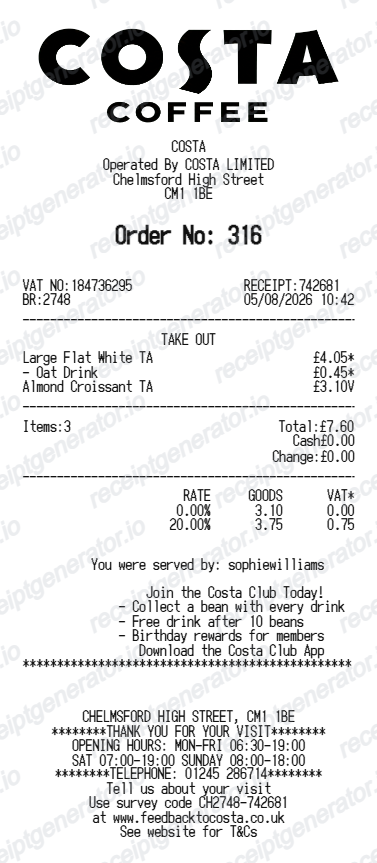
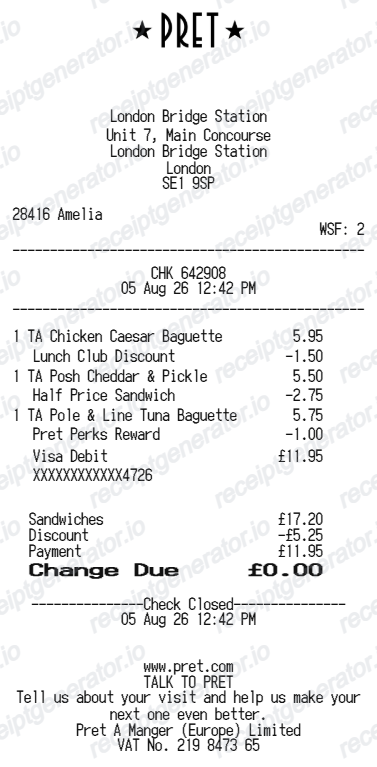
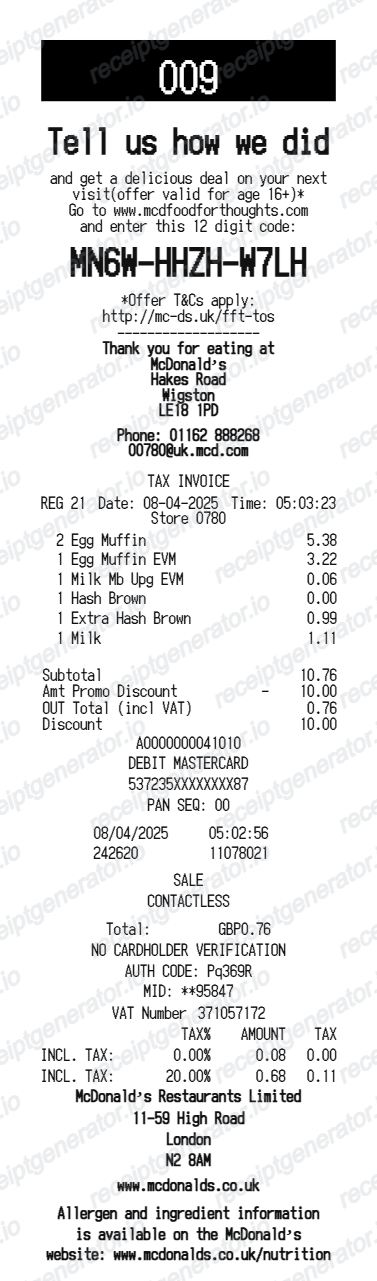
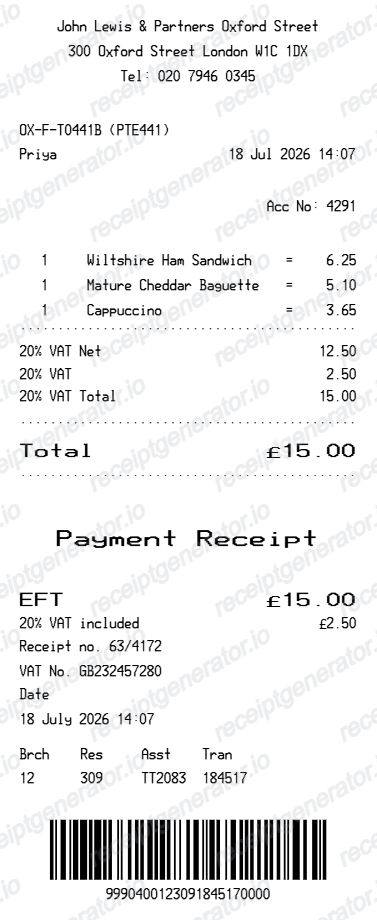
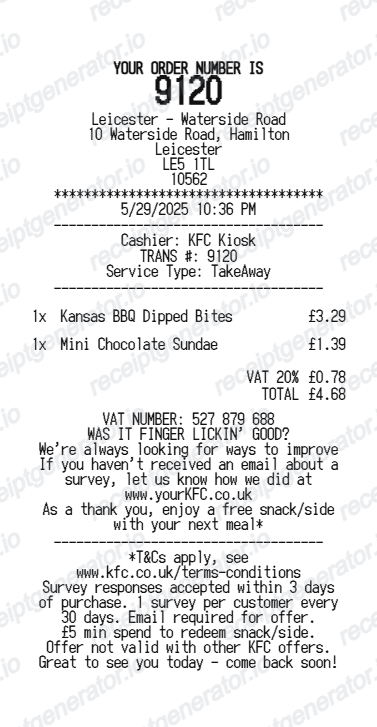
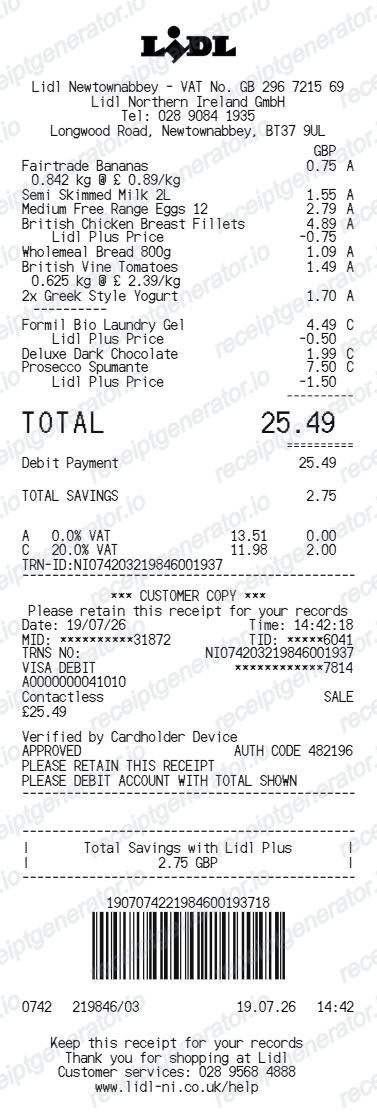
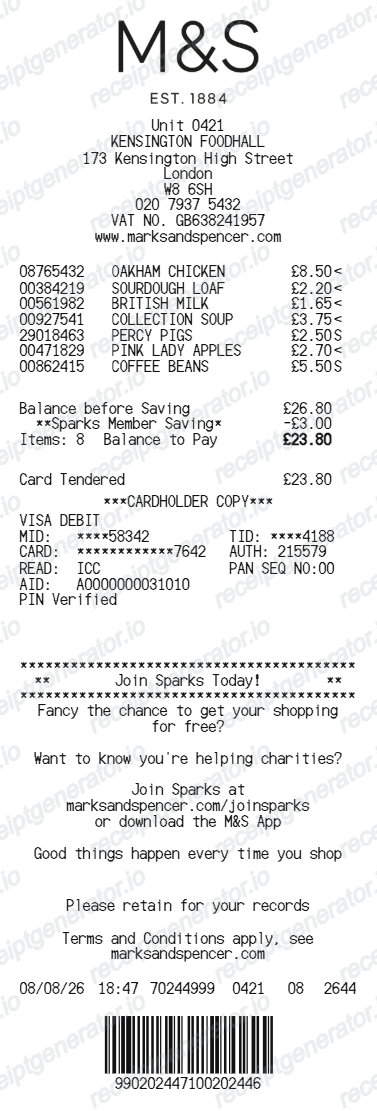
More United Kingdom Receipt Templates
Browse our collection of receipt templates for various purposes.
Greggs Receipt FAQ
Common questions about creating Greggs fast food receipts for personal records, budgeting, and VAT documentation in United Kingdom.
Choose the Greggs receipt template, edit the store header, add items and prices, set the total and VAT, then download the receipt as a PDF.
Yes. Store name, items, prices, greggs rewards, barcode digits, and footer text are all editable in the builder.
Yes. You can create and preview Greggs receipts for free. Watermark-free PDF downloads are available with paid plans.
Greggs does not routinely email receipts for counter purchases. If you paid by card, check your bank statement for the amount and date. If you ordered through the Greggs App for click and collect, the order and stamp history in your app account shows the purchase details.
UK tax rules apply VAT differently depending on whether food is hot or cold at the point of sale. Hot food and hot drinks are taxed at the standard 20% rate, while most cold bakery items like an unheated sausage roll or a cake are zero-rated. A mixed order can legitimately show both treatments on one receipt.
Yes. The totals section includes a VAT-inclusive total to match the format on United Kingdom Greggs receipts.
Yes. The Greggs receipt template is configured with the £ symbol and VAT-style United Kingdom receipt details.
Yes. After editing the details, preview and download the Greggs-style receipt as a clean PDF for records or budgeting.
A real Greggs till receipt shows the store number and address, the date and time, each item with its price, a VAT breakdown that can split hot and cold items at different rates, the payment method, and the store's VAT registration number near the footer.
Receipt Generator · Receipt Maker · 300+ Free Templates
Create your Greggs receipt
Use the editable Greggs receipt generator to add items, VAT totals, loyalty text, and barcode details, then export a clean PDF.