Marks & Spencer Receipt Generator
Create an M&S UK food, clothing, or homeware receipt with editable item rows, Sparks card loyalty discounts, and 20% VAT breakdown. Export a clean PDF in minutes.
Create a Marks & Spencer-style receipt with M&S Foodhall items, clothing, Sparks loyalty rewards, VAT summary, and card payment. Download a printable PDF.

Choose
Marks & Spencer Receipt selected

Customize
Fill in your details

Download
Save or share receipt
Edit the details once and the preview updates instantly.
Quick summary
Marks & Spencer receipt template overview
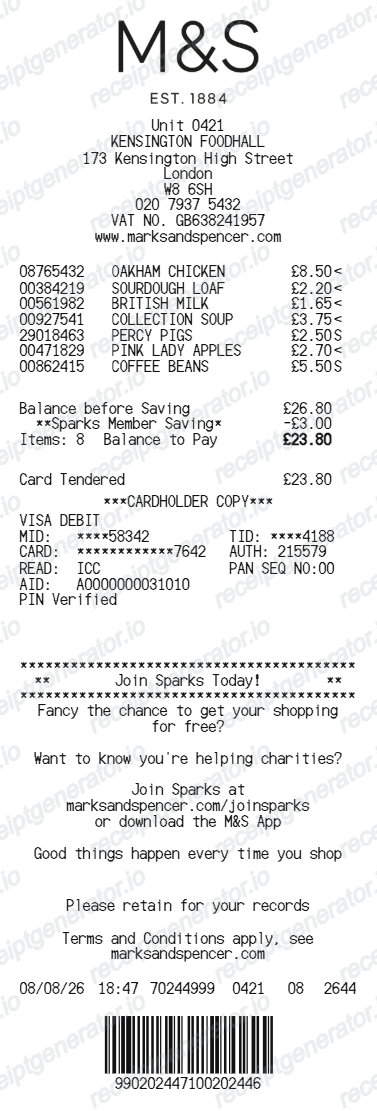
Use this M&S-style receipt template to build a compact United Kingdom receipt with editable Foodhall items, Sparks rewards, 20% VAT, and barcode.
What Is on a Real Marks & Spencer Receipt?
Before you rebuild an M&S receipt, make sure you understand the standard fields found on UK till slips from Marks & Spencer.
Store header with location and store ID
M&S receipts display the branch name (e.g. Marks & Spencer Foodhall or Department Store), street address, and store identification number.
Itemised rows with department codes
Each item line lists product description, SKU/item code, quantity, unit price, and department indicators (Foodhall, Womenswear, Menswear, Home).
Sparks loyalty and member discounts
Shows Sparks card number (masked), free treat reward triggers, and promotional multibuy savings (e.g. Dine In for Two meal deals).
20% standard vs 0% zero-rated VAT split
HMRC rules apply: zero rate (0%) on cold Foodhall groceries and standard rate (20%) on hot food, confectionery, alcohol, clothing, and homeware.
Payment method and till metadata
Details card payment type, masked PAN (****1234), authorization code, transaction number, operator ID, and exact till timestamp.
Return policy notice and barcode
Includes standard 35-day returns policy wording, customer service contact, and a scannable barcode for quick till retrieval.
Create a print-ready Marks & Spencer receipt
Edit the layout, watch it update live, then print, download PDF, or email.
Live M&S receipt preview
See the M&S receipt update instantly as you edit items, prices, savings, and store details.
PDF and image export
Download a clean M&S-style receipt as PNG or PDF for personal records or digital filing.
20% VAT and food split
Accurately calculates 20% standard VAT for retail/clothing and zero-rate for grocery items.
Sparks loyalty rewards
Customise Sparks card offers, Dine In promotions, and barcode details.
Get Your Original Marks & Spencer Receipt First
If you scanned your Sparks card or used the M&S app, sign in to the app to access your digital receipt history. In-store staff can also trace card purchases. Use this template when the original is unavailable - a lost paper slip, faded thermal print, or unlinked purchase.
Budget tracking
Keep a clear record of M&S Foodhall grocery and department store purchases.
Lost receipt replacement
Recreate an M&S receipt-style document from confirmed bank or Sparks purchase details.
VAT expense documentation
Prepare a business entertainment, subsistence, or office supplies receipt record for HMRC.
Marks & Spencer Receipt Formats
Choose the M&S-style format that best matches your recordkeeping needs.
M&S Foodhall Grocery Receipt
An M&S receipt layout tailored for Foodhall grocery purchases with zero-rated food lines.
Sparks Loyalty & Offer Slip
An M&S receipt with Sparks member discounts, multibuy savings, and promotional barcode.
UK VAT Receipt
An M&S-style receipt configured with GBP currency (£) and a 20% VAT summary for United Kingdom records.
Related Guides
Explore related guides to understand the receipt details, lookup steps, and documentation workflows.
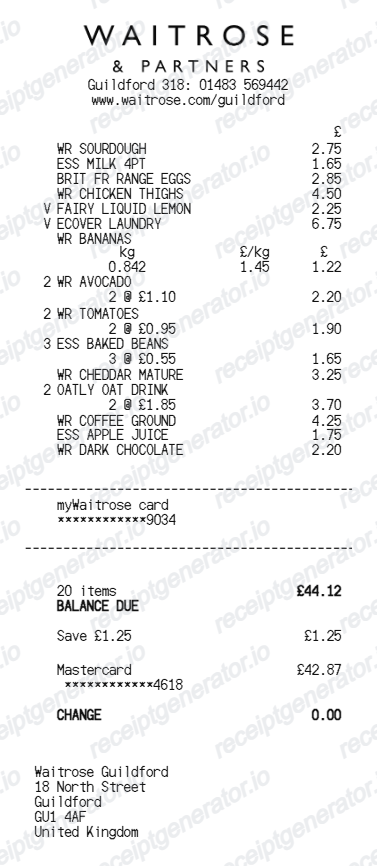
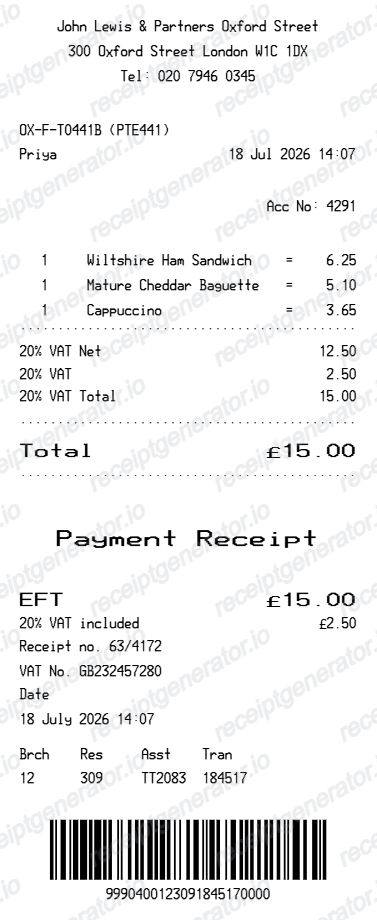
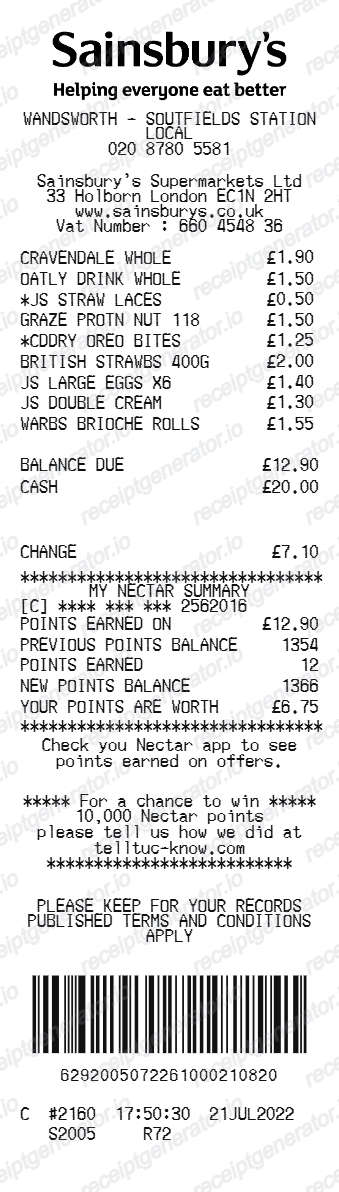
More free receipt templates for United Kingdom grocery shopping and retail expense records.
More United Kingdom Receipt Templates
Browse our collection of receipt templates for various purposes.
Marks & Spencer Receipt FAQ
Frequently asked questions about creating, customising, and downloading Marks & Spencer-style UK receipts for personal records and expense tracking.
Choose the Marks & Spencer receipt template, edit the store header, add item codes, quantities and prices, review the automatic total, then download the receipt as a PNG or PDF.
Yes. Store details, items, prices, savings, card fields, Sparks offer text, barcode digits, and footer text are editable in the builder.
Yes. You can create and preview Marks & Spencer-style receipts for free. Watermark-free exports are available with paid plans.
If you scanned your Sparks card or the M&S app at checkout, sign in to the app and check your digital receipt history for the transaction. Without Sparks, ask the store directly - staff can sometimes trace a purchase from the card payment used, though M&S has no universal online order-history lookup for in-store food hall or clothing purchases.
M&S has a standard 35-day return policy (extended during holidays). If you scanned your Sparks card, staff can look up the transaction digitally. Without a receipt or Sparks record, M&S may offer an exchange or credit voucher at the current selling price, provided tags are attached and items are unworn.
Yes. The totals section includes a VAT-inclusive total to match the format on United Kingdom Marks & Spencer receipts.
Yes. The Marks & Spencer receipt template is configured with the £ symbol and VAT-style United Kingdom receipt details.
Yes. After editing the details, preview and download the Marks & Spencer-style receipt as PNG or PDF for records or budgeting.
A real M&S till receipt shows the store name and store number in the header, item lines with department-specific VAT treatment (food is often zero-rated, clothing and homeware are standard-rated), a VAT summary line, any Sparks points earned, the payment method with card type and last 4 digits, and the till, date, and time at the footer.
Receipt Generator · Receipt Maker · 300+ Free Templates
Create your Marks & Spencer receipt
Use the editable Marks & Spencer receipt generator to add items, savings, payment and Sparks details, then export a clean PNG or PDF.