E.Leclerc Receipt Generator (ticket de caisse)
Create an E.Leclerc-style grocery receipt with editable store details, item rows, adjustments, totals, and card or cash payment. Export PDF or PNG in minutes.
Create an E.Leclerc-style ticket de caisse with editable French store details, grocery items, totals, payment method, service notice, and footer text.

Choose
E.Leclerc Receipt selected

Customize
Fill in your details

Download
Save or share receipt
Edit the details once and the preview updates instantly.
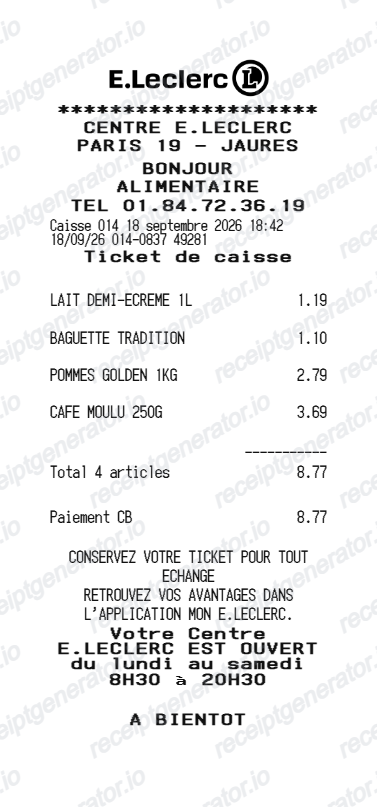
Quick summary
E.Leclerc receipt template overview
Use this E.Leclerc-style receipt template to build a compact French grocery receipt with editable store details, items, adjustments, totals, payment, and footer text.
What Is on a Real E.Leclerc Receipt?
E.Leclerc tickets de caisse follow the standard French hypermarket format, but the loyalty and legal details are distinctive. Here is what the original contains.
Printed only on request since 2023
France's AGEC anti-waste law ended automatic printing of tickets de caisse on August 1, 2023. At E.Leclerc checkouts the ticket is printed only if you ask for it - otherwise the record stays digital, so a paper Leclerc ticket now implies the customer requested it.
Digital tickets in the Mon E.Leclerc app
Carte E.Leclerc holders find every ticket stored automatically in the Mon E.Leclerc app under mes tickets de caisse, in the mon compte section. The dematerialized ticket carries the same items, totals, and TVA lines as the printed version.
TVA breakdown by rate
Prices are shown TTC (tax inclusive), and the totals block summarizes TVA by rate - 5.5% on most food, 10% on prepared items, and 20% on standard-rate goods - rather than adding tax on top of the subtotal.
Tickets E.Leclerc and cagnotte lines
The loyalty section shows Tickets E.Leclerc earned on the trip - purchase vouchers credited to your cagnotte - and the running cagnotte balance you can spend on later purchases. These fidelity lines are the most recognizable part of a Leclerc ticket.
Independent store header
Each E.Leclerc hypermarket is an independently owned member store, so the header carries the local operating company's name and address for that centre E.Leclerc rather than a single national entity.
Caisse and transaction metadata
The footer records the checkout (caisse) number, date and time, cashier reference, and a ticket number, usually with a barcode block that the welcome desk can scan for returns or price checks.
Create a print-ready E.Leclerc grocery receipt
Edit the layout, watch it update live, then print, download PDF, or email.
Live E.Leclerc receipt preview
See the E.Leclerc receipt update instantly as you edit store details, items, adjustments, totals, and messages.
PDF and PNG download
Export a clean E.Leclerc-style receipt as a PDF or PNG for digital or printed records.
Mobile-friendly editor
Create and edit E.Leclerc receipts from desktop, tablet, or phone.
Card and Cash payment
Switch between editable Card and Cash payment labels while keeping the payment amount synchronized with the total.
Get Your Original E.Leclerc Receipt First
If you scanned your Carte E.Leclerc at checkout, every ticket de caisse is saved in the Mon E.Leclerc app under mes tickets de caisse, and you can also ask the cashier to print the ticket at the register despite the 2023 no-automatic-printing rule. For recent purchases, the store's welcome desk (accueil) can help trace a transaction with the date and payment card. Use this template when the original is unavailable - no loyalty card was scanned, the app history is gone, or the paper ticket has faded.
Budget tracking
Keep a clear itemised record of E.Leclerc spending.
Lost receipt recreation
Recreate a E.Leclerc receipt-style document from your purchase details.
TVA expense documentation
Prepare a receipt record with TVA for reimbursement or bookkeeping.
E.Leclerc Receipt Formats
Use the E.Leclerc-style format that best matches your recordkeeping needs.
Standard Receipt
A E.Leclerc-style receipt with item rows and payment details.
Carte Leclerc Receipt
A E.Leclerc receipt layout with loyalty points and promotional footer messaging.
TVA Receipt
A E.Leclerc-style receipt configured with EUR currency and a TVA summary for France records.
Related Guides
Explore related guides to understand the receipt details, lookup steps, and documentation workflows.
More free receipt templates for France grocery shopping and retail expense records.
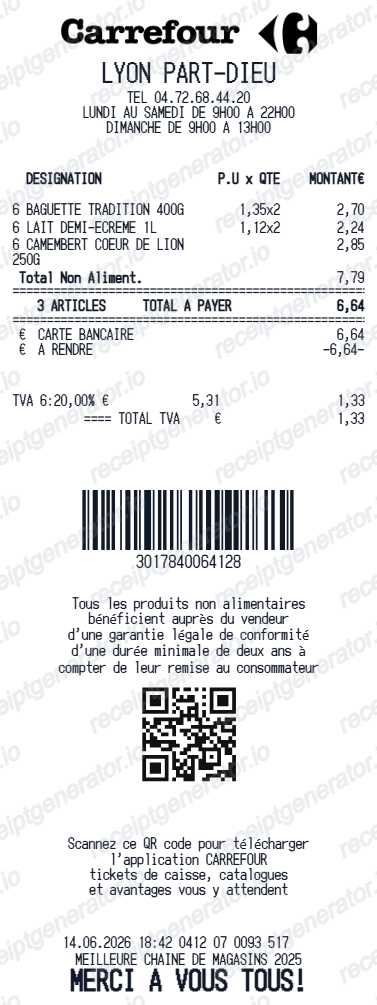
More France Receipt Templates
Browse our collection of receipt templates for various purposes.
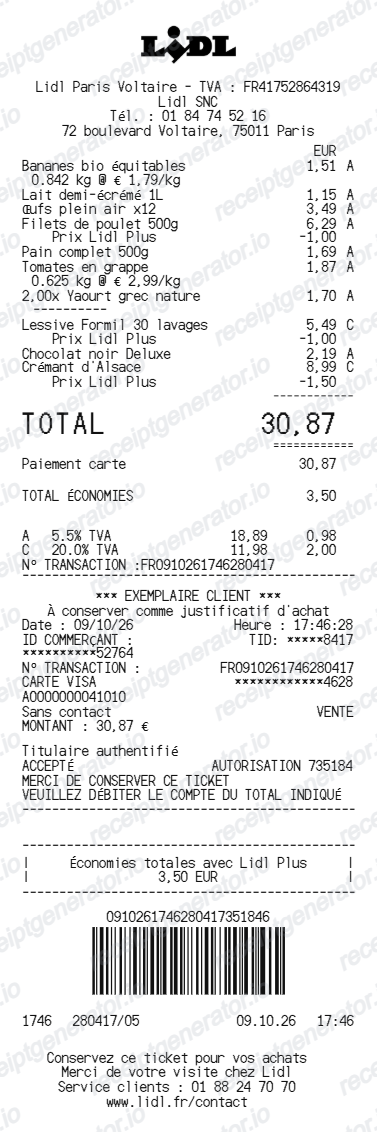
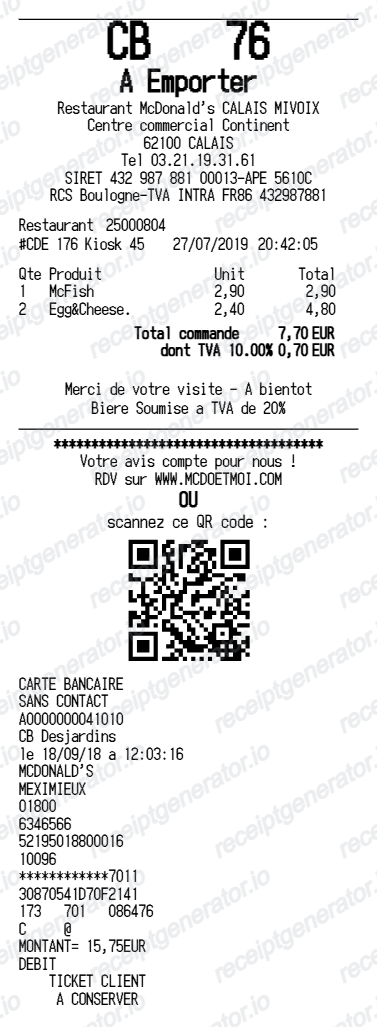
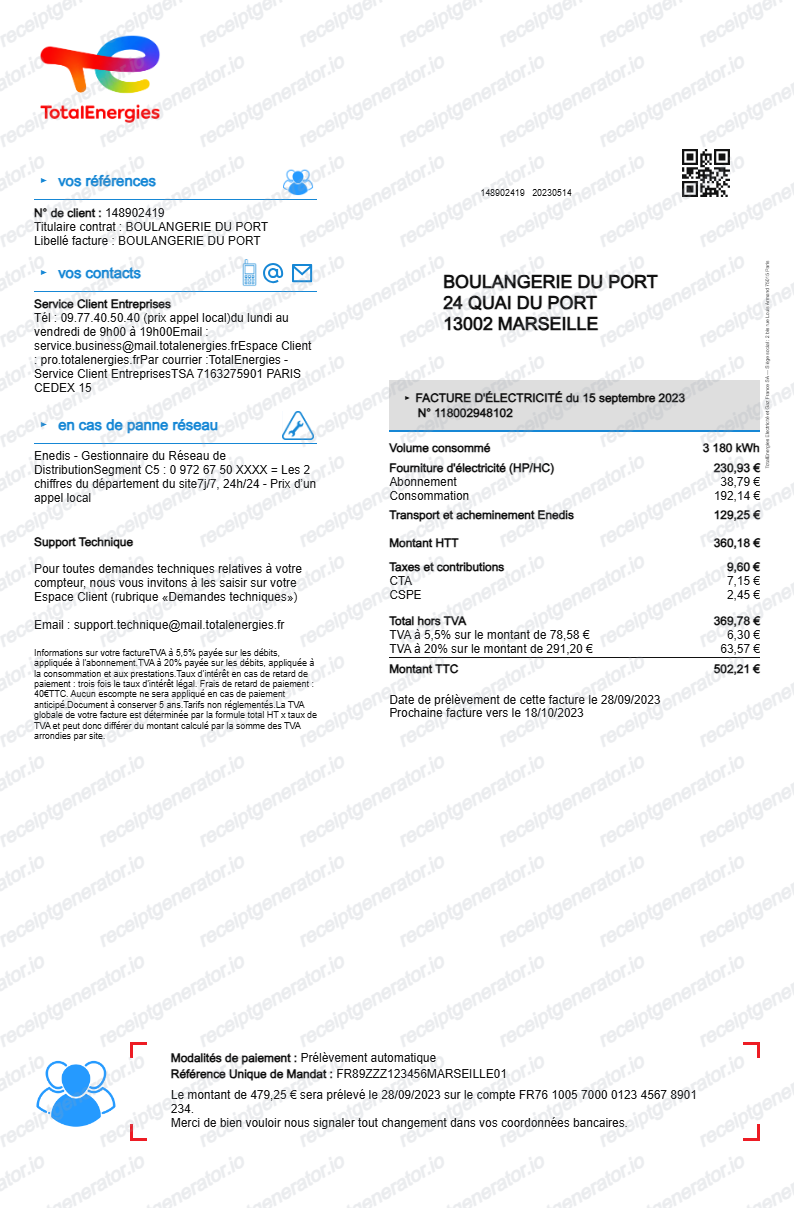
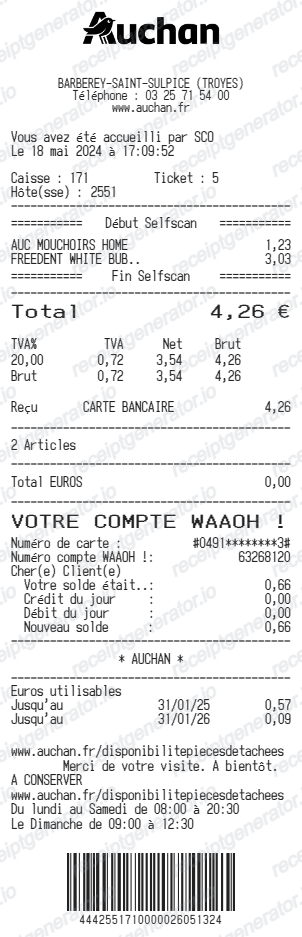
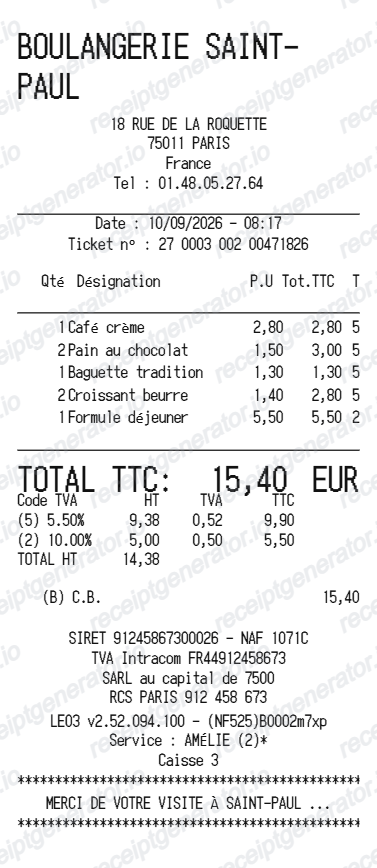
E.Leclerc Receipt FAQ
Common questions about creating E.Leclerc grocery receipts for personal records, budgeting, and TVA documentation in France.
Choose the E.Leclerc receipt template, edit the store header, add items and prices, select Card or Cash payment, then download the receipt as a PDF or PNG.
Yes. You can create and preview E.Leclerc receipts for free. Watermark-free PDF downloads are available with paid plans.
If you used your Carte E.Leclerc, open the Mon E.Leclerc app and go to mes tickets de caisse in the mon compte section - every ticket is stored there automatically. You can also ask for a printed ticket at the register, since French stores must still print on request. Without the loyalty card, ask at the store's welcome desk with the purchase date and payment card so staff can trace the transaction.
A ticket de caisse works for small expense claims, but French bookkeeping and TVA deduction generally require a proper facture for larger amounts. Ask at the store's welcome desk for a facture with your company details when you need to reclaim TVA - the standard ticket only summarizes TVA by rate.
Yes. Add editable adjustment rows in the Total section and the receipt total and payment amount update automatically.
Yes. After editing the details, preview and download the E.Leclerc-style receipt as a clean PDF for records or budgeting.
A real E.Leclerc ticket de caisse shows the local store's company name and address in the header, item lines with TTC prices, a TVA summary by rate (5.5% on most food, 20% standard), Tickets E.Leclerc earned and the cagnotte balance in the loyalty section, the payment method, and a footer with the caisse number, date, time, and a barcode.
Receipt Generator · Receipt Maker · 300+ Free Templates
Create your E.Leclerc receipt
Use the editable E.Leclerc receipt generator to add store details, items, adjustments, totals, and Card or Cash payment, then export a clean PDF or PNG.