Lidl Netherlands Receipt Generator (kassabon)
Create a Lidl Netherlands-style grocery receipt with editable item rows, BTW summary, Lidl Plus, and payment details. Export a clean PDF in minutes.
Create a Lidl Netherlands-style receipt with grocery items, BTW-inclusive totals, Lidl Plus, payment, and footer text. Download a PDF for records.

Choose
Lidl Netherlands Receipt selected

Customize
Fill in your details

Download
Save or share receipt
Edit the details once and the preview updates instantly.
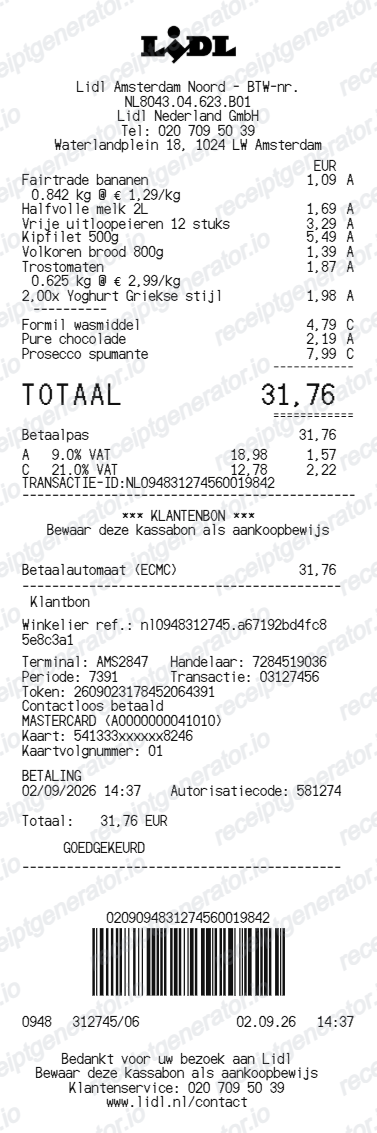
Quick summary
Lidl Netherlands receipt template overview
Use this Lidl Netherlands-style receipt template to build a compact Netherlands receipt with editable items, BTW-inclusive totals, Lidl Plus, barcode, and footer text.
What Is on a Real Lidl Netherlands Receipt?
A Lidl kassabon in the Netherlands follows Lidl's standard European layout, with Dutch BTW rates and statiegeld deposits setting it apart. Here is what the original contains.
BTW summary at 9% and 21%
Dutch receipts show prices BTW-inclusive, with a summary near the total splitting the bill between the 9% reduced rate that covers most food and the 21% standard rate on non-food items like cleaning products and drugstore goods.
Statiegeld deposit lines
The Netherlands charges statiegeld on drinks packaging - 15 cent on small plastic bottles and cans and 25 cent on large plastic bottles. Each deposit prints as its own line under the drink, so a crate of drinks adds a visible stack of statiegeld charges.
Emballage refund deductions
When you return empties, the reverse vending machine prints a statiegeld voucher that the cashier scans, and the refund appears as a negative emballage line deducted from the kassabon total.
Digital kassabon via Lidl Plus
Scanning the Lidl Plus app at the kassa saves the complete kassabon to the app's purchase history, the same digital receipt flow Lidl runs in every country. App coupons print as negative discount lines on the bon.
Store and kassa metadata
The footer records the store (filiaal) address, the kassa number, date and time, and a bon number with a barcode used for returns and price checks.
Create a print-ready Lidl Netherlands grocery receipt
Edit the layout, watch it update live, then print, download PDF, or email.
Live Lidl Netherlands receipt preview
See the Lidl Netherlands receipt update instantly as you edit items, totals, BTW, and messages.
PDF download
Export a clean Lidl Netherlands-style receipt PDF for digital or printed records.
Mobile-friendly editor
Create and edit Lidl Netherlands receipts from desktop, tablet, or phone.
Lidl Plus and BTW support
Customise loyalty text, BTW totals, barcode digits, and footer messaging.
Get Your Original Lidl Netherlands Receipt First
If you scanned Lidl Plus at the kassa, your kassabon is stored digitally in the app's purchase history and can be reopened whenever you need proof of purchase. Purchases made without the app only exist on the paper bon, so for those ask store staff promptly with the date and payment card. Use this template when the original is unavailable - no Lidl Plus scan, a lost kassabon, or faded thermal print.
Budget tracking
Keep a clear itemised record of Lidl Netherlands spending.
Lost receipt recreation
Recreate a Lidl Netherlands receipt-style document from your purchase details.
BTW expense documentation
Prepare a receipt record with BTW for reimbursement or bookkeeping.
Lidl Netherlands Receipt Formats
Use the Lidl Netherlands-style format that best matches your recordkeeping needs.
Standard Receipt
A Lidl Netherlands-style receipt with item rows and payment details.
Lidl Plus Receipt
A Lidl Netherlands receipt layout with loyalty points and promotional footer messaging.
BTW Receipt
A Lidl Netherlands-style receipt configured with EUR currency and a BTW summary for Netherlands records.
Related Guides
Explore related guides to understand the receipt details, lookup steps, and documentation workflows.
More free receipt templates for Netherlands grocery shopping and retail expense records.
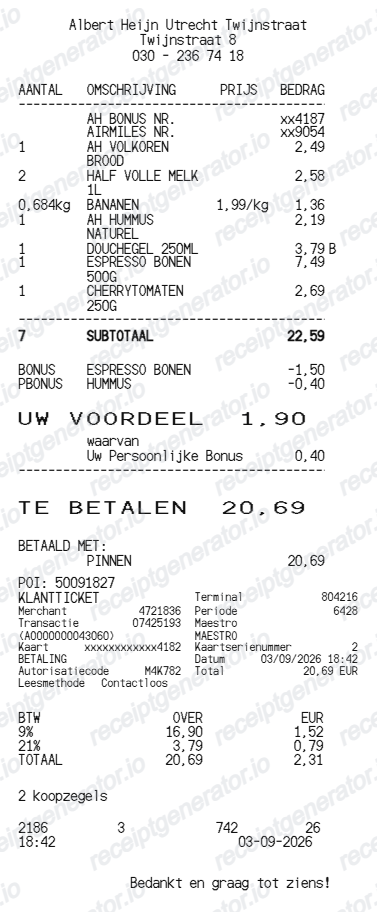
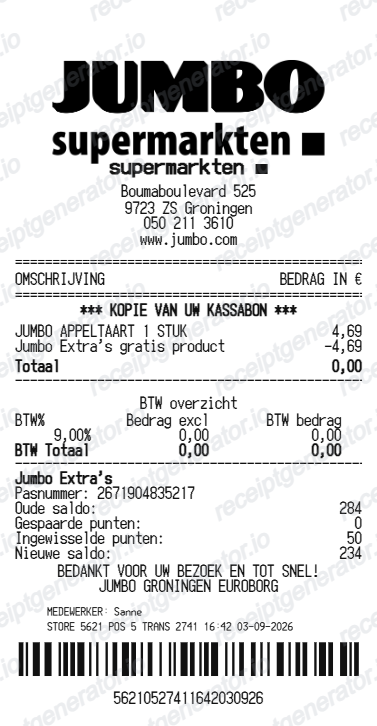
More Netherlands Receipt Templates
Browse our collection of receipt templates for various purposes.
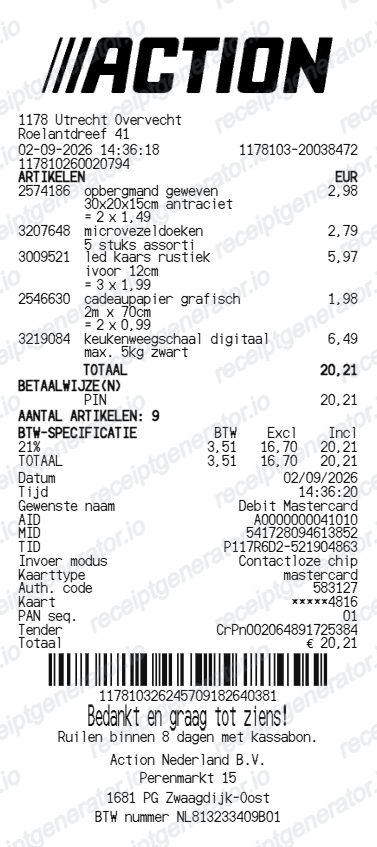
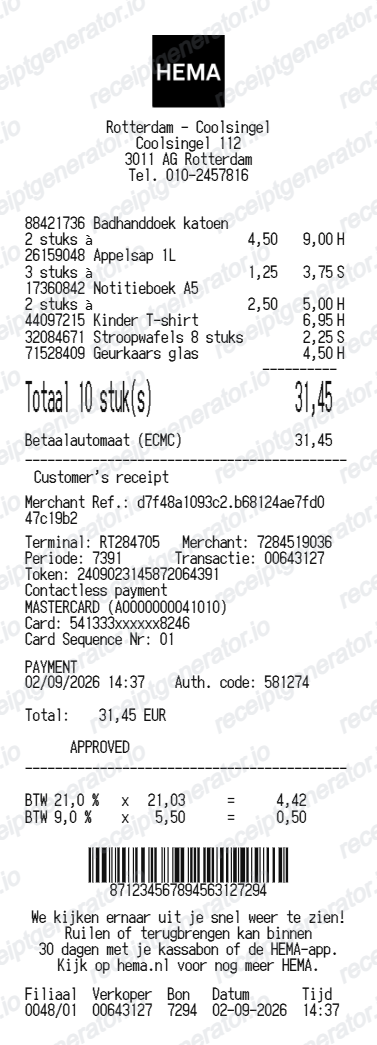
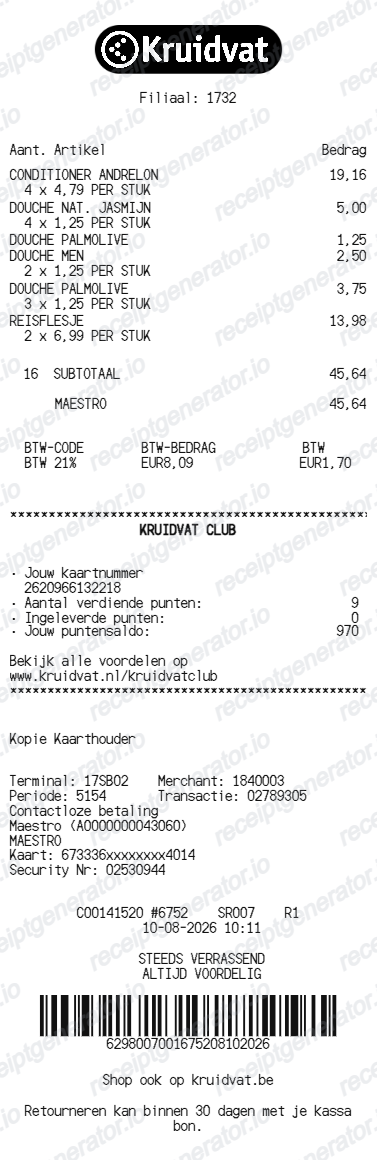
Lidl Netherlands Receipt FAQ
Common questions about creating Lidl Netherlands grocery receipts for personal records, budgeting, and BTW documentation in Netherlands.
Choose the Lidl Netherlands receipt template, edit the store header, add items and prices, set the total and BTW, then download the receipt as a PDF.
Yes. You can create and preview Lidl Netherlands receipts for free. Watermark-free PDF downloads are available with paid plans.
If you scanned the Lidl Plus app at the kassa, open the app and check your purchase history - every kassabon is saved there automatically. Purchases made without the app cannot be added to the history later, so keep the paper bon or ask store staff with the purchase date and card details for recent transactions.
Statiegeld is the Dutch container deposit: 15 cent on small plastic bottles and cans and 25 cent on large plastic bottles, printed as separate lines under each drink. You get it back by feeding empties into a reverse vending machine, which prints a voucher the cashier deducts from your next kassabon.
Yes. The totals section includes a BTW-inclusive total to match the format on Netherlands Lidl Netherlands receipts.
Yes. After editing the details, preview and download the Lidl Netherlands-style receipt as a clean PDF for records or budgeting.
A real Lidl kassabon shows the filiaal address, abbreviated item names with euro prices, statiegeld lines of 15 or 25 cent under deposit drinks, any emballage refund as a negative line, Lidl Plus discounts, a BTW summary splitting the 9% and 21% rates, the payment method, and a footer with kassa number, date, time, and a barcode.
Receipt Generator · Receipt Maker · 300+ Free Templates
Create your Lidl Netherlands receipt
Use the editable Lidl Netherlands receipt generator to add items, BTW totals, loyalty text, and barcode details, then export a clean PDF.