Uber Eats Receipt Generator
Create an Uber Eats-style delivery receipt with restaurant details, order ID, items, fees, taxes, and payment totals. Export a clean PDF or PNG.
Create an Uber Eats receipt with order ID, item lines, fees, taxes, and amount paid. Download a PDF for delivery or reimbursement records.

Choose
Uber Eats Receipt selected

Customize
Fill in your details

Download
Save or share receipt
Edit the details once and the preview updates instantly.
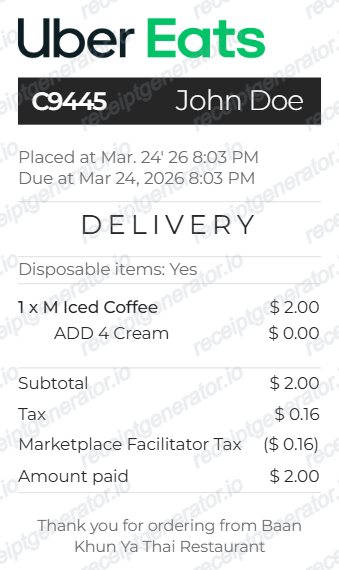
Quick summary
Uber Eats receipt template overview
Use this Uber Eats receipt generator to create authentic itemized receipts with editable products, tax calculations in $, and printable PDF export.
What Is on a Real Uber Eats Receipt?
Before you rebuild an Uber Eats receipt, it helps to know exactly what the original contains. Uber Eats order receipts follow a consistent structure, and a credible replacement copy should match it line for line.
Restaurant name and order number
Every receipt is headed by the restaurant (merchant) name and a unique order number, followed by the order placed time and the actual delivery time - useful when the two differ from the original ETA.
Itemized menu lines with modifiers
Each dish appears with its quantity, price, and any customizations (size, sauces, swapped sides) exactly as ordered. The item subtotal is the sum of these lines before fees, tax, and tip.
Delivery fee and service fee as separate lines
The delivery fee varies by merchant, distance, and demand and goes toward the courier. The service fee is calculated from basket size, with a small flat portion routed to Uber and the rest to the courier - the two fees never merge into one line on a real receipt.
Small-order fee below the minimum
Orders under the merchant's minimum subtotal pick up a small-order fee, shown separately so it is clear the charge came from order size rather than delivery distance. It disappears once the cart clears the minimum.
Estimated tax vs. final tax
The tax shown at checkout is an estimate; the amount on the completed-order receipt can be slightly higher or lower once the order is finalized by the restaurant's point-of-sale system.
Tip and payment method
The courier tip prints as its own line after fees and tax, and the payment section shows the card or account charged along with the final total paid.
Create a print-ready Uber Eats delivery receipt
Edit the layout, watch it update live, then print, download PDF, or email.
Live Uber Eats preview
See the receipt update instantly as you edit restaurant details, items, and fees.
Editable fee breakdown
Adjust service fee, delivery charge, taxes, and paid total without rebuilding the order from scratch.
Export tools
Share or download delivery receipts in PDF and PNG formats.
Mobile-friendly editor
Build Uber Eats receipts from mobile or desktop while preserving the same delivery receipt layout.
Get Your Original Uber Eats Receipt First
If the order still shows in your account, the original is always better: open the Uber Eats app, go to Orders, select the order, and view or download the receipt. On the web, sign in at ubereats.com/orders to find the same order history. Uber Eats also emails a receipt when payment processes or within 24 hours of delivery, so check your inbox (and spam folder) for the order date. Use this template when the original is unavailable - a deleted account, an order placed on someone else's profile, or a receipt email that never arrived.
Delivery expense logs
Keep a record of food delivery orders for reimbursements and accounting.
Work meal reimbursement
Generate itemized delivery receipts for work lunch, travel meal, or client meal reimbursements.
Testing order workflows
Generate realistic receipt samples for QA and user flow testing.
Replacement receipt copy
Create editable sample receipts for missing order records, demos, and documentation.
Uber Eats Receipt Formats
Choose the Uber Eats-style receipt layout that best matches your delivery and documentation needs.
Single Item Delivery
Simple one-item order with tax breakdown and amount paid.
Multi Item Delivery
Multiple editable menu lines with customizations and charges.
Expense Record Copy
Structured layout for delivery order archiving, reimbursement, and reporting.
Group Order Receipt
Uber Eats-style receipt for larger team lunch or office food delivery orders.
Related Guides
Explore related guides to understand the receipt details, lookup steps, and documentation workflows.
More food delivery and rideshare receipt templates
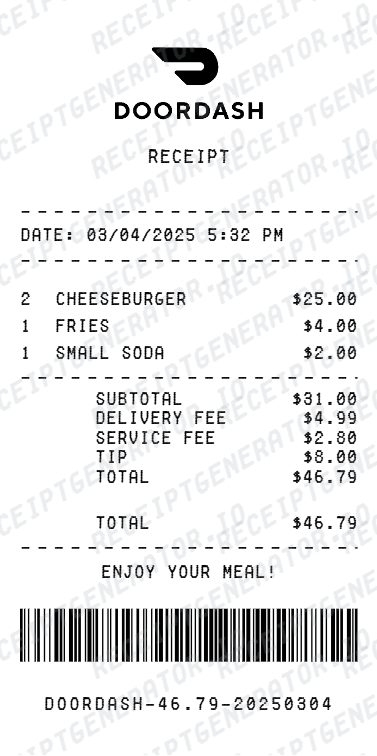
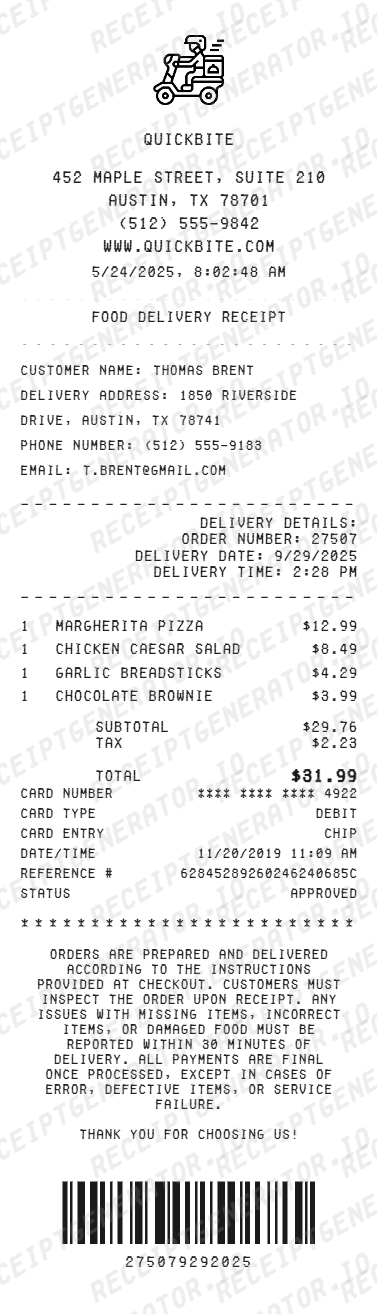
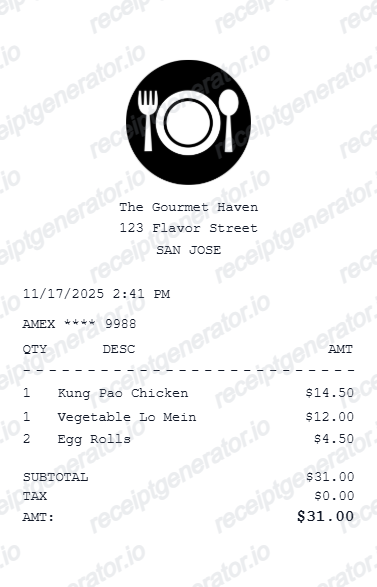
Use these related templates for DoorDash, general delivery orders, restaurant receipts, and Uber trip records.
Uber Eats Receipt FAQ
Common questions about creating an Uber Eats-style delivery receipt for records, reimbursement support, and order documentation.
Yes. Update order ID, customer name, placed time, ETA, address details, and restaurant information directly in the editor and preview.
Yes. Export options include PDF and PNG from the built-in download menu.
Yes. If you lost an Uber Eats receipt, you can rebuild the order details, items, fees, and taxes to create a replacement-style copy for expense or personal records.
A real Uber Eats receipt shows the restaurant name, order number, placed and delivered times, each item with modifiers and price, then charges stacked as separate lines: item subtotal, delivery fee, service fee, a small-order fee if the subtotal was low, tax, the courier tip, and the total charged to the payment method on file.
Add the store name, purchase date, line items, totals, tax, payment method, and any optional notes you need on your Uber Eats template.
Yes. You can add multiple line items, set quantities, prices, and optional customization lines such as sauces, drink upgrades, and combo changes.
Yes. Add the Uber Eats service fee, delivery fee, taxes, and any additional line items so the totals match a real order summary.
Open the Uber Eats app, go to Orders, select the order, and tap to view or download the receipt. On the web, sign in at ubereats.com/orders and open the same order history. Uber Eats also emails a receipt automatically when payment is processed or within 24 hours of delivery, so searching your inbox (including spam) for the order date usually works too.
The subtotal is only the starting point. A delivery fee (based on merchant, distance, and demand), a service fee (based on basket size), a small-order fee if the cart is under the merchant's minimum, tax, and the tip all stack on top. The tax shown at checkout is also just an estimate - the final receipt can differ slightly once the order is completed.
Both. You can use these templates for reimbursements, bookkeeping prep, and internal documentation workflows.
Receipt Generator · Receipt Maker · 300+ Free Templates
Create your Uber Eats receipt
Use the editable Uber Eats receipt generator to add items, tax totals, and payment details, then export a clean PDF.