Action Receipt Generator (kassabon)
Create a Action-style retail receipt with editable item rows, BTW summary, Rewards, and payment details. Export a clean PDF in minutes.
Create a Action-style receipt with retail items, BTW-inclusive totals, Rewards, payment, and footer text. Download a PDF for records.

Choose
Action Receipt selected

Customize
Fill in your details

Download
Save or share receipt
Edit the details once and the preview updates instantly.
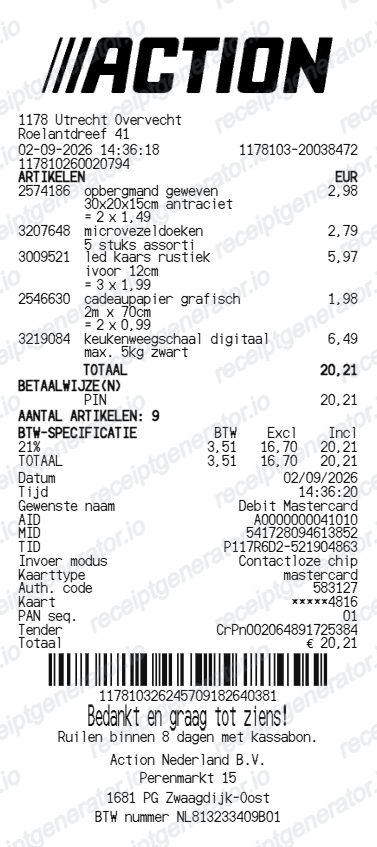
Quick summary
Action receipt template overview
Use this Action-style receipt template to build a compact Netherlands receipt with editable items, BTW-inclusive totals, Rewards, barcode, and footer text.
What Is on a Real Action Kassabon?
Action runs on tight discount-retail margins, and its kassabon reflects that: a dense, no-frills layout built around mixed BTW rates rather than a traditional points-based loyalty scheme.
Split BTW rates on one receipt
Because Action sells everything from food to household goods to seasonal decor in one basket, a single kassabon commonly shows both the 9% BTW rate (food items) and the 21% standard rate (non-food) as separate subtotals, each with its own BTW amount printed near the bottom.
No traditional points-based loyalty program
Action does not run a points-and-rewards loyalty scheme like supermarket chains. Its positioning is low fixed prices instead of discount stacking, so the kassabon does not carry a loyalty-points line - it stays focused on items, BTW, and total.
Mijn Action digital receipt via customer card scan
Action does offer a free 'Mijn Action' digital customer card. Scanning it at checkout links the purchase to the app, where the kassabon is stored digitally - useful for returns since a lost paper receipt can be recovered from app history or the register system.
Compact item list, minimal branding
Item lines are terse - short product descriptions and price, no SKU-level detail - reflecting the fast-turnover, low-margin catalog. The receipt header carries store name, branch address, and a short thank-you line rather than marketing content.
8-day return window printed on request
Action's standard return period is short - 8 days with an intact receipt and packaging - a tighter window than most Dutch retailers, which is why keeping the original kassabon or having it scanned to the app matters more here than at chains with 30-day policies.
Barcode for register lookup on returns
The transaction barcode at the bottom lets staff pull up the sale in the register system even without a customer card, which Action's own return policy explicitly allows as a fallback alongside a bank statement showing the PIN transaction.
Create a print-ready Action retail receipt
Edit the layout, watch it update live, then print, download PDF, or email.
Live Action receipt preview
See the Action receipt update instantly as you edit items, totals, BTW, and messages.
PDF download
Export a clean Action-style receipt PDF for digital or printed records.
Mobile-friendly editor
Create and edit Action receipts from desktop, tablet, or phone.
Rewards and BTW support
Customise loyalty text, BTW totals, barcode digits, and footer messaging.
Get Your Original Action Receipt First
If you scanned the Mijn Action customer card at checkout, your kassabon is stored digitally in the Action app under purchase history - the fastest and most reliable recovery path. Otherwise, in-store staff can look up a recent transaction with a bank statement showing the PIN payment. Use this template when the original is unavailable - a receipt outside the 8-day window, a lost paper kassabon with no app link, or a purchase the store can no longer trace.
Budget tracking
Keep a clear itemised record of Action spending.
Lost receipt recreation
Recreate a Action receipt-style document from your purchase details.
BTW expense documentation
Prepare a receipt record with BTW for reimbursement or bookkeeping.
Action Receipt Formats
Use the Action-style format that best matches your recordkeeping needs.
Standard Receipt
A Action-style receipt with item rows and payment details.
Rewards Receipt
A Action receipt layout with loyalty points and promotional footer messaging.
BTW Receipt
A Action-style receipt configured with EUR currency and a BTW summary for Netherlands records.
More free receipt templates for Netherlands retail shopping and retail expense records.
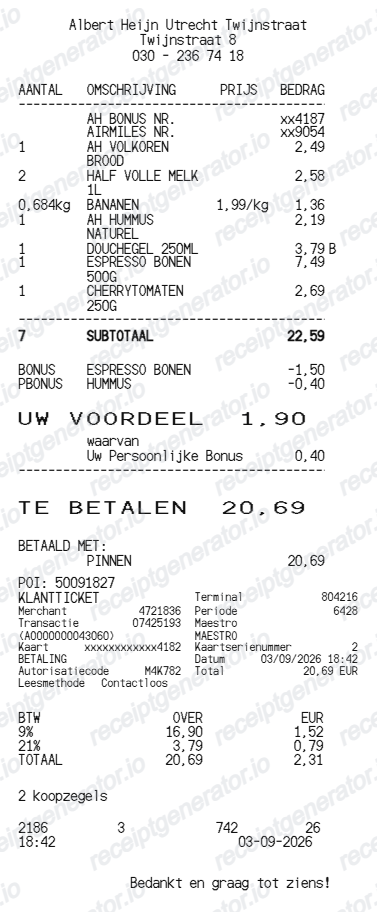
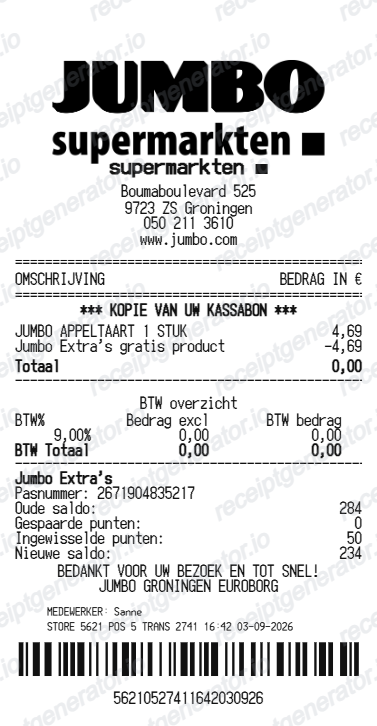
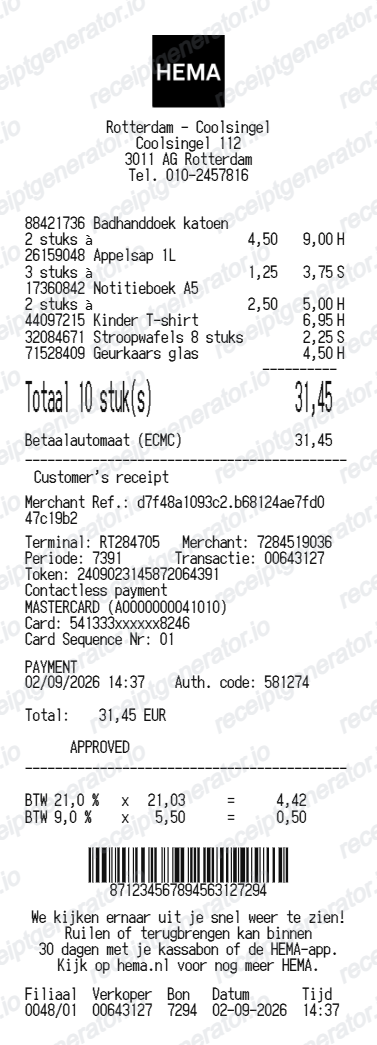
More Netherlands Receipt Templates
Browse our collection of receipt templates for various purposes.
Action Receipt FAQ
Common questions about creating Action retail receipts for personal records, budgeting, and BTW documentation in Netherlands.
Choose the Action receipt template, edit the store header, add items and prices, set the total and BTW, then download the receipt as a PDF.
Yes. Store name, items, prices, rewards, barcode digits, and footer text are all editable in the builder.
Yes. You can create and preview Action receipts for free. Watermark-free PDF downloads are available with paid plans.
If you scanned the free Mijn Action customer card at checkout, the kassabon is stored digitally in the Action app under your purchase history. Without the card, staff can look up a recent transaction in the register system using your bank statement showing the PIN payment - Action explicitly accepts this as proof of purchase for returns.
Action's standard return window is 8 days from purchase, shorter than most Dutch retailers, and requires the item and packaging to be intact plus proof of purchase (kassabon, app history, or bank statement). Refunds return the full price including the BTW that was charged.
Yes. The totals section includes a BTW-inclusive total to match the format on Netherlands Action receipts.
Yes. The Action receipt template is configured with the € symbol and BTW-style Netherlands receipt details.
Yes. After editing the details, preview and download the Action-style receipt as a clean PDF for records or budgeting.
A real Action kassabon shows the store address, a compact item list with short product names and prices, subtotals split by BTW rate (9% for food, 21% for most other goods), the BTW amounts and grand total, the payment method, and a transaction barcode at the bottom for register lookup.
Receipt Generator · Receipt Maker · 300+ Free Templates
Create your Action receipt
Use the editable Action receipt generator to add items, BTW totals, loyalty text, and barcode details, then export a clean PDF.