HEMA Receipt Generator (kassabon)
Create a HEMA-style retail receipt with editable item rows, BTW summary, HEMA Rewards, and payment details. Export a clean PDF in minutes.
Create a HEMA-style receipt with retail items, BTW-inclusive totals, HEMA Rewards, payment, and footer text. Download a PDF for records.

Choose
HEMA Receipt selected

Customize
Fill in your details

Download
Save or share receipt
Edit the details once and the preview updates instantly.
Quick summary
HEMA receipt template overview
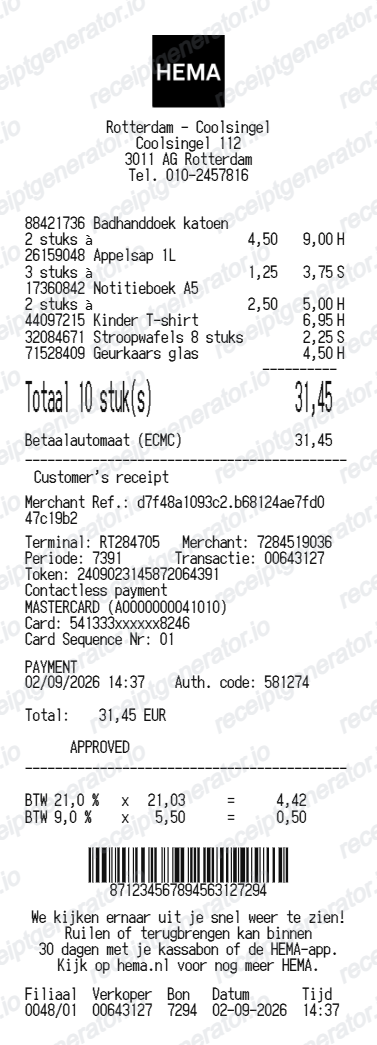
Use this HEMA-style receipt template to build a compact Netherlands receipt with editable items, BTW-inclusive totals, HEMA Rewards, barcode, and footer text.
What Is on a Real HEMA Kassabon?
HEMA is a Dutch variety store selling everything from food to clothing to stationery, so its kassabon (till receipt) has to handle mixed VAT rates and the store's gift card system in one compact layout.
BTW split between 9% and 21% lines
The Netherlands applies a 9% reduced BTW rate to food and non-alcoholic drinks and a 21% standard rate to most other goods, so a single HEMA basket spanning a broodje (sandwich) and a homeware item must show turnover split by rate rather than one combined BTW line.
Store number and kassabon transaction reference
Like other Dutch retail receipts, a HEMA kassabon prints a store number, register/till number, and a transaction reference used to look up or reprint the sale for a return.
Gift card (cadeaukaart) balance line
HEMA gift cards do not expire and can be spent in instalments, so a receipt paid partly with a cadeaukaart shows the amount deducted and the remaining balance on the card, separate from the main payment line.
30-day return window tied to the receipt
HEMA accepts returns of both online and in-store purchases within 30 days at any store counter, with the receipt required as proof of purchase for an immediate refund.
Mixed department item lines
Because HEMA sells food, clothing, toys, and stationery in one store, a single kassabon commonly lists items from several departments in one transaction, each abbreviated to fit the narrow thermal receipt width.
Payment method and change due
Dutch retail receipts typically show the payment method (pin/debit card is the norm in the Netherlands, with cash less common) and, for cash sales, the amount tendered and change given.
Create a print-ready HEMA retail receipt
Edit the layout, watch it update live, then print, download PDF, or email.
Live HEMA receipt preview
See the HEMA receipt update instantly as you edit items, totals, BTW, and messages.
PDF download
Export a clean HEMA-style receipt PDF for digital or printed records.
Mobile-friendly editor
Create and edit HEMA receipts from desktop, tablet, or phone.
HEMA Rewards and BTW support
Customise loyalty text, BTW totals, barcode digits, and footer messaging.
Get Your Original HEMA Kassabon First
For online orders, sign in to your HEMA account and check order history for a confirmation email with the order details. For in-store purchases, keep the printed kassabon, since HEMA generally requires it for a return or refund; a store can sometimes help locate a transaction using the payment card and approximate date. Use this template when the original is unavailable - a lost paper kassabon, a purchase made without a saved copy, or a records gap that needs a placeholder copy.
Budget tracking
Keep a clear itemised record of HEMA spending.
Lost receipt recreation
Recreate a HEMA receipt-style document from your purchase details.
BTW expense documentation
Prepare a receipt record with BTW for reimbursement or bookkeeping.
HEMA Receipt Formats
Use the HEMA-style format that best matches your recordkeeping needs.
Standard Receipt
A HEMA-style receipt with item rows and payment details.
HEMA Rewards Receipt
A HEMA receipt layout with loyalty points and promotional footer messaging.
BTW Receipt
A HEMA-style receipt configured with EUR currency and a BTW summary for Netherlands records.
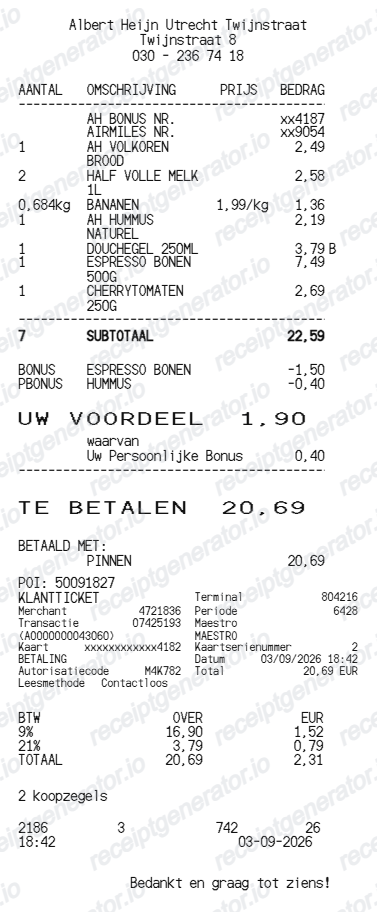
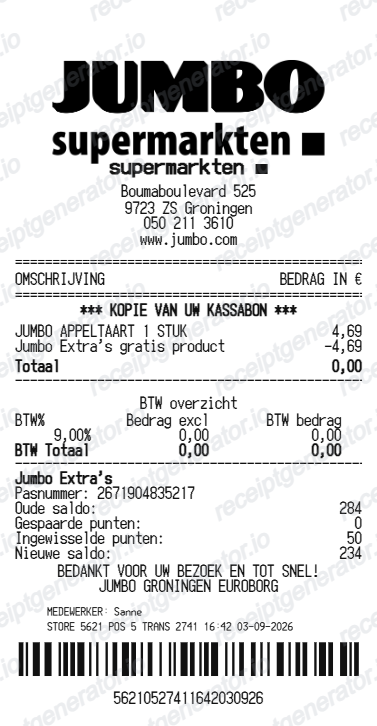
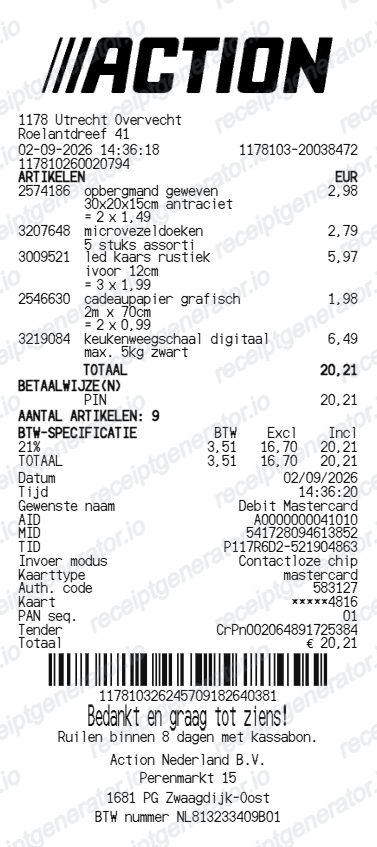
More free receipt templates for Netherlands retail shopping and retail expense records.
More Netherlands Receipt Templates
Browse our collection of receipt templates for various purposes.
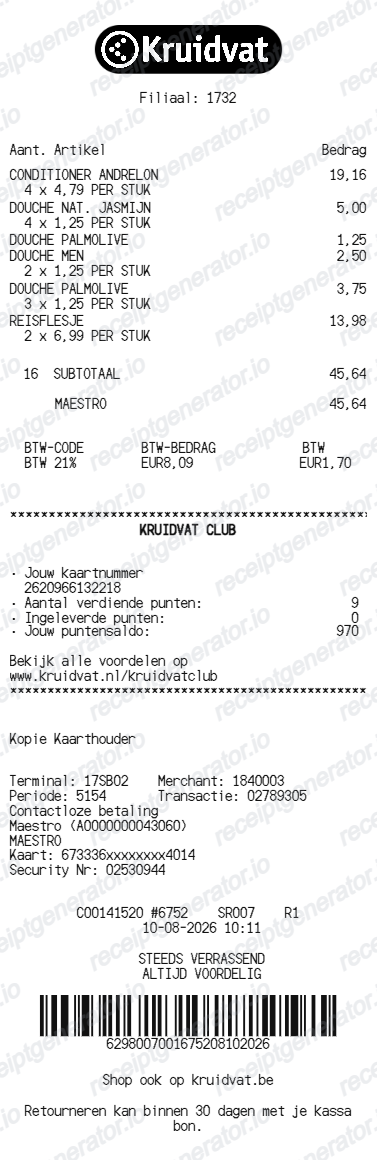
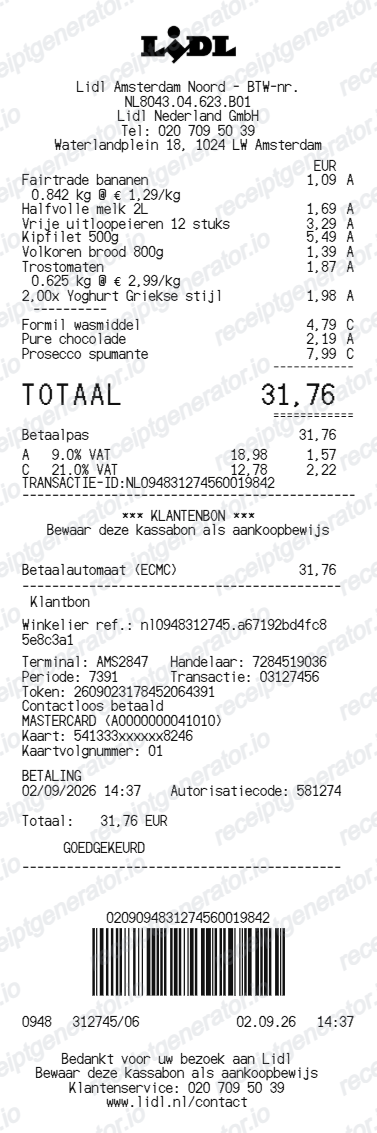
HEMA Receipt FAQ
Common questions about creating HEMA retail receipts for personal records, budgeting, and BTW documentation in Netherlands.
Choose the HEMA receipt template, edit the store header, add items and prices, set the total and BTW, then download the receipt as a PDF.
Yes. Store name, items, prices, hema rewards, barcode digits, and footer text are all editable in the builder.
Yes. After editing the details, preview and download the HEMA-style receipt as a clean PDF for records or budgeting.
A real HEMA kassabon shows the store number, register/till number, and date at the top, itemised products from across departments with prices, BTW split between the 9% and 21% rates where applicable, any gift card (cadeaukaart) balance used, the payment method, and a transaction reference at the bottom.
Yes. The totals section includes a BTW-inclusive total to match the format on Netherlands HEMA receipts.
Yes. You can create and preview HEMA receipts for free. Watermark-free PDF downloads are available with paid plans.
For online orders, sign in to your HEMA account and check order history for the confirmation email. For in-store purchases, keep the printed kassabon since it is generally required for returns; if it is lost, a store can sometimes look up a transaction using the payment card and approximate date.
The Netherlands taxes food and non-alcoholic drinks at the reduced 9% BTW rate and most other goods at the standard 21% rate. Because HEMA sells both food items and general merchandise, a single receipt often has to report turnover split across both rates rather than one blended tax line.
Receipt Generator · Receipt Maker · 300+ Free Templates
Create your HEMA receipt
Use the editable HEMA receipt generator to add items, BTW totals, loyalty text, and barcode details, then export a clean PDF.