Albert Heijn Receipt Generator (kassabon)
Create a Albert Heijn-style grocery receipt with editable item rows, BTW summary, Bonuskaart, and payment details. Export a clean PDF in minutes.
Create a Albert Heijn-style receipt with grocery items, BTW-inclusive totals, Bonuskaart, payment, and footer text. Download a PDF for records.

Choose
Albert Heijn Receipt selected

Customize
Fill in your details

Download
Save or share receipt
Edit the details once and the preview updates instantly.
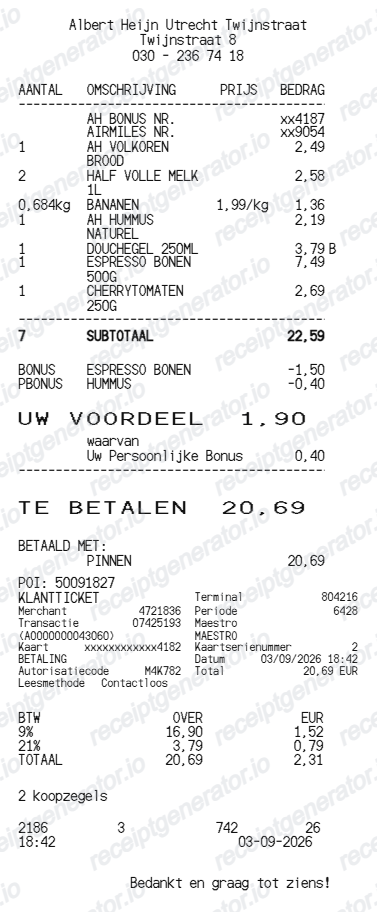
Quick summary
Albert Heijn receipt template overview
Use this Albert Heijn-style receipt template to build a compact Netherlands receipt with editable items, BTW-inclusive totals, Bonuskaart, barcode, and footer text.
What Is on a Real Albert Heijn Receipt?
A real AH kassabon follows a consistent Dutch format, and a credible replacement copy should match it. These are the details that make an Albert Heijn receipt recognizable.
BTW split at 9% and 21%
Dutch receipts show prices including BTW, with a tax summary that separates the 9% reduced rate (most food and drink) from the 21% standard rate (household goods, alcohol, non-food items). The kassabon lists the BTW amount contained in the total for each rate.
Bonuskaart and BONUS discount lines
When a Bonuskaart is scanned, promotional items get a BONUS discount line under the product, and the receipt totals the Bonus savings for the trip. Without a scanned Bonuskaart, promotional prices do not apply and no savings summary prints.
Digital kassabon in the AH app
Shoppers with a personal Bonuskaart get a digital copy of every receipt in the AH app - it appears in real time after payment, looks identical to the paper bon, and is stored for 27 months under Kassabonnen in the profile section.
Statiegeld deposit lines
Dutch deposit rules add statiegeld lines to grocery receipts: EUR 0.15 on small plastic bottles and cans and EUR 0.25 on large bottles. Returned packaging appears as a negative emballage line when the refund voucher is scanned at the register.
Store header and transaction data
The header names the specific Albert Heijn store and street address, followed by the date, time, register number, and a transaction identifier - details that tie the bon to one specific visit.
Barcode at the bottom
A scannable barcode with printed digits closes the receipt, which the store uses to retrieve the transaction for returns and price checks.
Create a print-ready Albert Heijn grocery receipt
Edit the layout, watch it update live, then print, download PDF, or email.
Live Albert Heijn receipt preview
See the Albert Heijn receipt update instantly as you edit items, totals, BTW, and messages.
PDF download
Export a clean Albert Heijn-style receipt PDF for digital or printed records.
Mobile-friendly editor
Create and edit Albert Heijn receipts from desktop, tablet, or phone.
Bonuskaart and BTW support
Customise loyalty text, BTW totals, barcode digits, and footer messaging.
Get Your Original Albert Heijn Receipt First
If you scanned a personal Bonuskaart, the original bon is already in the AH app: open your profile, go to Aankopen en bestellingen, then Kassabonnen - every receipt appears there in real time and stays available for 27 months. Online orders keep their invoices in your ah.nl account. Use this template when the original is unavailable - you paid without a Bonuskaart, the paper bon is lost, or the purchase predates your app history.
Budget tracking
Keep a clear itemised record of Albert Heijn spending.
Lost receipt recreation
Recreate a Albert Heijn receipt-style document from your purchase details.
BTW expense documentation
Prepare a receipt record with BTW for reimbursement or bookkeeping.
Albert Heijn Receipt Formats
Use the Albert Heijn-style format that best matches your recordkeeping needs.
Standard Receipt
A Albert Heijn-style receipt with item rows and payment details.
Bonuskaart Receipt
A Albert Heijn receipt layout with loyalty points and promotional footer messaging.
BTW Receipt
A Albert Heijn-style receipt configured with EUR currency and a BTW summary for Netherlands records.
Related Guides
Explore related guides to understand the receipt details, lookup steps, and documentation workflows.
More free receipt templates for Netherlands grocery shopping and retail expense records.
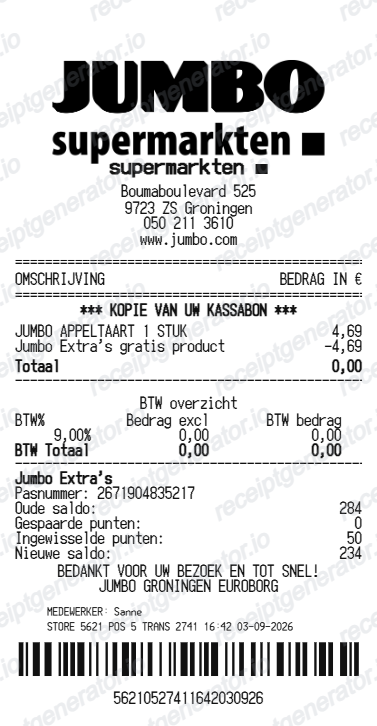
More Netherlands Receipt Templates
Browse our collection of receipt templates for various purposes.
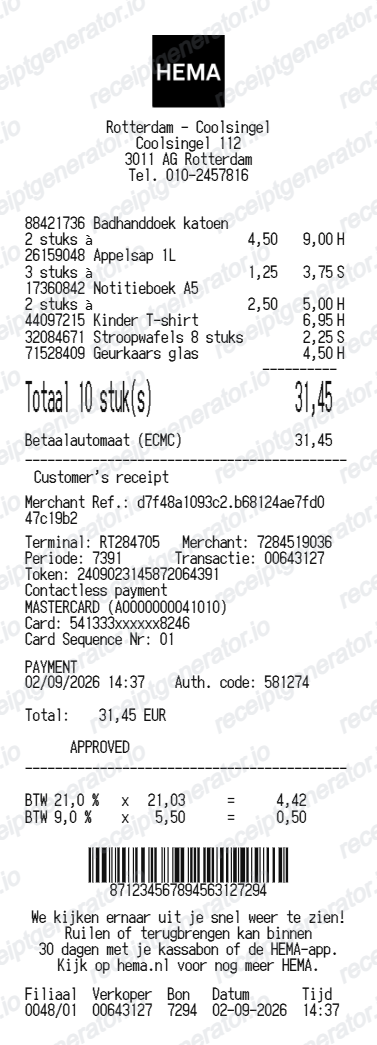
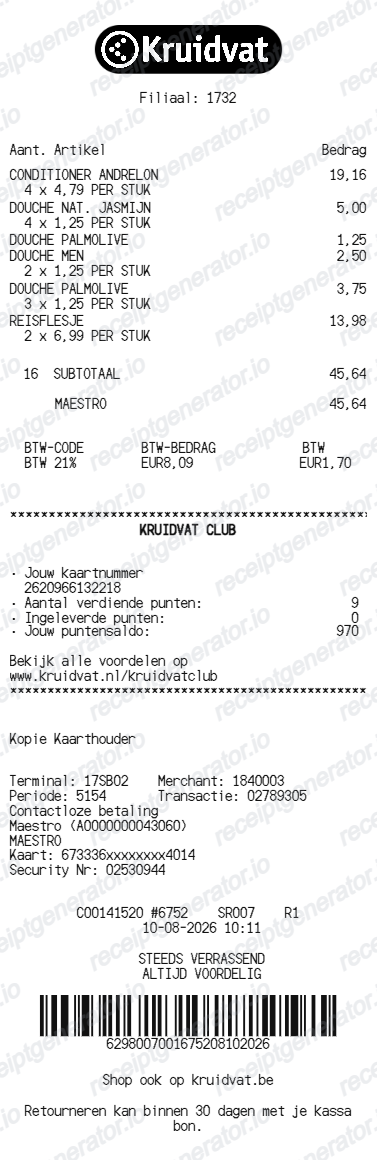
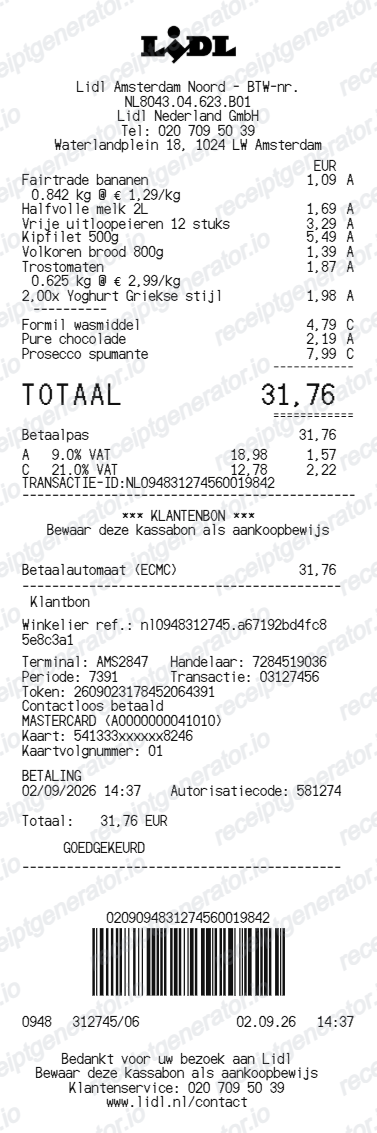

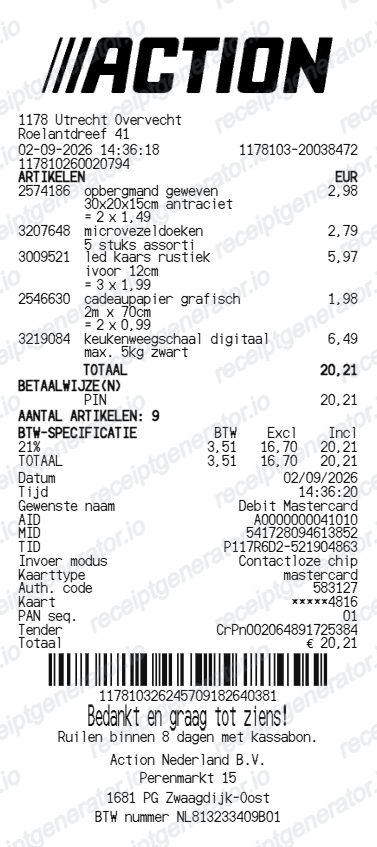
Albert Heijn Receipt FAQ
Common questions about creating Albert Heijn grocery receipts for personal records, budgeting, and BTW documentation in Netherlands.
Choose the Albert Heijn receipt template, edit the store header, add items and prices, set the total and BTW, then download the receipt as a PDF.
Yes. Store name, items, prices, bonuskaart, barcode digits, and footer text are all editable in the builder.
Yes. After editing the details, preview and download the Albert Heijn-style receipt as a clean PDF for records or budgeting.
A real AH kassabon shows the store name and street address, the date, time, and register, item lines with BONUS discounts printed under promotional products, statiegeld deposit lines where they apply, a BTW summary splitting the 9% and 21% rates, a Bonus savings total for the trip, the payment method, and a barcode at the bottom.
Yes. The totals section includes a BTW-inclusive total to match the format on Netherlands Albert Heijn receipts.
Yes. You can create and preview Albert Heijn receipts for free. Watermark-free PDF downloads are available with paid plans.
If you scanned a personal Bonuskaart, open the AH app, tap your profile, then Aankopen en bestellingen, then Kassabonnen - the digital bon appears in real time after payment and is stored for 27 months. You can also switch off paper receipts in the app and go fully digital. Without a Bonuskaart there is no lookup, so keep the paper bon or use your bank statement as proof of purchase.
Usually yes, if you used a personal Bonuskaart - the digital kassabon in the AH app is the same receipt and serves as proof of purchase at the service desk. If you paid without a Bonuskaart and lost the paper bon, a bank statement showing the transaction can help, but the store decides case by case.
Receipt Generator · Receipt Maker · 300+ Free Templates
Create your Albert Heijn receipt
Use the editable Albert Heijn receipt generator to add items, BTW totals, loyalty text, and barcode details, then export a clean PDF.