CVS Receipt Lookup: Find, Download or Reprint a Receipt
Ready to create your own? Use our free receipt generator — no account needed.
Generate CVS Receipt →On this page
To look up a CVS receipt, begin with the record created by CVS: Digital Receipts for an eligible account-linked purchase, CVS.com order history for an online order, or pharmacy documentation for a prescription. These records serve different purposes, so choosing the correct path is more important than searching every CVS screen.
Fastest path
Open the official CVS Digital Receipts page and sign in with the CVS account connected to the purchase. If the receipt is not there, identify whether the transaction was an online order, an in-store retail purchase, or a prescription before trying the alternatives below.
Choose the CVS Receipt You Actually Need
CVS receipt recovery paths
| Feature |
|---|
Method 1: Check CVS Digital Receipts
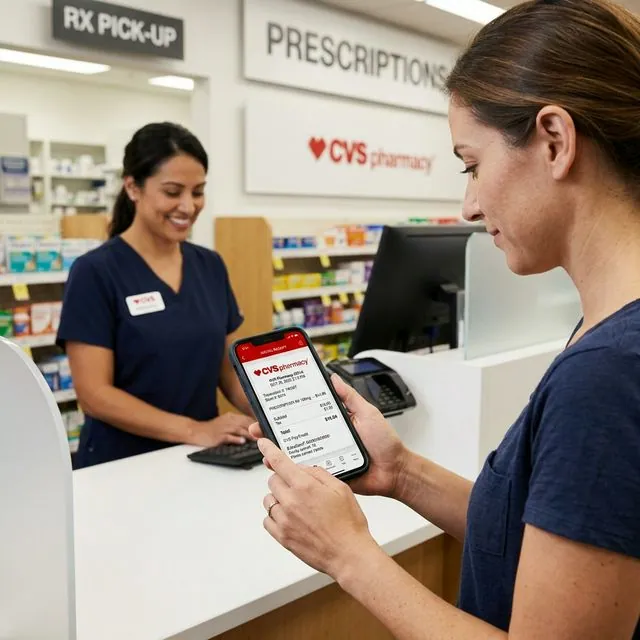
CVS maintains an official Digital Receipts service for eligible account-linked purchases. Start from the CVS Digital Receipts page rather than relying on a third-party lookup page.
- Sign in with the CVS account associated with the purchase.
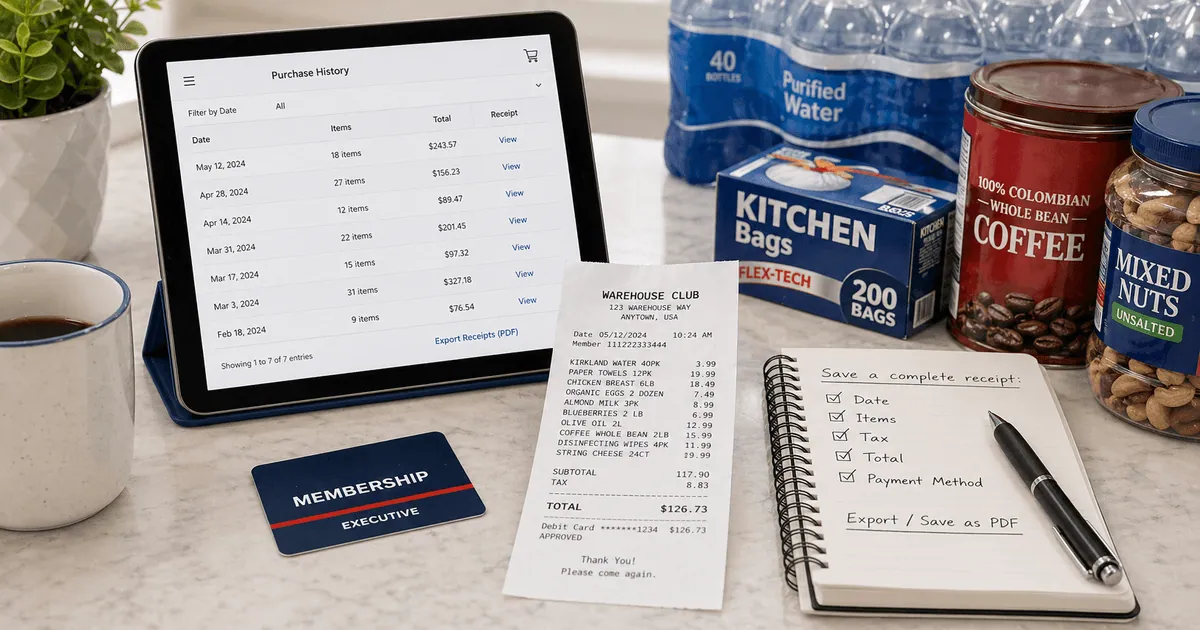
- Open the digital-receipt or purchase-history area available to that account.
- Match the transaction by store, date and total.
- Open the itemized record and use the browser or device print option if you need a PDF.
The exact navigation can change as CVS updates its website and app. If a receipt does not appear, first confirm that you signed into the same account and used the same ExtraCare identity at checkout. CVS explains how accounts and cards connect in its ExtraCare help documentation.
A missing digital receipt does not prove the transaction is gone. It may mean the purchase was not associated with that account, the checkout identity differed, or the transaction belongs to another CVS workflow.
Method 2: Find a CVS.com or App Order
An online order generally leaves an order record rather than the same format produced by a store register. Check both places:
- Sign in to the CVS account used at checkout.
- Review order history for the matching date and amount.
- Search the email address used for the order for CVS confirmations, pickup notices or delivery messages.
- Open the individual order and save the itemized page or confirmation supplied by CVS.
For customer support, keep the order number, account email, order date and fulfillment method nearby. Do not publish or send full payment-card information.
Method 3: Ask the CVS Store About a Recent Purchase
If an in-store purchase is absent from the account, contact the location where it occurred. Store transaction-recovery and reprint options can vary, so describe this as a request rather than assuming a duplicate is guaranteed.
Bring or provide:
- the store location
- the approximate date and time
- the purchase total
- the payment method and, if requested through a secure CVS process, limited identifying information
- the ExtraCare account or phone number used at checkout, if any
Start with the front store for ordinary retail items and the pharmacy counter for prescription documentation. A pharmacist may not be able to solve a front-register issue, and a cashier should not be expected to provide protected prescription information.
CVS Prescription Receipt vs Store Receipt
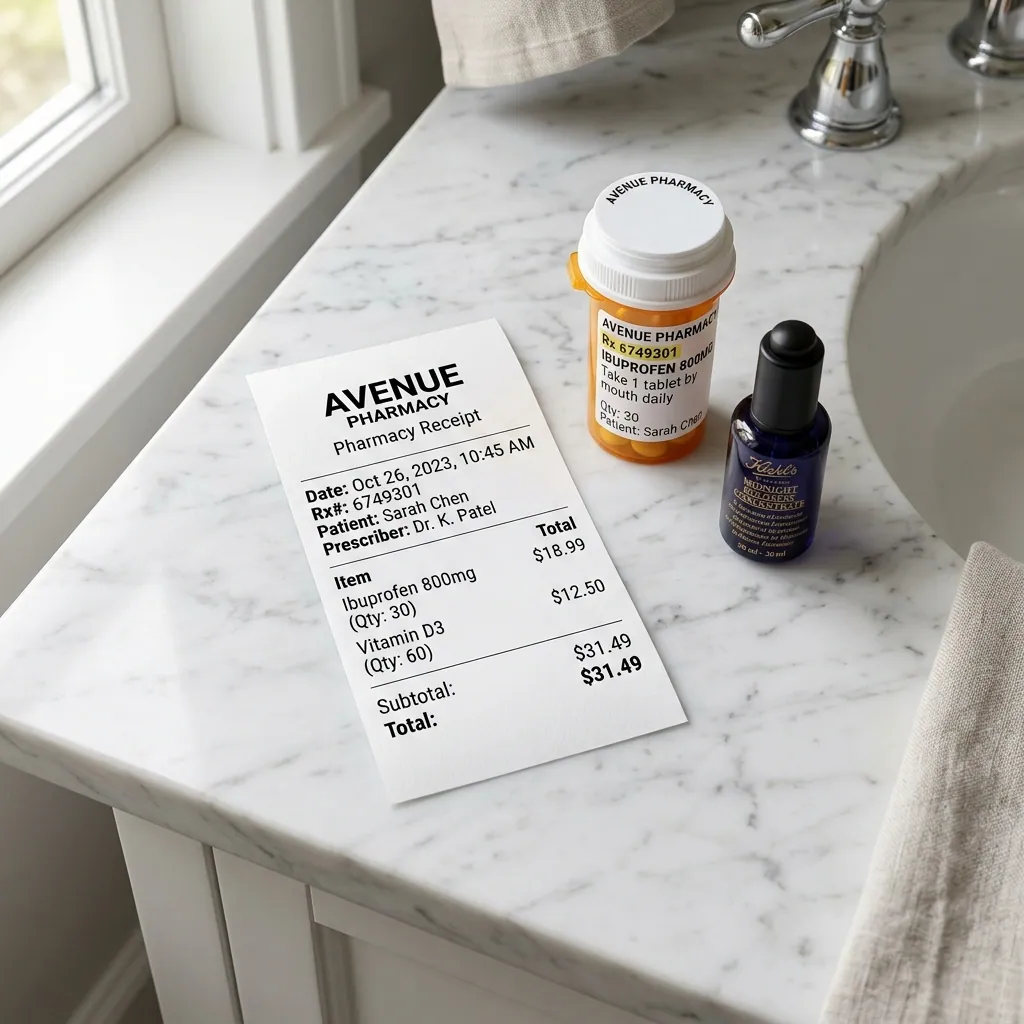
Prescription records require a separate workflow because they can contain health and insurance information. Ask the dispensing pharmacy for the document that matches the need instead of requesting a generic “receipt.” Common requests include:
- a receipt for one prescription purchase
- an itemized pharmacy purchase record
- a prescription purchase summary for a stated period
- documentation showing patient cost or insurance adjustment
Bring identification and be prepared to complete CVS's identity-verification process. If an insurer or benefits administrator requested the document, use its wording when you ask the pharmacy. Our CVS prescription receipt guide explains this distinction in more detail.
CVS Receipts for FSA or HSA Documentation
For an FSA or HSA submission, recover the merchant-issued itemized record first. The administrator may need the merchant, transaction date, item or service, amount and evidence that the expense is eligible. A card statement confirms payment but usually does not identify what was purchased.
Eligibility depends on the expense and plan rules, not simply on the fact that it was purchased at a pharmacy. The IRS explains qualified medical expenses and recordkeeping in Publication 969. Your plan administrator determines what it requires for a particular claim.
Do not alter an item description or create a transaction that did not occur. If the CVS record is incomplete, ask the pharmacy or administrator what additional documentation is acceptable.
What to Check Before Saving the Receipt
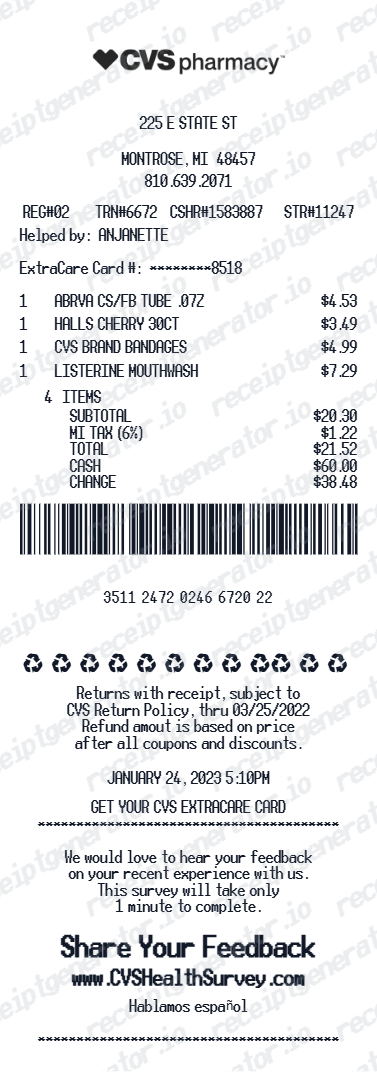
Once you find a CVS-issued record, verify:
- the correct store or order channel
- the purchase date and time
- the itemized products or prescription reference
- discounts and ExtraCare adjustments
- subtotal, tax and total
- the payment method or masked payment reference
- any information requested by the return, reimbursement or insurance workflow
Save the unedited original. If you add notes for yourself, keep them in a separate file so the merchant-issued document remains intact.
If the Original CVS Receipt Cannot Be Recovered
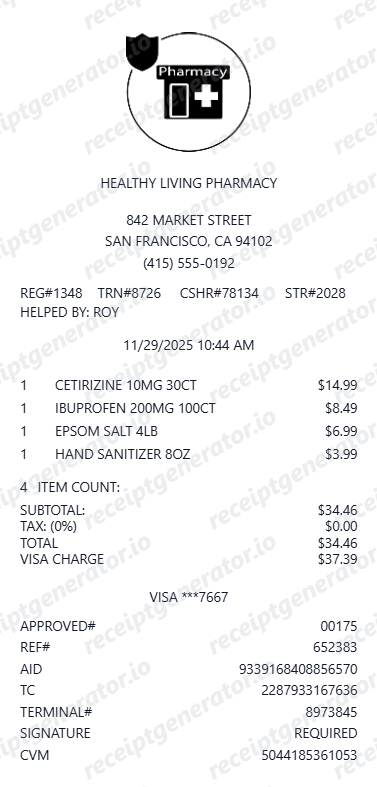
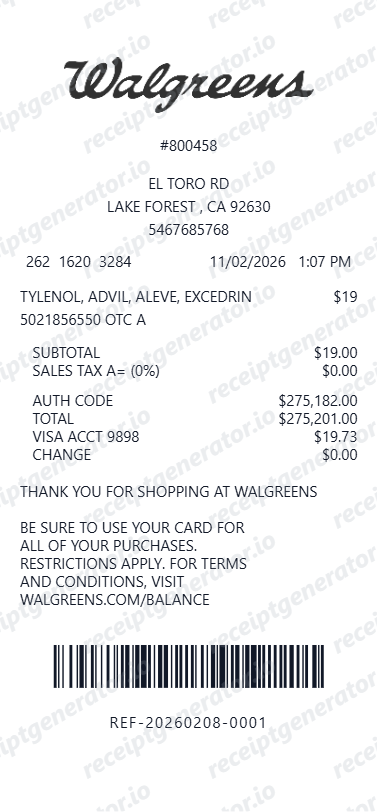
An editable receipt template can help you organize known details for a personal expense log, but it cannot become a CVS-issued transaction record. Collect the purchase date, store, item names, prices, tax, total and payment reference from records you already possess, then use the CVS Receipt Generator only as a clearly labelled personal copy.
Do not submit a generated document as original proof for a return, insurance request, tax deduction or FSA/HSA reimbursement. Ask the organization receiving the documentation what alternative evidence it accepts.
Organize verified CVS purchase details
Create an editable personal record only after checking CVS Digital Receipts, order history and the pharmacy.
Related CVS Guides
- How to Get a CVS Prescription Receipt
- CVS Prescription Receipt vs Store Receipt
- What a CVS Pharmacy Receipt Should Include
- Pharmacy Receipt Requirements for FSA and HSA Records
Final Checklist
Use CVS Digital Receipts for an eligible account-linked retail purchase, order history for an online transaction, and the pharmacy for prescription documentation. If none of those paths produces the required record, ask CVS or the receiving organization what alternative evidence is acceptable. Keep any editable personal copy separate from the original merchant-issued documentation.
FAQ
Start with CVS Digital Receipts and the order history connected to your CVS account. The available record depends on how and where you purchased the item.
If the purchase is not shown, contact or visit the store with the approximate date, location, amount and payment method and ask what recovery options are available.
A local store may be able to help identify a recent transaction, but reprint availability is not guaranteed and can depend on the purchase details and local system.
Bring the approximate purchase date, total, store location and payment information without sharing a full card number.
Sign in to the CVS account used for the order and review its order history and confirmation messages. Online-order documentation is separate from an in-store register receipt.
Ask the pharmacy for the record that matches your purpose, such as an individual prescription receipt or a prescription purchase summary.
A front-store retail receipt and a pharmacy record are not interchangeable.
Use the original itemized merchant or pharmacy documentation requested by your benefits administrator. A bank statement alone normally does not identify the purchased item.
No. An editable template can help organize verified details for personal records, but it is not merchant-issued proof for returns, insurance, tax or reimbursement claims.