Burger King Receipt Generator
Create a Burger King-style kiosk receipt with editable store details, order number, item rows, totals, Royal Perks text, and side banner. Export a clean PDF quickly.
Create a Burger King-style receipt with order details, item lines, tax, payment totals, Royal Perks text, and a print-ready layout.

Choose
Burger King Receipt selected

Customize
Fill in your details

Download
Save or share receipt
Edit the details once and the preview updates instantly.
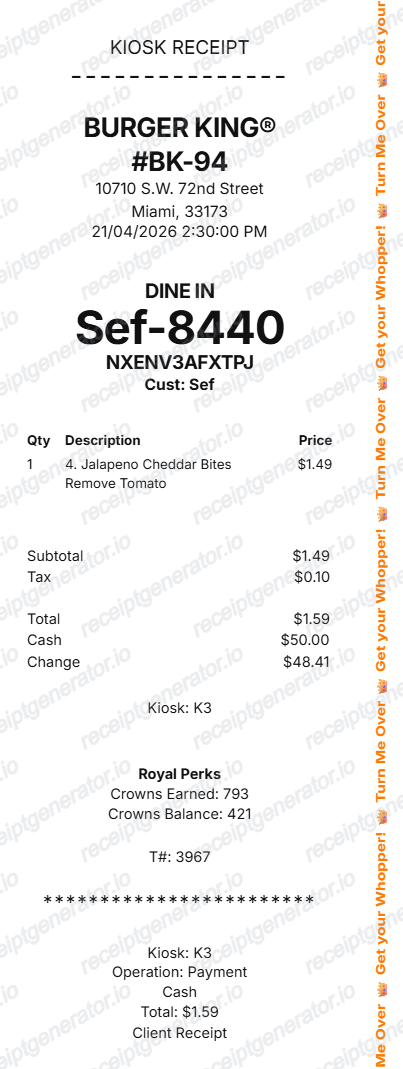
Quick summary
Burger King receipt template overview
Use this Burger King-style receipt template to build a complete kiosk receipt with editable store details, order number, item rows, totals, Royal Perks footer, and side banner.
What Is on a Real Burger King Receipt?
A real Burger King receipt follows a consistent kiosk or register format, and a credible replacement copy should match it field for field.
Royal Perks Crowns line
Royal Perks members earn 10 Crowns per $1 spent on eligible purchases (up to three qualifying transactions per day), and receipts from participating US restaurants print the Crowns earned and running balance under the payment section.
Order number and order type
Every receipt shows an order number alongside the order type - dine-in, take-out, drive-thru, or mobile order - printed near the top so kitchen staff and the customer can match the ticket to the bag.
Store number and address block
The header carries the specific restaurant's store number and address, since Burger King is largely franchise-operated and each location's tax ID and store number differ even within the same city.
Mobile order receipts show a pickup code
Orders placed through the BK App or a kiosk print a short pickup or order code, separate from the loyalty redemption code, so counter staff can call out the right bag.
Itemized modifiers under each item
Customizations like no onions, extra cheese, or sauce swaps print as indented lines directly beneath the item they modify, matching how the register groups them.
Card payment with masked digits
Card transactions show the card brand and last four digits with an approval code; cash transactions instead show amount tendered and change due.
Create a print-ready Burger King receipt
Edit the layout, watch it update live, then print, download PDF, or email.
Live Burger King receipt preview
Watch the receipt update instantly as you edit store, order, item, and payment details.
Editable receipt sections
Update the header, order info, item table, totals, receipt tail, and side banner from one builder.
Download as PDF
Export a clean Burger King-style receipt PDF when your details are ready.
Mobile-friendly editor
Create, preview, and revise the receipt from desktop or mobile.
Get Your Original Burger King Receipt First
If you paid with a card or ordered through the BK App, open Order History in the app for mobile and delivery orders, or check your card statement for the charge and date. For an in-restaurant purchase, Royal Perks members who forgot to scan can sometimes submit the receipt or transaction details through the app to still get Crowns credited. Use this template when the original is unavailable - a paper receipt that faded, a kiosk order with no email, or a reimbursement form that needs a clean copy.
Fast food purchase records
Document a Burger King order with item details, tax, total, and payment information.
Meal reimbursement records
Prepare a clear fast food receipt layout for meal expense documentation.
Restaurant receipt mockups
Use the Burger King-style layout for demos, previews, and presentation mockups.
Kiosk receipt examples
Create a receipt example with a large order number, kiosk line, and compact payment summary.
Burger King Receipt Formats
Choose the Burger King-style receipt layout that matches your order record or mockup.
Kiosk Receipt
A Burger King-style receipt with a large order number and kiosk payment details.
Itemized Order Receipt
A receipt format with item quantity, description, modifiers, subtotal, tax, and total.
Royal Perks Receipt
A Burger King-style receipt that includes loyalty text and payment footer details.
Restaurant Receipt Guides
Read supporting guides for restaurant receipts, meal reimbursement, and fast food expense documentation.
Restaurant Receipt for Reimbursement
See what expense teams require from a restaurant receipt for meal reimbursement approval.
Explore Restaurant Receipt for ReimbursementRestaurant Receipt for Taxes
Review what fast food and restaurant receipt fields matter most for business meal tax deductions.
Explore Restaurant Receipt for TaxesRelated Other Receipt Templates
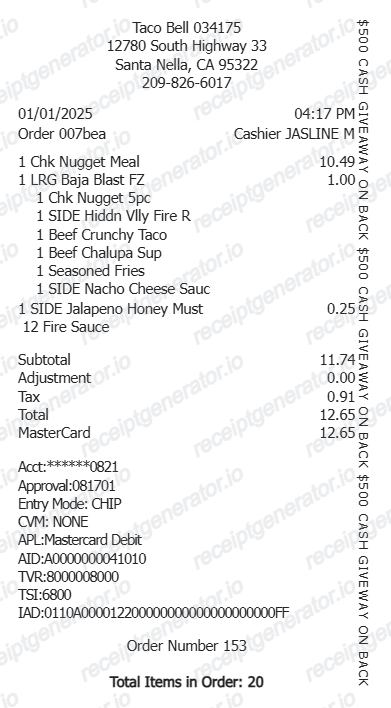
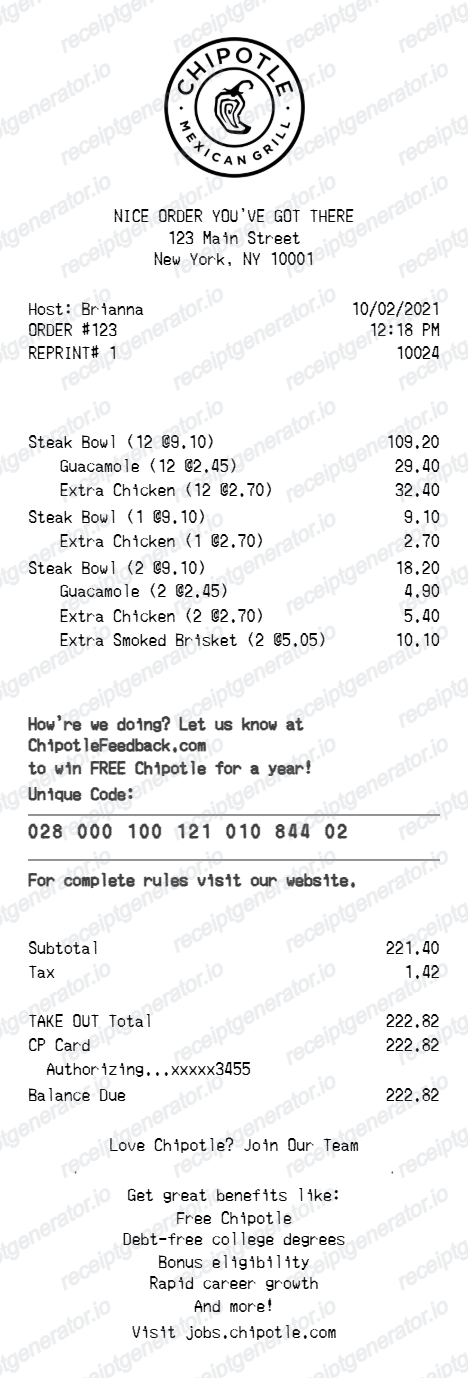
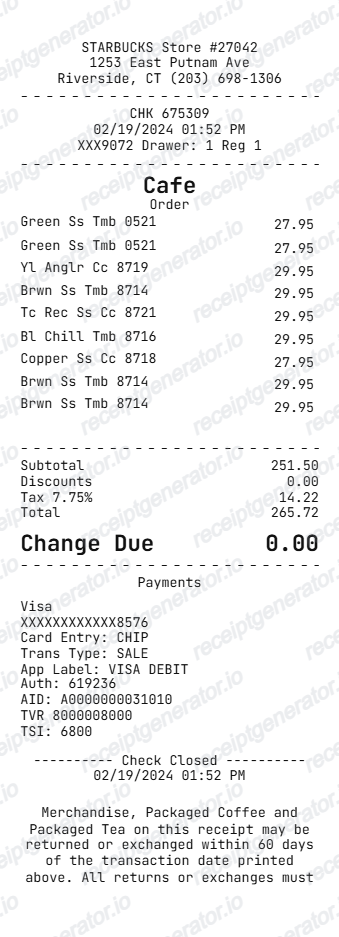
More free receipt templates for fast food, takeout, and restaurant orders.
Burger King Receipt FAQ
Common questions about creating and editing a Burger King-style fast food receipt.
Open the Burger King receipt generator, edit the store details, order number, item rows, tax, payment details, and receipt footer, then preview and download the receipt as a PDF.
Yes. Each item can include modification lines such as removed ingredients or special instructions.
Yes. You can preview the Burger King-style receipt and export a clean PDF for records, mockups, or documentation.
A real Burger King receipt shows the store number and address, the order number and order type (dine-in, take-out, or drive-thru), itemized food lines with modifiers indented underneath, subtotal, tax, total, the payment method with masked card digits or cash tendered and change, and, for Royal Perks members, the Crowns earned and running balance.
Add the store name, purchase date, line items, totals, tax, payment method, and any optional notes you need on your Burger King template.
Yes. The large order number, order type, customer code, and customer name are editable from the builder and from preview edit mode.
Yes. The Royal Perks lines, transaction number, separator, kiosk line, operation text, payment method, total label, and client receipt text are editable.
For mobile, drive-thru, or delivery orders placed through the BK App, open Order History to view the order details. For in-restaurant purchases, check your card or bank statement for the charge, date, and amount, since Burger King does not keep a central searchable database of paper receipts by location.
Some in-restaurant purchases can still earn Crowns after the fact through the BK App's missed-purchase support, but this depends on having proof of the transaction, such as the receipt or matching card charge. Points are not guaranteed for missed scans.
Both. You can use these templates for reimbursements, bookkeeping prep, and internal documentation workflows.
Receipt Generator · Receipt Maker · 300+ Free Templates
Create your Burger King receipt
Use the editable Burger King receipt generator to add order details, item rows, totals, Royal Perks text, and side banner copy, then export a clean PDF.