Starbucks Receipt Generator
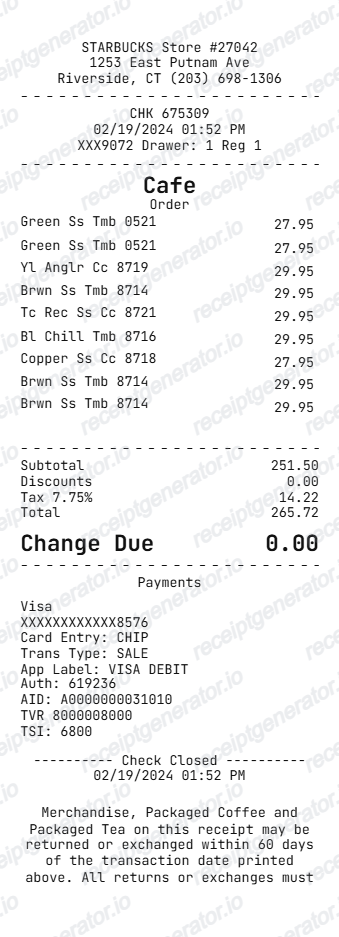
Create a Starbucks-style receipt with store details, cafe order lines, tax, card payment details, and return policy footer.
Create a Starbucks-style receipt with editable store details, item rows, totals, payment information, and receipt footer. Download a clean PDF quickly.

Choose
Starbucks Receipt selected

Customize
Fill in your details

Download
Save or share receipt
Edit the details once and the preview updates instantly.
Quick summary
Starbucks receipt template overview
Use this Starbucks receipt generator to create authentic itemized receipts with editable products, tax calculations in $, and printable PDF export.
What Is on a Real Starbucks Receipt?
Starbucks receipts carry loyalty, mobile order, and drink-customization details that are specific to how the Starbucks POS and app system works - here is what a real one includes.
Stars earned per dollar, tied to membership tier
Starbucks Rewards members earn Stars based on tier - Green members earn 1 Star per $1, Gold members earn 1.2 Stars per $1, and paying with a registered Starbucks Card in the app earns 2 Stars per $1. The receipt or app order summary shows Stars earned on that transaction, excluding tax and tip.
Store number and register number in the header
Each store prints its own store number near the top of the receipt along with the register or terminal number that rang the order - used internally for reconciling daily sales by till.
Mobile Order & Pay orders are flagged distinctly
Orders placed through the app print with a mobile order indicator and pickup name rather than a cashier-entered order, since the drink was customized and paid for before the customer arrived at the counter.
Drink customization printed as modifier lines
Customizations - extra shot, sugar-free syrup, oat or almond milk substitution, extra hot, light ice - print as separate modifier lines under the base drink name, each often carrying its own small upcharge that rolls into the item's total price.
Tax and total, with Stars/tip handled separately
Sales tax is calculated on the subtotal before any tip; Stars earned and tip (if added in-app) are not part of the taxed subtotal and appear as their own lines separate from the tax and grand total.
Card payment shows masked number and authorization detail
Card-present transactions print a masked card number, entry method (chip/tap), and authorization code - digital wallet or Starbucks Card payments instead show a card/reference number tied to that stored balance rather than a bank card number.
Create a print-ready Starbucks receipt
Edit the layout, watch it update live, then print, download PDF, or email.
Live Starbucks receipt preview
Watch the receipt update instantly as you edit store text, item rows, totals, and payment details.
One-click print
Print the Starbucks-style receipt directly from the browser.
Download as PDF
Export a clean Starbucks receipt PDF in seconds.
Mobile-friendly editor
Create and edit the receipt from desktop or mobile.
Get Your Original Starbucks Receipt First
If you ordered through Mobile Order & Pay or paid with a registered Starbucks Card, open the Starbucks app and check your order history for the itemized receipt. In-store card purchases not linked to the app usually appear only on your bank statement with the store location, date, and amount. Use this template when the original is unavailable - a cash purchase, an unlinked card payment, or a printed receipt that got lost.
Coffee purchase records
Document a cafe purchase with item lines and payment details.
Receipt mockups
Use the Starbucks-style format for examples, demos, or presentation mockups.
Expense examples
Create a coffee shop receipt format for internal examples or documentation.
Retail cafe orders
Show packaged coffee, tea, tumblers, or merchandise in one receipt.
Starbucks Receipt Formats
Choose the Starbucks-style receipt layout that best matches your cafe order or merchandise receipt.
Cafe Order Receipt
A Starbucks-style receipt for drinks, food, and cafe purchases.
Merchandise Receipt
A receipt layout for tumblers, packaged coffee, tea, and store merchandise.
Card Payment Receipt
A Starbucks-style receipt with detailed card authorization lines.
Related Guides
Explore related guides to understand the receipt details, lookup steps, and documentation workflows.
Related Other Receipt Templates
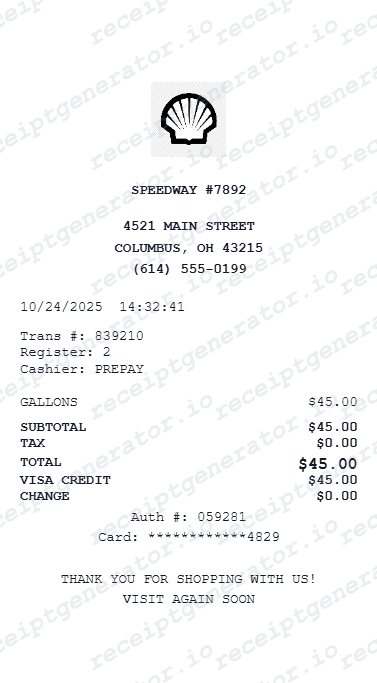
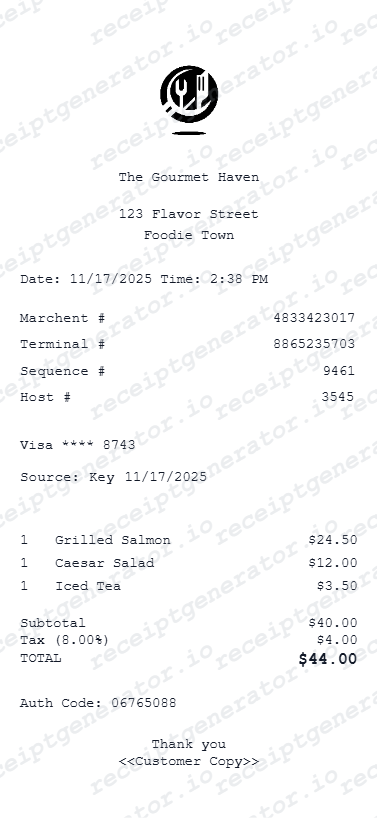
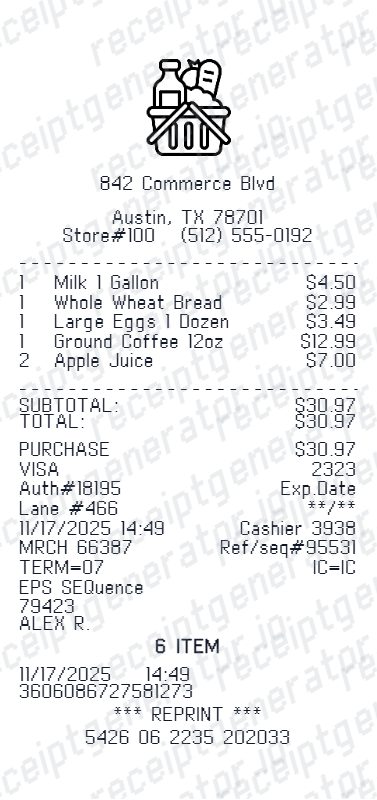
More free receipt templates for cafes, coffee shops, restaurants, and fast casual brands.

Starbucks Receipt FAQ
Common questions about creating a Starbucks-style coffee shop receipt for records, examples, and mockups.
Choose the Starbucks receipt template, edit the store details, order lines, totals, and payment section, then preview and download the receipt as a PDF.
Yes. The Starbucks template supports a blank custom currency symbol so item amounts can appear as plain numbers when needed.
Yes. You can download or print a clean Starbucks-style receipt PDF from the generator.
A real Starbucks receipt shows the store number and register number at the top, the drink or item with any customization printed as modifier lines underneath (extra shot, syrup, milk substitution), subtotal, sales tax, the payment method, and often a Stars-earned line for Rewards members.
Add the store name, purchase date, line items, totals, tax, payment method, and any optional notes you need on your Starbucks template.
Yes. You can update each item name and amount in the receipt builder to match the coffee, tumbler, packaged tea, or merchandise lines you need.
Yes. The payment area is editable, including card type, masked card number, authorization code, AID, TVR, and TSI lines.
Open the Starbucks app and check order history if you used Mobile Order & Pay or paid with a registered Starbucks Card - the itemized receipt is stored there. For an in-store purchase not linked to the app, your bank statement will show the store location, date, and amount, though not the itemized drink details.
It depends on membership tier and payment method: Green tier members earn 1 Star per $1, Gold tier members earn 1.2 Stars per $1, and paying with a registered Starbucks Card in the app earns 2 Stars per $1. Stars are not earned on tax, tip, or Starbucks Card reloads.
Both. You can use these templates for reimbursements, bookkeeping prep, and internal documentation workflows.
Receipt Generator · Receipt Maker · 300+ Free Templates
Create your Starbucks receipt
Use the editable Starbucks receipt generator to add items, tax totals, and payment details, then export a clean PDF.