Edeka Receipt Generator (Kassenbon)
Create a Edeka-style grocery receipt with editable item rows, MwSt summary, DeutschlandCard, and payment details. Export a clean PDF in minutes.
Create a Edeka-style receipt with grocery items, MwSt-inclusive totals, DeutschlandCard, payment, and footer text. Download a PDF for records.

Choose
Edeka Receipt selected

Customize
Fill in your details

Download
Save or share receipt
Edit the details once and the preview updates instantly.
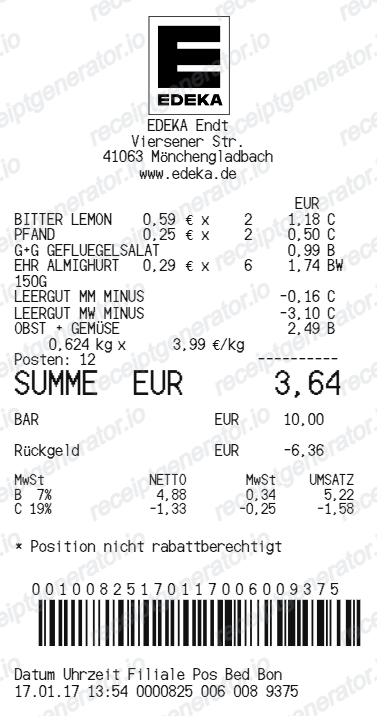
Quick summary
Edeka receipt template overview
Use this Edeka-style receipt template to build a compact Germany receipt with editable items, MwSt-inclusive totals, DeutschlandCard, barcode, and footer text.
What Is on a Real EDEKA Receipt?
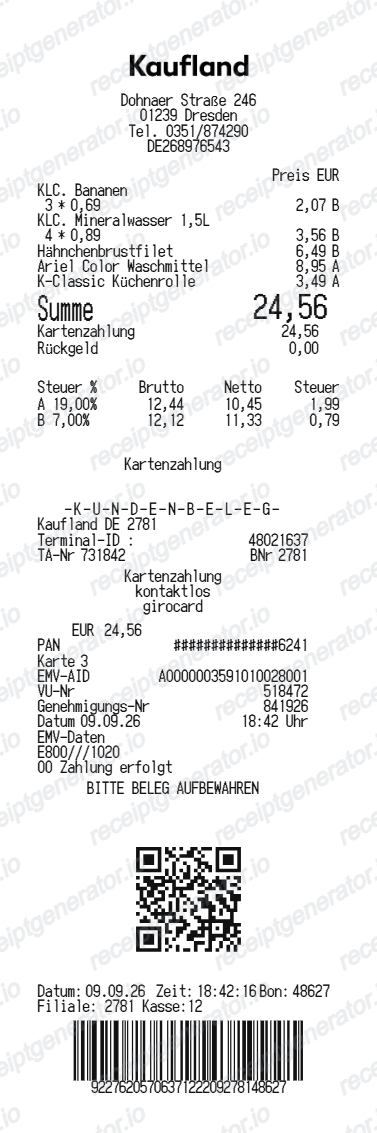
German Kassenbons are among the most regulated receipts in the world, and EDEKA's follow the rules to the letter. A credible EDEKA-style receipt needs the fiscal, deposit, and loyalty details German shoppers see every day.
TSE signature block required by law
Since the KassenSichV rules took effect, every German till receipt must carry data from a certified technical security device (TSE): the serial numbers of the register and security module, a transaction counter, and a cryptographic signature - often compressed into a QR code near the bottom of the bon.
Pfand deposit lines
Bottle and can deposits print as separate PFAND lines - 0.25 EUR for one-way containers and 0.08 to 0.15 EUR for refillables. Returned empties produce a Leergutbon that scans at the till as a negative Pfand line on the final receipt.
MwSt letters for 7% and 19%
Each item carries a tax letter - most groceries fall under the reduced 7% rate, while non-food and many drinks carry the standard 19%. The footer breaks down net amount and MwSt separately for each rate.
DeutschlandCard points
EDEKA is a partner in the multi-retailer DeutschlandCard program. When the card is scanned, the receipt notes the points earned; deposit (Pfand) amounts are excluded from point calculations. Receipts can also be scanned in the DeutschlandCard app if the merchant name, date, and total are legible.
Independent merchant in the header
Most EDEKA stores are run by independent merchants within the EDEKA cooperative, so the header shows the local operator's business name (for example 'EDEKA Mustermann'), the store address, and that merchant's own tax details rather than a single national entity.
Kasse, Bediener, and Bon numbers
The footer records the register (Kasse) number, cashier (Bediener) ID, and a sequential Bon number along with date and time. Card payments add a girocard/EC terminal slip section with the masked card number and authorization data.
Create a print-ready Edeka grocery receipt
Edit the layout, watch it update live, then print, download PDF, or email.
Live Edeka receipt preview
See the Edeka receipt update instantly as you edit items, totals, MwSt, and messages.
PDF download
Export a clean Edeka-style receipt PDF for digital or printed records.
Mobile-friendly editor
Create and edit Edeka receipts from desktop, tablet, or phone.
DeutschlandCard and MwSt support
Customise loyalty text, MwSt totals, barcode digits, and footer messaging.
Get Your Original EDEKA Receipt First
Participating EDEKA markets can issue an eBon through the EDEKA app, and receipts scanned into the DeutschlandCard app stay retrievable there. For a normal paper bon there is no central lookup - ask the store the same day, since reprints from the till journal are rarely possible later, and a card statement can back up the purchase. Use this template when the original is unavailable - a faded thermal bon, a discarded receipt, or a purchase that was never digitized.
Budget tracking
Keep a clear itemised record of Edeka spending.
Lost receipt recreation
Recreate a Edeka receipt-style document from your purchase details.
MwSt expense documentation
Prepare a receipt record with MwSt for reimbursement or bookkeeping.
Edeka Receipt Formats
Use the Edeka-style format that best matches your recordkeeping needs.
Standard Receipt
A Edeka-style receipt with item rows and payment details.
DeutschlandCard Receipt
A Edeka receipt layout with loyalty points and promotional footer messaging.
MwSt Receipt
A Edeka-style receipt configured with EUR currency and a MwSt summary for Germany records.
Related Guides
Explore related guides to understand the receipt details, lookup steps, and documentation workflows.
More free receipt templates for Germany grocery shopping and retail expense records.
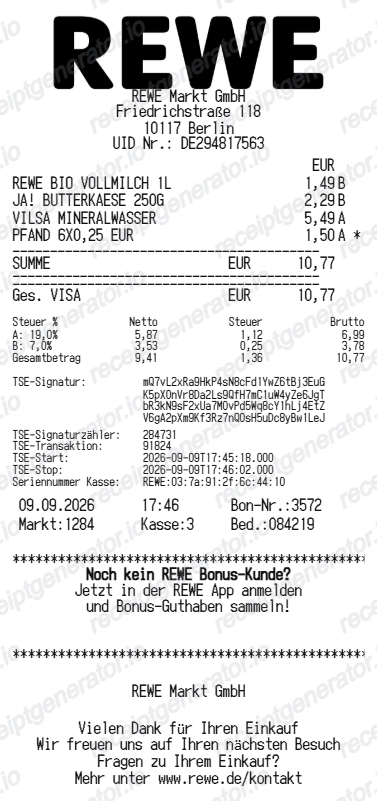
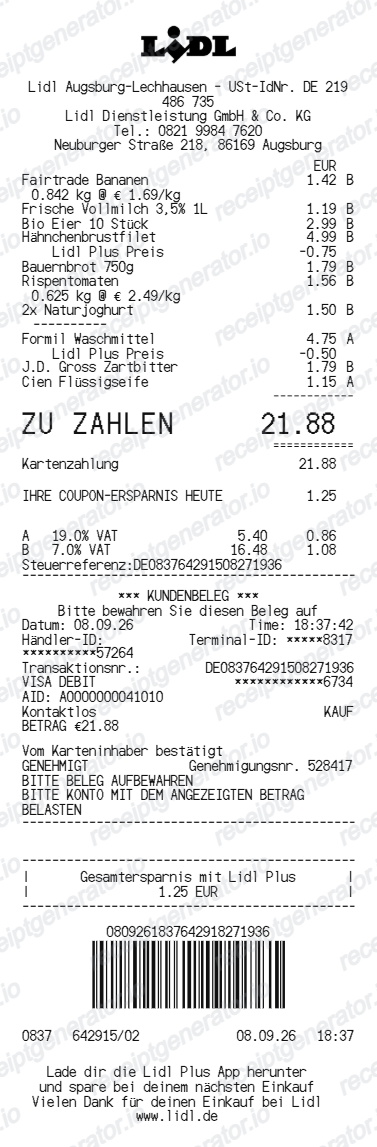
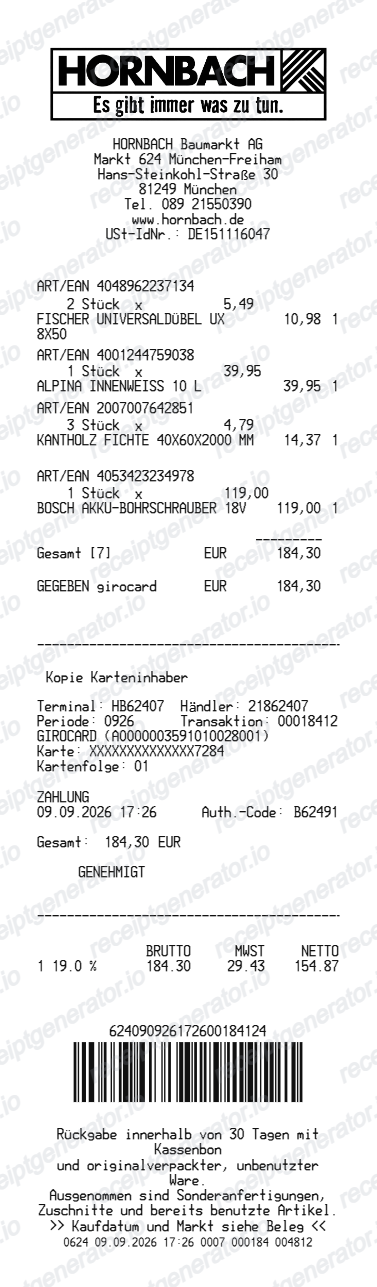
More Germany Receipt Templates
Browse our collection of receipt templates for various purposes.

Edeka Receipt FAQ
Common questions about creating Edeka grocery receipts for personal records, budgeting, and MwSt documentation in Germany.
Choose the Edeka receipt template, edit the store header, add items and prices, set the total and MwSt, then download the receipt as a PDF.
Yes. You can create and preview Edeka receipts for free. Watermark-free PDF downloads are available with paid plans.
If the market supports the eBon feature in the EDEKA app, your digital receipt is stored in your account. If you scanned the bon into the DeutschlandCard app, it remains visible there. Otherwise EDEKA receipts are paper-only - ask the store on the day of purchase, because most markets cannot reprint a bon once the transaction is closed, and use your card statement as supporting proof.
Return policies are set by each independent EDEKA merchant, so goodwill returns vary by store. For defective goods, German statutory warranty rights apply and any proof of purchase helps - a card statement or DeutschlandCard record can substitute for the paper bon in many cases.
Yes. The totals section includes a MwSt-inclusive total to match the format on Germany Edeka receipts.
Yes. After editing the details, preview and download the Edeka-style receipt as a clean PDF for records or budgeting.
A real EDEKA bon shows the independent merchant's name and address in the header, item lines with 7% or 19% tax letters, any PFAND deposit lines, a MwSt breakdown per rate, DeutschlandCard points if scanned, the Kasse and Bon numbers with date and time, and the legally required TSE signature data or QR code at the bottom.
Receipt Generator · Receipt Maker · 300+ Free Templates
Create your Edeka receipt
Use the editable Edeka receipt generator to add items, MwSt totals, loyalty text, and barcode details, then export a clean PDF.