Hornbach Receipt Generator (Kassenbon)
Create a German Hornbach-style Kassenbon with editable hardware items, a 19% MwSt summary, and cash or girocard payment details. Export a clean PDF in minutes.
Create a German Hornbach-style receipt with hardware items, MwSt-inclusive totals, cash or girocard payment, barcode, and return information.

Choose
Hornbach Receipt selected

Customize
Fill in your details

Download
Save or share receipt
Edit the details once and the preview updates instantly.
Quick summary
Hornbach receipt template overview
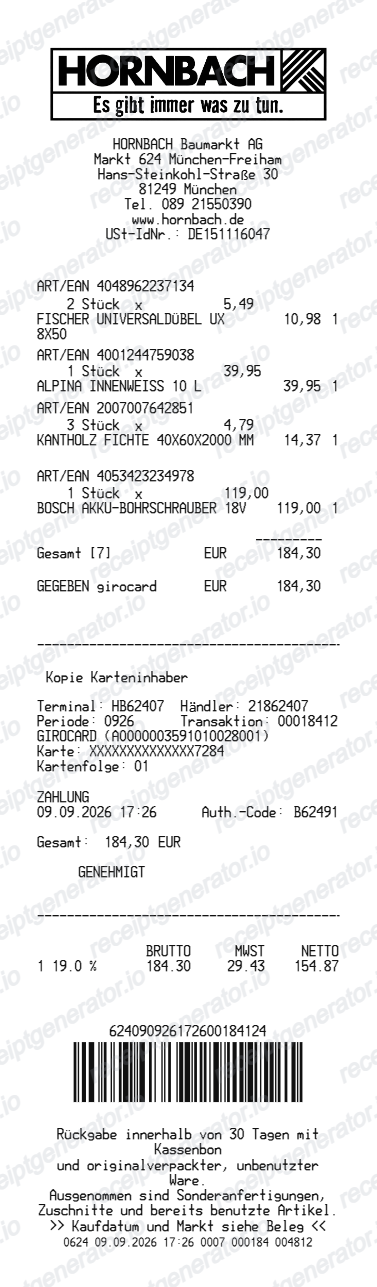
Use this Hornbach-style receipt template to build a compact German receipt with editable items, MwSt-inclusive totals, cash or girocard payment, barcode, and footer text.
What Is on a Real Hornbach Kassenbon?
A Hornbach Kassenbon follows Germany's strict cash-register rules, so a credible replacement copy needs to match the required TSE fields as well as the item and MwSt layout.
TSE signature is legally required
Since the Kassensicherungsverordnung (KassenSichV) took effect, every German till including Hornbach's must issue a Kassenbon with a tamper-proof TSE signature. As of January 2024 the receipt must also show the serial number of the till system and the TSE security module, either printed or encoded in a QR code.
No traditional loyalty program
Unlike many competitors, Hornbach does not run a points-based loyalty card. The chain positions itself on project pricing and trade/professional service instead, so the receipt footer is more likely to reference the Hornbach app or online project account than a rewards balance.
Item lines with article and quantity
Each line shows the product description, article number, quantity (including metric units like metres or square metres for cut goods), unit price, and the applicable MwSt rate code, typical of German DIY/hardware till receipts.
MwSt split by rate
The totals block splits the sale by MwSt rate (usually the standard 19% rate for tools and building materials), showing net amount, MwSt amount, and gross total for each rate rather than a single combined tax line.
Store and market number
The header identifies the specific Hornbach Markt by store number and address, along with the till/register number and a transaction number used for returns.
Return reference details
In-store returns need the receipt and, for non-online orders, the item unused and in original packaging; the Kassenbon's transaction number and date are what staff use to verify the purchase for a refund or exchange.
Create a print-ready Hornbach retail receipt
Edit the layout, watch it update live, then print, download PDF, or email.
Live Hornbach receipt preview
See the Hornbach receipt update instantly as you edit items, totals, MwSt, and messages.
PDF download
Export a clean Hornbach-style receipt PDF for digital or printed records.
Mobile-friendly editor
Create and edit Hornbach receipts from desktop, tablet, or phone.
Payment and MwSt support
Customise cash or girocard details, MwSt totals, barcode digits, and footer messaging.
Get Your Original Hornbach Receipt First
For in-store purchases, ask a Hornbach Markt to reprint the Kassenbon using the transaction date and payment card - German TSE-compliant tills retain digital records of every sale. Online orders can be found in your Hornbach account under order history, or in the confirmation email. Use this template when the original is unavailable - a faded thermal receipt, a lost paper copy, or a purchase you cannot trace back to an account.
Budget tracking
Keep a clear itemised record of Hornbach spending.
Lost receipt recreation
Recreate a Hornbach receipt-style document from your purchase details.
MwSt expense documentation
Prepare a receipt record with MwSt for reimbursement or bookkeeping.
Hornbach Receipt Formats
Use the Hornbach-style format that best matches your recordkeeping needs.
Standard Receipt
A Hornbach-style receipt with item rows and payment details.
Girocard Receipt
A Hornbach receipt layout with editable card-terminal and authorisation details.
MwSt Receipt
A Hornbach-style receipt configured with EUR currency and a MwSt summary for Germany records.
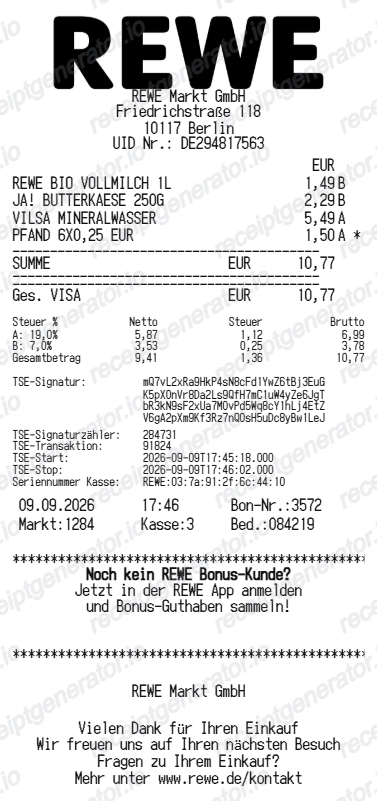
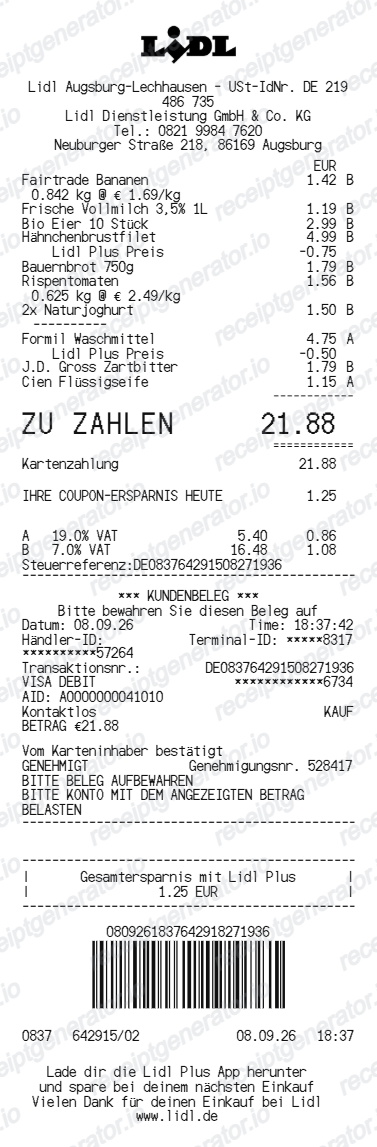
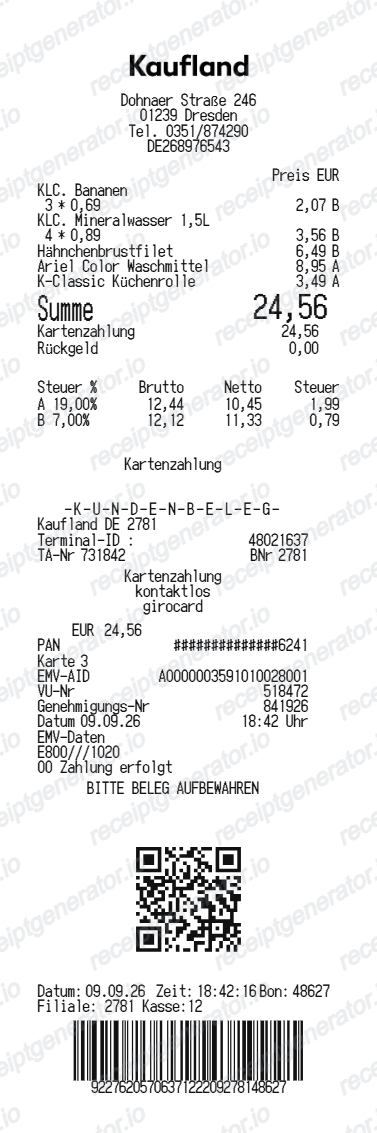
More free receipt templates for Germany retail shopping and retail expense records.
More Germany Receipt Templates
Browse our collection of receipt templates for various purposes.

Hornbach Receipt FAQ
Common questions about creating Hornbach retail receipts for personal records, budgeting, and MwSt documentation in Germany.
Choose the Hornbach receipt template, edit the store header, add items and prices, set the total and MwSt, then download the receipt as a PDF.
Yes. Store details, item descriptions, quantities, prices, payment labels, barcode digits, and footer text are editable in the builder.
Yes. After editing the details, preview and download the Hornbach-style receipt as a clean PDF for records or budgeting.
A real Hornbach Kassenbon shows the store number and address, register and transaction number, each item with article number, quantity, and unit price, the MwSt amount split by tax rate, the TSE signature and security module serial number required by German law, the payment method, and the total.
Yes. The totals section includes a MwSt-inclusive total to match the format on Germany Hornbach receipts.
Yes. You can create and preview Hornbach receipts for free. Watermark-free PDF downloads are available with paid plans.
Visit or call the Hornbach Markt where you shopped with the purchase date and payment card - TSE-secured tills keep a record of every transaction and staff can usually reprint the Kassenbon. For online orders, sign in to your Hornbach account and check order history, or search your email for the order confirmation.
Hornbach generally requires the Kassenbon or order number to process a return or refund. In-store purchases can sometimes be traced through the payment card used, but without any transaction reference a return is unlikely to be accepted.
Receipt Generator · Receipt Maker · 300+ Free Templates
Create your Hornbach receipt
Use the editable Hornbach receipt generator to add items, MwSt totals, payment information, and barcode details, then export a clean PDF.