Handyman General Contracting Receipt Generator
Create a handyman invoice online with contractor details, client billing info, itemized labor and materials, payment instructions, and balance due. Export a clean PDF instantly.
Create a handyman general contracting receipt with company details, customer billing info, labor and material line items, tax, payment instructions, and balance due.

Choose
Handyman Invoice selected

Customize
Fill in your details

Download
Save or share receipt
Edit the details once and the preview updates instantly.
Quick summary
Handyman invoice template overview
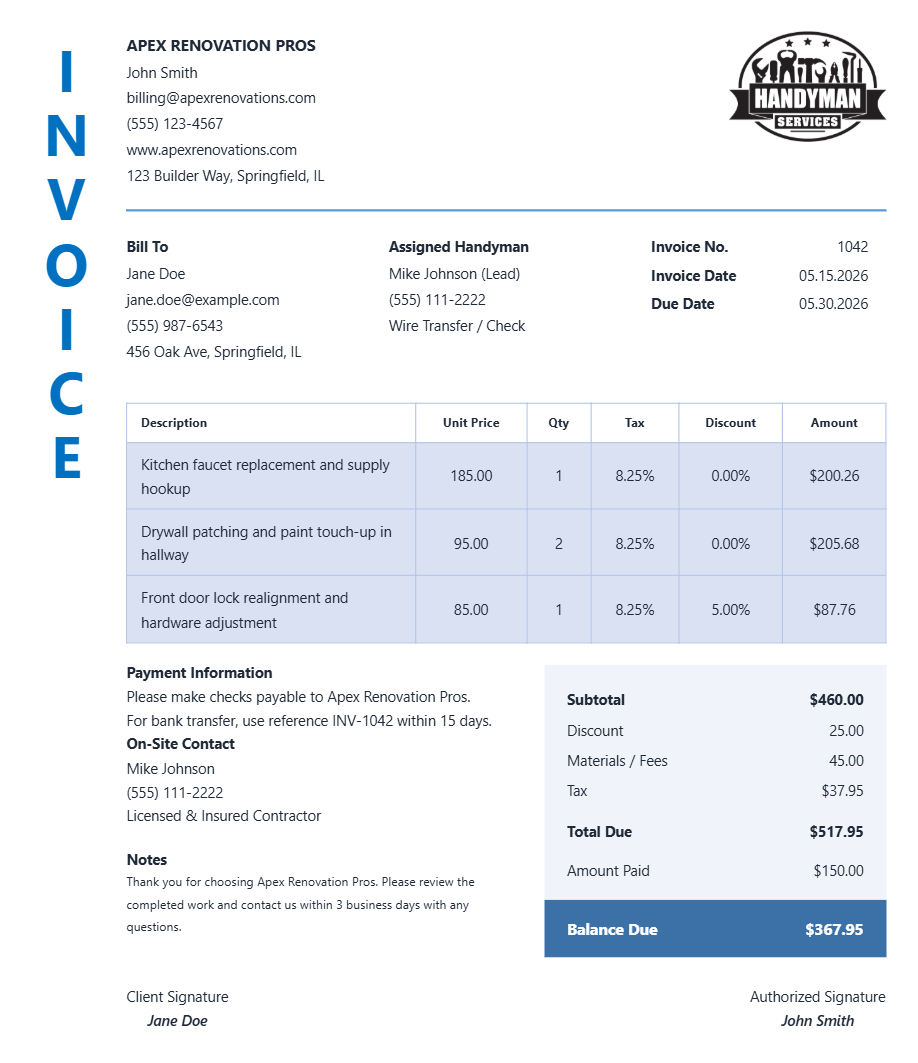
Use this handyman general contracting invoice template to create a clean bill with contractor details, client information, itemized services, totals, payment instructions, and signatures.
What Is on a Real Handyman or Contractor Invoice?
Whether a license number and permit fee belong on the invoice depends on the job's dollar value and the state's licensing threshold. A real handyman or contractor invoice reflects that structure rather than a single lump total.
License number required above state thresholds
States including California, Texas, Florida, Arizona, Nevada, and Washington legally require a license number on contractor invoices once a job crosses a dollar threshold - for example, California requires licensing at $500 and up, Florida at $1,000, and Washington requires handyman registration on any job over $500.
Labor and materials as separate line items
A compliant invoice lists labor hours and rate separately from material costs, equipment rental, and any subcontractor expense - not a single bundled repair charge.
Permit fee as a pass-through line
When a job requires a pulled permit (common above the state's licensing threshold or for structural/electrical/plumbing work), the permit fee is typically itemized as a pass-through cost rather than folded into labor.
Sales tax treatment varies by state
Some states tax both labor and materials, others tax materials only - so the tax line on a handyman invoice is not a flat percentage rule, it depends on the contractor's state department of revenue guidance.
Below-threshold handyman work often needs no license number
For small jobs under a state's dollar threshold, an unlicensed handyman can legally invoice without a license number - so its absence is not automatically a red flag on a small repair invoice.
Signature line for job completion sign-off
Larger contracting invoices commonly include a client signature line confirming work was completed and accepted, which matters for payment disputes and insurance documentation.
Handyman invoices with itemized services, totals, and signature sections
Edit the layout, watch it update live, then print, download PDF, or email.
Live handyman invoice preview
See the invoice update instantly while you edit contractor details, client info, and service rows.
Inline preview editing
Edit major text fields directly from the invoice preview when preview edit mode is enabled.
PDF and PNG export
Download print-ready files for customers, project records, and bookkeeping.
Mobile-friendly builder
Create and edit handyman invoices from desktop or mobile devices.
Get Your Original Handyman Invoice First
If the job was recent, check your email or text messages - most handyman and contracting businesses using field-service software (Jobber, Housecall Pro, ServiceTitan) send a PDF invoice at job completion and can resend it on request. Use this template when the original is unavailable - a cash job with no paperwork, a contractor who is unreachable, or a receipt you need to reconstruct for insurance or resale documentation.
Handyman job billing
Create invoices for repairs, installations, maintenance visits, punch-list work, and general contracting projects.
Customer payment records
Generate a clear invoice that shows work completed, payment terms, and balance due for the client.
Insurance or reimbursement documentation
Document labor, materials, tax, and payment status for recordkeeping, claims, or reimbursements.
Contractor admin and bookkeeping
Keep organized invoice records for accounting, follow-up payments, and project history.
Handyman Invoice Types
Choose the handyman invoice format that fits your repair, maintenance, or contracting workflow.
Handyman Repair Invoice
Invoice format for repair calls, fixes, maintenance jobs, and service visits.
General Contracting Receipt
Receipt format for larger residential work with labor, materials, and project-specific notes.
Home Service Billing Template
Flexible invoice layout for recurring maintenance, installations, and custom handyman jobs.
Handyman Invoice Guides
Read the supporting handyman guides to create cleaner invoices, handle payment records, and save printable PDFs for your files.
Receipt guide
Handyman Invoice Template
See which fields matter most when building a handyman invoice with labor, materials, and payment instructions.
Explore Handyman Invoice TemplateReceipt guide
Printable Handyman Invoice PDF
Check what a printable handyman invoice PDF should include before sending it to a customer.
Explore Printable Handyman Invoice PDFReceipt guide
Handyman Invoice for Insurance Claims
Learn what details are usually helpful on a handyman invoice for repair documentation and claim support.
Explore Handyman Invoice for Insurance ClaimsReceipt guide
Handyman Invoice vs Receipt
Understand when to use a handyman invoice versus a receipt and which format is better for billing or records.
Explore Handyman Invoice vs ReceiptReceipt guide
Repair Receipt for Insurance Claims
See which service and payment fields make a repair or service record easier to review.
Explore Repair Receipt for Insurance ClaimsEditable template
Repair Receipt template
Explore this editable receipt layout and its fields before opening the editor.
Explore Repair Receipt templateBrowse our collection of receipt templates for various purposes.
Handyman Invoice FAQ - Job Billing, PDF Export & Contractor Records
Learn how to create handyman invoices with contractor details, itemized services, payment instructions, signatures, and PDF export.
Choose the handyman general contracting template, add your business details, client information, invoice number, itemized services, tax, payment instructions, and export the finished invoice as a PDF or PNG.
Yes. The template includes a payment information area where you can list check, cash, transfer, or custom payment details.
Yes. The handyman invoice template includes editable signature labels for both contractor and client sign-off.
Yes. Download a PDF or PNG version for customers, job records, accounting, or insurance documentation.
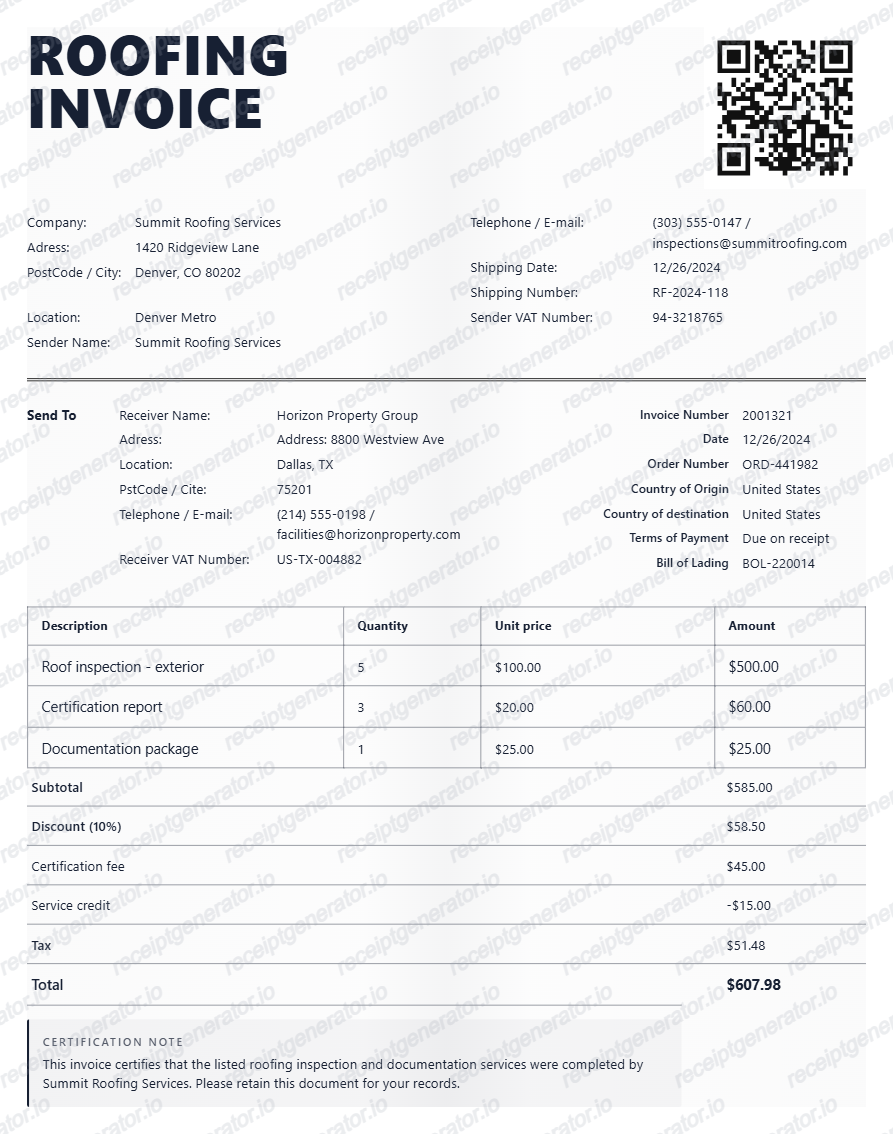
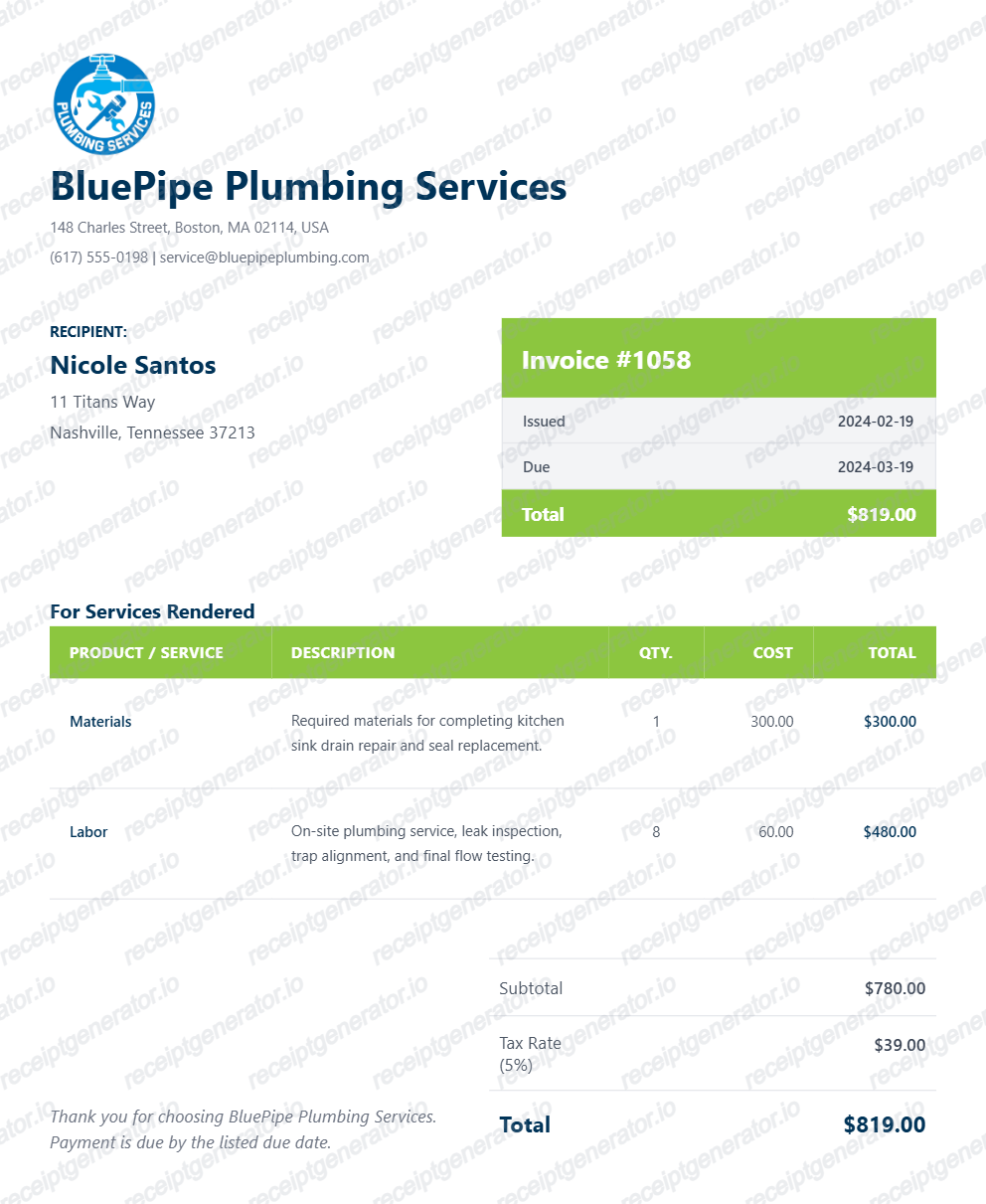
A real invoice separates labor hours and rate from itemized materials and any subcontractor costs, includes the contractor's license number if the job crosses the state's licensing threshold, lists a permit fee as a pass-through line when applicable, and shows tax treatment consistent with the state's rules on labor versus materials.
Yes. You can add multiple rows for labor, parts, supplies, disposal fees, service calls, and any other custom handyman charges.
Yes. The totals area supports subtotal, discounts, extra fees, tax, amount paid, total due, and balance due.
Yes. You can upload a logo image or use a logo URL so the invoice matches your contractor branding.
Check your email or texts first - most contractors using field-service software send an itemized PDF invoice at job completion. If you cannot find it, contact the contractor directly with the job date and address; licensed contractors are generally required to keep business records and can reissue an invoice, especially if a permit was pulled with the local building department.
Yes, often. Insurers and home buyers may ask for proof that work above a certain value - especially structural, electrical, or plumbing work - was performed by a licensed contractor with a pulled permit. Keep the itemized invoice with the license number and permit reference as the primary evidence.
Receipt Generator · Receipt Maker · 300+ Free Templates
Create your Handyman receipt
Use the editable Handyman receipt generator to add items, tax totals, and payment details, then export a clean PDF.