Printable Handyman Invoice PDF
Ready to create your own? Use our free receipt generator — no account needed.
Browse Receipt Templates →On this page
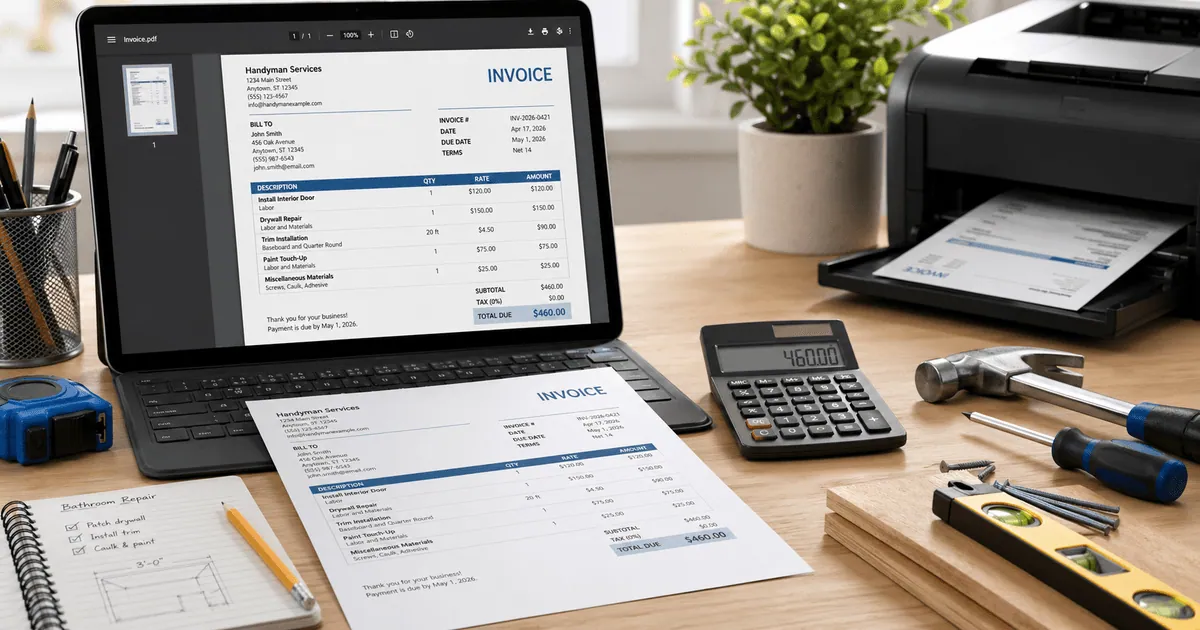
A printable handyman invoice PDF needs to be clear, complete, and professional. Whether you're printing for a client or emailing a PDF, the layout should make it easy to review the work, costs, and payment terms at a glance.
Quick Answer
A printable handyman invoice PDF should show your business name and contact, client details, invoice number, itemized labor and materials, tax, total due, and payment terms — all in a clean single-page layout when possible.
What to Check Before You Print or Send
Before printing or emailing your handyman invoice PDF:
- your business name, phone, and email are correct
- client name and job address are accurate
- invoice number is sequential and unique
- job date and due date are filled in
- every labor task has hours and rate listed
- every material has quantity and unit cost
- subtotal, tax, and total calculate correctly
- payment terms and accepted methods are visible
- file is named clearly (e.g.,
SMITH-INV-001-2026.pdf)
Single-Page vs Multi-Page Invoices
For most handyman jobs, keep the invoice to a single page:
- easier for clients to review
- faster for insurance adjusters to process
- less likely to have pages separated or lost
For large renovation projects with many line items, a second page is fine — just make sure totals appear on the last page with your signature line.
Create a Printable Handyman Invoice PDF
Create a Printable Handyman Invoice PDF
Use the handyman invoice template to generate a clean, professional PDF ready for printing or email delivery.
Common Uses for a Printable Handyman Invoice PDF
- Handing to the client at job completion
- Emailing for remote or absentee property owners
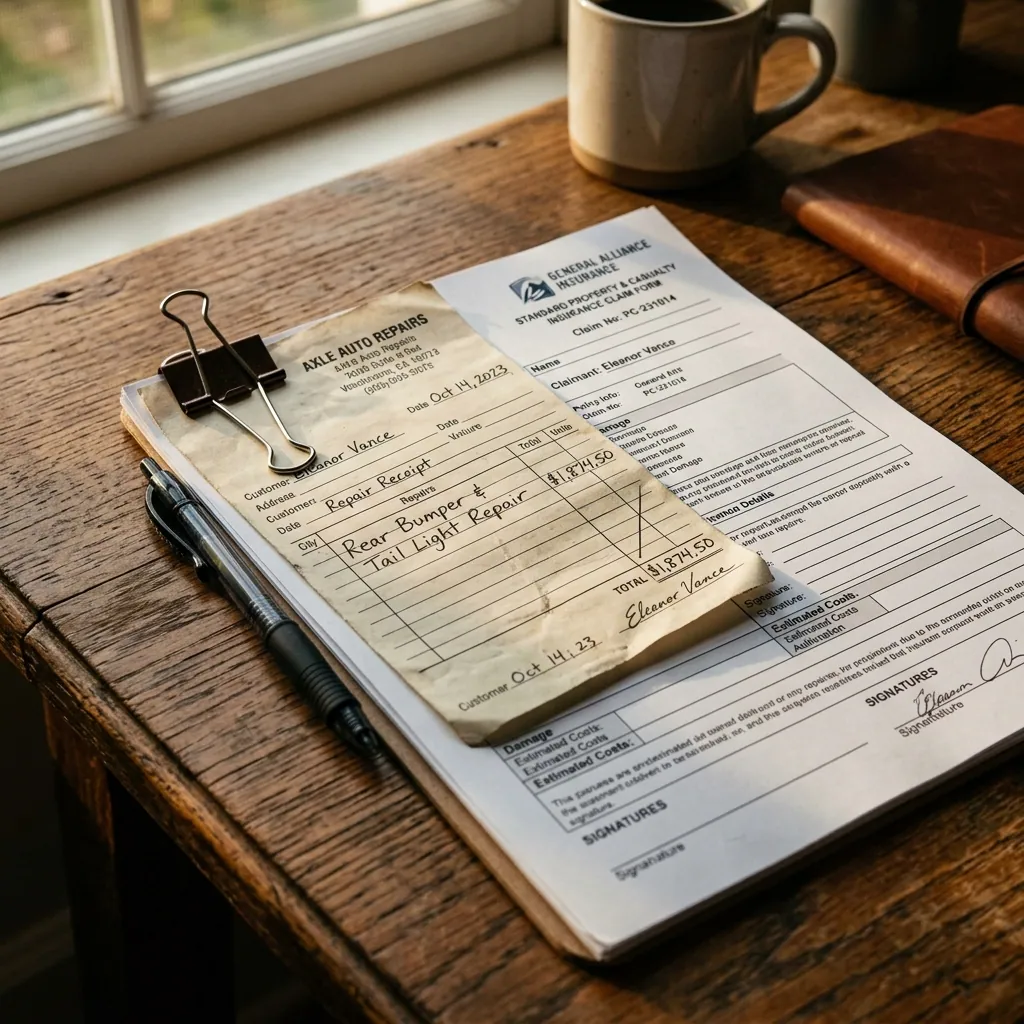
- Submitting to homeowners insurance for claim reimbursement
- Attaching to accounting software records
- Filing with annual tax returns as income documentation
Related Guides
- Handyman Invoice Template
- Handyman Invoice vs Receipt
- Handyman Invoice for Insurance Claims
- Repair Receipt for Insurance Claims
Final Takeaway
A printable handyman invoice PDF should be complete, one page where possible, and easy to read without extra formatting. Check every line before you print or send — a clean invoice is the fastest path to getting paid.
FAQ
A printable handyman invoice PDF should clearly show your business name and contact, client details, invoice number, job date, itemized labor and materials, tax, total due, and payment terms.
The layout should stay readable on screen and when printed on letter or A4 paper.
Yes. Most clients prefer a PDF emailed directly. A clean PDF invoice looks professional and is easy to forward to accounts payable or an insurance adjuster.
Always keep a copy in your own records folder organized by client and date.
Not legally required in most cases, but a signed invoice provides stronger documentation — especially for insurance claims or disputes.
For large jobs, get the client to sign an acceptance line at the bottom of the invoice to confirm the work was completed.