Petro-Canada Receipt Generator
Create a Petro-Canada-style fuel receipt with editable item rows, GST/HST summary, Petro-Points, and payment details. Export a clean PDF in minutes.
Create a Petro-Canada-style receipt with fuel items, GST/HST-inclusive totals, Petro-Points, payment, and footer text. Download a PDF for records.

Choose
Petro-Canada Receipt selected

Customize
Fill in your details

Download
Save or share receipt
Edit the details once and the preview updates instantly.
Quick summary
Petro-Canada receipt template overview
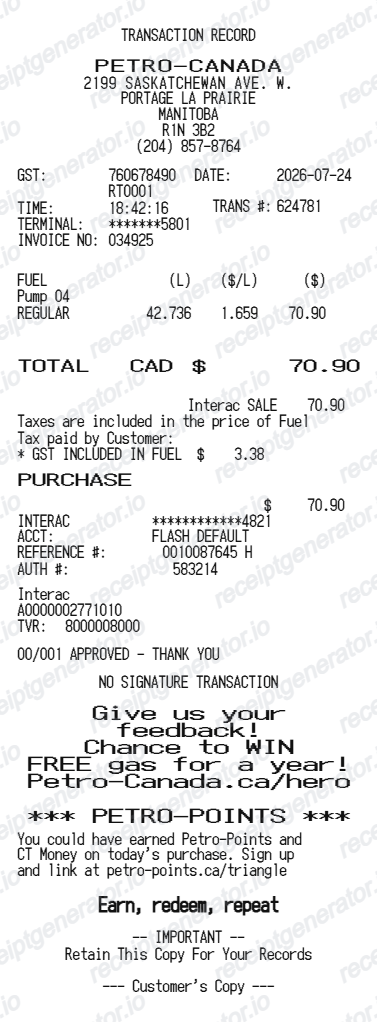
Use this Petro-Canada-style receipt template to build a compact Canada receipt with editable items, GST/HST-inclusive totals, Petro-Points, barcode, and footer text.
What Is on a Real Petro-Canada Receipt?
Petro-Canada is Suncor's retail fuel brand, and its receipts combine standard Canadian pump details with Petro-Points loyalty lines and the tax fields CRA cares about. A credible replacement copy should match these fields.
Litres to three decimals in cents per litre
Canadian pumps meter fuel in litres to three decimal places, priced in cents per litre (for example 45.213 L @ 159.9 c/L). Volume and unit price both print on the receipt along with the pump number.
GST/HST registration number
CRA input tax credit rules require the supplier's GST/HST registration number on receipts for purchases of $100 or more, so Petro-Canada receipts print the operator's registration number with the GST or HST amount, which varies by province (5% GST in Alberta, 13% HST in Ontario, 15% in the Atlantic provinces).
Petro-Points earning line
Members earn 10 Petro-Points per litre of fuel, and 1,000 points redeem for $1 in savings. Receipts show the points earned on the transaction, and linked partners - Triangle Rewards or an RBC card - boost the earn rate and add instant cents-per-litre discounts.
Taxes stacked inside the pump price
The cents-per-litre price already includes the federal excise tax (10 cents per litre on gasoline) and provincial fuel taxes, and GST/HST is then calculated on that full pump price - a tax-on-tax structure unique to fuel.
Station and payment identifiers
Receipts carry the site location, a transaction number, the payment method with masked card digits and an authorization code - the details staff use to find the sale if you need a reprint.
SuperPass fields on commercial fills
Fleet fills on the Petro-Canada SuperPass card can prompt for odometer and driver ID, and those transactions flow into electronic receipts in the Petro-Pass app and consolidated SuperPass Online statements.
Create a print-ready Petro-Canada fuel receipt
Edit the layout, watch it update live, then print, download PDF, or email.
Live Petro-Canada receipt preview
See the Petro-Canada receipt update instantly as you edit items, totals, GST/HST, and messages.
PDF download
Export a clean Petro-Canada-style receipt PDF for digital or printed records.
Mobile-friendly editor
Create and edit Petro-Canada receipts from desktop, tablet, or phone.
Petro-Points and GST/HST support
Customise loyalty text, GST/HST totals, barcode digits, and footer messaging.
Get Your Original Petro-Canada Receipt First
Start at the station: with the date, exact amount, and last 4 card digits, staff can usually reprint the transaction from the register journal. App-paid fills appear in the Petro-Canada app's transaction history, and SuperPass fleet drivers get electronic receipts in the Petro-Pass app plus consolidated SuperPass Online statements. Use this template when the original is unavailable - a pump that did not print, a faded thermal slip, or a cash fill-up.
Budget tracking
Keep a clear itemised record of Petro-Canada spending.
Lost receipt recreation
Recreate a Petro-Canada receipt-style document from your purchase details.
GST/HST expense documentation
Prepare a receipt record with GST/HST for reimbursement or bookkeeping.
Petro-Canada Receipt Formats
Use the Petro-Canada-style format that best matches your recordkeeping needs.
Standard Receipt
A Petro-Canada-style receipt with item rows and payment details.
Petro-Points Receipt
A Petro-Canada receipt layout with loyalty points and promotional footer messaging.
GST/HST Receipt
A Petro-Canada-style receipt configured with CAD currency and a GST/HST summary for Canada records.
Related Guides
Explore related guides to understand the receipt details, lookup steps, and documentation workflows.
Related fuel purchase records templates
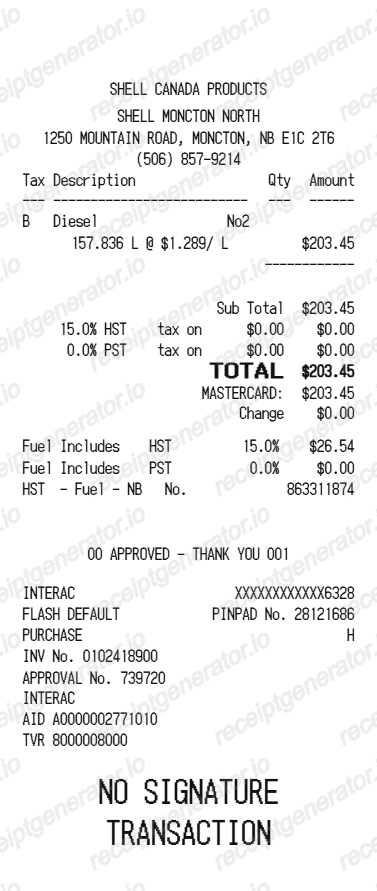
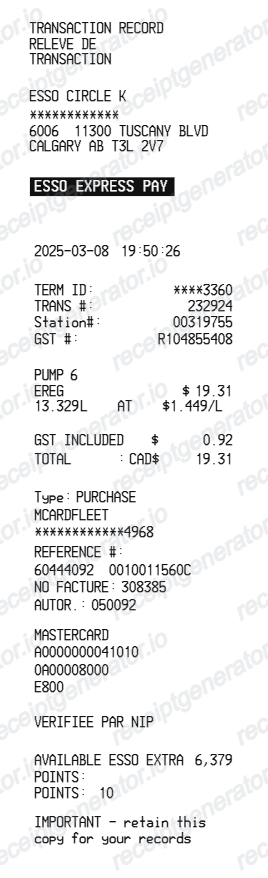
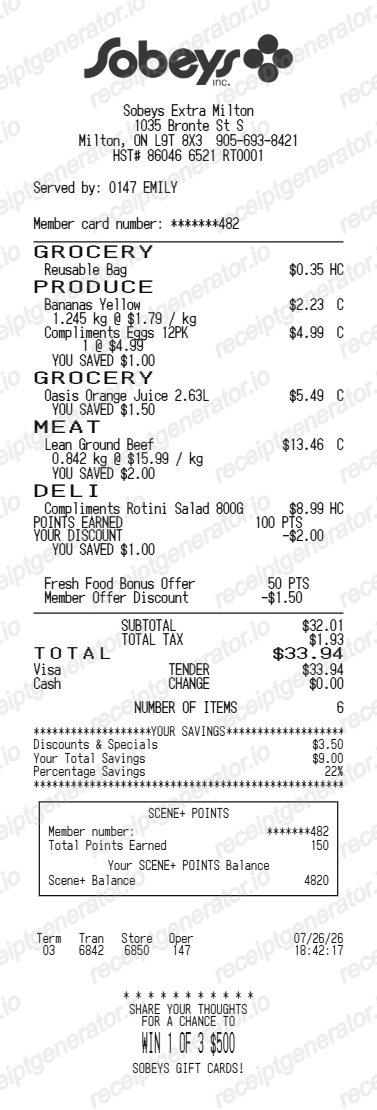
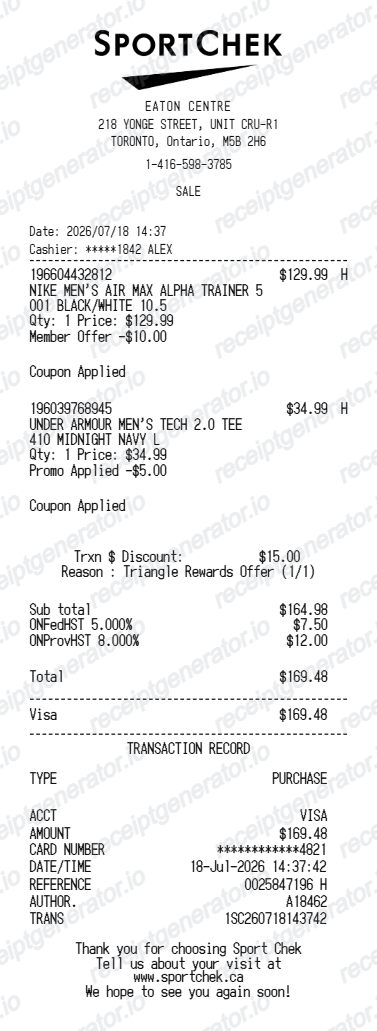
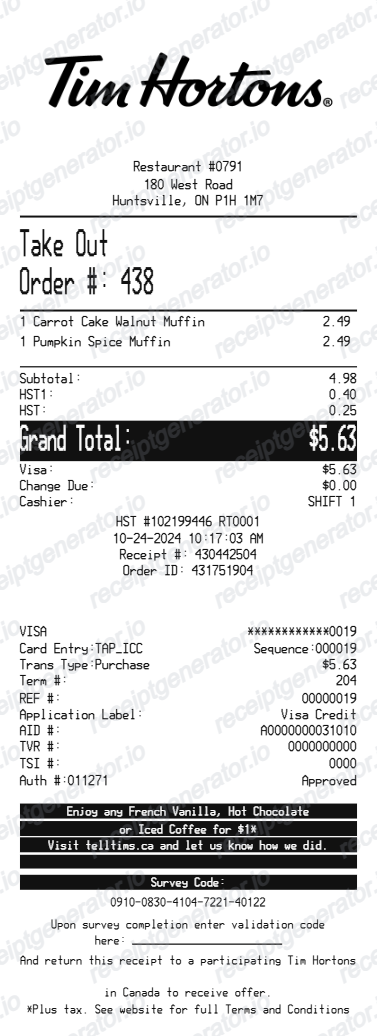
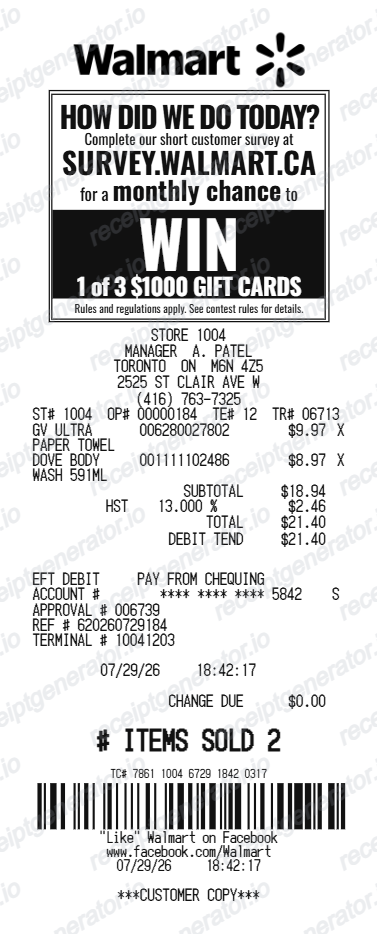
More free receipt templates for Canada fuel shopping and retail expense records.
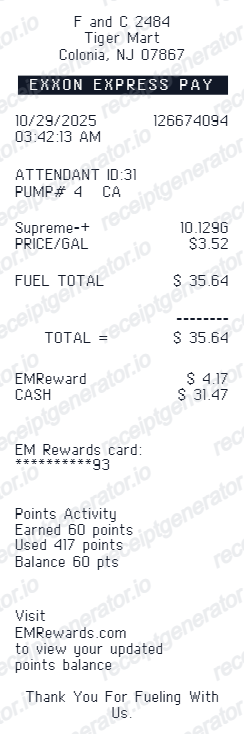
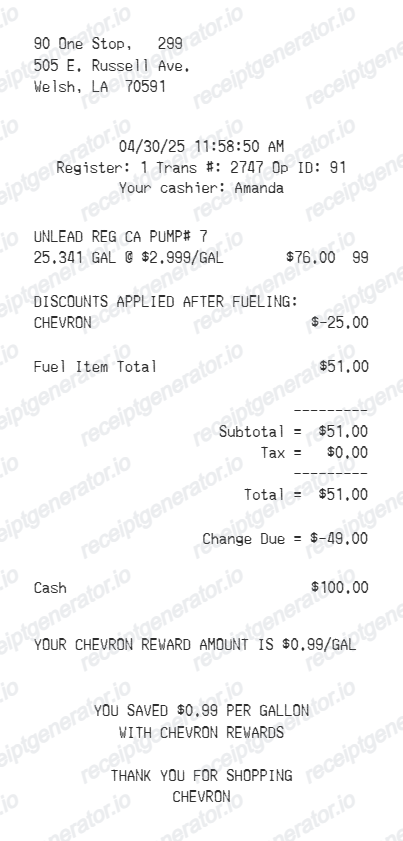
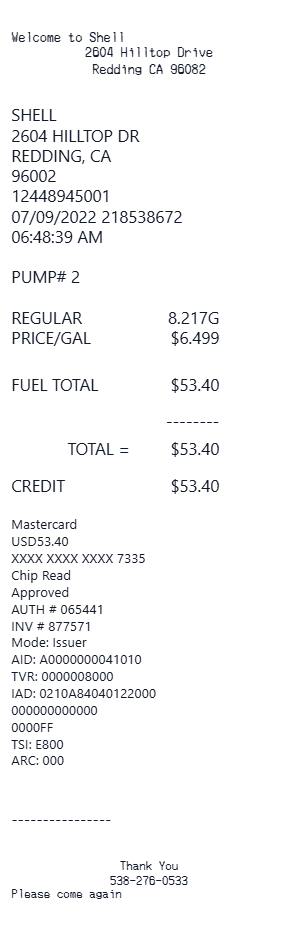
More Canada Receipt Templates
Browse our collection of receipt templates for various purposes.
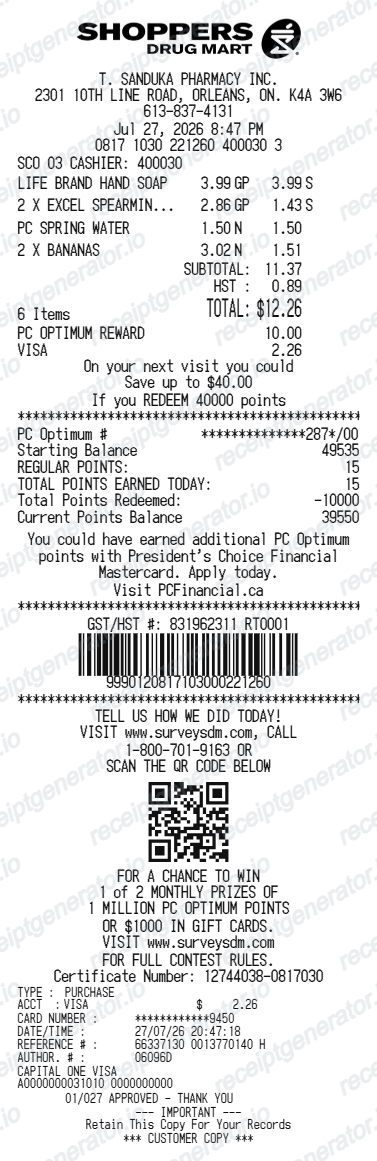
Petro-Canada Receipt FAQ
Common questions about creating Petro-Canada fuel receipts for personal records, budgeting, and GST/HST documentation in Canada.
Choose the Petro-Canada receipt template, edit the store header, add items and prices, set the total and GST/HST, then download the receipt as a PDF.
Yes. Store name, items, prices, petro-points, barcode digits, and footer text are all editable in the builder.
Yes. After editing the details, preview and download the Petro-Canada-style receipt as a clean PDF for records or budgeting.
A real Petro-Canada receipt is a narrow thermal slip showing the station location, pump number, the fuel grade, litres dispensed to three decimal places with the cents-per-litre price, the total in Canadian dollars, a GST/HST line with the station operator's registration number, a Petro-Points line with points earned, the payment method with an authorization code, and a date-time stamp.
Yes. The totals section includes a GST/HST-inclusive total to match the format on Canada Petro-Canada receipts.
Yes. You can create and preview Petro-Canada receipts for free. Watermark-free PDF downloads are available with paid plans.
Go back to the station with the date, exact amount, and last 4 digits of your card - staff can usually reprint the transaction from the register. Commercial drivers on the SuperPass fleet card get electronic receipts in the Petro-Pass app and consolidated statements through SuperPass Online, and fills paid through the Petro-Canada app appear in your account's transaction history.
Yes, if you are a GST/HST registrant buying fuel for business use. CRA documentation rules apply: for purchases of $100 or more (thresholds updated from $30/$150 in 2021), the receipt must show the supplier's GST/HST registration number and either the tax amount or a note that tax is included and at what rate. Keep the receipts for six years to support the claim.
Receipt Generator · Receipt Maker · 300+ Free Templates
Create your Petro-Canada receipt
Use the editable Petro-Canada receipt generator to add items, GST/HST totals, loyalty text, and barcode details, then export a clean PDF.