OPay Receipt Generator
Create an OPay-style mobile money receipt with transaction ID, sender, recipient, transfer amount, service charge, and status in Naira. Preview live and download a PDF.
Create an OPay Nigeria–style mobile money receipt with transaction ID, sender details, recipient name and bank, transfer amount, service charge, and total in ₦. Download a print-ready PDF for payment records or reimbursement.

Choose
OPay Receipt selected

Customize
Fill in your details

Download
Save or share receipt
Edit the details once and the preview updates instantly.
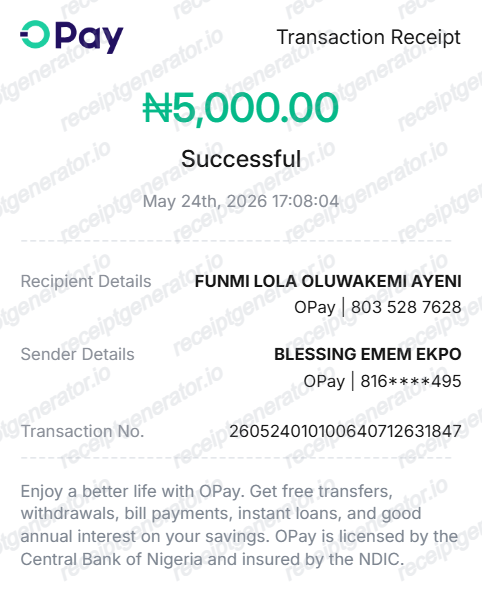
Quick summary
OPay receipt template overview
Use this OPay-style receipt template to build a digital transfer slip with editable transaction references, sender/recipient details, ₦50 stamp duty, and Naira totals.
What Is on a Real OPay Receipt?
OPay transfer receipts are one of the most shared proof-of-payment documents in Nigeria, and they follow a consistent structure. A credible replacement copy should match the real receipt field for field.
Transaction reference number
Every OPay transfer carries a reference number of roughly 12-16 digits, shown on the receipt and in the SMS alert. It is the identifier OPay and the recipient's bank use to trace the transfer, so a receipt without one cannot be verified.
SUCCESSFUL status stamp
The receipt states the transaction status - Successful, Pending, or Failed - alongside the exact date and time. Vendors and landlords accepting an OPay receipt as proof of payment look for the Successful status first.
Recipient bank and masked account
Bank transfers ride Nigeria's interbank NIP rails, so the receipt names the receiving bank and shows the recipient's account name with a full or partially masked account number - the account name match is what confirms the money went to the right person.
N50 stamp duty on transfers of N10,000 and above
Electronic transfers of N10,000 or more attract a N50 government stamp duty (the former Electronic Money Transfer Levy), deducted from the sender since January 2026 and shown as its own line. Transfers below N10,000 are exempt.
Transfer fee shown separately
Any OPay service charge appears as a separate fee line, distinct from the stamp duty and the principal amount. The receipt totals the amount debited so the sender can reconcile it against the account balance.
Shareable PDF from the app
Real OPay receipts are generated in-app: tapping a transaction in the history and choosing Share Receipt produces the official PDF. That is why genuine receipts follow one exact layout regardless of who sends them.
Create a print-ready OPay receipt
Edit the layout, watch it update live, then print, download PDF, or email.
Live OPay receipt preview
See the OPay transfer receipt update in real time as you edit recipient, bank, fees, and totals.
PDF download
Export a clean OPay-style payment proof PDF for business reconciliation or personal records.
Mobile-friendly editor
Create and edit OPay mobile money transfer receipts from mobile, tablet, or desktop.
Stamp duty & fee support
Customise transaction reference IDs, ₦50 stamp duty levy, transfer fees, and SUCCESSFUL status.
Get Your Original OPay Receipt First
If the transfer happened on your own account, the original is always better: open the OPay app, find the transaction in your history, tap it, and choose Share Receipt to export the official PDF - every transaction in your history has one. Use this template when the original is unavailable - a closed or locked account, a transfer received rather than sent, or a record needed for a transaction that no longer appears in the app.
Proof of payment
Provide verifiable payment documentation for Nigerian vendors, landlords, and service providers.
Lost transaction record replacement
Recreate a shareable transfer receipt from confirmed bank debit alerts or SMS notifications.
Business expense reconciliation
Document petty cash, freelance contractor payouts, and supplier transfers with transaction reference IDs.
OPay Receipt Formats
Choose the OPay format that matches your bank transfer, merchant payment, or agent transaction recordkeeping needs.
Interbank Fund Transfer Receipt
An OPay receipt layout for transfers to Nigerian commercial banks (Access, GTBank, Zenith, UBA) with session ID and account details.
Merchant & Bill Payment Confirmation
An OPay receipt format for utility bills, betting wallets, airtime top-ups, and in-store merchant payments.
POS Cashout & Agent Slip
An OPay-style slip for agent cash deposits or withdrawals with terminal ID, service fee, and stamp duty.
Related Guides
Explore related guides to understand the receipt details, lookup steps, and documentation workflows.
More free receipt and invoice templates for Nigerian telecoms, mobile money, and retail records.
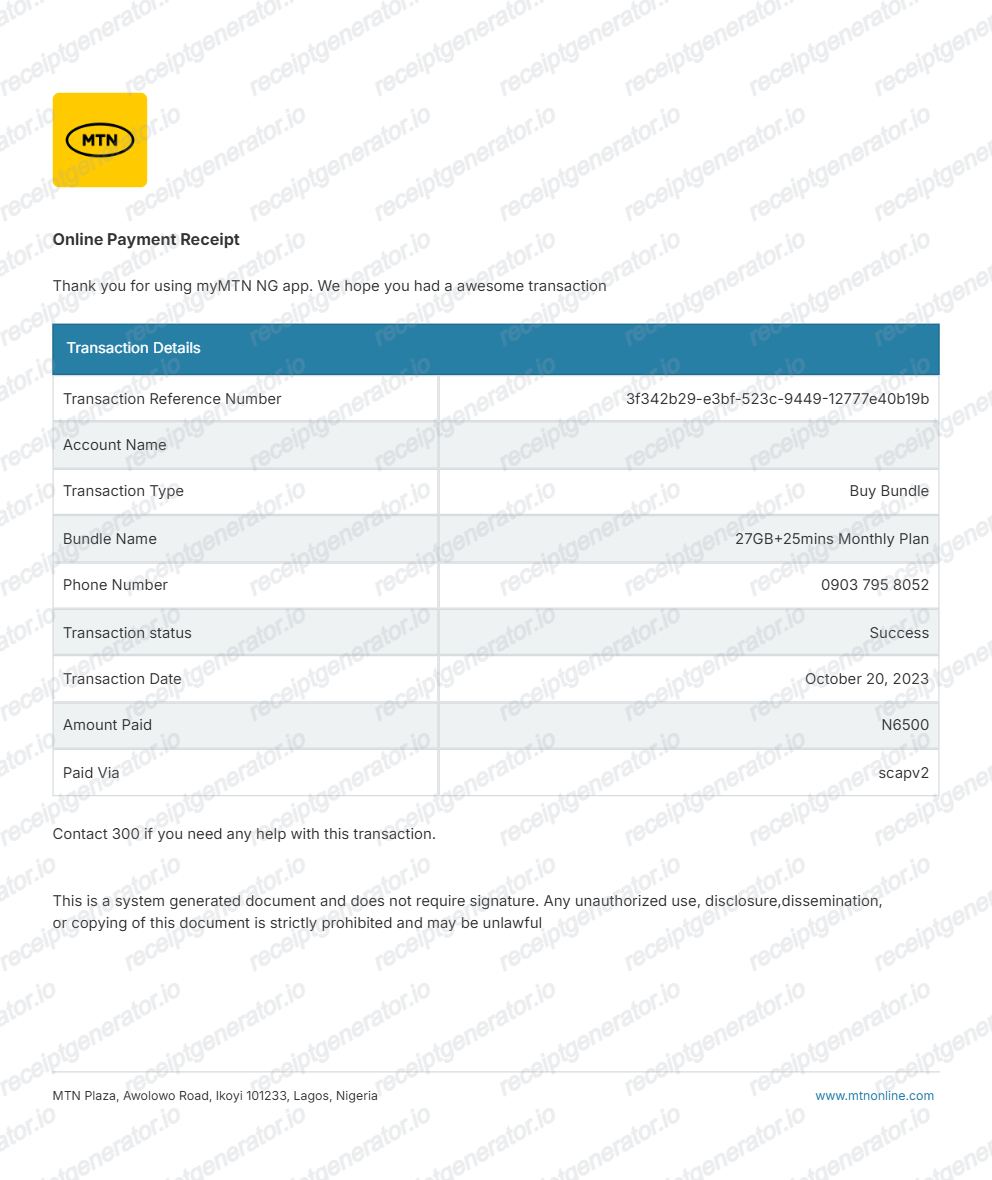
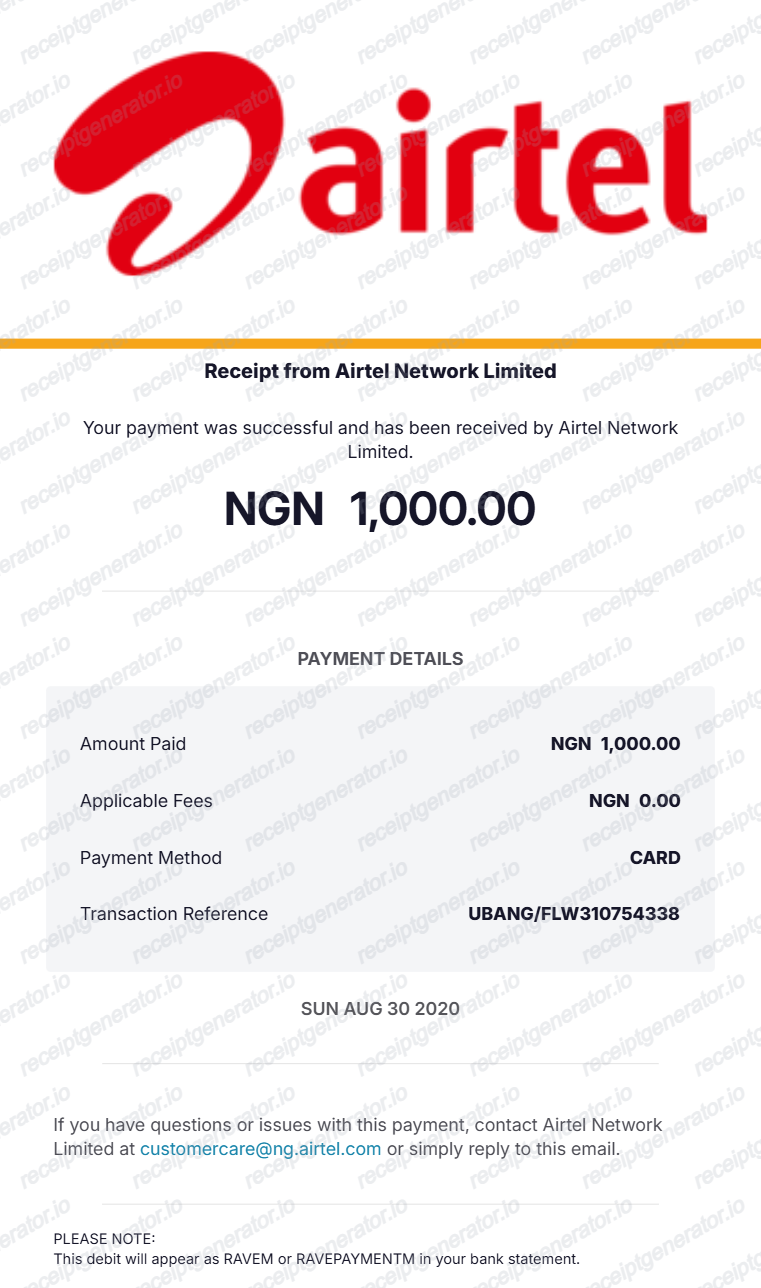
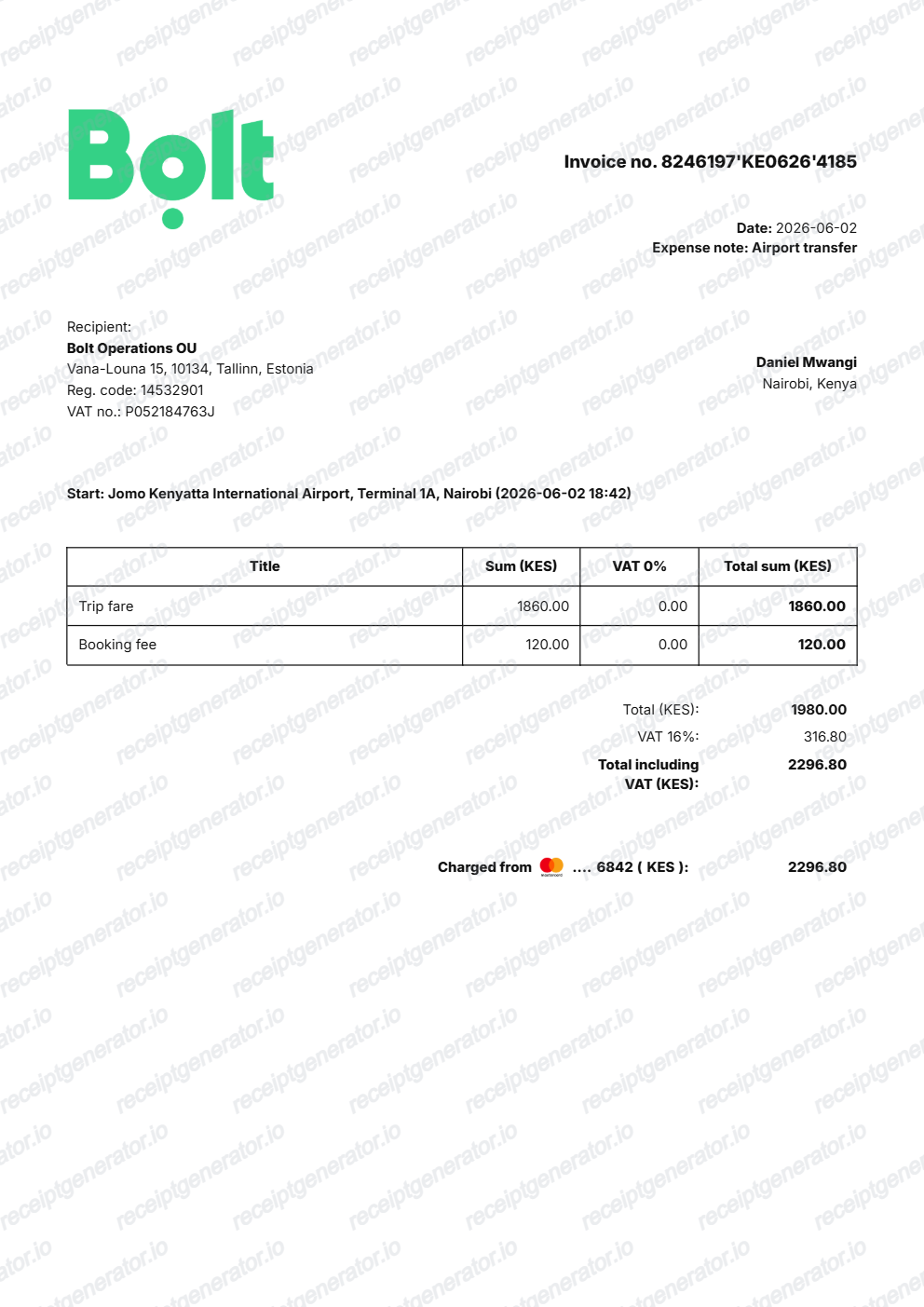
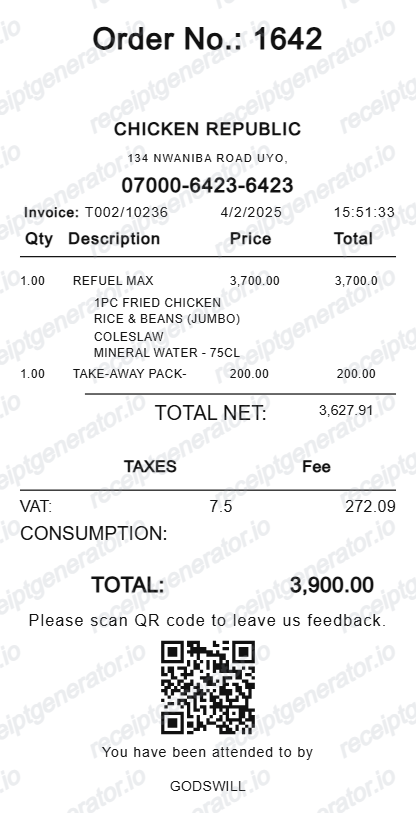
More Nigeria Receipt Templates
Browse our collection of receipt templates for various purposes.
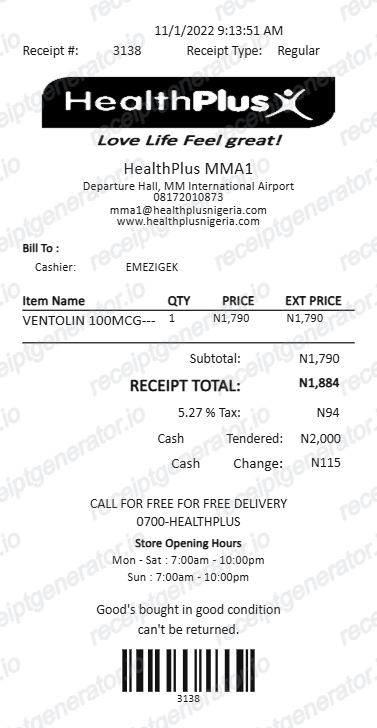
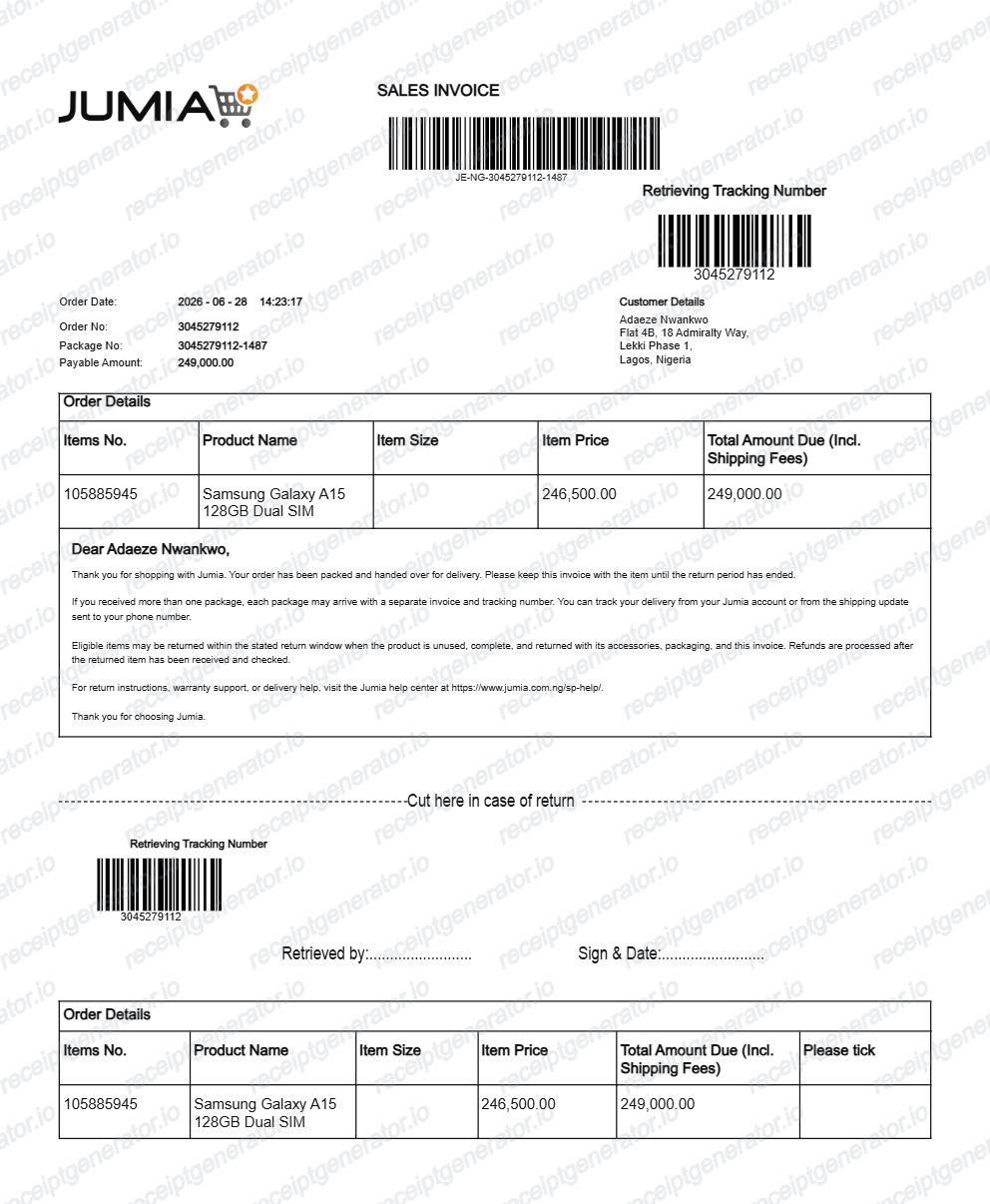
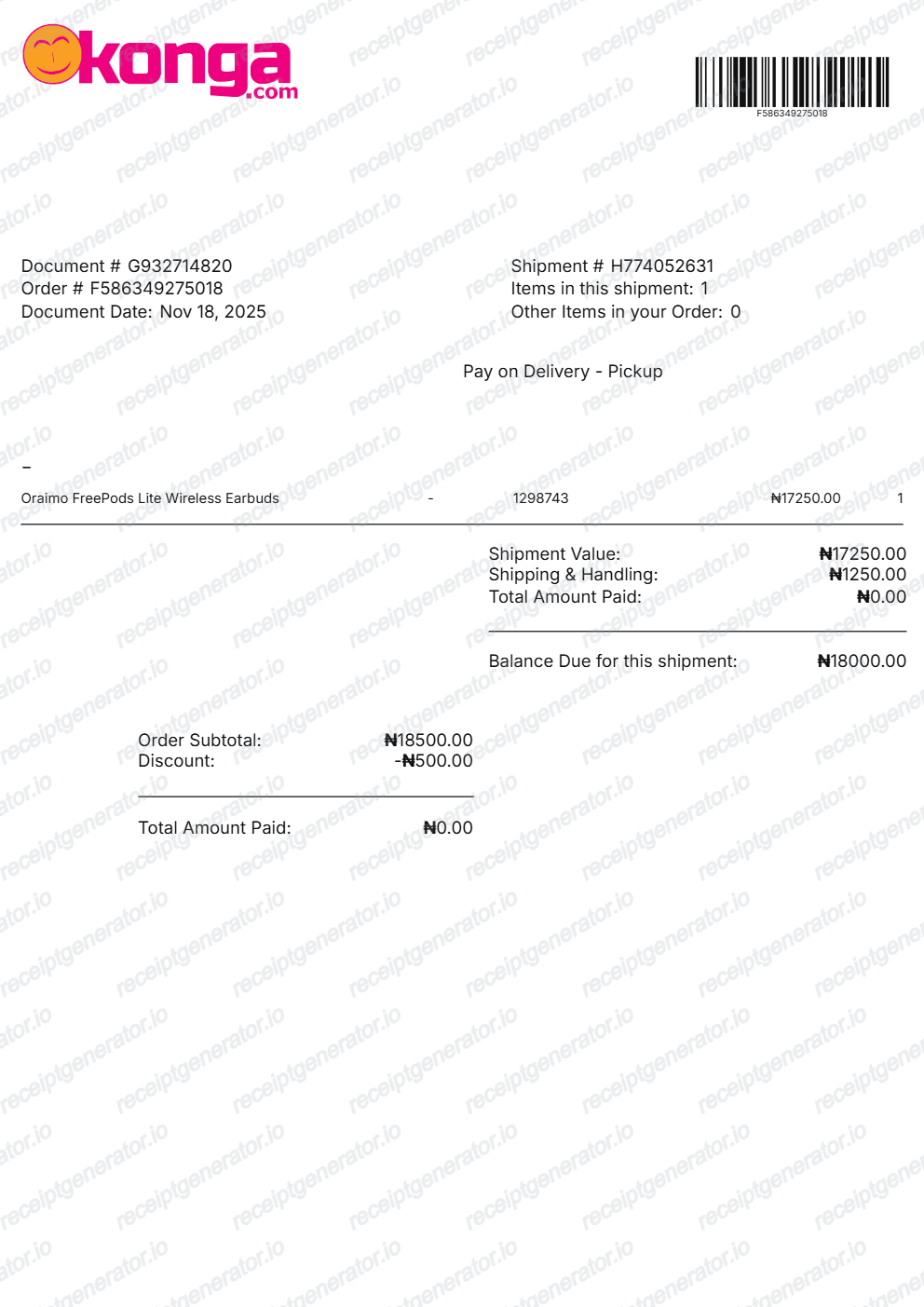
OPay Receipt FAQ
Common questions about creating, editing, and downloading an OPay Nigeria–style mobile money transfer receipt.
Open the OPay receipt generator, edit the transaction ID, sender details, recipient name and bank, transfer amount, service charge, and status in Naira, then preview and download as a PDF.
Yes. An OPay transfer receipt showing transaction ID, sender, recipient, amount, and SUCCESSFUL status is commonly used as payment proof for vendors, landlords, and service providers in Nigeria.
Yes — fill in the transaction details and export a clean PDF in one click. No account required.
A real OPay transfer receipt shows a SUCCESSFUL status, the transaction date and time, a transaction reference number of roughly 12-16 digits, the sender name, the recipient name with the receiving bank and masked account number, the transfer amount in Naira, and any fee or stamp duty as separate lines.
Yes. Sender name, recipient name, recipient bank, account number, transfer amount, service charge, and transaction ID are all editable.
Yes. The service charge line is editable and included by default, matching the standard OPay transfer fee format.
Open the OPay app, go to your transaction history, tap the transaction, and select Share Receipt to generate the official PDF for that transfer. Every transaction in your history has its own receipt, and the same details also arrive by SMS notification, so old transfers remain retrievable as long as the account is active.
That is the government stamp duty (formerly the Electronic Money Transfer Levy) applied to electronic transfers of N10,000 and above - from January 2026 it is deducted from the sender. It appears as its own line on the receipt, is separate from any transfer fee, and goes to the Federal Government, not to OPay. Transfers below N10,000 are exempt.
Receipt Generator · Receipt Maker · 300+ Free Templates
Create your OPay receipt
Use the editable OPay receipt generator to add sender/recipient details, transfer fees, stamp duty, and transaction reference IDs, then export a clean PDF.