MTN Nigeria Receipt Generator
Create an MTN Nigeria–style airtime or data purchase receipt with transaction ID, phone number, data bundle, payment method, and total in Naira. Preview live and download a PDF.
Create an MTN Nigeria–style airtime or data top-up receipt with transaction ID, subscriber number, data plan, payment method, and total in ₦. Download a print-ready PDF for expense or business records.

Choose
MTN Nigeria Receipt selected

Customize
Fill in your details

Download
Save or share receipt
Edit the details once and the preview updates instantly.
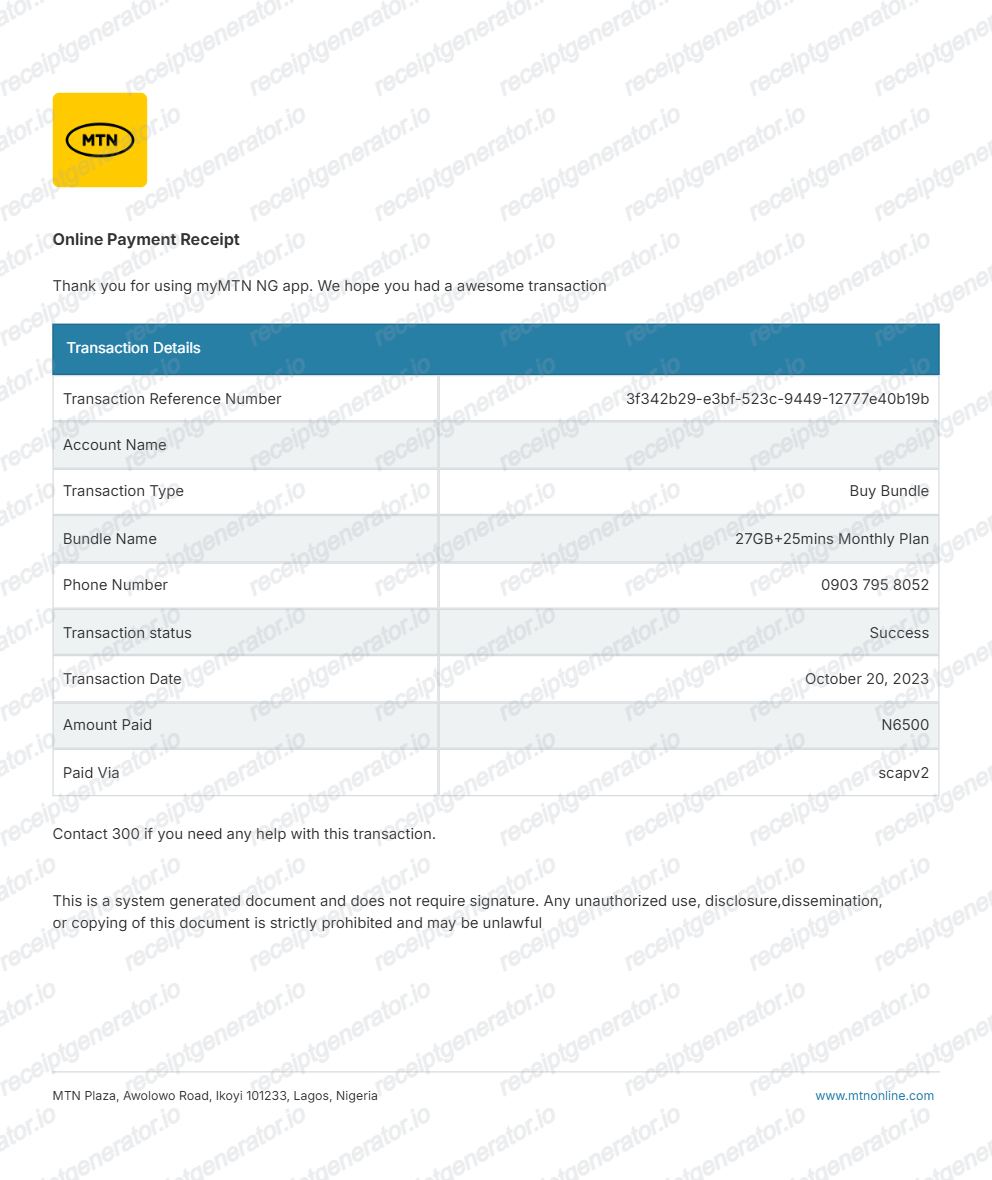
Quick summary
MTN Nigeria receipt template overview
Use this MTN Nigeria–style receipt template to build a digital top-up receipt with editable transaction IDs, recipient numbers, 7.5% VAT, and Naira totals.
What Is on a Real MTN Nigeria Receipt?
Before you rebuild an MTN Nigeria receipt, it helps to know what a real airtime or data purchase record contains. Whether the top-up came through the MoMo app, a VTU platform, or a bank channel, the same fields appear.
Transaction ID on every top-up
Each purchase generates a unique transaction reference. It is the field MTN support asks for first when a top-up fails - together with the phone number, amount, and date and time - so no credible MTN receipt is missing it.
Recipient phone number
The receipt names the MSISDN (the 11-digit MTN number) that received the airtime or data, which is how resellers and businesses match a purchase to a staff line or customer.
Bundle description with validity
Data purchases show the bundle size and validity period, for example 10GB / 30 Days, rather than just an amount - airtime top-ups show the Naira value credited instead.
7.5% VAT on telecom purchases
Nigeria's standard VAT rate of 7.5% applies to airtime and data, so business-facing receipts break out a VAT line in Naira - the detail SMEs and accountants need for VAT records.
Payment channel line
The record states how the purchase was paid: MoMo wallet, bank transfer or USSD, card, or a VTU platform balance. MoMo PSB receipts also display the sender's information on the transaction receipt.
Date, time, and support trail
The timestamp matters for disputes: MTN's failed-transaction process (dial 300, chat Zigi on WhatsApp, or email customer care) requires the exact date and time alongside the transaction reference and a debit alert screenshot.
Create a print-ready MTN Nigeria receipt
Edit the layout, watch it update live, then print, download PDF, or email.
Live MTN receipt preview
See the MTN Nigeria receipt update instantly as you edit phone numbers, plans, VAT, and totals.
PDF download
Export a clean MTN Nigeria–style receipt PDF for business reimbursement or personal records.
Mobile-friendly editor
Create and edit MTN Nigeria airtime and data receipts from mobile, tablet, or desktop.
7.5% VAT & MoMo support
Customise transaction reference IDs, telecom data bundles, 7.5% VAT, and Naira totals.
Get Your Original MTN Nigeria Receipt First
Open the app the purchase went through: the MoMo PSB app can generate a shareable receipt or mini-statement for any transaction, the myMTN NG app lists purchases made in it, and VTU platforms and bank apps keep their own transaction history with the reference ID. The SMS confirmation sent at top-up is also valid proof. Use this template when the original is unavailable - a purchase made on someone else's line, a deleted SMS, or a VTU platform account you no longer control.
Budget tracking
Keep an itemised record of monthly MTN airtime, data plans, and MoMo wallet spending.
Lost purchase confirmation replacement
Recreate an MTN Nigeria top-up receipt from confirmed bank debit alerts or transaction references.
VAT expense documentation
Prepare remote team data and telecom expense records with 7.5% VAT for SME company accounting.
MTN Nigeria Receipt Formats
Choose the MTN Nigeria format that matches your airtime, data bundle, or business expense recordkeeping needs.
Airtime Top-Up Recharge Slip
An MTN Nigeria–style receipt for prepaid airtime recharges with recipient phone number and payment method.
Data Bundle Purchase Confirmation
An MTN Nigeria receipt layout with specific data bundle details (e.g., 10GB / 30 Days), validity, and timestamp.
FIRS-Compliant 7.5% VAT Telecom Receipt
An MTN Nigeria receipt configured with Naira (₦) currency and a 7.5% FIRS VAT breakdown for SME accounting.
Related Guides
Explore related guides to understand the receipt details, lookup steps, and documentation workflows.
More free receipt and invoice templates for Nigerian telecoms, mobile money, and retail records.
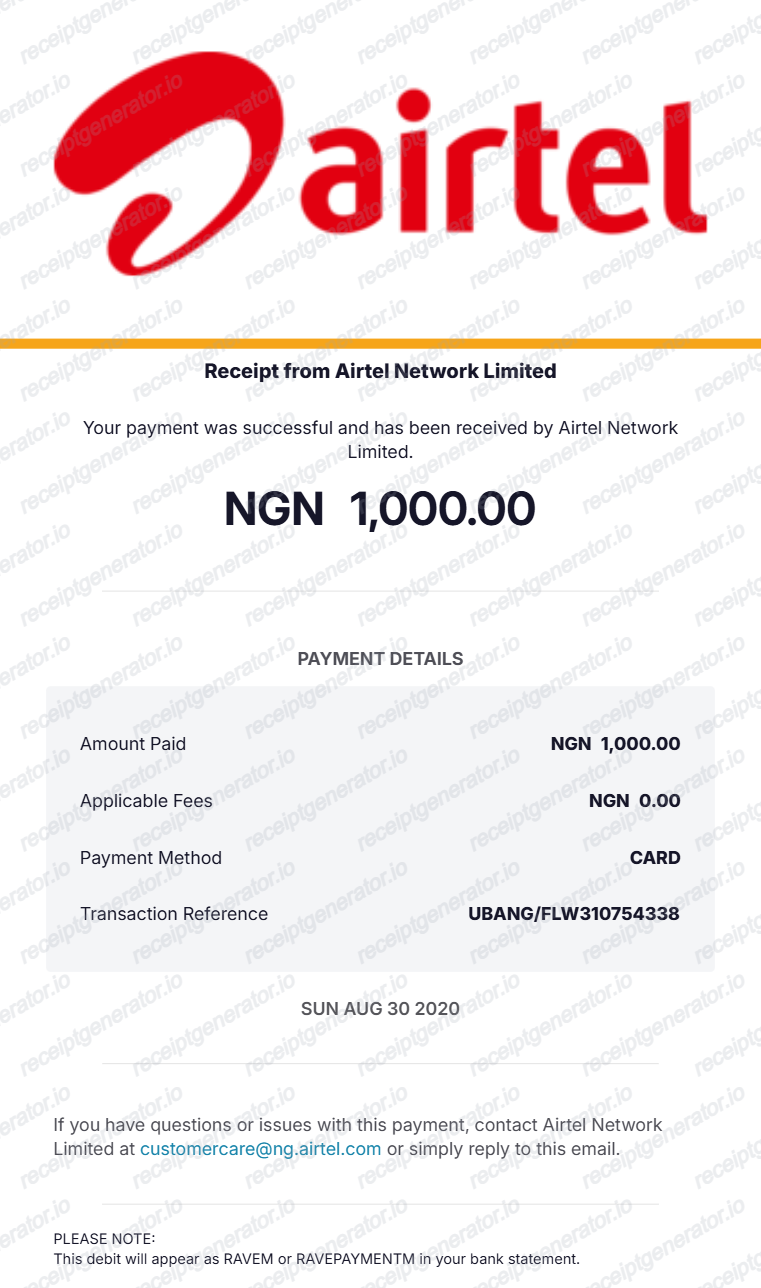
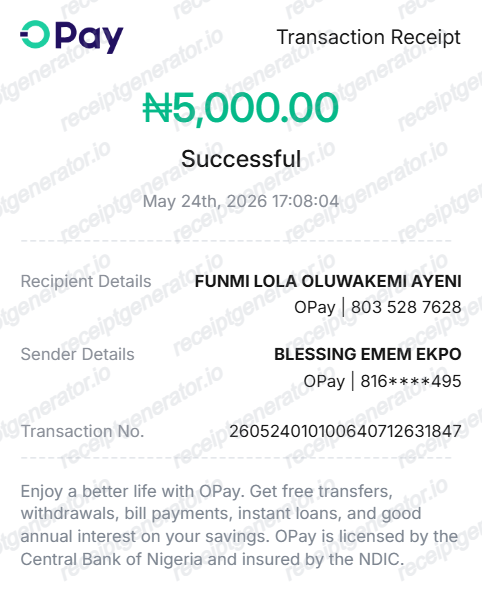
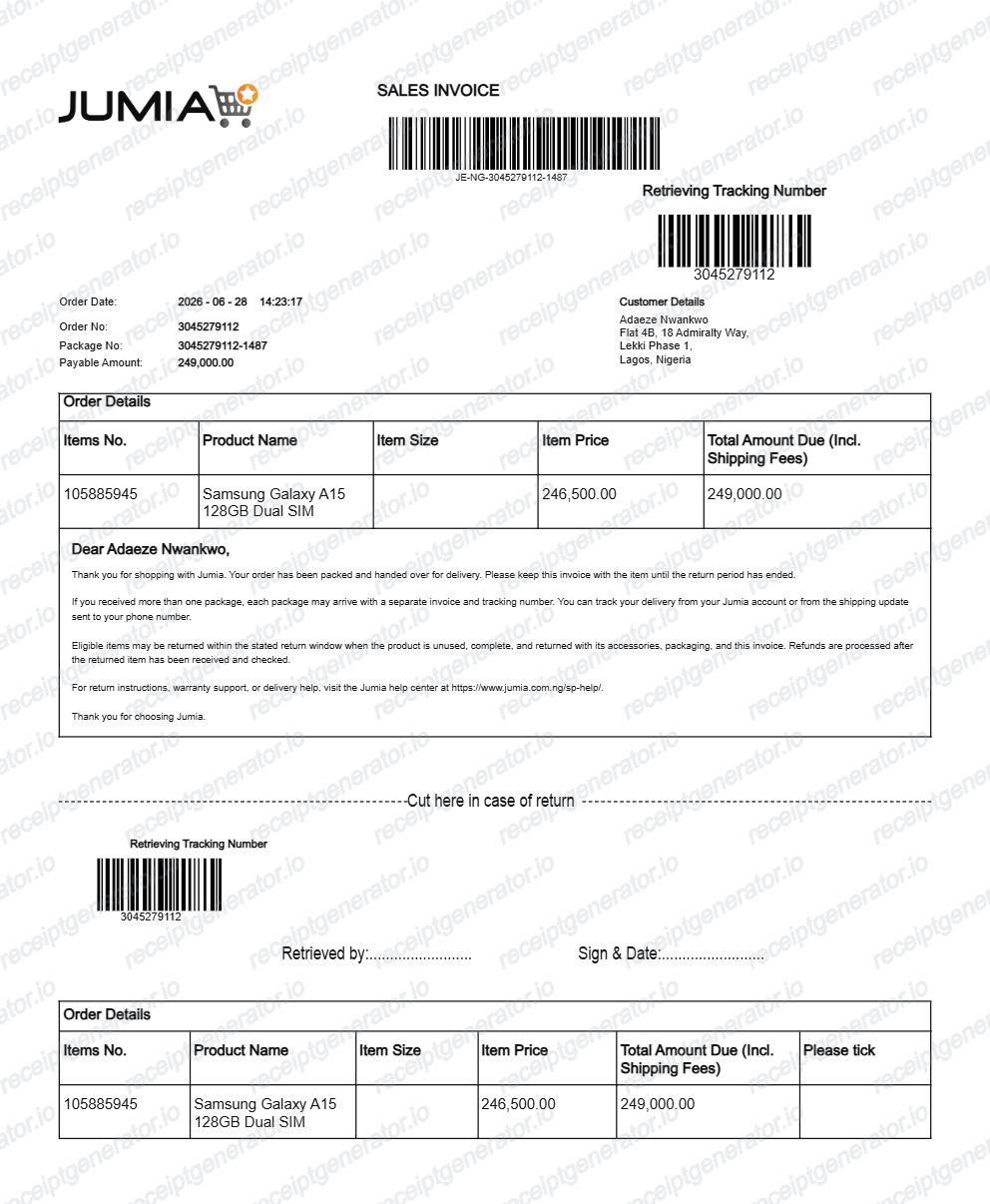
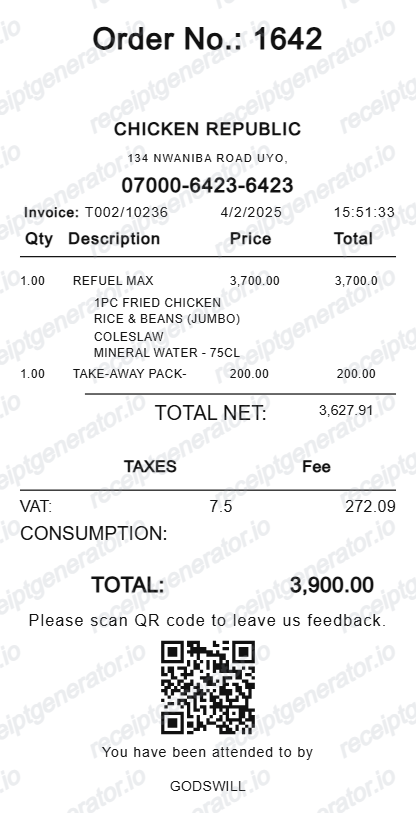
More Nigeria Receipt Templates
Browse our collection of receipt templates for various purposes.
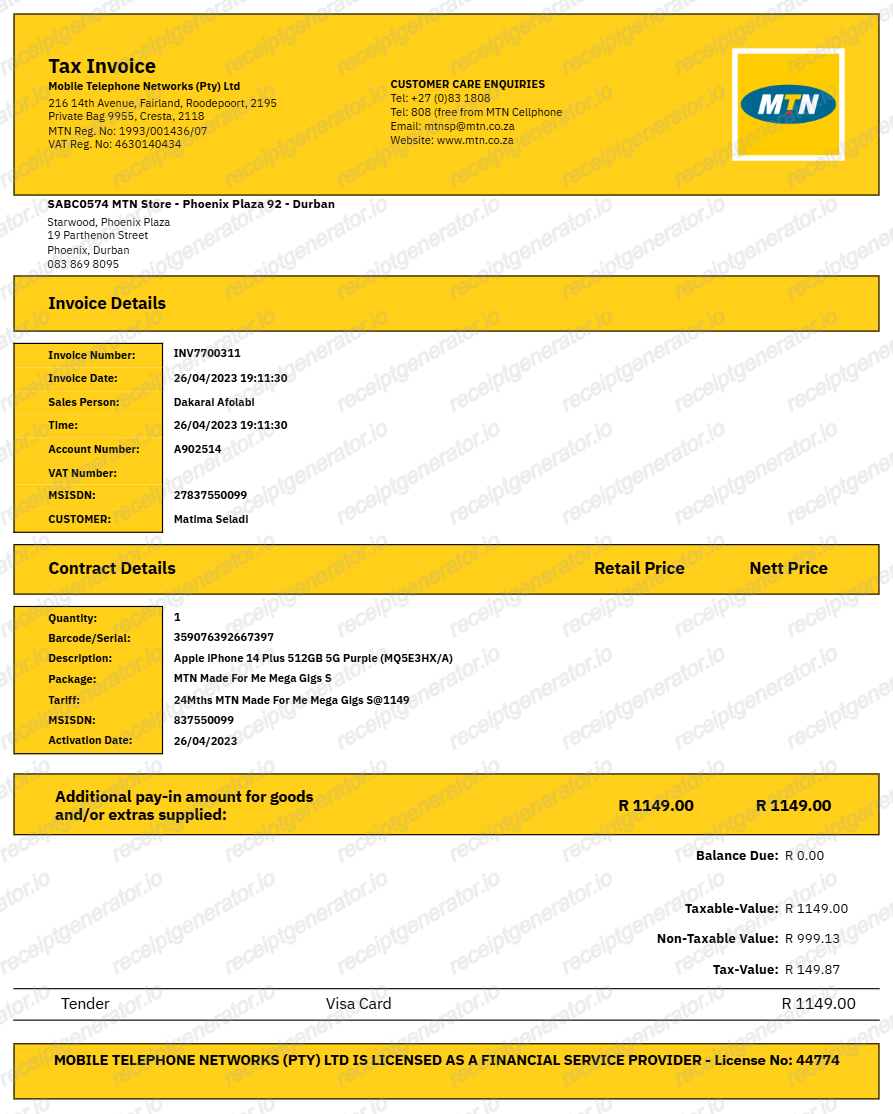
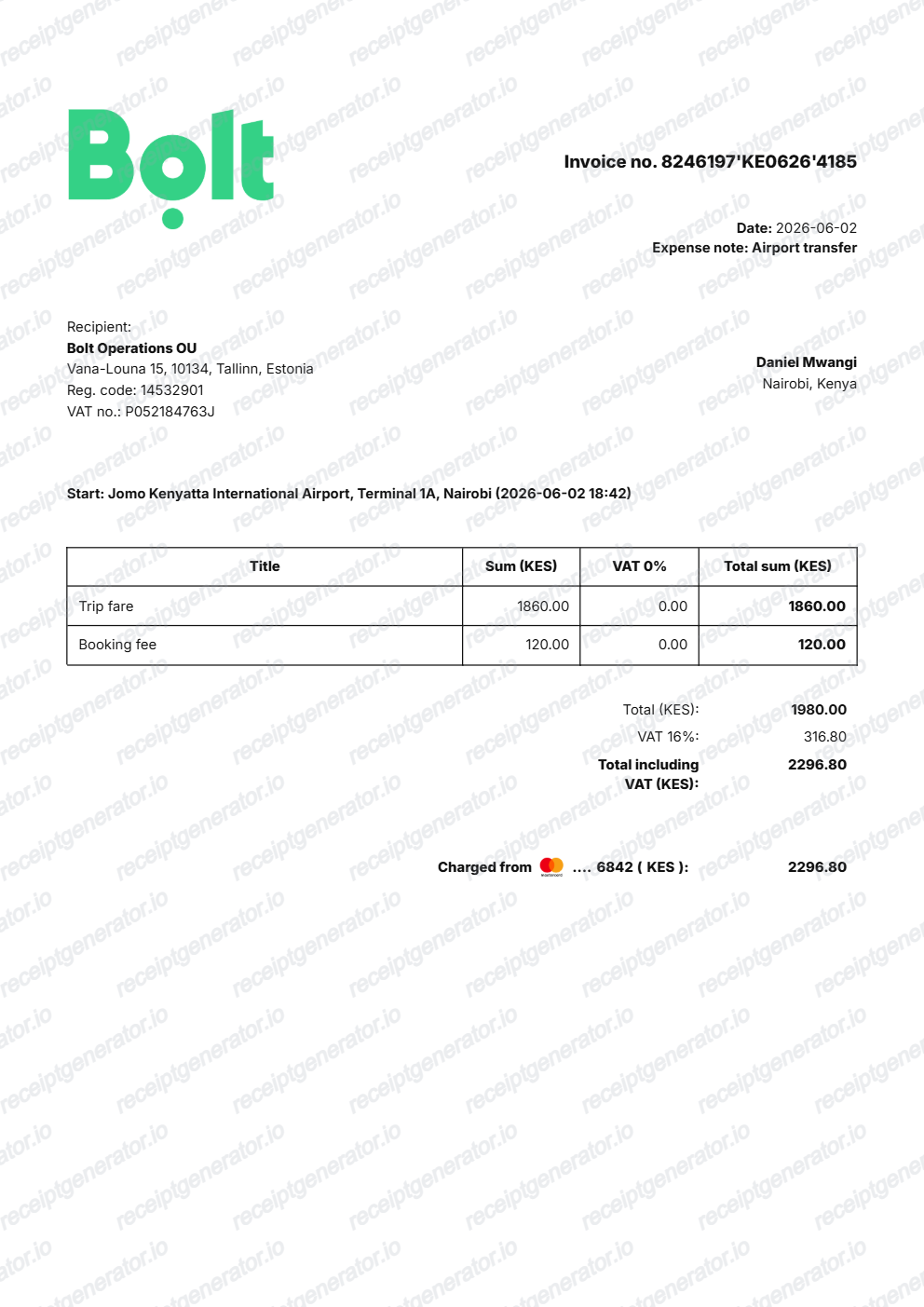
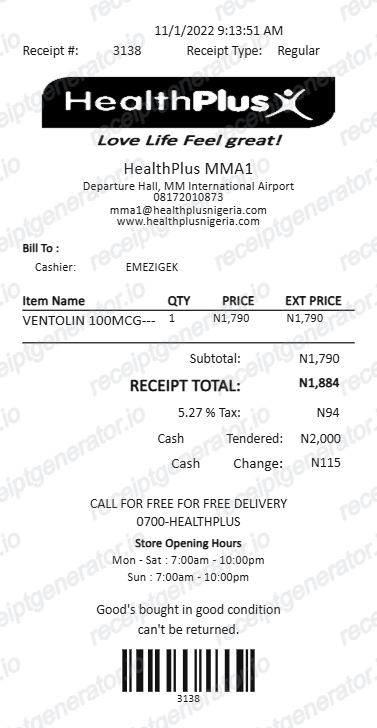
MTN Nigeria Receipt FAQ
Common questions about creating, editing, and downloading an MTN Nigeria–style airtime or data receipt.
Open the MTN Nigeria receipt generator, edit the transaction ID, subscriber number, data bundle or airtime amount, payment method, and total in Naira, then preview and download as a PDF.
Yes. A 7.5% VAT line is included, matching the standard Nigerian VAT rate applied to telecom purchases.
Check the app you bought through first: the MoMo PSB app can generate a shareable receipt or mini-statement for any transaction, the myMTN NG app keeps a transaction history for purchases made in it, and VTU platforms and bank apps store their own receipts with the transaction reference. Every top-up also produces an SMS confirmation, and MTN support (dial 300 or chat Zigi on WhatsApp at 09033000001) can trace a transaction from its reference ID.
It is the reference MTN uses to trace the top-up. If airtime or data fails to arrive, MTN asks for the transaction reference ID, the phone number used, the amount deducted, the date and time, and a screenshot of the debit alert before it can investigate or reverse the transaction - which is why a receipt without the reference is much harder to dispute.
Yes. MTN data and airtime receipts are commonly used by SMEs and resellers for accounting and VAT records in Nigeria.
Yes — fill in the transaction details and export a clean PDF in one click. No account required.
An MTN Nigeria airtime or data purchase record shows a transaction ID or reference, the recipient phone number that was topped up, the airtime amount or the data bundle with its size and validity (for example 10GB / 30 Days), the amount in Naira, the payment channel, and the date and time. Nigeria's standard 7.5% VAT applies to telecom purchases, so business-facing receipts show a VAT line.
Receipt Generator · Receipt Maker · 300+ Free Templates
Create your MTN Nigeria receipt
Use the editable MTN Nigeria receipt generator to add phone numbers, data bundles, 7.5% VAT totals, and transaction IDs, then export a clean PDF.