HealthPlus Pharmacy Receipt Generator
Create a HealthPlus pharmacy receipt with store details, prescription or OTC items, NAFDAC registration, payment method, and total in Naira. Preview live and download a PDF.
Create a HealthPlus Nigeria–style pharmacy receipt with store address, pharmacist details, NAFDAC reg, itemised medicines and OTC products, VAT, and total in ₦. Download a print-ready PDF for insurance or reimbursement records.

Choose
HealthPlus Receipt selected

Customize
Fill in your details

Download
Save or share receipt
Edit the details once and the preview updates instantly.
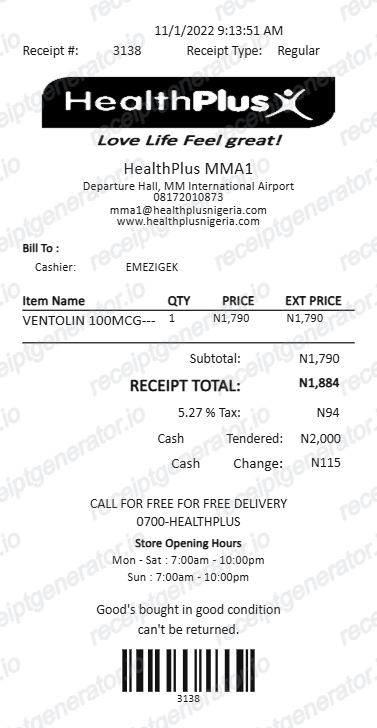
Quick summary
HealthPlus receipt template overview
Use this HealthPlus-style pharmacy receipt template to build an itemised dispensary slip with editable NAFDAC numbers, pharmacist details, 7.5% VAT, and Naira totals.
What Is on a Real HealthPlus Pharmacy Receipt?
HealthPlus is a Nigerian pharmacy chain, so its receipts follow standard Nigerian retail POS and pharmacy regulatory formatting. A credible replacement copy should match this structure field for field.
NAFDAC registration numbers per item
Every medicine sold in Nigeria must be registered with NAFDAC (National Agency for Food and Drug Administration and Control), and pharmacy receipts commonly reference the product's NAFDAC registration number as proof the item is a licensed, non-counterfeit drug.
7.5% VAT line
Nigeria's standard VAT rate is 7.5%, raised from 5% in 2020. Pharmacy and retail receipts show VAT as its own line separate from the item subtotal, calculated on VATable goods before the grand total.
TIN (Tax Identification Number)
VAT-registered businesses in Nigeria must print their TIN - an FIRS-issued identifier, typically in an 8-digit plus suffix format - on every tax invoice or receipt, alongside the VAT registration reference.
Till or POS terminal ID
Nigerian POS and till receipts identify the specific cash register or terminal that processed the sale, along with a receipt/transaction number, so a purchase can be traced back to a specific store till.
Pharmacist and store details
As a registered pharmacy chain, HealthPlus receipts typically show the dispensing store's address and pharmacist information alongside the itemised medicines or OTC products, supporting insurance and prescription recordkeeping.
Naira currency formatting
Totals are shown in Nigerian Naira (₦), with itemised prices, VAT, and the grand total all displayed in the same currency block at the foot of the receipt.
Create a print-ready HealthPlus receipt
Edit the layout, watch it update live, then print, download PDF, or email.
Live pharmacy receipt preview
See the HealthPlus receipt update instantly as you edit medicines, NAFDAC numbers, VAT, and totals.
PDF download
Export a clean HealthPlus–style pharmacy receipt PDF for HMO insurance claims or reimbursement.
Mobile-friendly editor
Create and edit HealthPlus pharmacy receipts from mobile, tablet, or desktop.
NAFDAC & 7.5% VAT support
Customise pharmacist details, NAFDAC registration numbers, seller TIN, and 7.5% FIRS VAT.
Get Your Original HealthPlus Receipt First
If the purchase is recent, the original is always better: ask the store pharmacist to reprint the till receipt, or check your HealthPlus online account for order history and an itemised invoice. Use this template when the original is unavailable - a misplaced paper receipt, an older in-store purchase, or documentation needed to match a real transaction.
Health insurance (HMO) claims
Provide itemised pharmacy receipts with pharmacist details and NAFDAC numbers for Nigerian HMO reimbursement.
Corporate medical expense reimbursement
Document prescription medications, first aid supplies, and OTC wellness products for company accounts.
Lost pharmacy receipt replacement
Recreate a clear record of prescription purchases when the printed thermal till slip is faded or lost.
HealthPlus Receipt Formats
Choose the HealthPlus format that matches your prescription medicines, OTC products, or HMO reimbursement needs.
Prescription Medicine Receipt
A HealthPlus pharmacy slip showing patient name, dispensing pharmacist, NAFDAC reg numbers, and dosage lines.
Over-the-Counter (OTC) Retail Slip
A HealthPlus retail receipt for vitamins, supplements, toiletries, and personal care products with 7.5% VAT.
HMO Insurance Medical Invoice
A Nigerian pharmacy invoice formatted with provider TIN, authorization code, and copay breakdown.
Related Guides
Explore related guides to understand the receipt details, lookup steps, and documentation workflows.
Receipt guide
Pharmacy Receipt for FSA & HSA
Learn which pharmacy receipt fields matter most for FSA or HSA documentation.
Explore Pharmacy Receipt for FSA & HSAReceipt guide
What a CVS Pharmacy Receipt Should Include
Review the fields that make pharmacy receipt records clearer for reimbursement and health-expense tracking.
Explore What a CVS Pharmacy Receipt Should IncludeReceipt guide
How to Get a CVS Prescription Receipt
See how pharmacy-side receipt retrieval differs from regular store receipt history.
Explore How to Get a CVS Prescription ReceiptMore free receipt and invoice templates for Nigerian telecoms, mobile money, and retail records.
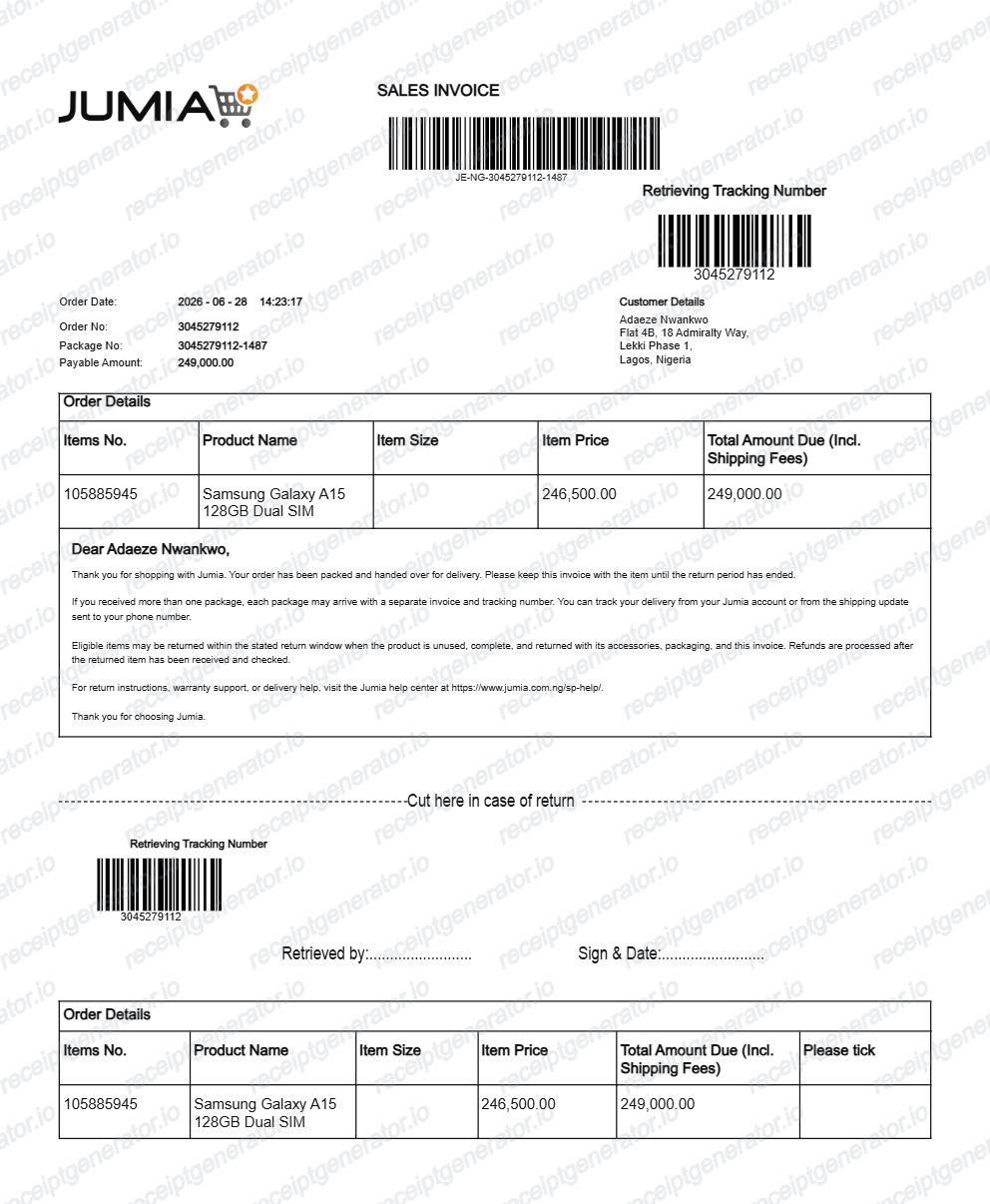
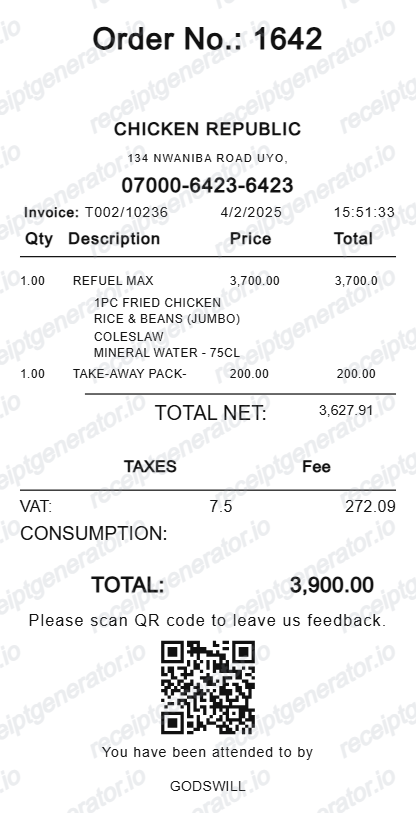
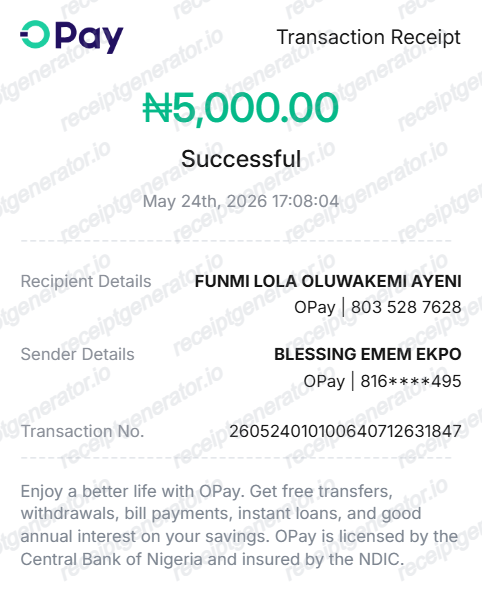
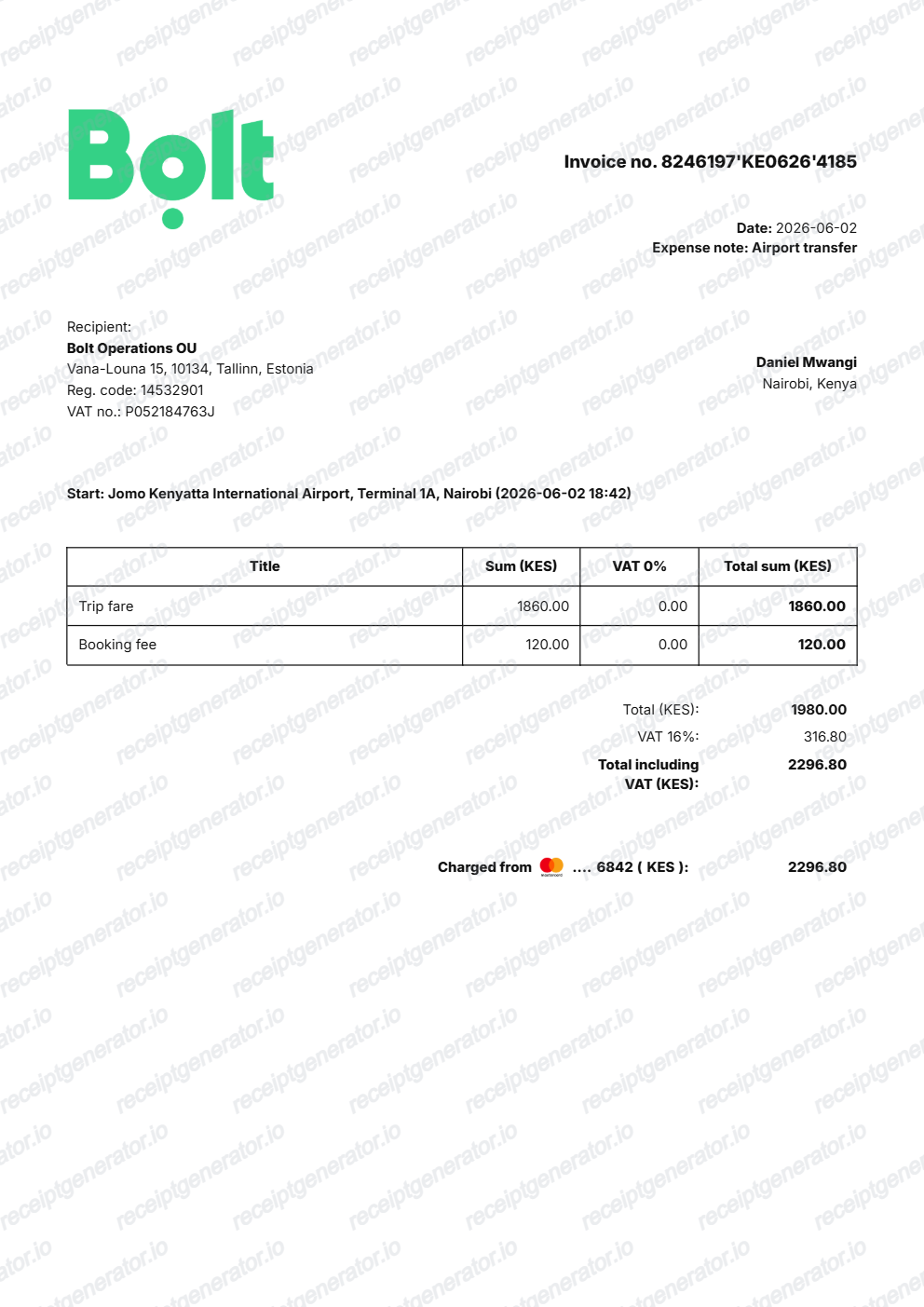
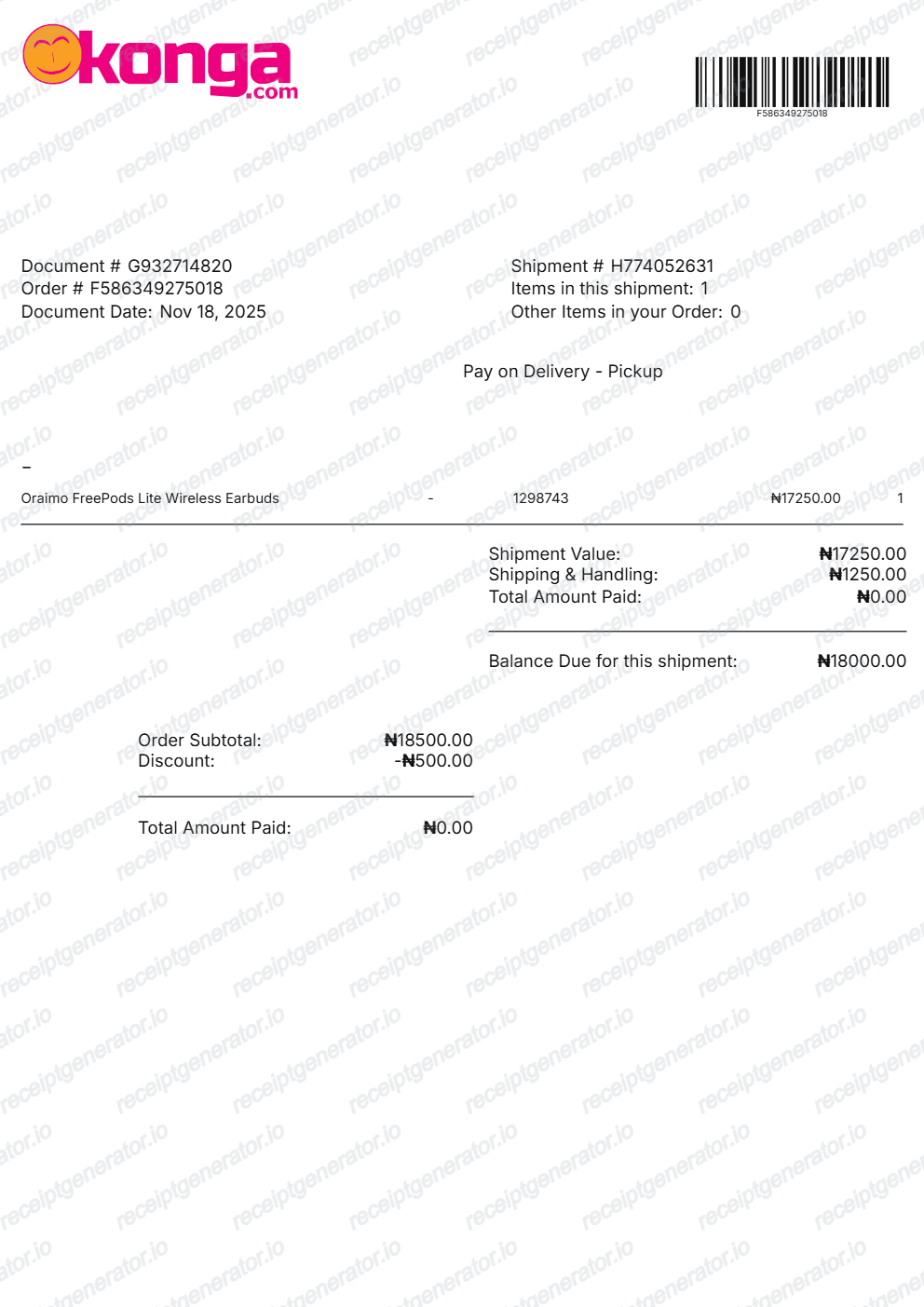
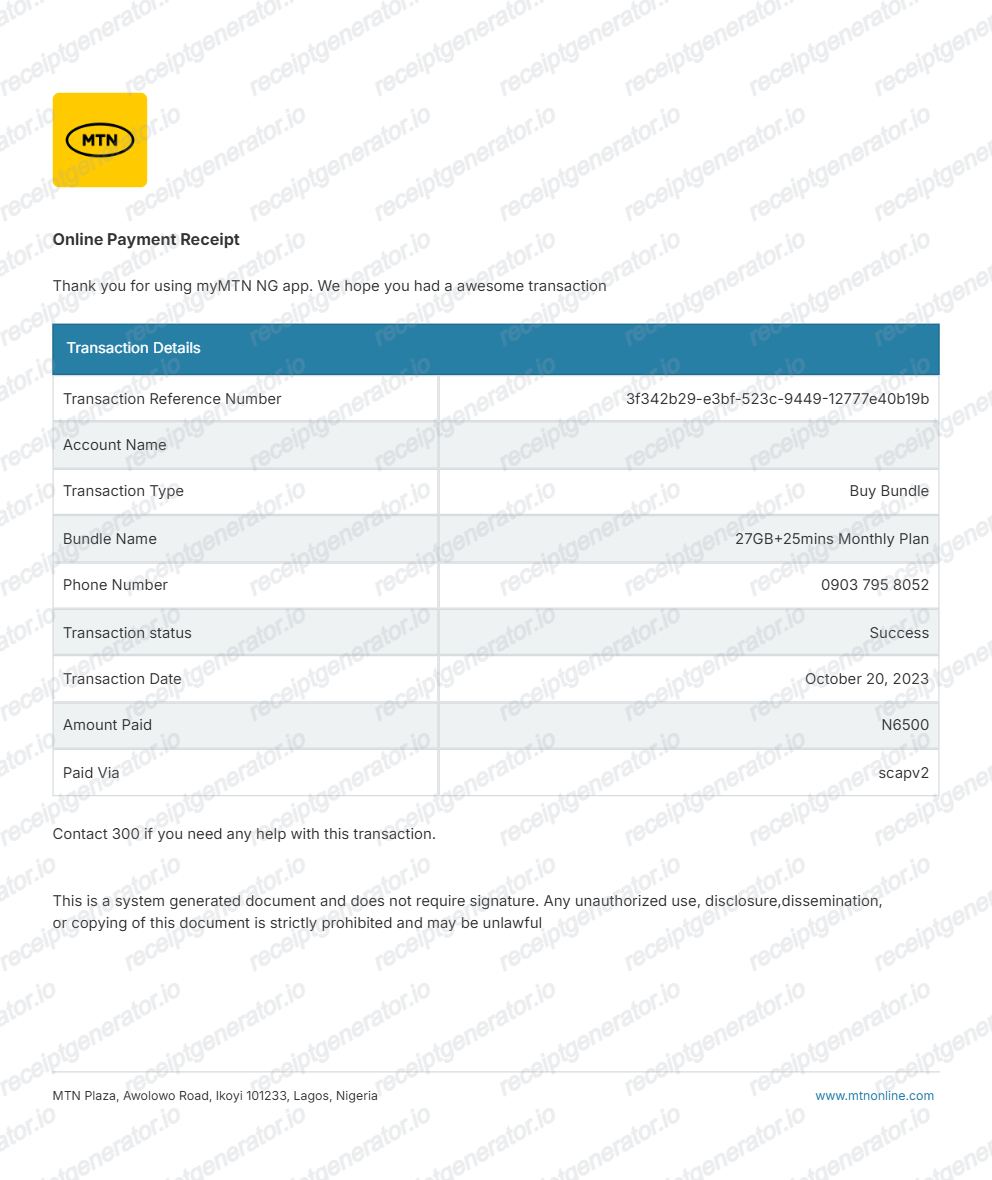
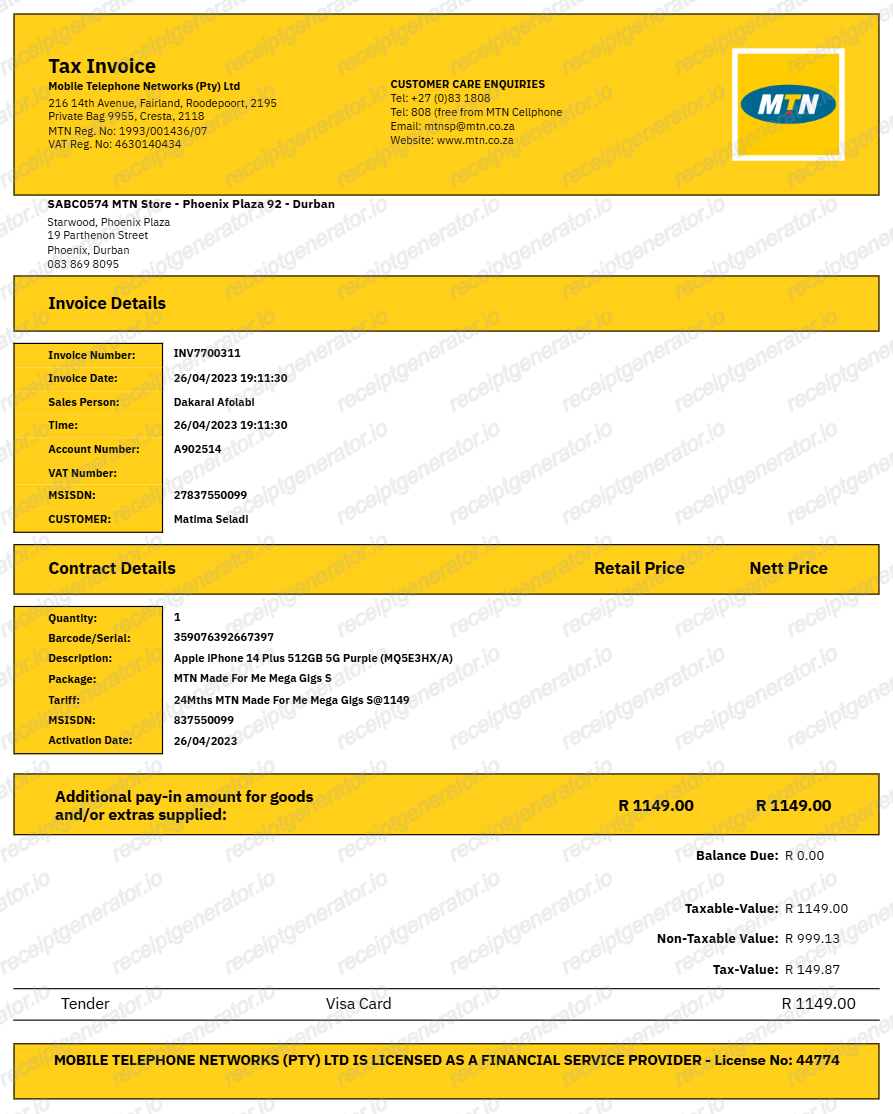
More Nigeria Receipt Templates
Browse our collection of receipt templates for various purposes.
HealthPlus Pharmacy Receipt FAQ
Common questions about creating, editing, and downloading a HealthPlus Nigeria–style pharmacy receipt.
Open the HealthPlus receipt generator, edit the store details, pharmacist name, medicine items, NAFDAC registration, VAT, and total in Naira, then preview and download as a PDF.
Yes. Pharmacy receipts showing itemised medicines, NAFDAC registration, pharmacist details, and VAT are typically accepted for health insurance claims in Nigeria.
Yes — fill in the item details and total, then export a clean PDF in one click. No account or email required.
A real HealthPlus pharmacy receipt shows the store address and pharmacist details, each medicine or OTC item with its NAFDAC registration number, a 7.5% VAT line, the seller's TIN, a till or POS terminal ID with transaction number, and the grand total in Naira.
Yes. Each medicine or OTC product description, quantity, and unit price is editable so the receipt matches your actual purchase.
Yes. Each item row includes an editable NAFDAC registration field, which is standard on Nigerian pharmacy receipts.
Ask the dispensing pharmacy for a reprint at the till using your payment card or the transaction date and time - most Nigerian POS systems can look up and reprint a recent transaction. For online orders, check your HealthPlus account order history or the confirmation email for an itemised invoice.
Yes, in principle - a receipt showing the seller's TIN, VAT registration, and a clear 7.5% VAT line is the standard documentation used for business expense and VAT recordkeeping in Nigeria. Confirm your specific claim requirements with your accountant or insurer, since some claims need the original store-issued document.
Receipt Generator · Receipt Maker · 300+ Free Templates
Create your HealthPlus receipt
Use the editable HealthPlus receipt generator to add pharmacist details, NAFDAC numbers, medicines, and 7.5% VAT, then export a clean PDF.